
Interakt Tutorial
This Interakt Tutorial for Beginners category is designed to help beginners understand how to use Interakt for WhatsApp automation, customer communication, and business messaging. Interakt is a powerful platform that allows businesses to use the WhatsApp Business API to manage conversations, send automated messages, and improve customer engagement. For businesses that want to communicate with customers through WhatsApp professionally, Interakt provides useful tools and automation features.
I am the founder of Digital Bikana, and through my experience in digital marketing and automation tools, I have worked with platforms that help businesses manage customer communication through WhatsApp. Many business owners want to use WhatsApp for marketing and customer support but often do not know how to use tools like Interakt effectively. This category is created to explain Interakt step by step in a simple and beginner-friendly way.
In this section, I explain the basics of Interakt and how it works with the WhatsApp Business API. You will learn how to create an Interakt account, connect your WhatsApp Business number, and start managing customer conversations from a single dashboard.
The tutorials also explain how businesses can create automated WhatsApp messages using Interakt. For example, companies can send order confirmations, appointment reminders, delivery updates, and support responses automatically without manual effort.
Another important topic covered in this category is WhatsApp message templates. Interakt allows businesses to create approved templates that can be used for sending notifications, promotional messages, and important updates to customers while following WhatsApp guidelines.
You will also learn how Interakt can be integrated with websites, CRM systems, and e-commerce platforms such as Shopify to automate communication and improve customer support.
The goal of this Interakt Tutorial for Beginners category is to make WhatsApp automation easier to understand. Whether you are a digital marketer, business owner, or entrepreneur, these tutorials will help you learn how to use Interakt to manage customer conversations, automate messaging, and improve business communication.

How to Add GST Details in WhatsApp Business API Billing?
Adding GST details in your WhatsApp Business API billing is an important step for businesses operating in India. It ensures correct taxation, proper invoicing, and compliance with government regulations. When you are using a WhatsApp Business API provider like Interakt, GST details can be added directly from the billing or subscription settings. Why GST Details […]
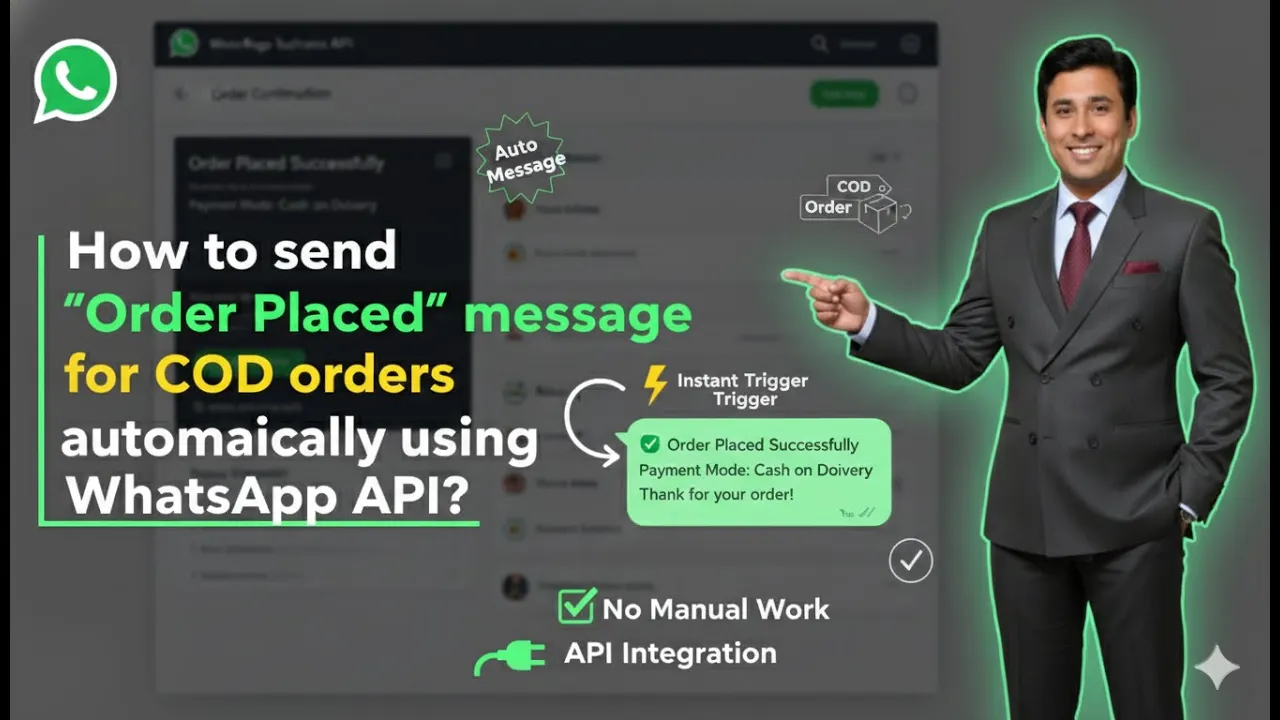
How to Send Order Placed Messages for COD Orders Using WhatsApp API?
Sending automated order confirmation messages is an important part of post-purchase communication. When customers place an order using the Cash on Delivery (COD) payment method, sending an instant order placed message on WhatsApp builds trust and reassures them that their order has been successfully received. In this article, we will learn how to automatically send […]
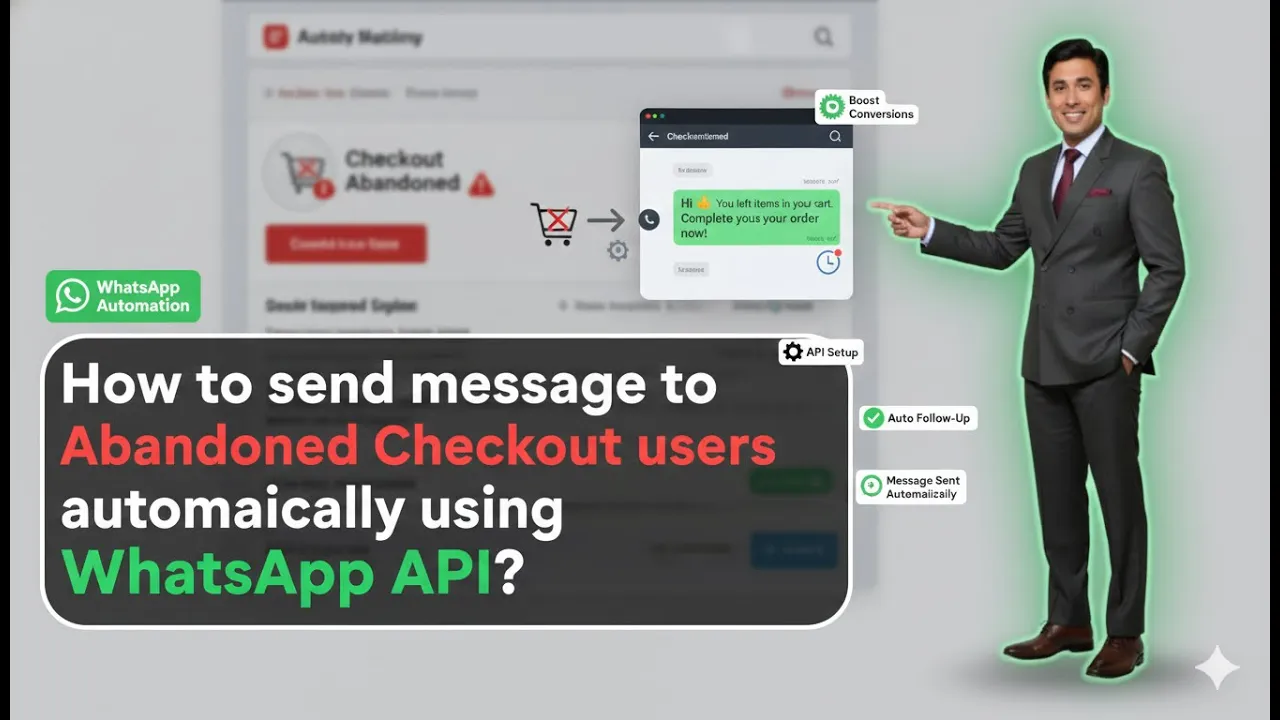
How to Send Abandoned Cart Messages Using WhatsApp API?
Sending abandoned cart messages is one of the most effective ways to recover lost sales from users who added products to their cart but did not complete the purchase. When your Shopify store is integrated with WhatsApp Business API using Interakt, this entire process can be automated without manual effort. In this article, we will […]
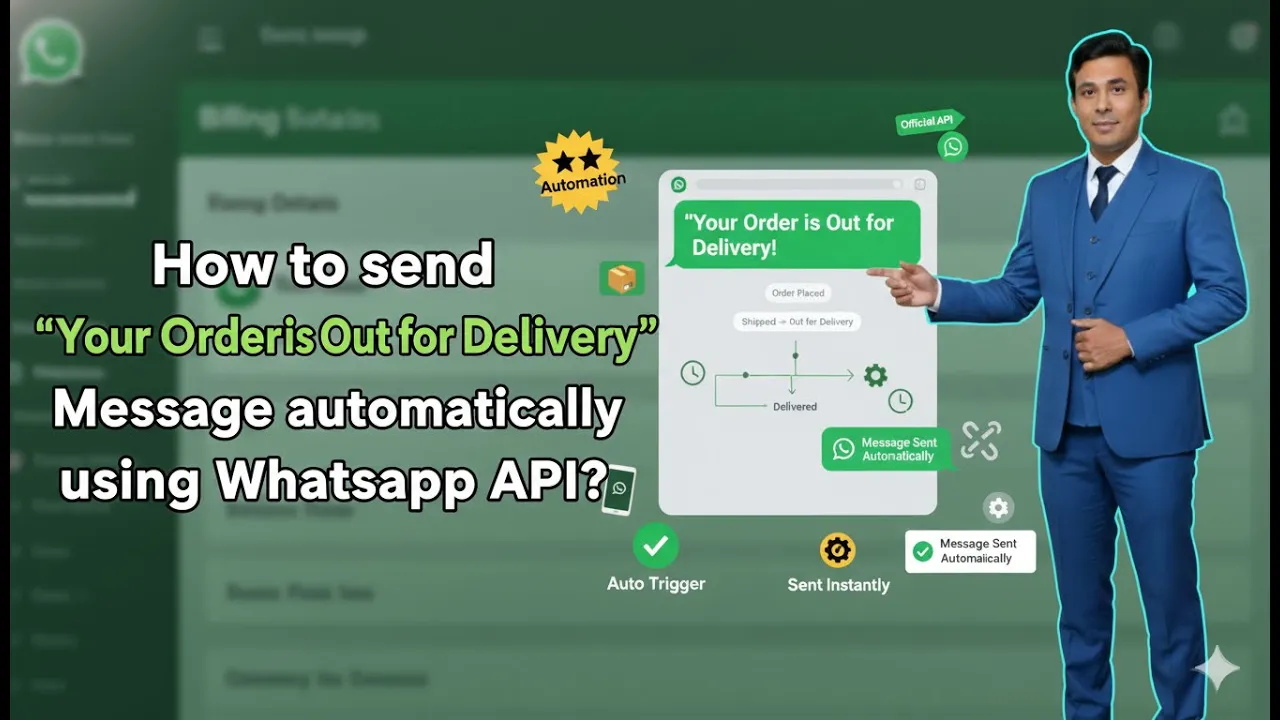
How to Send “Order Out for Delivery” Messages Using WhatsApp API?
Sending timely order updates is a crucial part of customer communication for any eCommerce business. When customers are informed about their order status, it builds trust, reduces support queries, and improves overall customer experience. One of the most important updates is the “Order Out for Delivery” notification. In this article, we will understand how to […]

How to buy Whatsapp Business API Subscription?
Buying a subscription is a mandatory step if you want to actively use WhatsApp Business API through the Interakt platform, especially when it is integrated with a Shopify store. Without an active subscription, WhatsApp Business API features such as messaging, automation, and commerce integrations cannot function. The process is simple and works directly through Shopify […]
How to Create a Marketing Template in WhatsApp Business API?
Creating a marketing template is one of the most important steps when working with WhatsApp Business API. After uploading contacts, templates allow you to send structured, approved, and professional messages to users at scale. In this article, we will understand how to design a marketing template in Interakt and how to connect it with a […]
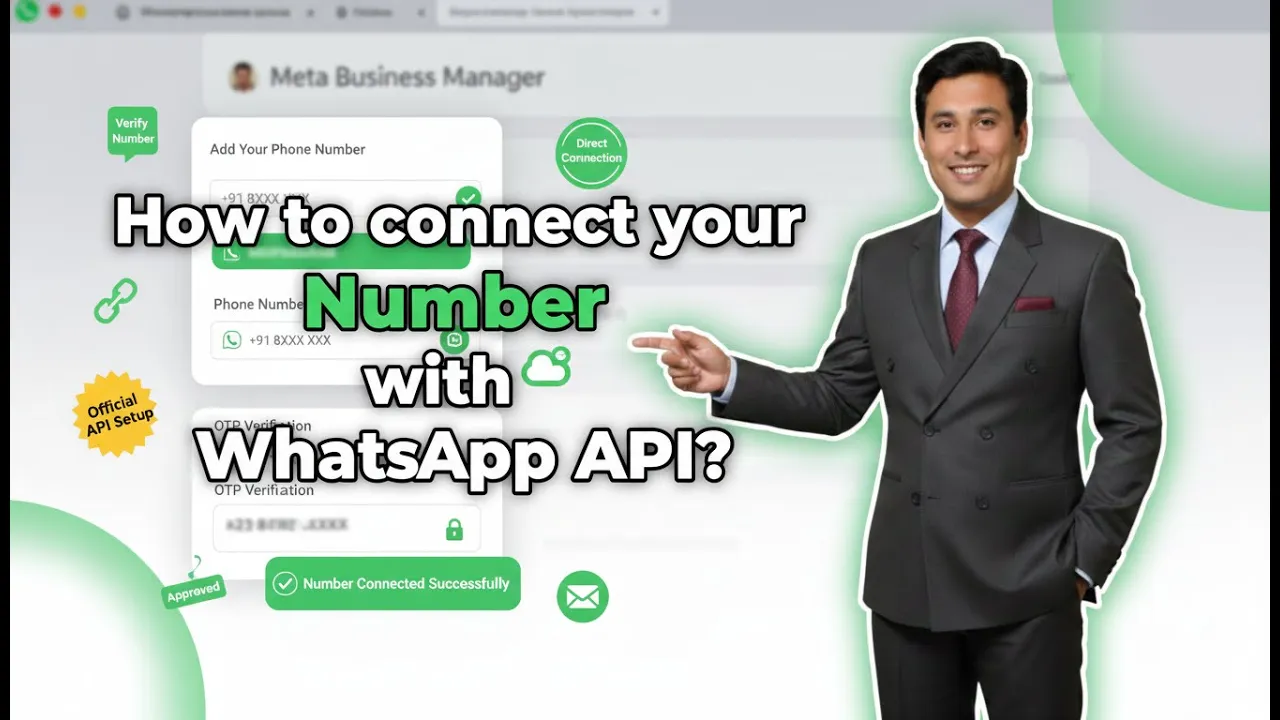
How to connect Phone Number with Whatsapp API?
Connecting a mobile number to WhatsApp Business API is a mandatory step after signing up on Interakt. Without connecting a number, you cannot send messages, run campaigns, or automate conversations. In earlier sessions, the signup process on Interakt was completed. In this session, we will understand how to connect a mobile number to WhatsApp Business […]
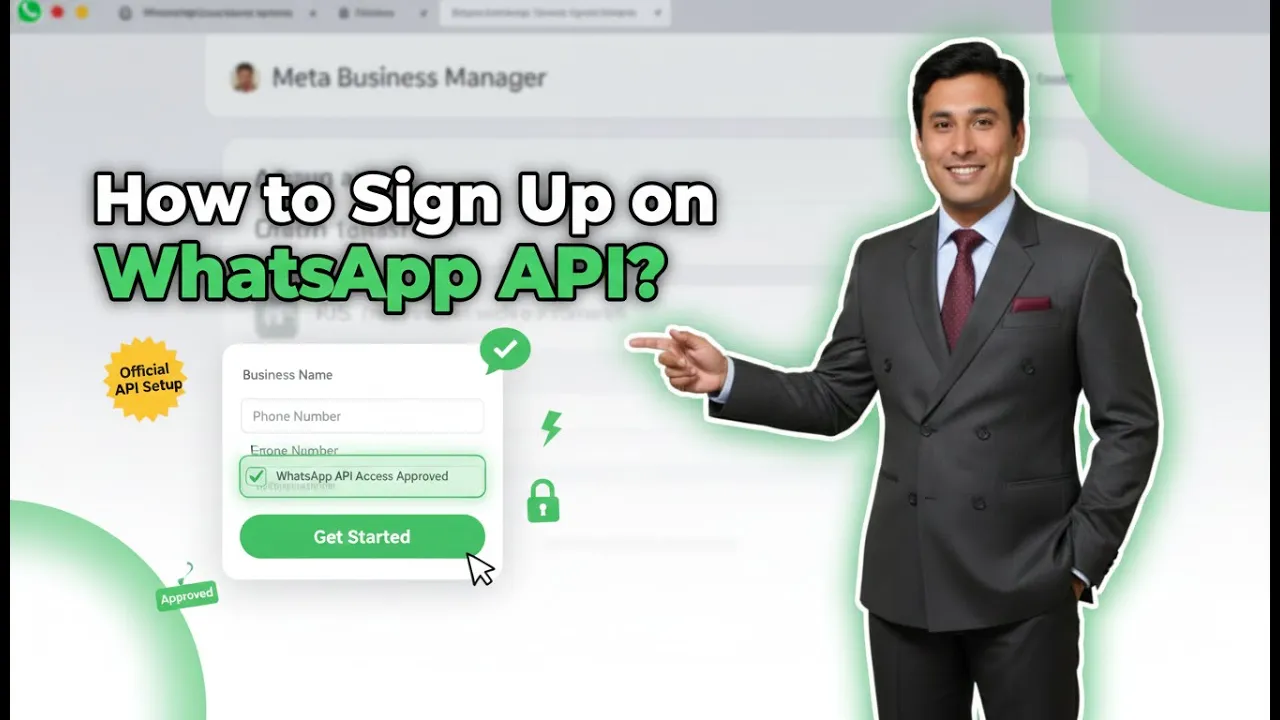
How to create Whatsapp Business API account?
If you are running a business and using Meta ads on Facebook or Instagram, you may already be receiving a large number of inquiries on WhatsApp. Replying to these inquiries manually becomes difficult when the volume increases. Additionally, if you try to send promotional or marketing messages using WhatsApp Business, your WhatsApp account may get […]
How to Upload Contacts in WhatsApp Business API for Bulk Messaging?
In this session, we learn how to upload contacts in Interakt for WhatsApp Business API so that bulk messaging campaigns can be executed smoothly. Contact uploading is a mandatory step before running any promotional or informational WhatsApp campaign. Without contacts properly uploaded and tagged, bulk messaging is not possible. Interakt provides a simple and structured […]
How to Set Up Custom Auto Replies in WhatsApp API?
In this article, we will learn how to set up custom auto replies in Interakt for WhatsApp Business API. Custom auto replies help businesses automate conversations based on specific user messages or button selections. By using these replies, a complete chatbot journey can be created where the system interacts with users step by step without […]