
Facebook Ads
When I first started learning Facebook advertising, I realized that many beginners find the platform confusing. Meta Ads Manager has many options like campaign objectives, audience targeting, budgets, and ad creatives, which can make the learning process overwhelming. That is why I created this Facebook Ads Tutorial for Beginners category — to explain Facebook advertising in a simple, practical, and step-by-step way.
I am the founder of Digital Bikana, and through my experience in digital marketing and training students, I have seen that most people struggle not because Facebook Ads are difficult, but because they do not get clear guidance in the beginning. My goal with this category is to share my learning and real experiences so beginners can understand how Facebook Ads actually work.
In this section, I cover the basics of Meta advertising in an easy-to-understand way. You will learn what Facebook Ads are, how Meta Ads Manager works, how to create campaigns, and how to select the right campaign objectives. I also explain how to target the right audience, set the correct budget, and create effective ad creatives.
One important thing I focus on is explaining the logic behind Facebook Ads. Running ads is not only about clicking buttons inside Ads Manager. It is about understanding your audience, choosing the right strategy, and analyzing campaign results.
Facebook Ads have become one of the most powerful marketing tools for businesses today. With advanced targeting options based on location, interests, behavior, and demographics, businesses can reach the right audience more efficiently than traditional advertising.
Through this Facebook Ads Tutorial for Beginners category, my aim is to make Facebook advertising easier to learn. Whether you are a student, freelancer, marketer, or business owner, these tutorials will help you understand Meta Ads step by step and start running your own campaigns with confidence.
What is Minimum Audience Size Required for Creating a Custom Audience in Facebook Ads?
One of the most common questions asked by students and advertisers is:What is the minimum audience size required for creating a custom audience in Facebook Ads Manager? Many beginners believe that Facebook requires a fixed minimum audience size before allowing them to create or use a custom audience. However, there is often confusion about whether […]
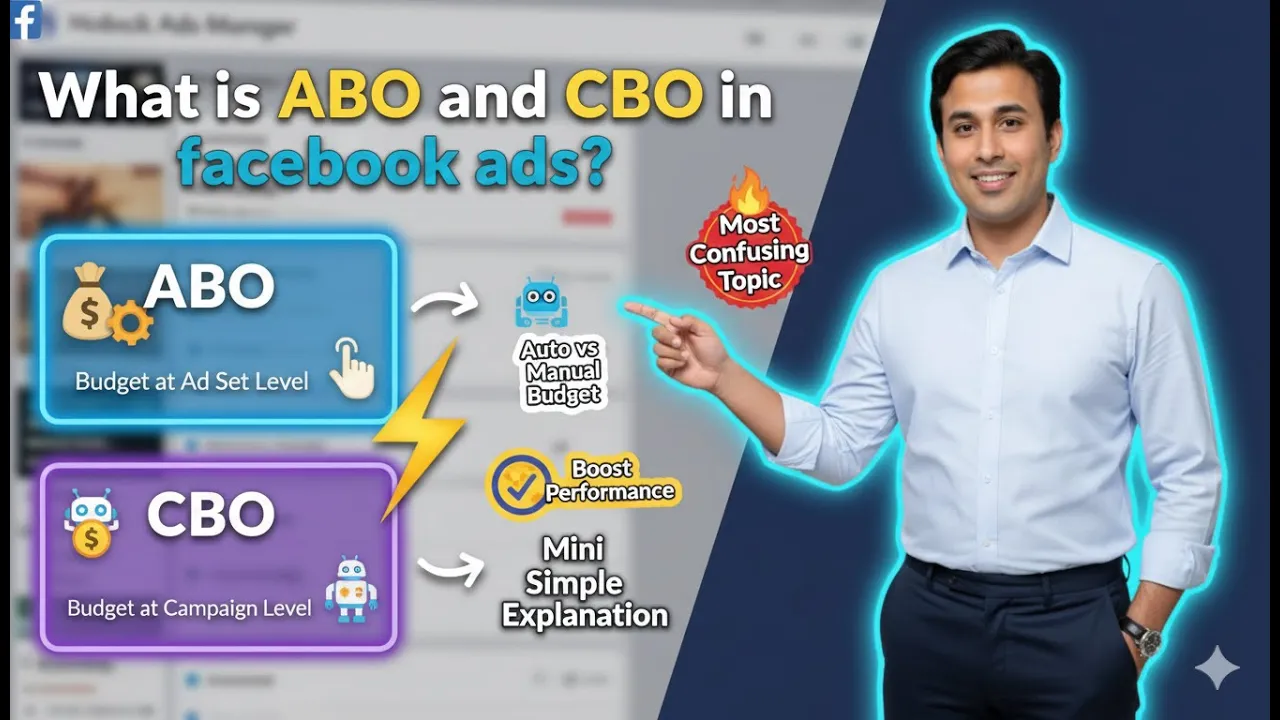
What is ABO and CBO in Facebook Ads?
In this article, we are going to discuss an important concept in Facebook ads related to budget optimization. This concept includes ABO and CBO, which stand for Ad Set Budget Optimization and Campaign Budget Optimization. Many advertisers often ask questions like what is ABO, what is CBO, and how budget optimization works in Facebook ads. […]
What is Scaling in Facebook ads?
When running Facebook ads, one of the most important milestones for any advertiser is identifying a successful ad campaign. A campaign is considered successful when it delivers good results consistently. These results may include strong sales, positive responses, good return on investment (ROI), and a healthy return on ad spend (ROAS). Once an ad campaign […]

How to create a Custom Audience of Facebook Page Likes?
Creating a custom audience of people who like or follow your Facebook page is one of the simplest and most effective retargeting strategies in Facebook Ads Manager. These users have already shown interest in your brand by liking or following your page. By creating a custom audience of these users, you can: In this article, […]
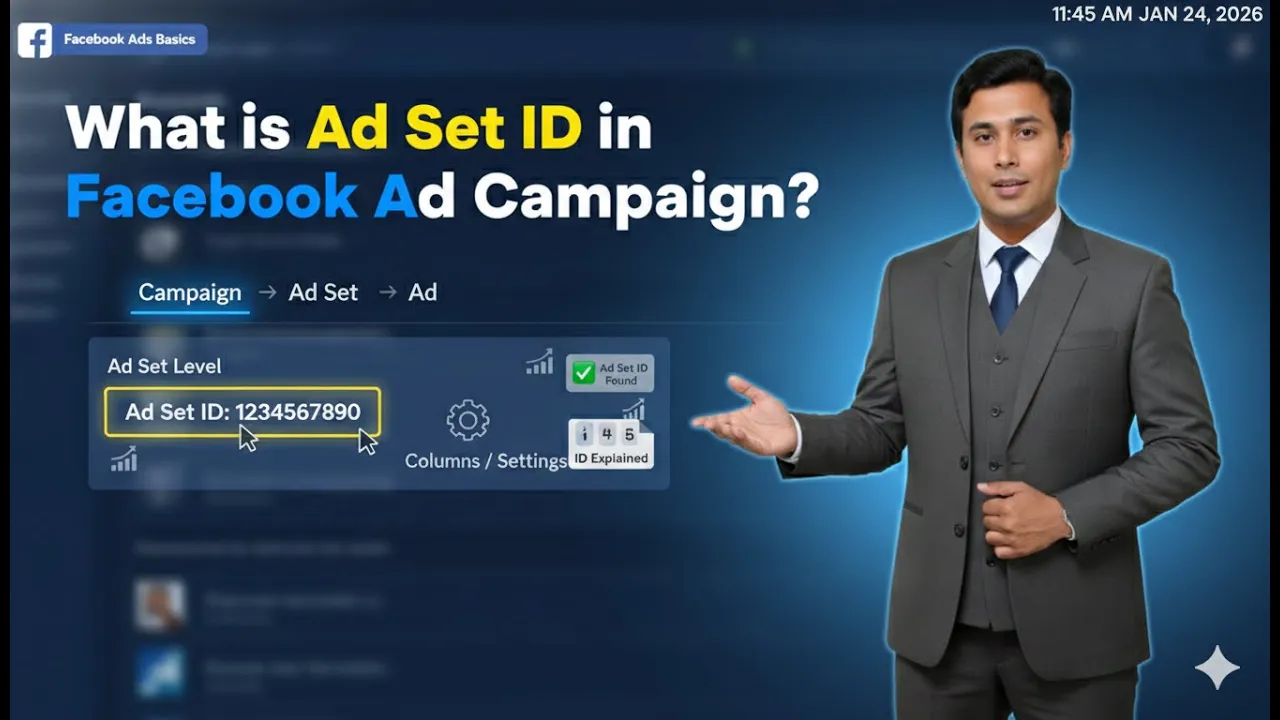
What is Ad Set ID in Facebook Ad Campaign?
Many advertisers use Facebook Ads Manager daily but are not fully aware of what certain technical terms mean. One such term is Ad Set ID. While creating or managing Facebook ad campaigns, you may notice different IDs associated with campaigns, ad sets, and ads. These IDs often look similar, which creates confusion. In this article, […]
How to Share Facebook Custom Audience in Another Ad Account?
Many advertisers manage multiple Facebook ad accounts under the same business or even across different businesses. In such situations, there are times when a custom audience created in one ad account needs to be used in another ad account. Instead of recreating the same custom audience again, Facebook allows you to share an existing custom […]
How to Create a Second Ad Set in a Single Facebook Ad Campaign?
When running Facebook ads, advertisers often need to test different targeting strategies, budgets, or placements within the same campaign. This is where creating multiple ad sets becomes important. Many beginners create a campaign with only one ad set and later realize that they need another ad set inside the same campaign. At that point, they […]
How to Add Location in Bulk in Facebook Ad Campaign?
When running Facebook ad campaigns, location targeting plays a very important role. Many advertisers target multiple cities, postal codes, or specific areas. However, manually adding each location one by one can be time-consuming and inefficient. If you want to run ads in multiple cities or postal codes, Facebook provides a feature that allows you to […]

How to Create Instagram Profile Engagement Custom Audience in Facebook Ads?
Instagram profile engagement custom audiences are powerful targeting tools in Facebook Ads Manager. They allow advertisers to retarget users who have interacted with their Instagram professional account in different ways. If someone has visited your Instagram profile, liked your posts, commented on your ads, saved your content, or sent you a message, you can create […]
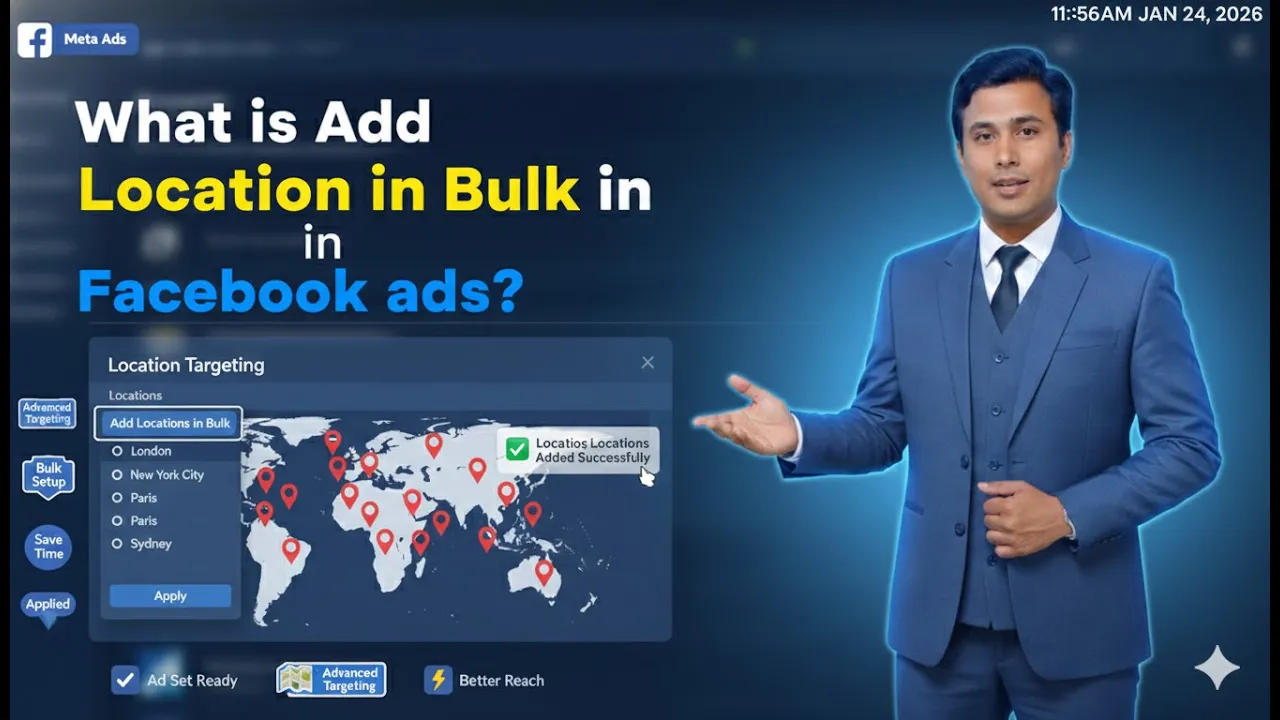
What is Add Location in Bulk in Facebook Ads?
Location targeting is one of the most important components of any Facebook ad campaign. Whether you are targeting a single city or multiple regions, selecting the correct geographic locations ensures that your ads reach the right audience. When advertisers need to target multiple cities, postal codes, countries, or regions, entering each location manually can become […]