
Integrate Whatsapp Business API with Shopify
This Integrate WhatsApp Business API with Shopify Tutorial category is created to help beginners and e-commerce store owners understand how to connect WhatsApp Business API with Shopify for automated customer communication. Today, WhatsApp has become one of the most powerful messaging platforms for businesses. By integrating WhatsApp Business API with Shopify, online stores can automatically send order updates, notifications, and support messages directly to customers on WhatsApp.
I am the founder of Digital Bikana, and through my experience in digital marketing and automation tools, I have worked with different platforms that connect WhatsApp Business API with websites and online stores. Many Shopify store owners want to communicate with their customers through WhatsApp but often do not know how to set up the integration properly. This category is designed to explain the entire process in a simple and beginner-friendly way.
In this section, I explain the fundamentals of WhatsApp Business API and how it can be connected with a Shopify store using approved service providers. You will learn how businesses can automate customer communication by sending WhatsApp messages for order confirmations, shipping updates, delivery notifications, and customer support.
One of the biggest advantages of integrating WhatsApp Business API with Shopify is automation. When a customer places an order, the system can automatically send an order confirmation message. Similarly, customers can receive shipping updates and delivery notifications without manual effort from the business.
Another important topic covered in this category is WhatsApp message templates and automation workflows. Businesses must use approved templates for sending notifications through WhatsApp Business API. These templates ensure that communication follows WhatsApp’s official guidelines while providing a professional customer experience.
The tutorials also explain how businesses can use WhatsApp for customer engagement, lead generation, and faster support responses. By connecting WhatsApp with Shopify, businesses can reduce manual communication and provide quick updates to customers.
The goal of this Integrate WhatsApp Business API with Shopify Tutorial category is to simplify WhatsApp automation for e-commerce businesses. Whether you are a Shopify store owner, digital marketer, or entrepreneur, these tutorials will guide you step by step to integrate WhatsApp Business API with Shopify and improve customer communication.
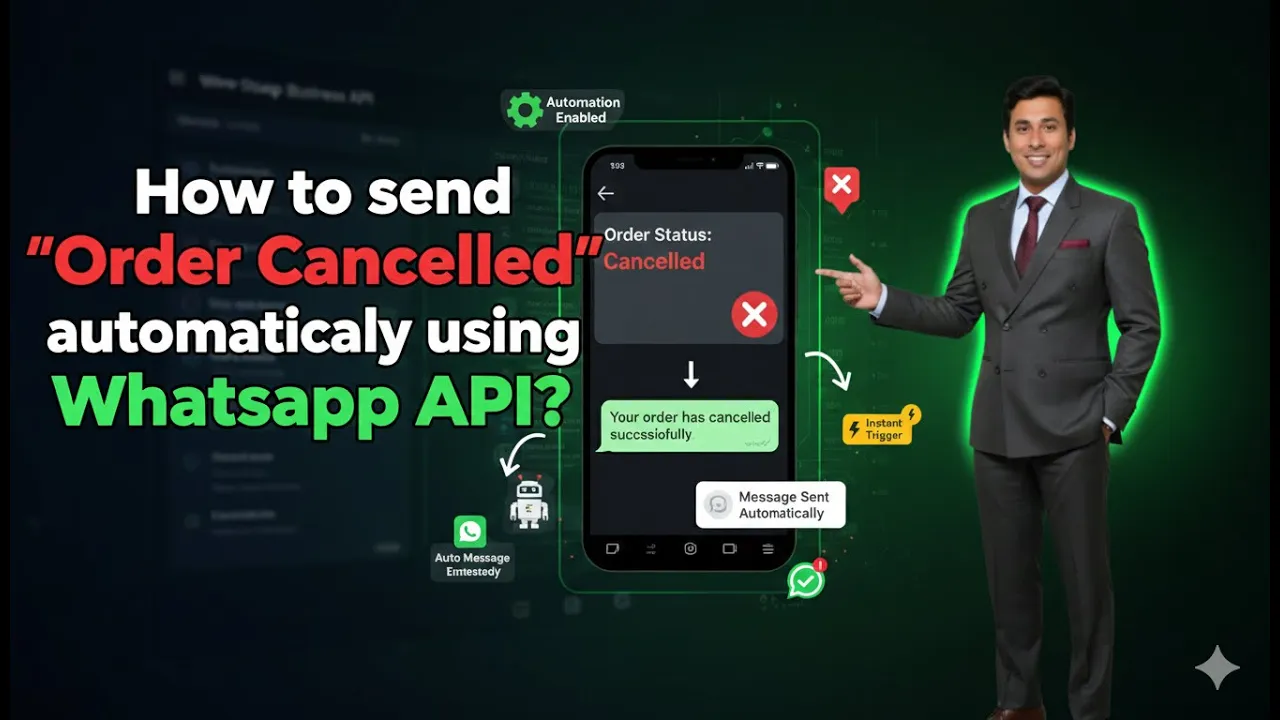
How to Send Order Cancelled Messages Using WhatsApp API?
Sending timely notifications to customers is an important part of maintaining transparency and trust in an online business. When a customer places an order and later cancels it, they expect clear communication regarding the cancellation. Using WhatsApp Business API integrated with Shopify, this communication can be fully automated. In this article, we will learn how […]
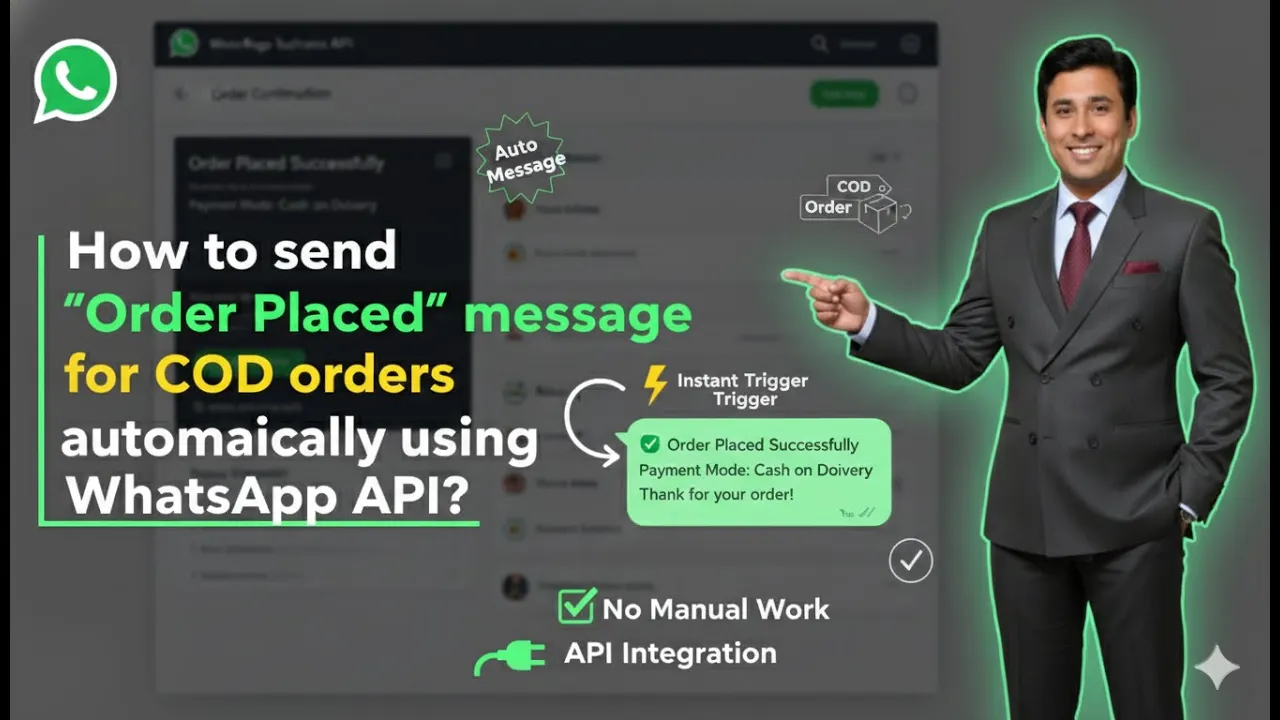
How to Send Order Placed Messages for COD Orders Using WhatsApp API?
Sending automated order confirmation messages is an important part of post-purchase communication. When customers place an order using the Cash on Delivery (COD) payment method, sending an instant order placed message on WhatsApp builds trust and reassures them that their order has been successfully received. In this article, we will learn how to automatically send […]
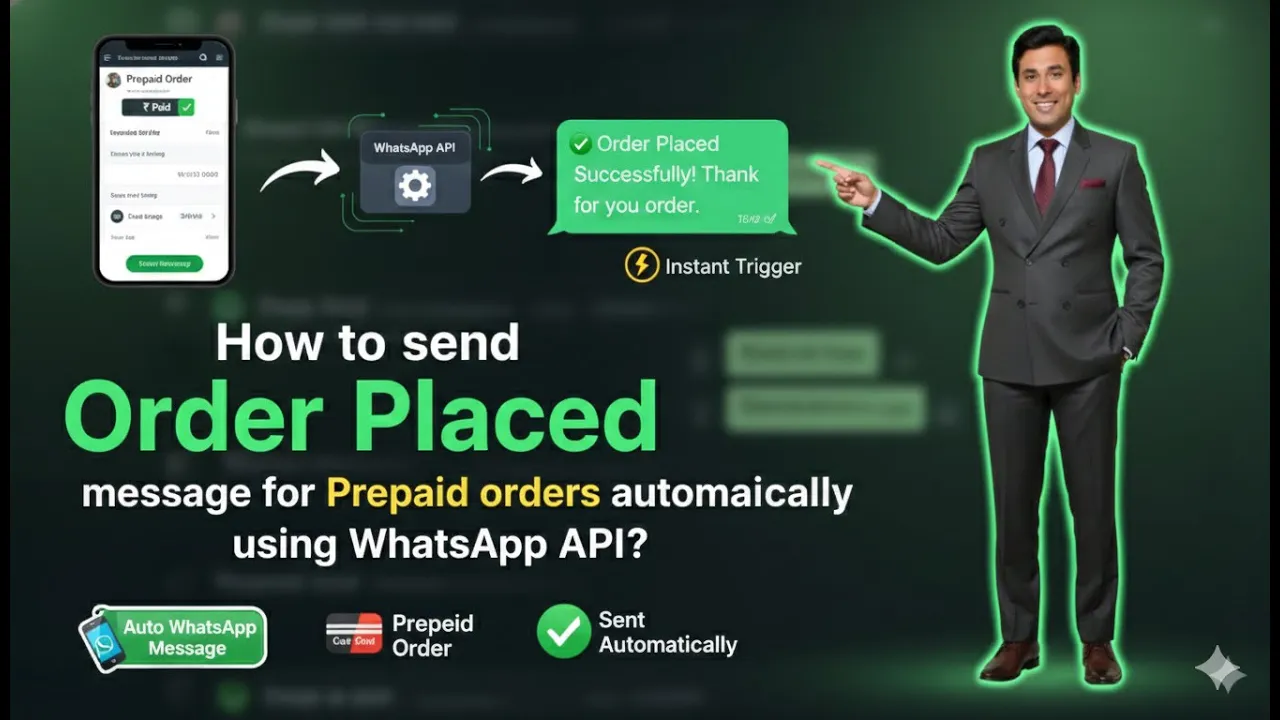
How to Send Order Placed Messages for Prepaid Orders Using WhatsApp API?
Sending automatic order placed messages is an essential part of customer communication for any Shopify-based business. When a customer completes a prepaid order, sending a confirmation message on WhatsApp builds trust, improves transparency, and enhances the overall shopping experience. In this article, we will learn how to send order placed messages to customers who select […]
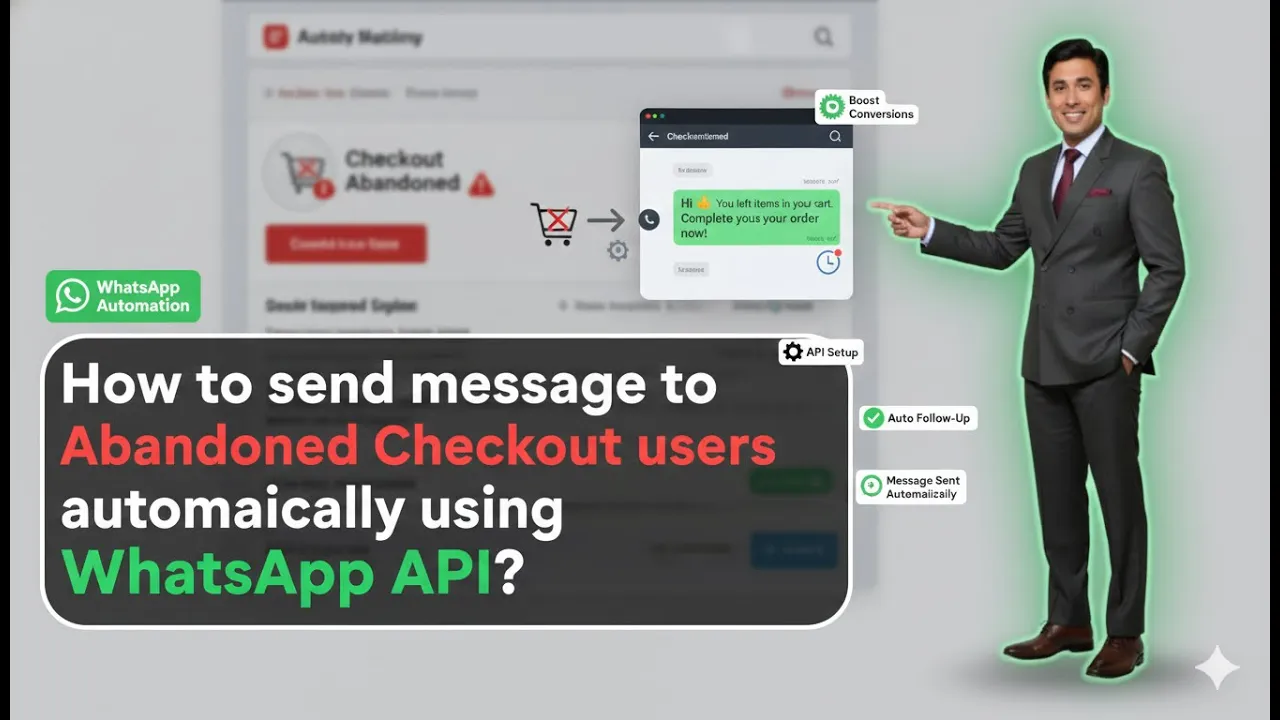
How to Send Abandoned Cart Messages Using WhatsApp API?
Sending abandoned cart messages is one of the most effective ways to recover lost sales from users who added products to their cart but did not complete the purchase. When your Shopify store is integrated with WhatsApp Business API using Interakt, this entire process can be automated without manual effort. In this article, we will […]
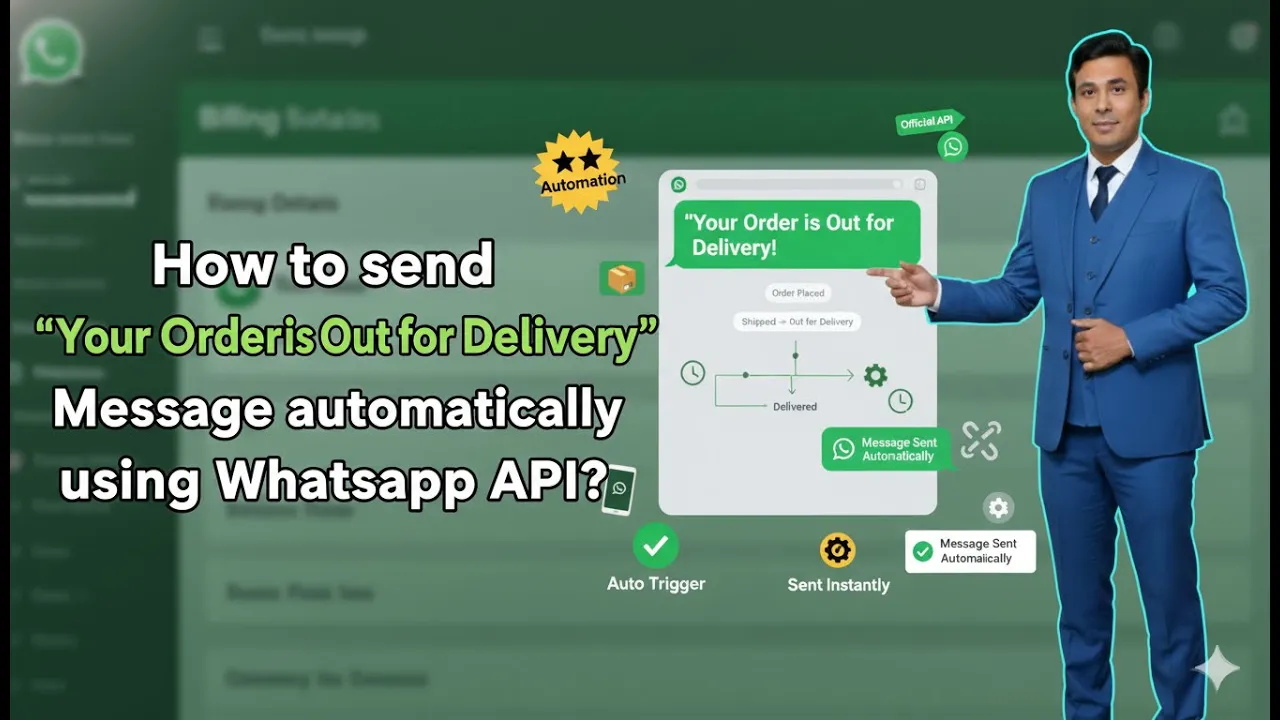
How to Send “Order Out for Delivery” Messages Using WhatsApp API?
Sending timely order updates is a crucial part of customer communication for any eCommerce business. When customers are informed about their order status, it builds trust, reduces support queries, and improves overall customer experience. One of the most important updates is the “Order Out for Delivery” notification. In this article, we will understand how to […]

How to buy Whatsapp Business API Subscription?
Buying a subscription is a mandatory step if you want to actively use WhatsApp Business API through the Interakt platform, especially when it is integrated with a Shopify store. Without an active subscription, WhatsApp Business API features such as messaging, automation, and commerce integrations cannot function. The process is simple and works directly through Shopify […]

How to Integrate Whatsapp Business API with Shopify?
In this session, we will learn how to integrate WhatsApp Business API with a Shopify store using the Interakt platform. This integration is required if you want to send messages such as cart reminders, order confirmation messages, and if you want your Shopify product catalog to appear inside WhatsApp Business API. Once the integration is […]

How to add Products in Whatsapp Business API Catalogue?
Adding Shopify products to your WhatsApp Business API catalog allows businesses to showcase their entire product range directly on WhatsApp. When WhatsApp Business API is integrated with Shopify through the Interakt platform, all products published on the Shopify store can automatically sync into the WhatsApp catalog. This makes it possible to send product catalogs, automate […]
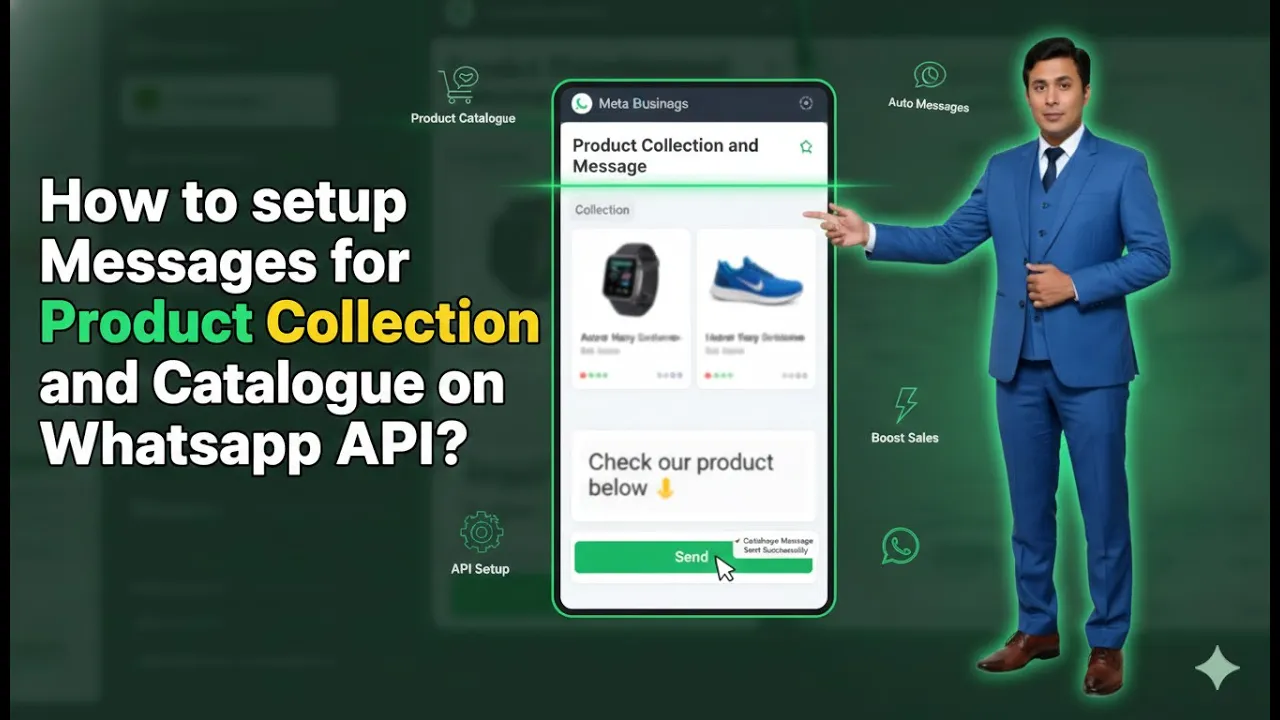
How to setup Product Catalog Message on Whatsapp API?
Sending product collections and catalogs directly on WhatsApp is one of the most effective ways to showcase products and increase user engagement. When a user messages your business on WhatsApp, sending them a product catalog instead of plain text improves clarity, trust, and conversion chances. In this article, we will learn how to set up […]