
Wordpress Tutorial
When I first started building websites, WordPress was the platform that helped me understand how websites actually work. However, as a beginner, I found it confusing to understand themes, plugins, pages, posts, and settings. That is exactly why I created this WordPress Tutorial for Beginners category — to help new learners understand WordPress in a simple and practical way.
I am the founder of Digital Bikana, and through my experience in digital marketing and website development, I have built and managed multiple WordPress websites for businesses, blogs, and educational platforms. Over time, I realized that many beginners want to learn WordPress but do not know where to start. My goal with this category is to guide beginners step by step so they can confidently create and manage their own websites.
In this WordPress Tutorial for Beginners section, I explain everything from the basics to practical website building techniques. You will learn how to install WordPress, understand the dashboard, create pages and posts, and organize your website structure. I also explain how to install themes, customize website design, and use plugins to add important features.
One of the most important things I focus on is making WordPress easy to understand. Instead of using complicated technical terms, I explain concepts in simple language so beginners can follow along easily. I also share practical tips that help you avoid common mistakes when creating a website.
WordPress is one of the most widely used website platforms in the world. Millions of businesses, bloggers, and creators use it because it is flexible, customizable, and beginner-friendly. With the right guidance, anyone can learn to build a professional website without needing advanced coding skills.
Through this WordPress Tutorial for Beginners category, my aim is to help students, freelancers, business owners, and digital marketing learners understand how WordPress works and how they can use it to create powerful websites.
If you want to start a blog, build a business website, or learn website designing as a skill, these tutorials will guide you step by step and help you gain confidence in working with WordPress.

How to Buy a Web Hosting from GoDaddy?
In this article, you will learn how to buy a hosting plan from GoDaddy step by step. Web hosting is required to make your website available on the internet. Without hosting, your website cannot be accessed by users online. To buy a hosting plan, you can visit GoDaddy by searching GoDaddy on Google and opening […]
How to Buy a Domain Name from GoDaddy?
In this article, you will learn how to buy a domain name from GoDaddy step by step. A domain name is the address of your website that people type into their web browser to visit your site. Buying a domain name is the first step toward creating a website. To buy a domain name, you […]
How to Set Up WooCommerce Plugin in WordPress Website?
In this article, we will learn how to set up the WooCommerce plugin on a WordPress website. In the previous step, WooCommerce was installed successfully. Now the focus is on understanding the basic settings. Each WooCommerce setting will be explained in separate dedicated tutorials later so that everything can be understood easily without making the […]

How to Take Backup of a WordPress Website for Free?
In this article, we will learn how to take a backup of a WordPress website for free. Many website owners are always worried about losing their website data. Sometimes mistakes happen while updating themes, plugins, or making design changes, and the website may stop working properly. Because of this reason, it is always recommended to […]
How to Add WhatsApp Chat Button on WordPress Website?
In this article, we are going to learn how to add WhatsApp chat button on WordPress website. If you want visitors to contact you directly through WhatsApp from your website, then adding a WhatsApp chat button is a very useful feature. It allows users to send messages instantly and makes communication easier. As you can […]
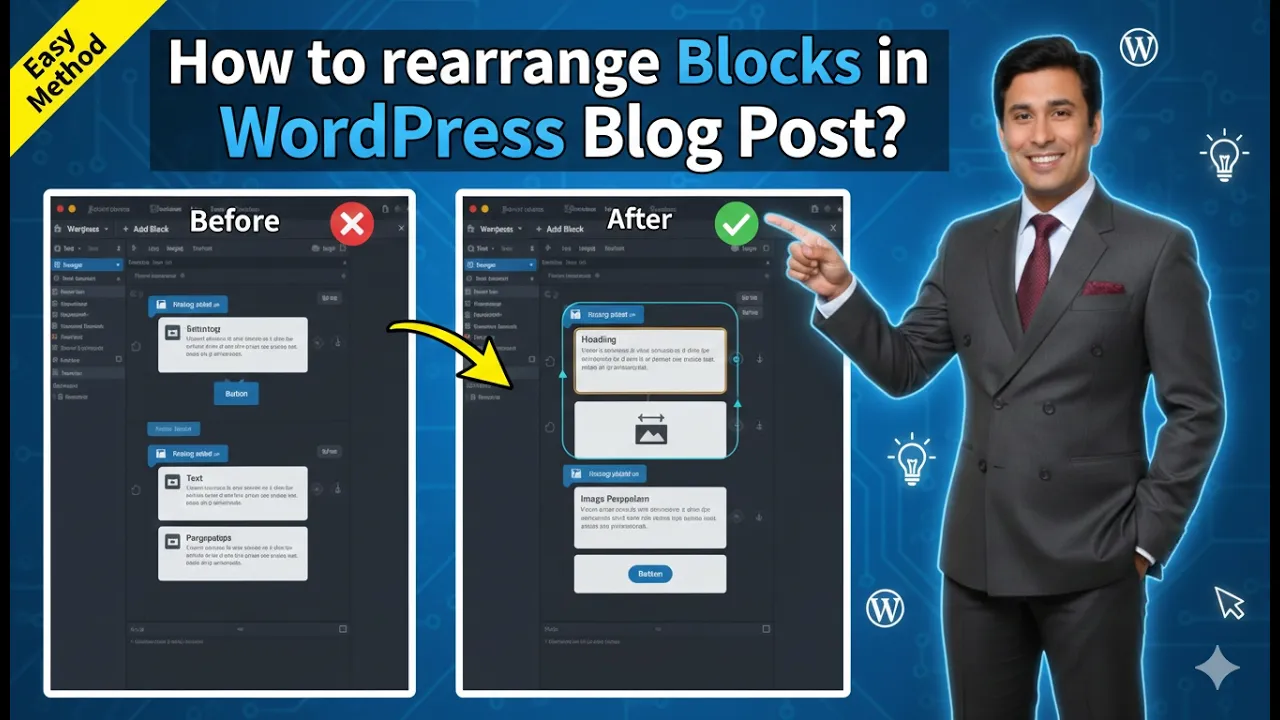
How to Rearrange Blocks in a WordPress Blog Post?
Rearranging blocks in a WordPress blog post is an important editing feature that helps organize content properly. While creating a blog post, it is possible that some blocks may be placed in the wrong location. Instead of rewriting the content, WordPress allows you to rearrange blocks easily by moving them upward or downward inside the […]
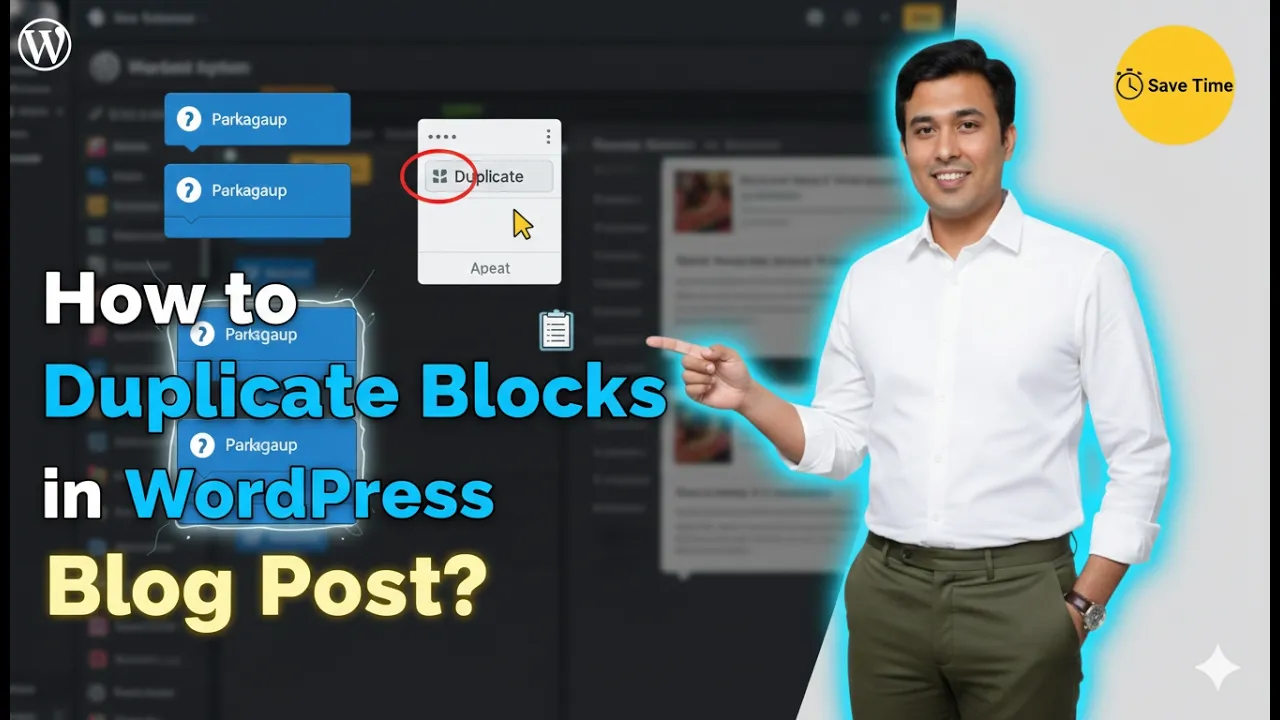
How to Duplicate Blocks in a WordPress Blog Post?
Duplicating blocks in a WordPress blog post is a simple and useful feature that helps save time while editing content. Sometimes you may want the same content, image, or layout to appear multiple times in a blog post. Instead of creating the same block again and again, you can simply duplicate an existing block. This […]
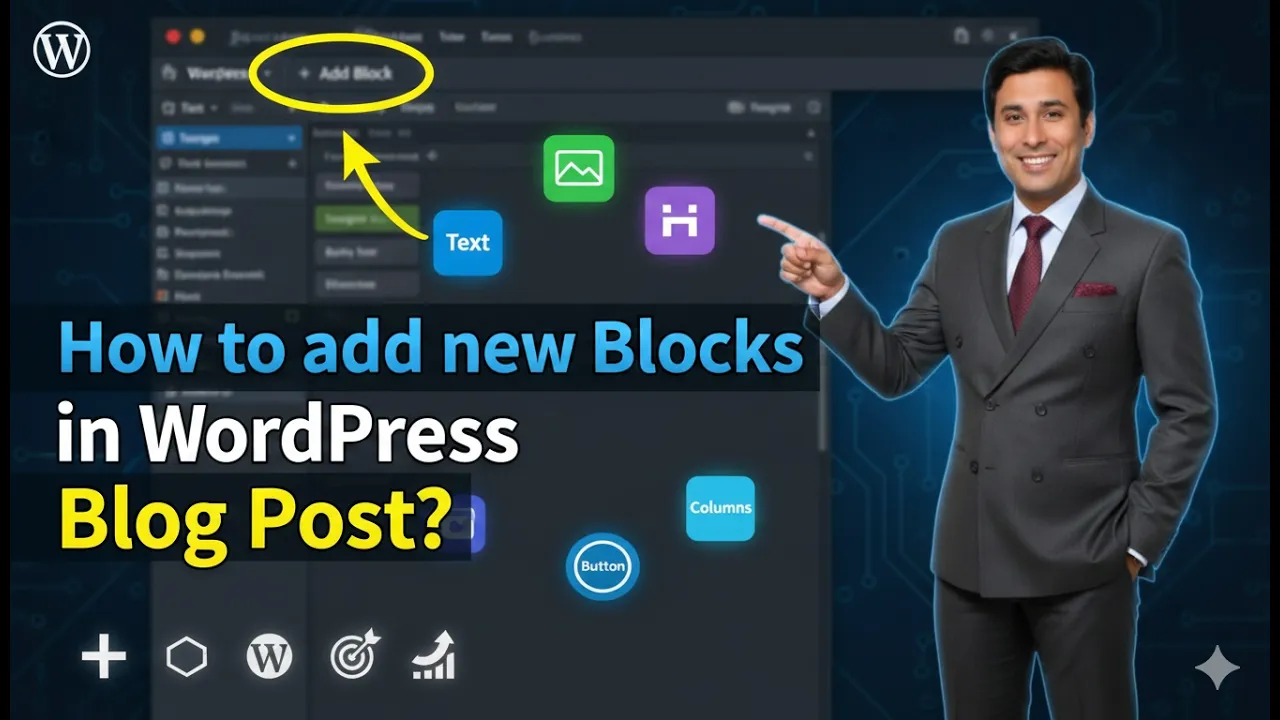
How to Add New Blocks in a WordPress Blog Post?
Adding new blocks in a WordPress website is a simple process. WordPress uses a block editor that allows you to create and arrange content using different types of blocks such as paragraphs, headings, images, columns, and more. By adding blocks, you can organize your content in a structured and flexible way. In this article, you […]
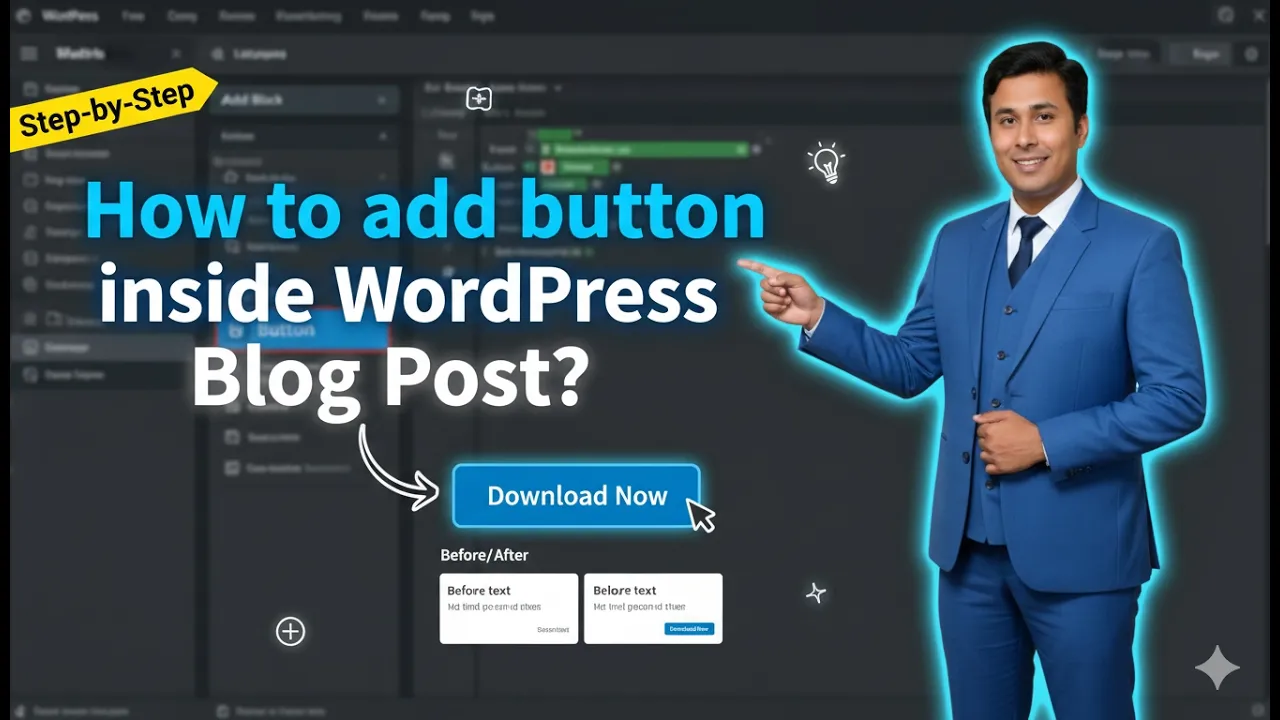
How to Add a Button Inside WordPress Blog Post?
Adding a button inside a WordPress post is a simple process that helps make your content more interactive and user-friendly. Buttons are useful for call-to-action purposes such as directing visitors to another page, encouraging them to read more content, or guiding them toward important sections of your website. In this article, you will learn how […]
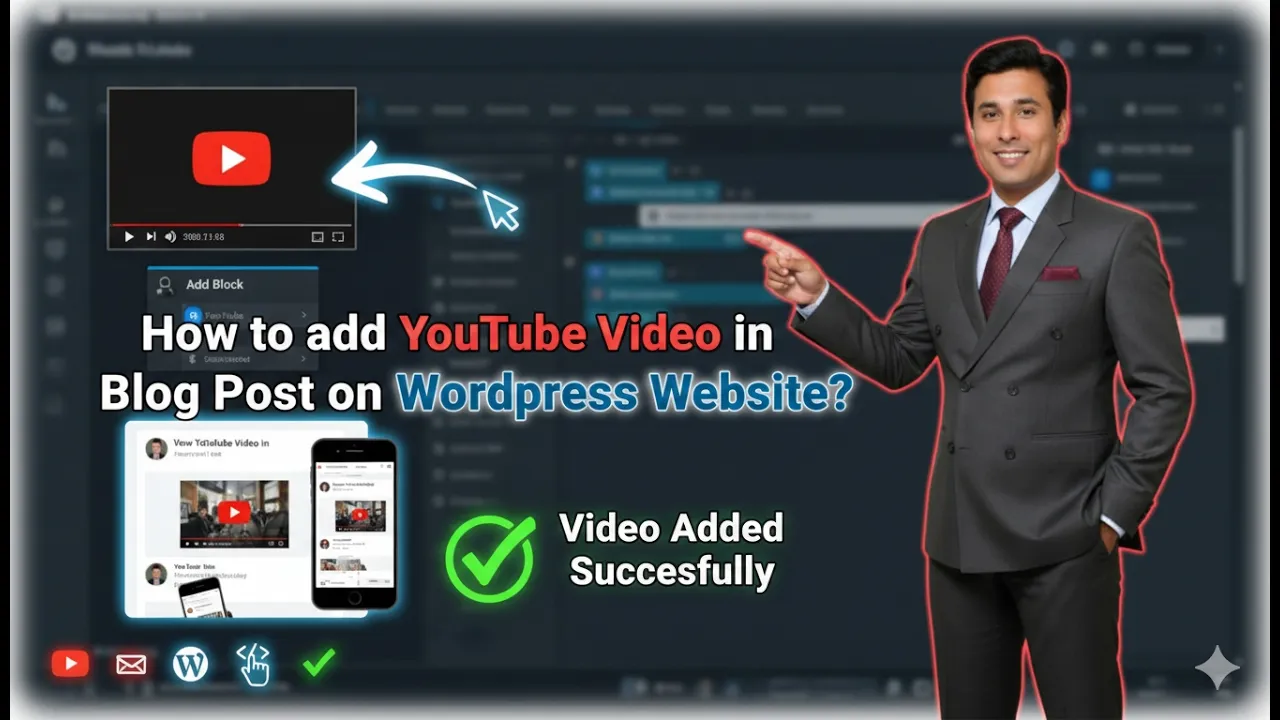
How to embed YouTube Video in Blog Post on WordPress?
In this article, we will learn how to add a YouTube video in a blog post on a WordPress website. This process is very easy and can be done directly from the WordPress admin dashboard. Adding a YouTube video inside a blog post helps improve the presentation of your article and allows visitors to understand […]