
GoDaddy Tutorial
This GoDaddy Tutorial for Beginners category is designed to help new learners understand how to use GoDaddy for domain registration, web hosting, and website management. GoDaddy is one of the most widely used platforms for buying domain names and hosting websites. Many beginners start their online journey with GoDaddy because it provides easy tools for setting up and managing websites.
I am the founder of Digital Bikana, and through my experience in digital marketing and website development, I have worked with multiple domains and hosting services, including GoDaddy. During this journey, I noticed that many beginners buy a domain or hosting plan but often feel confused about how to manage it properly. This category is created to explain GoDaddy step by step so beginners can easily understand and use the platform.
In this section, I explain the basic concepts of domains and web hosting so beginners can understand how websites work on the internet. You will learn how to search for and register a domain name using GoDaddy. Choosing the right domain name is important because it represents your brand or business online.
The tutorials also explain how to purchase hosting from GoDaddy and connect it with your domain. Hosting is essential because it stores your website files and makes your website accessible on the internet. I also guide you on how to access the hosting dashboard and manage basic settings.
Another important topic covered in this category is connecting GoDaddy hosting with WordPress. Many websites today are built using WordPress, and learning how to install WordPress through GoDaddy hosting makes website creation much easier for beginners.
You will also learn how to manage DNS settings, connect domains with different services, and handle basic configurations required for running a website smoothly.
The goal of this GoDaddy Tutorial for Beginners category is to simplify domain and hosting management for beginners. Whether you are a student, blogger, business owner, or digital marketing learner, these tutorials will help you understand how to use GoDaddy effectively to build and manage your website.
How to install WordPress in cPanel in GoDaddy?
In this article, you will learn how to install WordPress in cPanel on your domain name step by step. Installing WordPress is an important step in building a website after purchasing a domain name and hosting plan and connecting them together. Once WordPress is installed, you will be able to design and manage your website […]
How to connect Domain Name with Hosting in cPanel?
In this article, you will learn how to connect a domain name with a hosting plan in GoDaddy step by step. Connecting a domain name with a hosting plan is an important step before installing WordPress or creating a website. Before connecting a domain name with hosting, you should already have purchased both the domain […]

How to Buy a Professional Email Domain from GoDaddy?
In this article, you will learn how to buy a professional email domain from GoDaddy step by step. A professional email domain allows you to create email addresses connected to your domain name. These email addresses help build trust between you and your customers. For example, instead of using a normal email address, you can […]
How to Buy a SSL Certificate from GoDaddy?
In this article, you will learn how to buy an SSL certificate for your domain name from GoDaddy step by step. An SSL certificate is important for making your website secure and protecting the data that is transferred between your website and users. An SSL certificate protects your website data through encryption. It secures the […]

How to Buy a Web Hosting from GoDaddy?
In this article, you will learn how to buy a hosting plan from GoDaddy step by step. Web hosting is required to make your website available on the internet. Without hosting, your website cannot be accessed by users online. To buy a hosting plan, you can visit GoDaddy by searching GoDaddy on Google and opening […]
How to Buy a Domain Name from GoDaddy?
In this article, you will learn how to buy a domain name from GoDaddy step by step. A domain name is the address of your website that people type into their web browser to visit your site. Buying a domain name is the first step toward creating a website. To buy a domain name, you […]
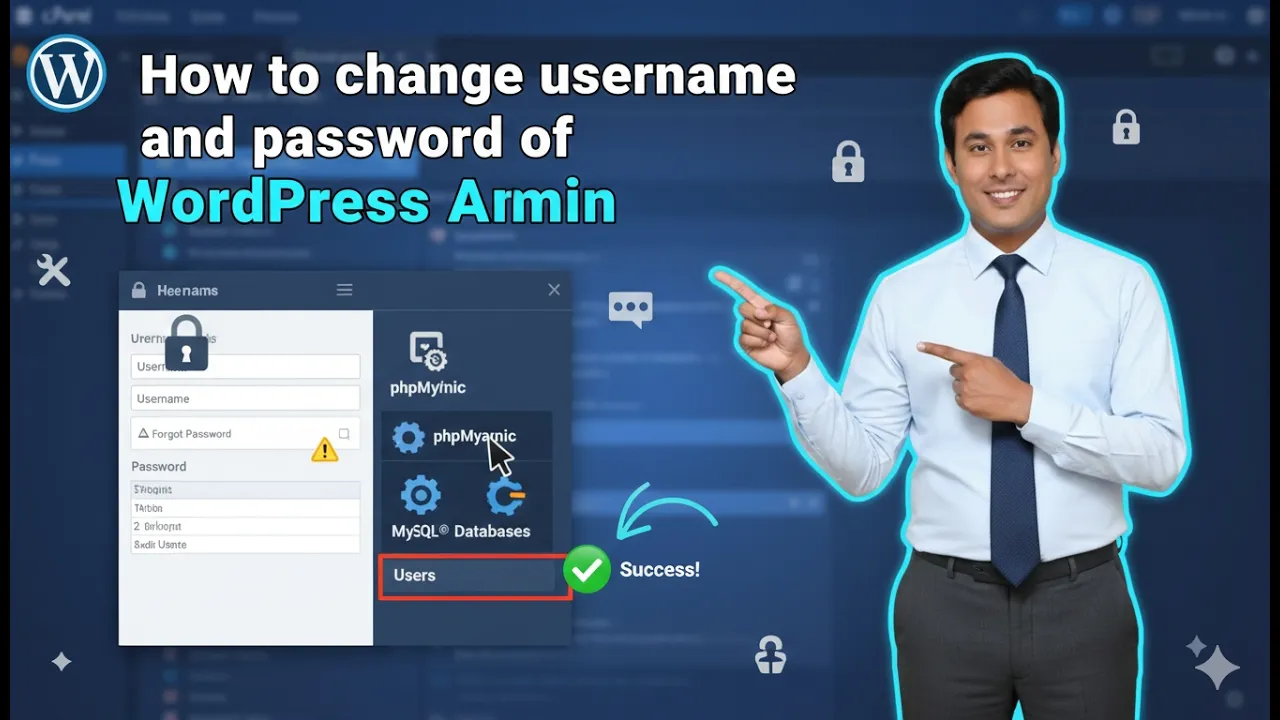
How to Change WordPress Username and Password in cPanel?
In this article, you will learn how to change the WordPress username and password using cPanel. This method allows you to update your WordPress admin login credentials directly from your hosting control panel. If you have access to your hosting account and cPanel, you can easily modify the administrator username, password, and email address. Before […]
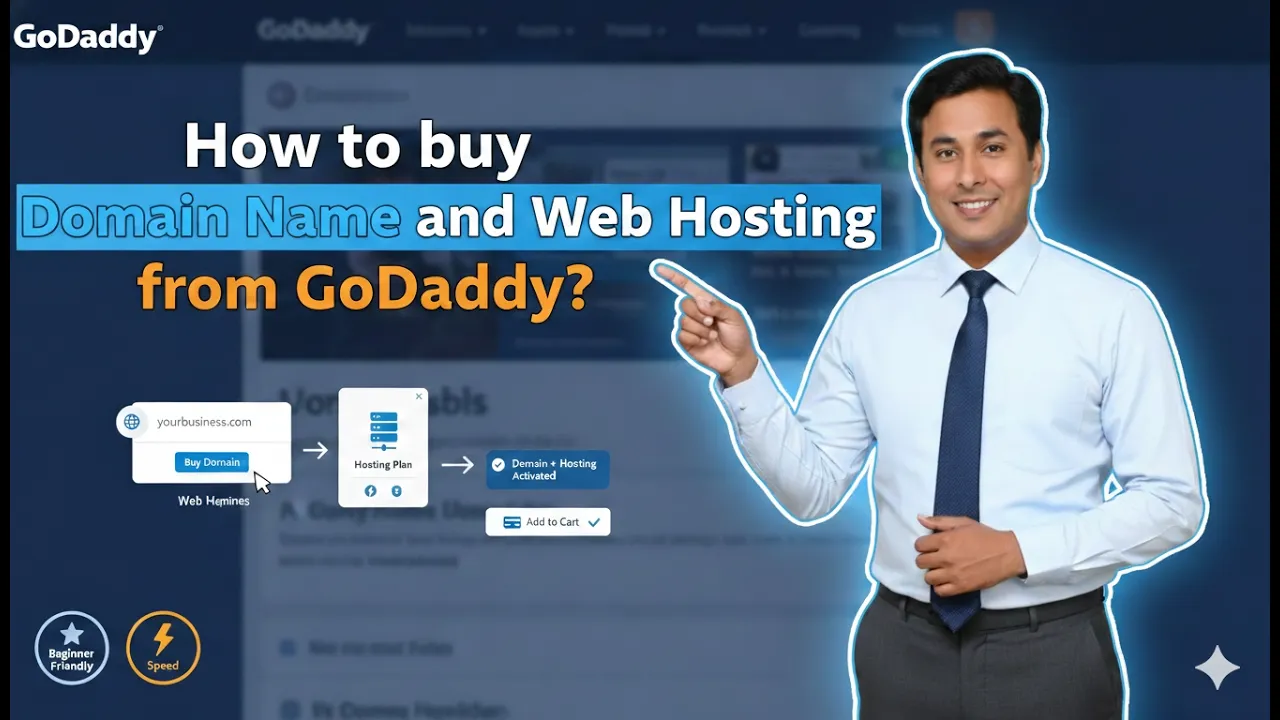
How to buy Domain Name and Web Hosting from GoDaddy?
If you are planning to create a website, the first two things you need are: In this article, we will understand step by step how to purchase a domain name and hosting plan from GoDaddy. We will also understand premium domains, hosting types, and which hosting plan is best for beginners. Let us begin. Step […]
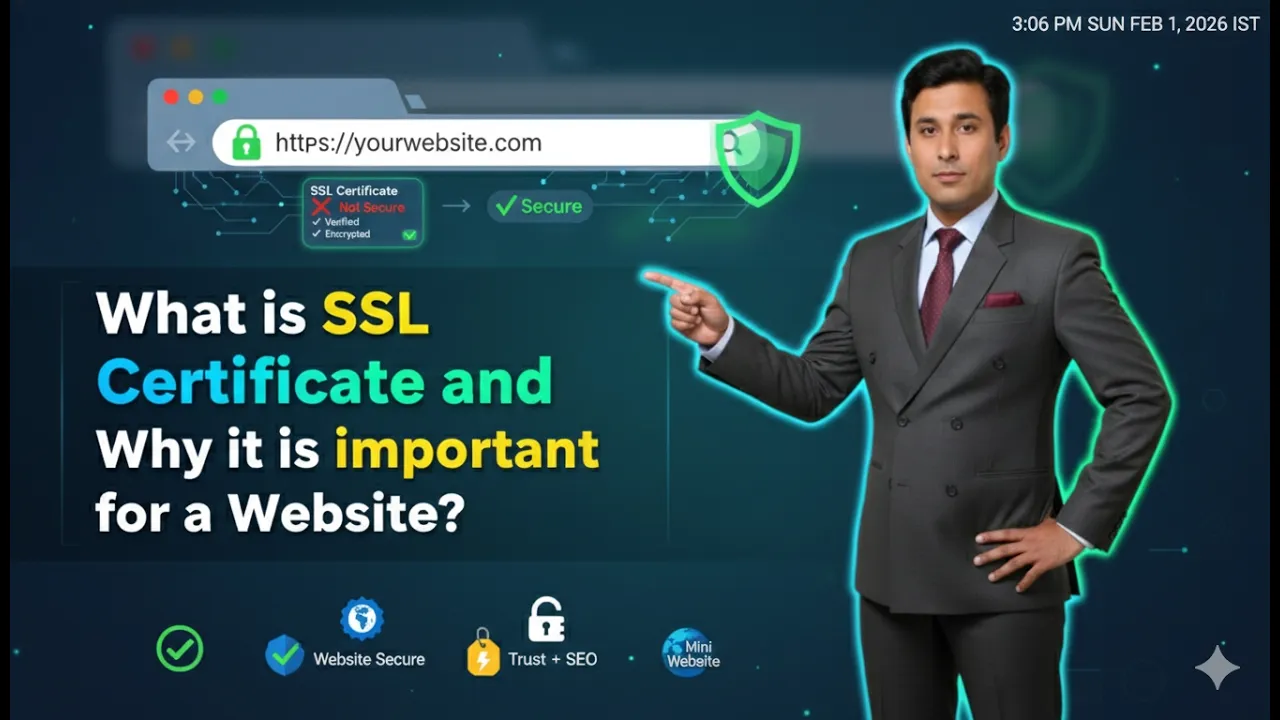
What is SSL Certificate and Why it is important for a Website?
If you are planning to create a website, you may have heard about something called an SSL certificate. Many students ask what SSL certificate means and why it is required for a website. In this article, we will clearly understand: Let us understand everything step by step in simple language. What Does SSL Stand For? […]

What is Hosting and How does it work?
If you are planning to create a website, you probably already know what a domain name is. But having a domain name alone is not enough to build a website. There is another very important element required to make your website accessible on the internet. That element is called hosting. In this article, we will […]