
Wordpress Block Editor Tutorial
This WordPress Block Editor Tutorial category is designed to help beginners understand how to create and manage content using the WordPress Block Editor. The Block Editor, also known as Gutenberg, is the default content editor in WordPress that allows users to build pages and posts using blocks. Each block represents a different content element such as text, images, videos, headings, buttons, and more.
I am the founder of Digital Bikana, and through my experience in digital marketing and website development, I have worked extensively with WordPress for building websites and publishing content. Many beginners who start using WordPress often feel confused when they see the block-based editing system. This category is created to explain the WordPress Block Editor in a simple and practical way so beginners can learn how to create professional-looking pages and blog posts.
In this section, I explain the fundamentals of the WordPress Block Editor and how it works. You will learn how to add blocks, edit content, and arrange different elements on a webpage. The block system makes content creation more flexible because users can easily move, duplicate, and customize blocks without needing coding knowledge.
The tutorials also explain how to use different types of blocks such as paragraph blocks, heading blocks, image blocks, gallery blocks, and button blocks. These elements help you design well-structured blog posts and webpages that are visually appealing and easy for readers to understand.
Another important topic covered in this category is layout and content formatting. You will learn how to adjust spacing, alignment, colors, and typography to make your content look professional. Proper formatting also improves readability and user experience.
You will also learn how to combine multiple blocks to design landing pages, service pages, and blog layouts directly inside WordPress without using external page builders.
The goal of this WordPress Block Editor Tutorial category is to help beginners understand how to use the block editor efficiently for website content creation. Whether you are a blogger, student, digital marketer, or business owner, these tutorials will guide you step by step to create well-structured WordPress content using the block editor.
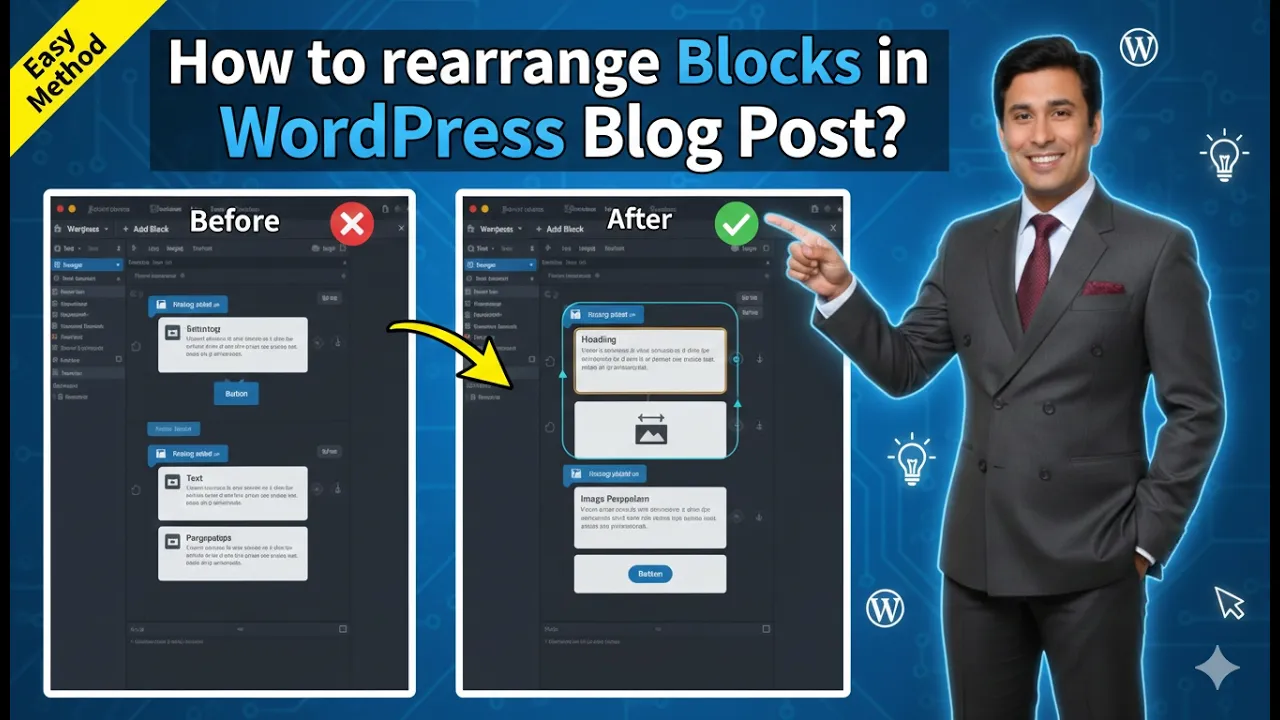
How to Rearrange Blocks in a WordPress Blog Post?
Rearranging blocks in a WordPress blog post is an important editing feature that helps organize content properly. While creating a blog post, it is possible that some blocks may be placed in the wrong location. Instead of rewriting the content, WordPress allows you to rearrange blocks easily by moving them upward or downward inside the […]
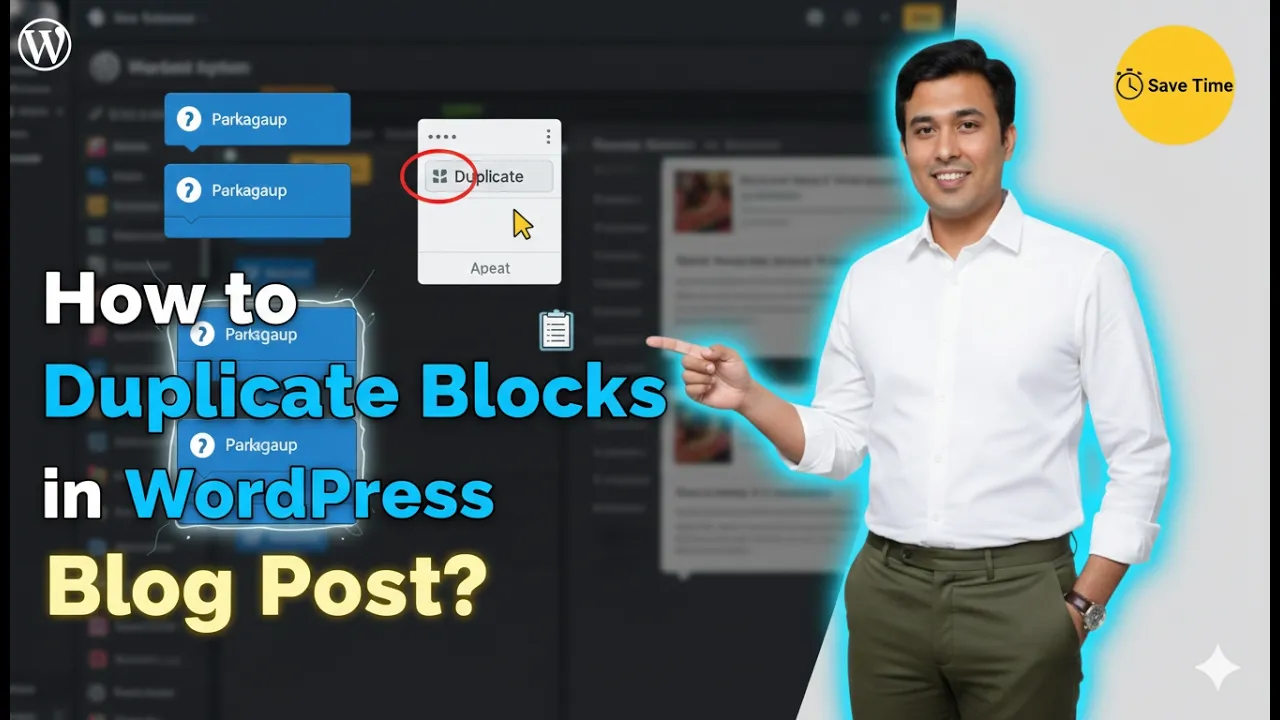
How to Duplicate Blocks in a WordPress Blog Post?
Duplicating blocks in a WordPress blog post is a simple and useful feature that helps save time while editing content. Sometimes you may want the same content, image, or layout to appear multiple times in a blog post. Instead of creating the same block again and again, you can simply duplicate an existing block. This […]
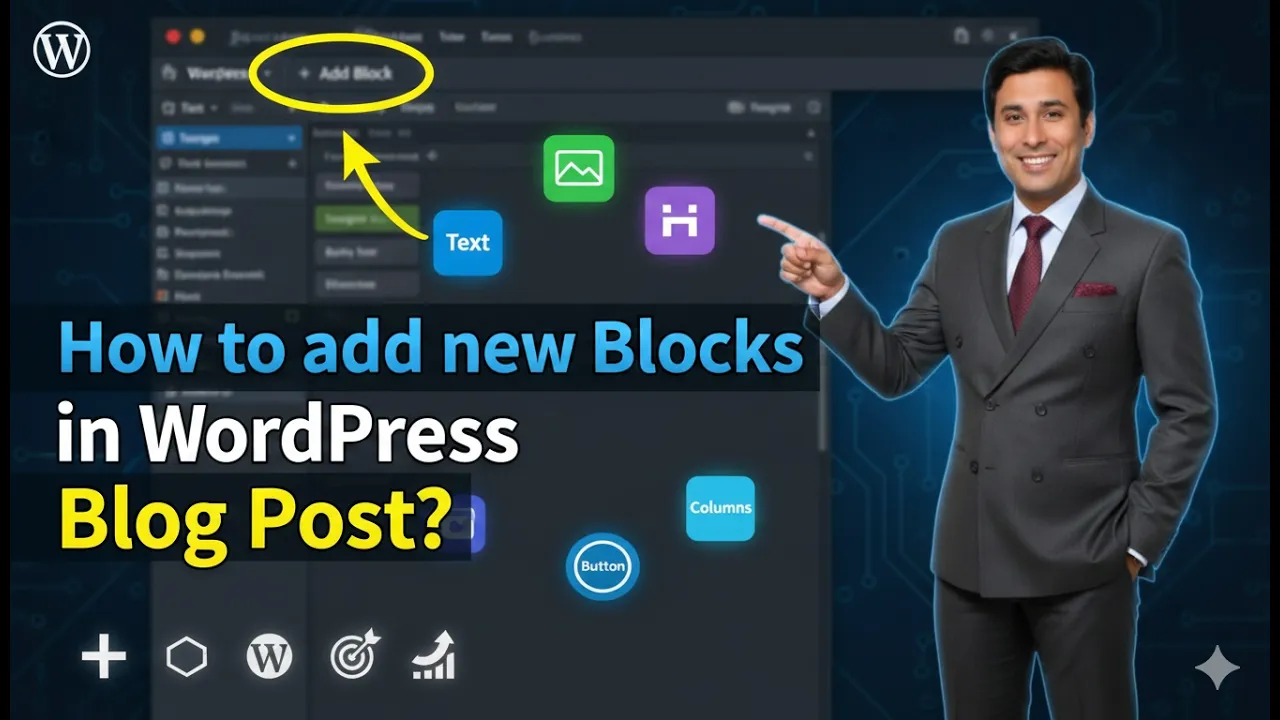
How to Add New Blocks in a WordPress Blog Post?
Adding new blocks in a WordPress website is a simple process. WordPress uses a block editor that allows you to create and arrange content using different types of blocks such as paragraphs, headings, images, columns, and more. By adding blocks, you can organize your content in a structured and flexible way. In this article, you […]