
WooCommerce Tutorial for Beginners
This WooCommerce Tutorial for Beginners category is designed to help new learners understand how to create and manage an online store using WooCommerce. WooCommerce is one of the most popular e-commerce plugins for WordPress that allows businesses to turn a regular website into a fully functional online store. With WooCommerce, you can sell products, manage orders, and handle payments directly from your WordPress website.
I am the founder of Digital Bikana, and through my experience in digital marketing and website development, I have worked with many WordPress websites that use WooCommerce for e-commerce. Many beginners want to start selling products online but often feel confused about how to set up an online store on WordPress. This category is created to explain WooCommerce step by step so beginners can easily understand and build their own e-commerce website.
In this section, I explain the basics of WooCommerce and how it works with WordPress. You will learn how to install the WooCommerce plugin, configure basic store settings, and prepare your website for online selling. WooCommerce provides various tools that help store owners manage products, payments, shipping, and customers.
The tutorials also explain how to add and manage products in WooCommerce. You will learn how to upload product images, write product descriptions, set product pricing, and organize items into categories. These steps help customers easily browse and purchase products from your store.
Another important topic covered in this category is payment and shipping setup. WooCommerce allows businesses to connect payment gateways and configure shipping methods so customers can place orders smoothly.
You will also learn how to manage orders, track customers, and use WooCommerce extensions to add additional features such as coupons, product filters, and marketing tools.
The goal of this WooCommerce Tutorial for Beginners category is to make e-commerce website creation simple and practical. Whether you are a student, entrepreneur, or digital marketing learner, these tutorials will guide you step by step to build and manage a WooCommerce online store with confidence.
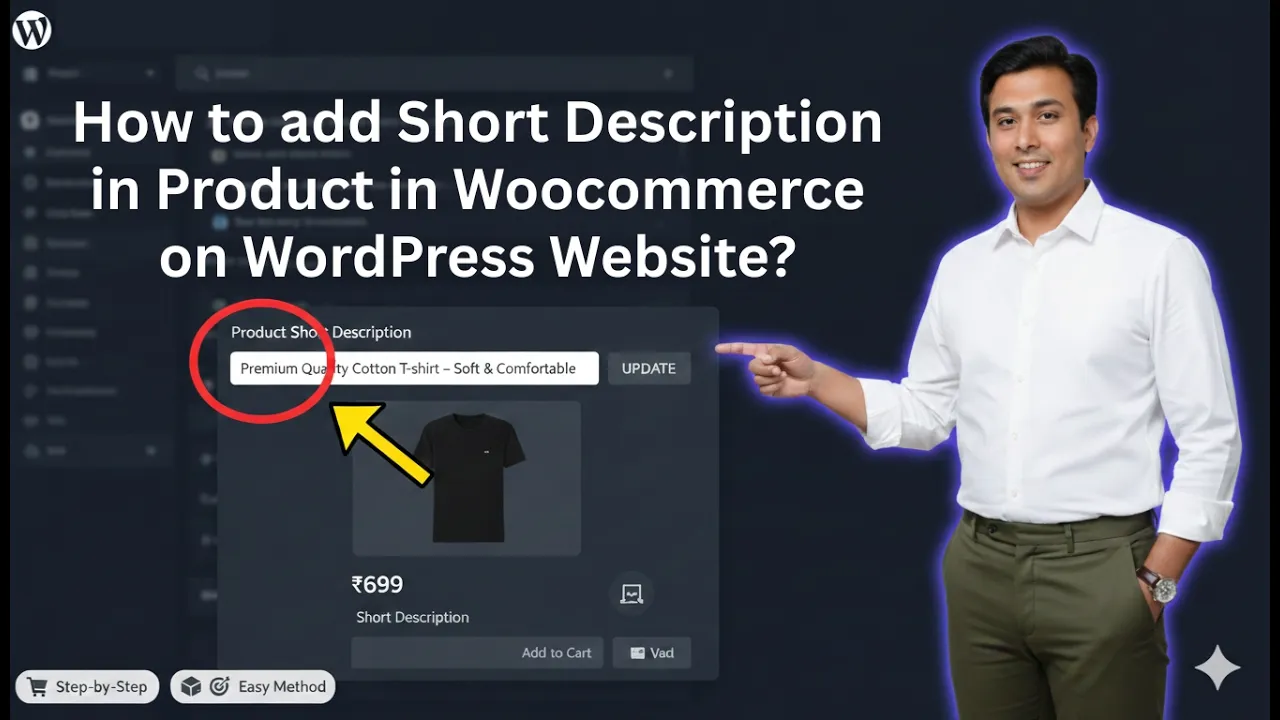
How to Add Short Description in WooCommerce Products?
Adding a short description to your product in WooCommerce is an important step in optimizing your product pages. A well-written short description helps customers quickly understand the product’s key features and benefits. It also plays a significant role in improving search visibility when relevant keywords are included properly. In this detailed guide, you will learn […]
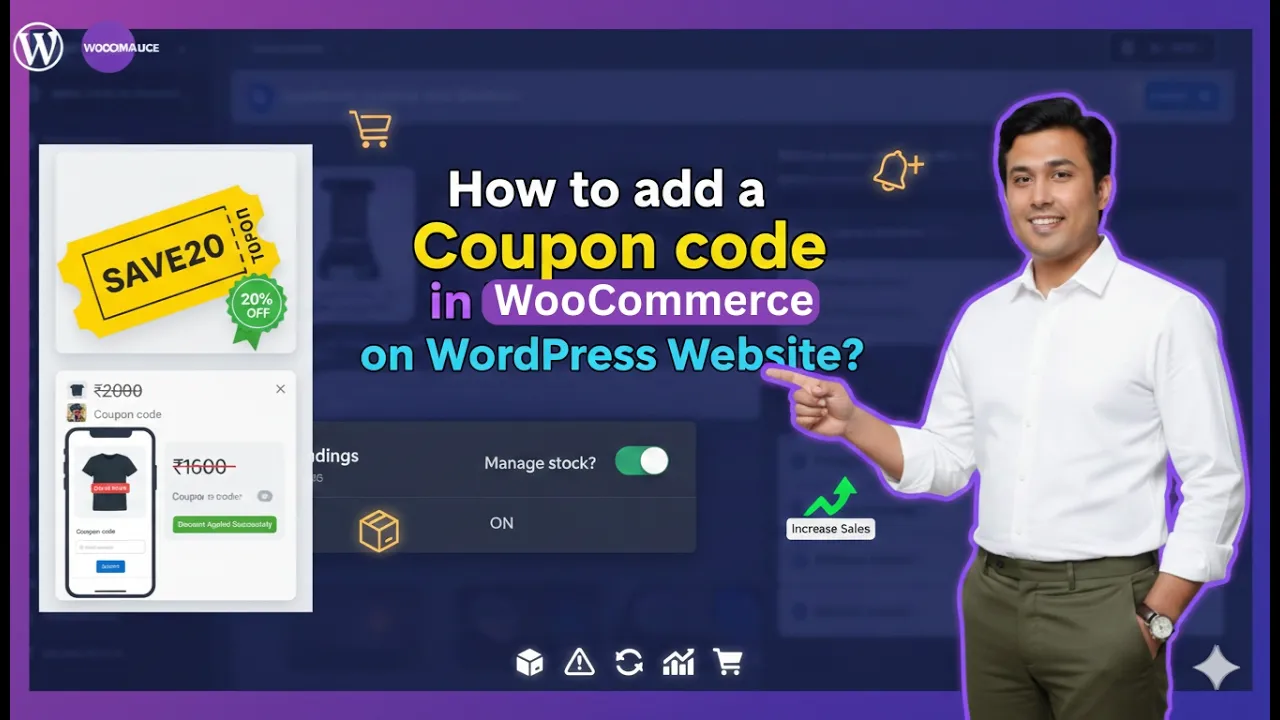
How to Add a Coupon Code in WooCommerce?
Offering discounts through coupon codes is one of the most effective marketing strategies for any eCommerce website. If you are running an online store using the WooCommerce plugin on a WordPress website, creating and managing coupon codes is simple and flexible. In this detailed guide, you will learn step by step how to add a […]
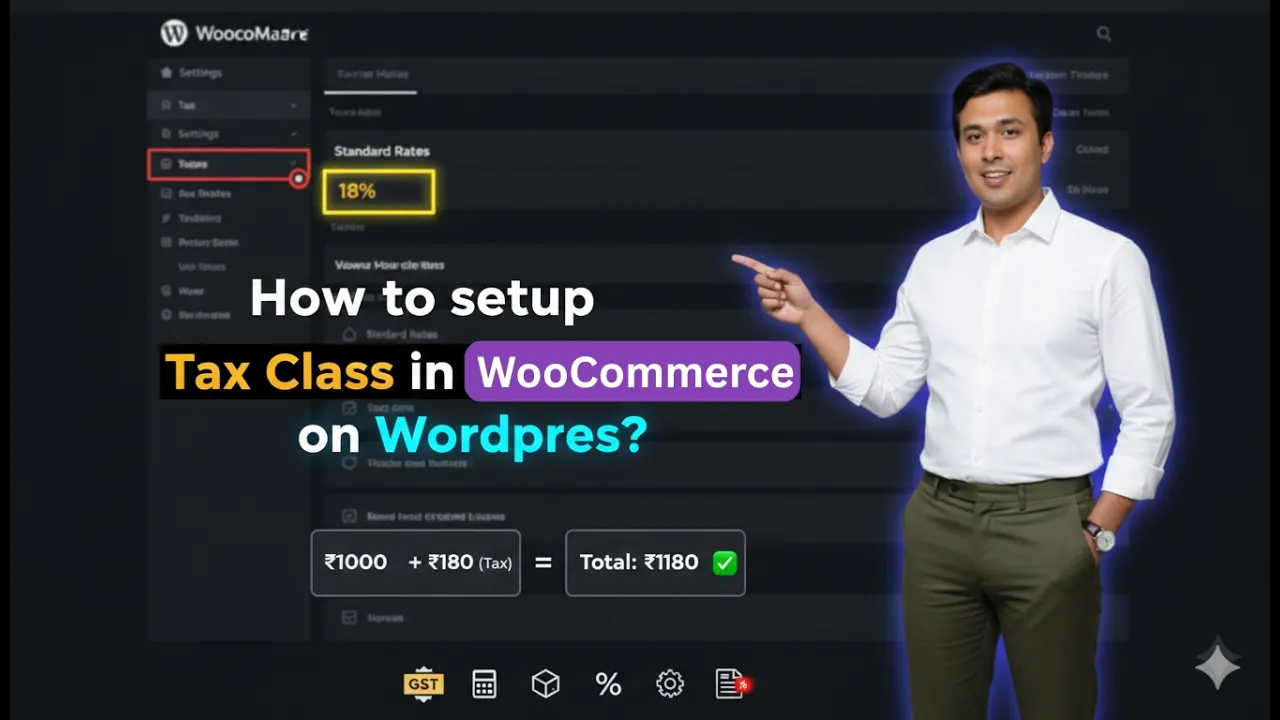
How to Add Tax Class or Tax Rates in WooCommerce?
Setting up tax correctly is one of the most important steps while running an eCommerce website. If you are using WooCommerce on your WordPress website, you must configure tax classes and tax rates properly so that customers are charged the correct tax based on their location and the type of product. In this detailed guide, […]
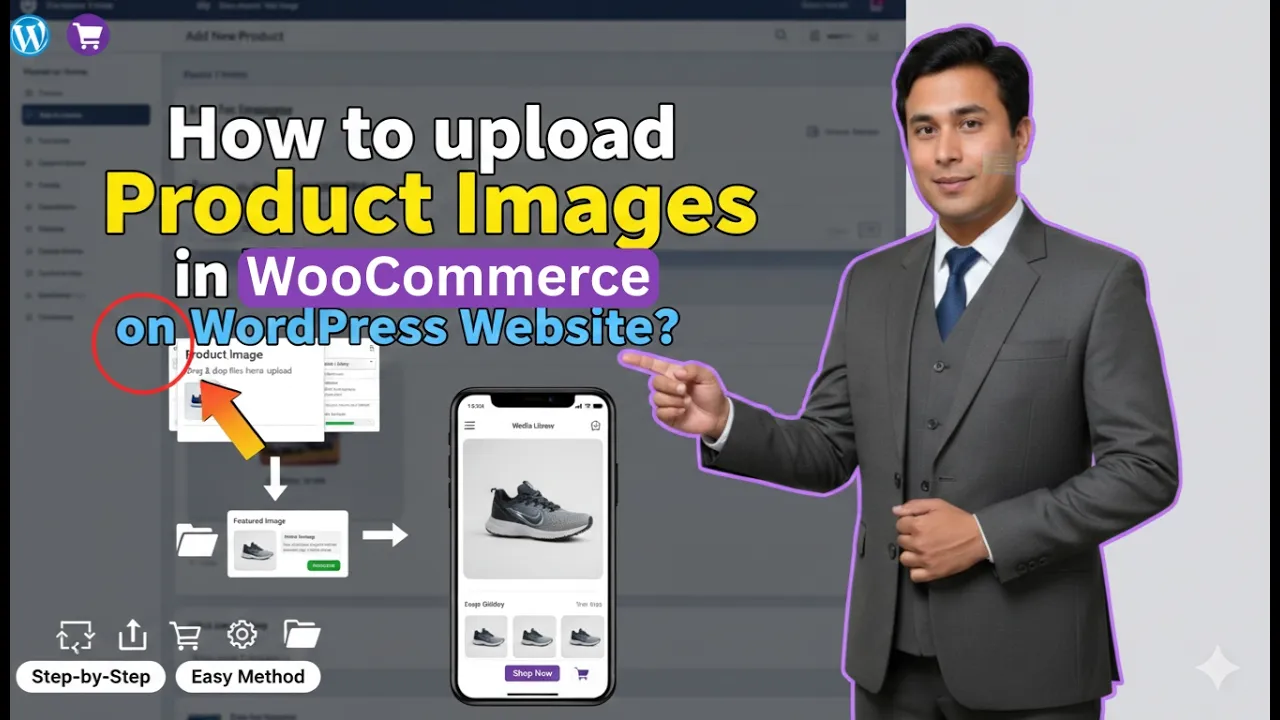
How to Upload Product Images in WooCommerce Product?
Product images play a very important role in an eCommerce website. Customers cannot physically touch or examine your product, so images become the primary visual element that influences buying decisions. If you are using WooCommerce on your WordPress website, uploading product images properly is essential not only for presentation but also for SEO. In this […]
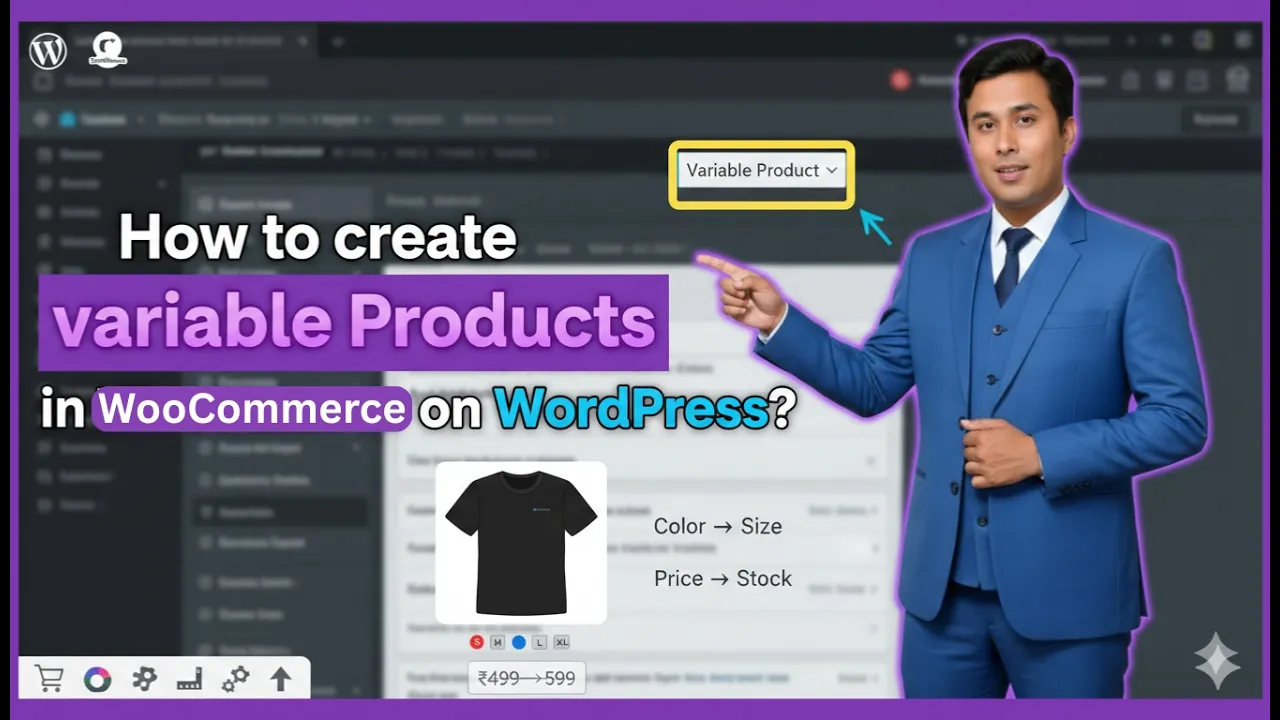
How to Add Variable Product in WooCommerce?
Creating a product in WooCommerce is one of the most important tasks while managing an eCommerce website. Whether you are selling clothing, electronics, digital products, or any other item, WooCommerce provides a structured and flexible way to add and manage products. In this detailed guide, you will learn step by step how to add a […]
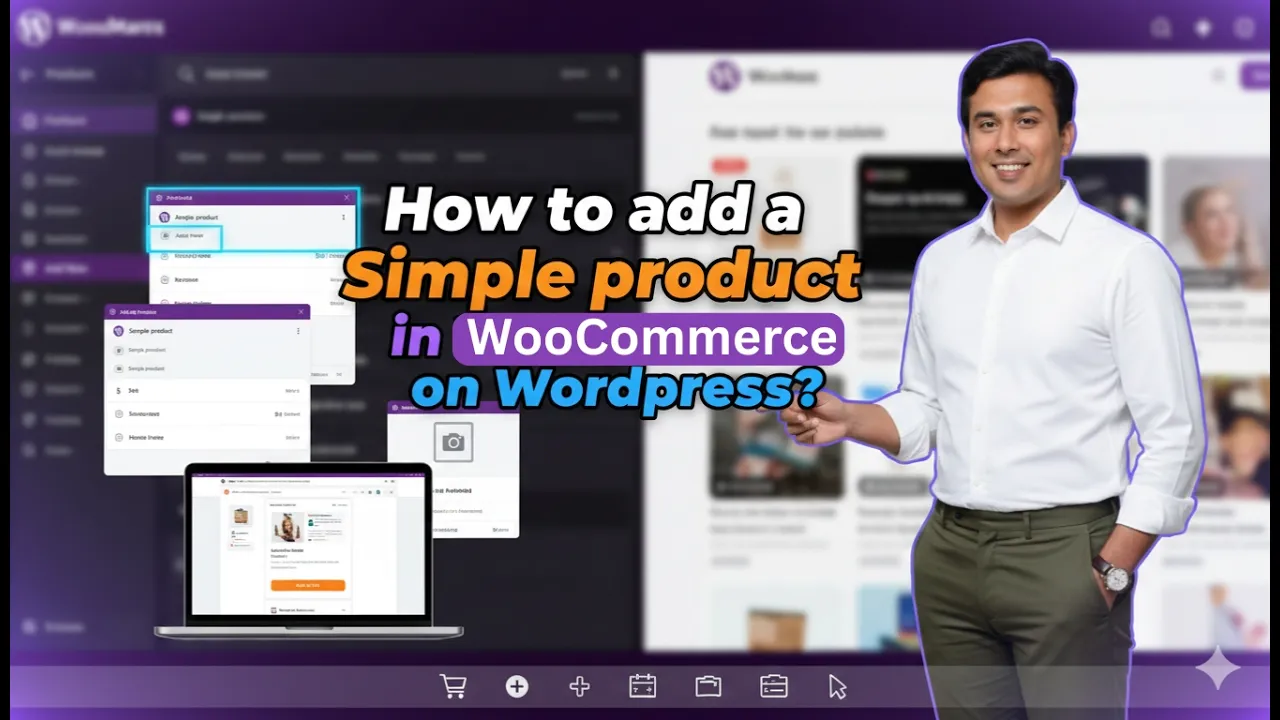
How to Add a Simple Product in WooCommerce?
Creating products properly is one of the most important steps when running an eCommerce store using WooCommerce on a WordPress website. If you are selling products that do not have variations such as size or color options, then you need to create them as simple products. In this detailed guide, you will learn step by […]
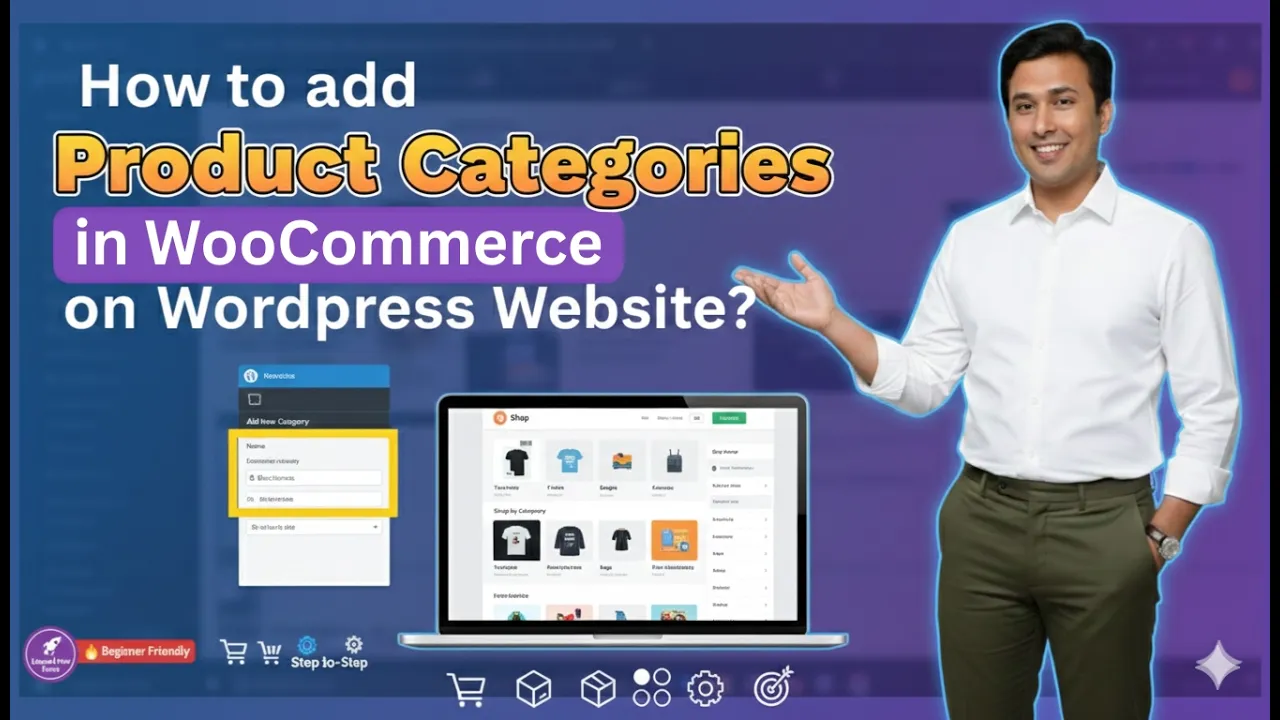
How to Add Product Categories in WooCommerce?
Product categories play a very important role in organizing your WooCommerce store. They help you structure your products properly, improve user experience, and also enhance SEO performance. If your products are well categorized, customers can easily navigate your store and find what they are looking for. In this article, you will learn how to add […]
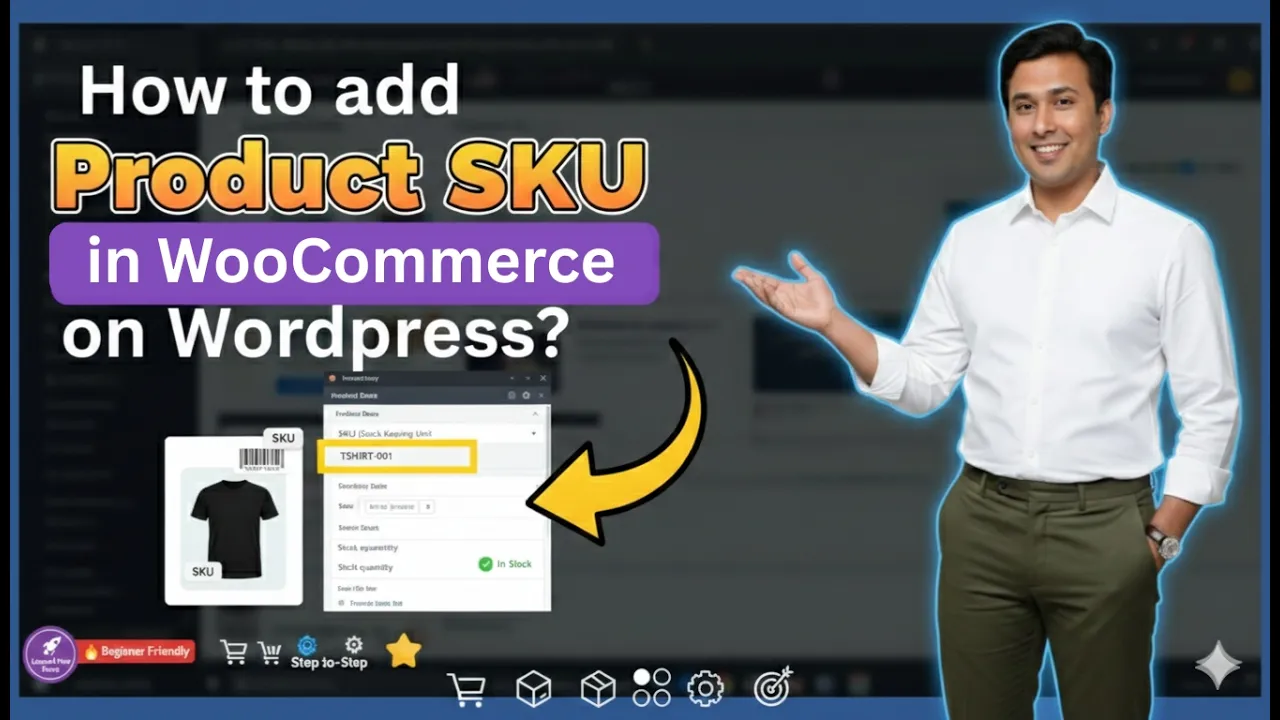
How to add Product SKU in WooCommerce on WordPress?
Managing products efficiently is one of the most important aspects of running an online store. If you are using WooCommerce on a WordPress website, adding SKUs to your products helps you organize inventory properly and track stock easily. In this article, you will learn how to add SKUs in your WooCommerce store step by step, […]

How to Install WooCommerce Plugin on WordPress Website?
Installing the WooCommerce plugin on your WordPress website allows you to convert a normal website into an eCommerce website. WooCommerce is required if you want to create a shop page and sell products or services through your WordPress website. With WooCommerce, you can list products, manage orders, accept payments, and run an online store directly […]
How to Set Up WooCommerce Plugin in WordPress Website?
In this article, we will learn how to set up the WooCommerce plugin on a WordPress website. In the previous step, WooCommerce was installed successfully. Now the focus is on understanding the basic settings. Each WooCommerce setting will be explained in separate dedicated tutorials later so that everything can be understood easily without making the […]