
Wordpress Tutorial
When I first started building websites, WordPress was the platform that helped me understand how websites actually work. However, as a beginner, I found it confusing to understand themes, plugins, pages, posts, and settings. That is exactly why I created this WordPress Tutorial for Beginners category — to help new learners understand WordPress in a simple and practical way.
I am the founder of Digital Bikana, and through my experience in digital marketing and website development, I have built and managed multiple WordPress websites for businesses, blogs, and educational platforms. Over time, I realized that many beginners want to learn WordPress but do not know where to start. My goal with this category is to guide beginners step by step so they can confidently create and manage their own websites.
In this WordPress Tutorial for Beginners section, I explain everything from the basics to practical website building techniques. You will learn how to install WordPress, understand the dashboard, create pages and posts, and organize your website structure. I also explain how to install themes, customize website design, and use plugins to add important features.
One of the most important things I focus on is making WordPress easy to understand. Instead of using complicated technical terms, I explain concepts in simple language so beginners can follow along easily. I also share practical tips that help you avoid common mistakes when creating a website.
WordPress is one of the most widely used website platforms in the world. Millions of businesses, bloggers, and creators use it because it is flexible, customizable, and beginner-friendly. With the right guidance, anyone can learn to build a professional website without needing advanced coding skills.
Through this WordPress Tutorial for Beginners category, my aim is to help students, freelancers, business owners, and digital marketing learners understand how WordPress works and how they can use it to create powerful websites.
If you want to start a blog, build a business website, or learn website designing as a skill, these tutorials will guide you step by step and help you gain confidence in working with WordPress.
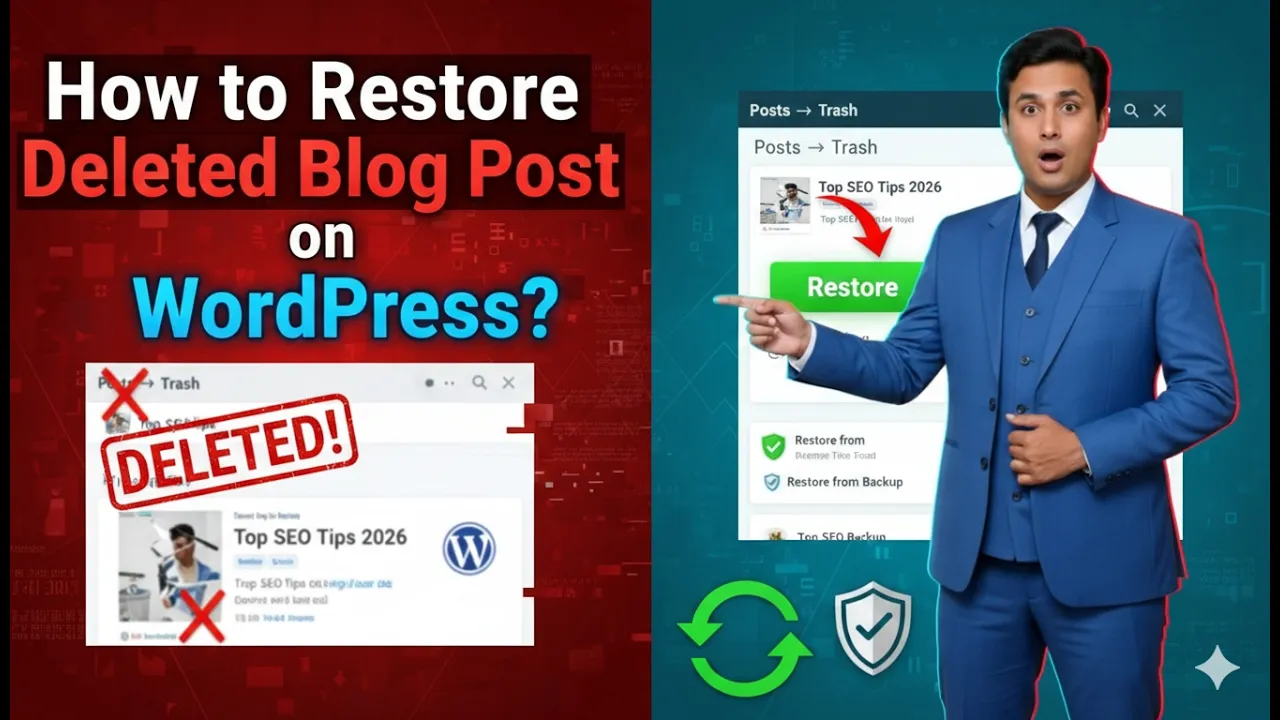
How to Restore Deleted Blog Post on a WordPress Website?
Sometimes blog posts may be deleted accidentally while managing a WordPress website. If a blog post is deleted by mistake, it does not get permanently removed immediately. WordPress keeps deleted blog posts inside the Trash section, allowing users to restore them whenever needed. If you have mistakenly deleted a blog post and want to retrieve […]
How to Write SEO Friendly Blog Post Title in WordPress?
Writing an SEO friendly blog post title is one of the most important steps in blogging. A well-planned blog title helps a post rank in search engines and brings traffic to the website. Many beginners make mistakes while writing blog titles because they write titles based only on their ideas instead of using proper keyword […]
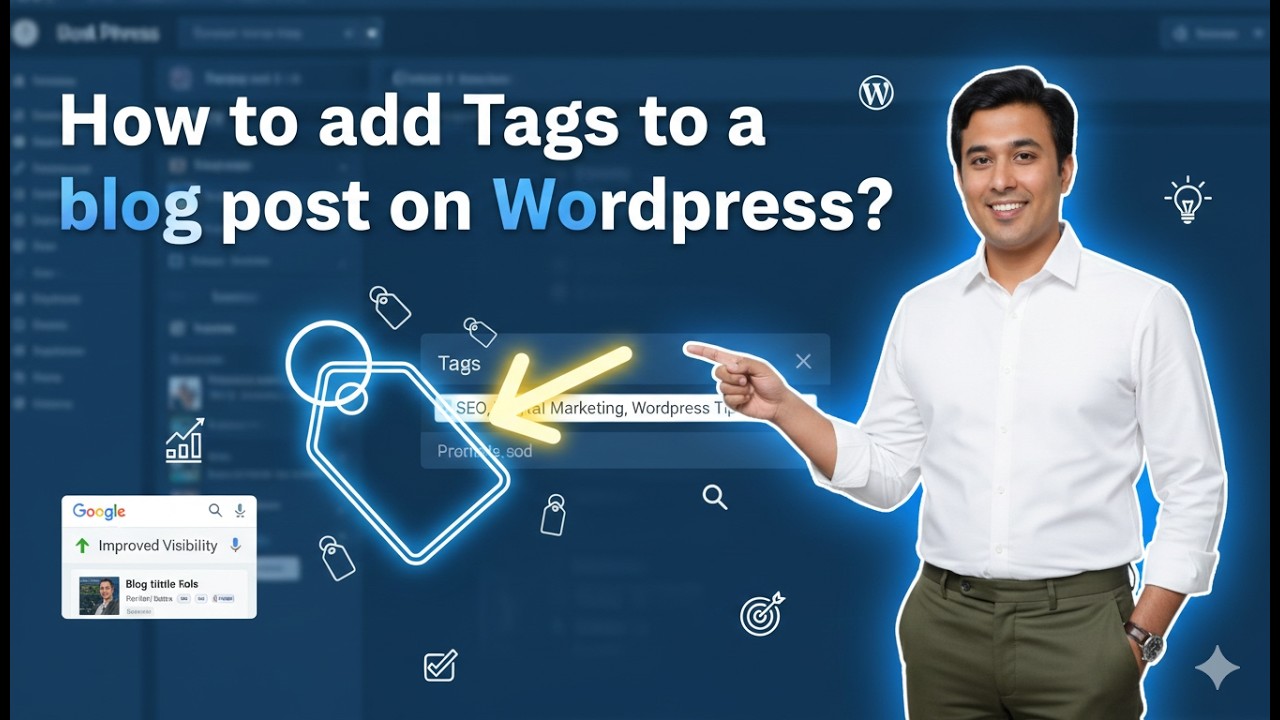
How to Add Tags in a Blog Post on WordPress Website?
Adding tags in a WordPress blog post is an important step while creating content. Tags help organize blog posts and improve the search visibility of your website. Proper use of tags makes it easier for users and search engines to understand the topic of your blog post. In this article, you will learn how to […]
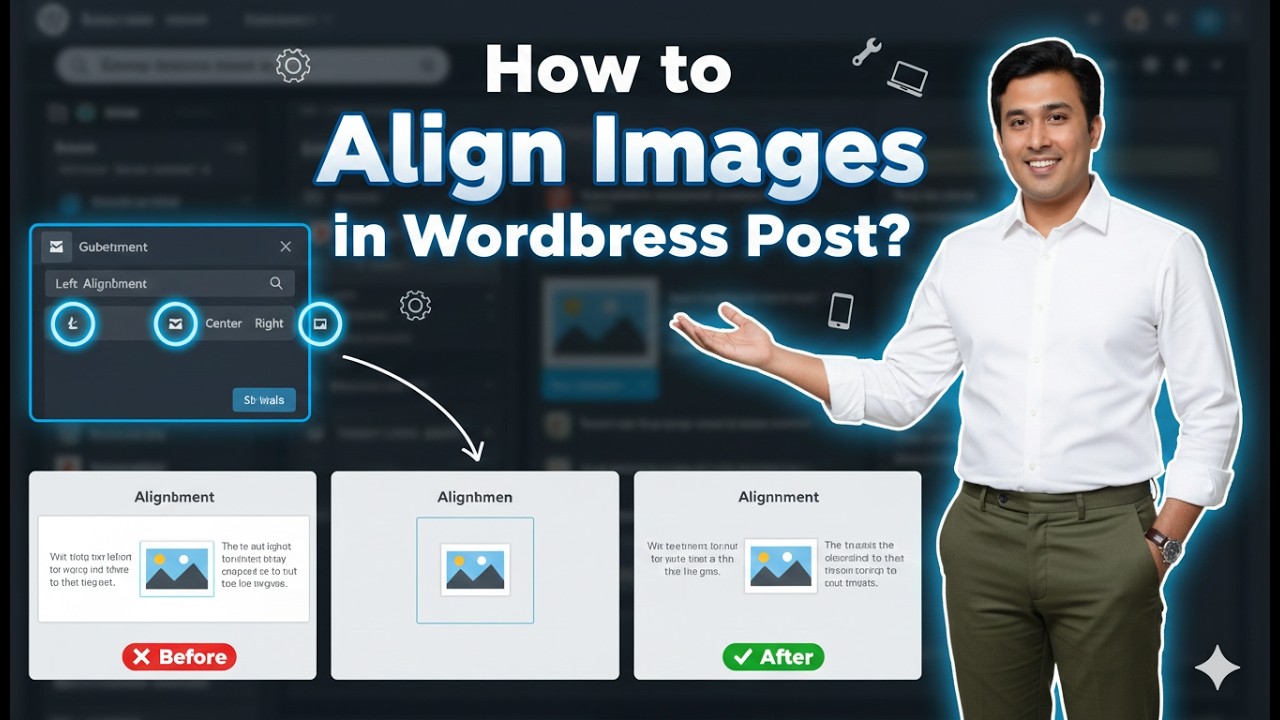
How to Align Images in a WordPress Blog Post?
Aligning images properly in a WordPress blog post helps improve the overall appearance and readability of your content. Proper image alignment makes your blog posts look professional and well-structured. In WordPress, you can easily align images to the left, center, or right using the built-in editor tools. In this article, you will learn how to […]

How to Resize the Images in a WordPress Blog Post?
Resizing images in a WordPress blog post is an important task while creating or editing content. Properly sized images improve the appearance of a blog post and help maintain a clean layout. WordPress provides simple tools that allow you to resize images directly from the editor without using any external software. In this article, you […]
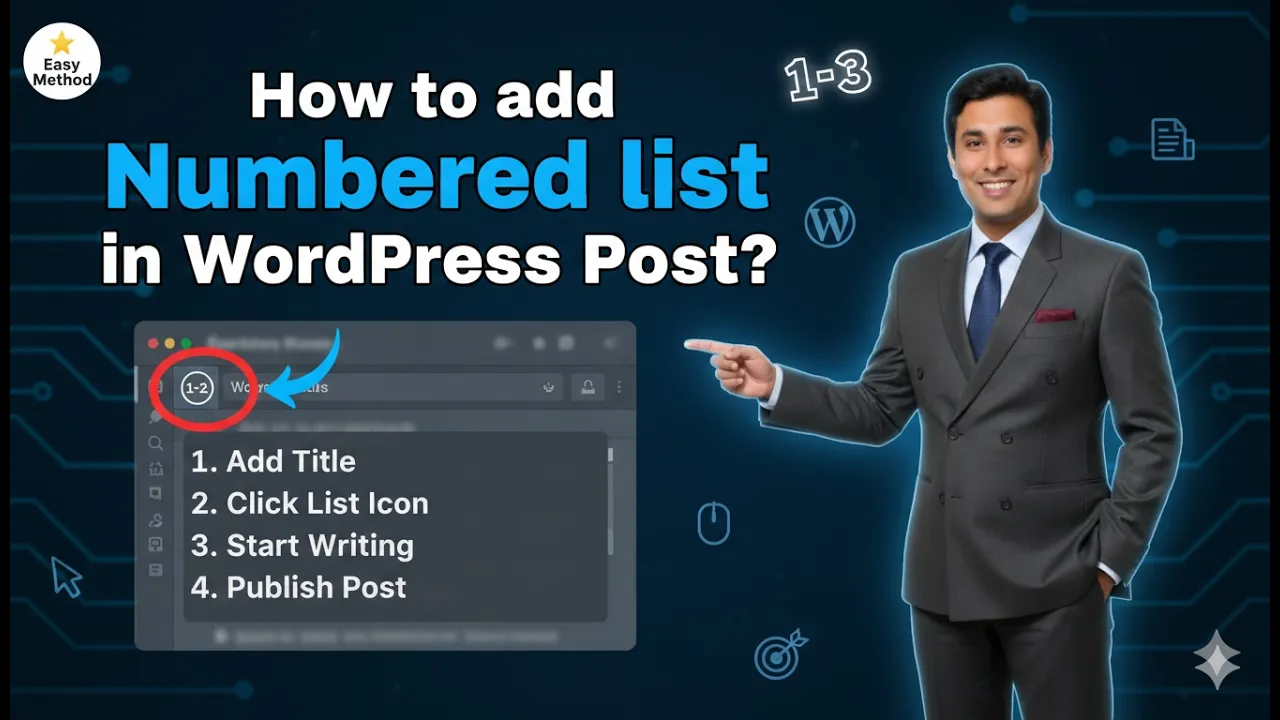
How to Add Number List in a WordPress Post?
Adding a numbered list in a WordPress post helps present information in a clear and organized format. Numbered lists are useful when you want to show steps, sequences, or points in a specific order. Instead of writing long paragraphs, numbered lists make the content easier to read and understand. In this article, you will learn […]
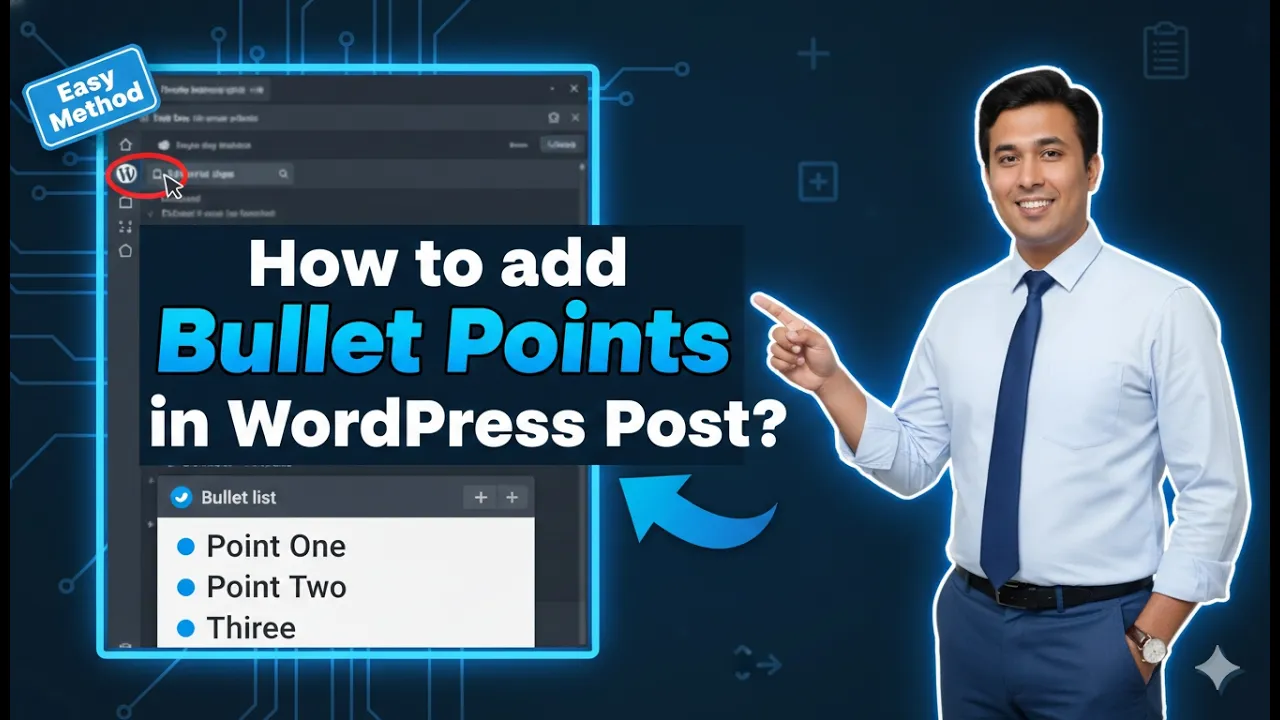
How to Add Bullet Points in a WordPress Blog Post?
Adding bullet points in a WordPress blog post helps organize content in a clear and readable format. Bullet points make it easier for readers to understand important information quickly. Instead of writing everything in long paragraphs, lists help present content in a structured way. In this article, you will learn how to add bullet points […]

How to Change the URL of a Blog Post in a WordPress?
Changing the URL of a blog post in a WordPress website is a simple and straightforward process. In WordPress, the URL of a blog post is controlled by something called a slug. By editing the slug, you can easily update the URL of any blog post. In this article, you will learn two different methods […]

How to Add Alt Text in Images in a WordPress Website?
In this article, you will learn how to add alt text in images in a WordPress website. Adding alt text is a very important part of managing images on a website and it is also helpful for search engine optimization. Alt text can be added using different methods inside WordPress. In this guide, we will […]
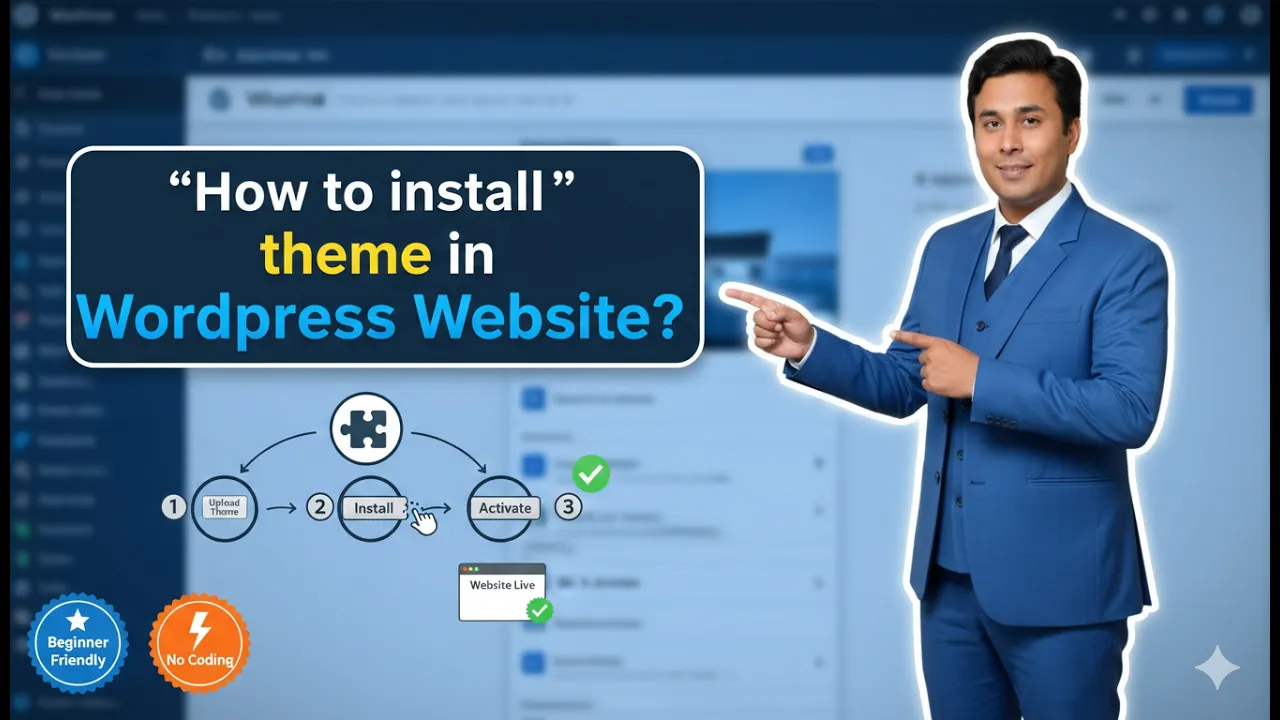
How to Install a Theme in WordPress Website?
In this article, you will learn how to install a theme in a WordPress website step by step. A theme controls the design and layout of your WordPress website. By installing a theme, you can change the appearance of your website and make it suitable for your business or blog. After logging in to your […]