
Wordpress Tutorial
When I first started building websites, WordPress was the platform that helped me understand how websites actually work. However, as a beginner, I found it confusing to understand themes, plugins, pages, posts, and settings. That is exactly why I created this WordPress Tutorial for Beginners category — to help new learners understand WordPress in a simple and practical way.
I am the founder of Digital Bikana, and through my experience in digital marketing and website development, I have built and managed multiple WordPress websites for businesses, blogs, and educational platforms. Over time, I realized that many beginners want to learn WordPress but do not know where to start. My goal with this category is to guide beginners step by step so they can confidently create and manage their own websites.
In this WordPress Tutorial for Beginners section, I explain everything from the basics to practical website building techniques. You will learn how to install WordPress, understand the dashboard, create pages and posts, and organize your website structure. I also explain how to install themes, customize website design, and use plugins to add important features.
One of the most important things I focus on is making WordPress easy to understand. Instead of using complicated technical terms, I explain concepts in simple language so beginners can follow along easily. I also share practical tips that help you avoid common mistakes when creating a website.
WordPress is one of the most widely used website platforms in the world. Millions of businesses, bloggers, and creators use it because it is flexible, customizable, and beginner-friendly. With the right guidance, anyone can learn to build a professional website without needing advanced coding skills.
Through this WordPress Tutorial for Beginners category, my aim is to help students, freelancers, business owners, and digital marketing learners understand how WordPress works and how they can use it to create powerful websites.
If you want to start a blog, build a business website, or learn website designing as a skill, these tutorials will guide you step by step and help you gain confidence in working with WordPress.

How to Login into WordPress Website Admin Dashboard?
In this article, you will learn how to login into your WordPress website admin dashboard step by step. The WordPress admin dashboard is the place where you can manage your website, create pages, publish posts, and customize the design of your website. Before reaching this step, you should have already completed the earlier steps such […]
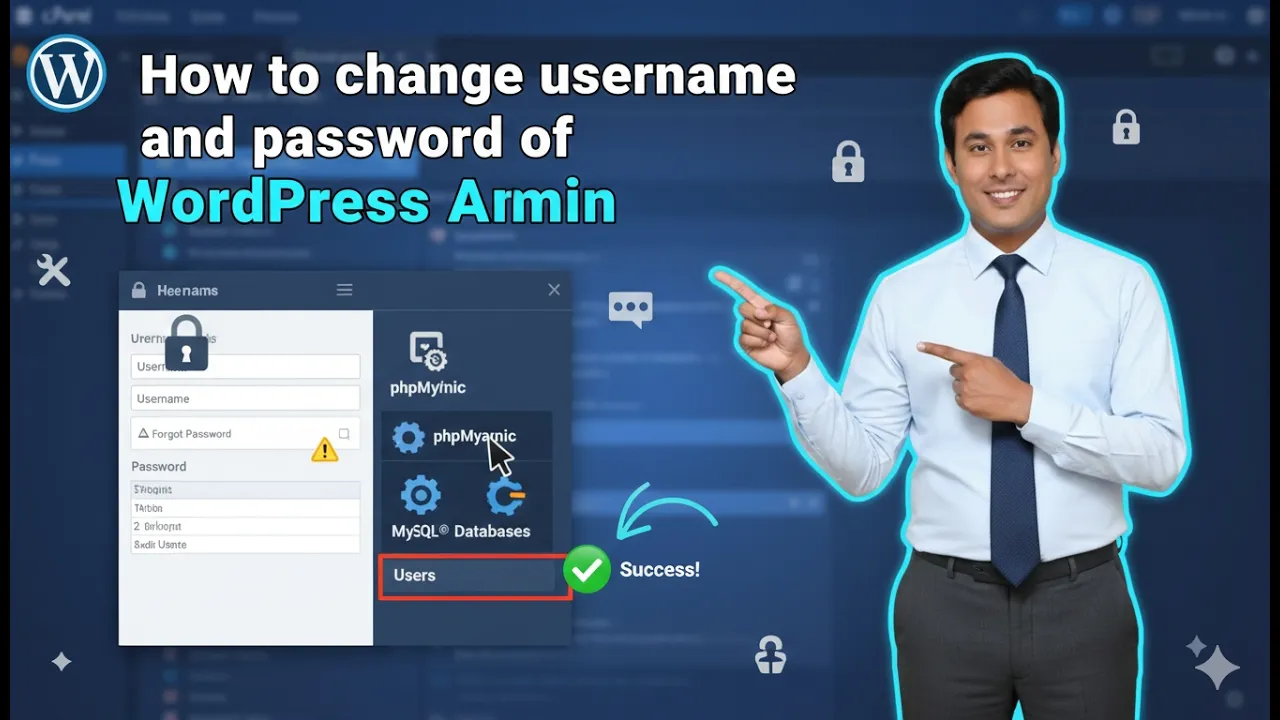
How to Change WordPress Username and Password in cPanel?
In this article, you will learn how to change the WordPress username and password using cPanel. This method allows you to update your WordPress admin login credentials directly from your hosting control panel. If you have access to your hosting account and cPanel, you can easily modify the administrator username, password, and email address. Before […]
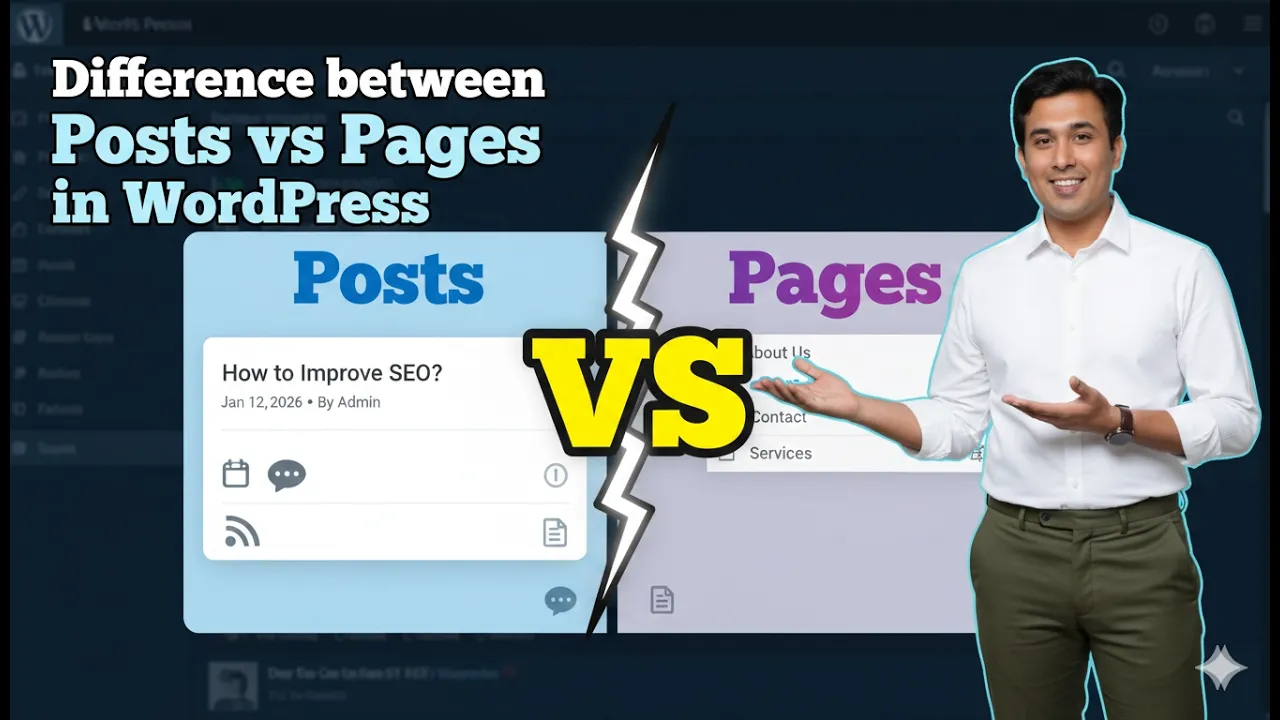
Difference Between Posts and Pages in a WordPress Website
Understanding the difference between posts and pages in a WordPress website is very important for properly managing website content. When you log in to the WordPress admin dashboard, you will notice two separate options in the left menu: Posts and Pages. Both are used to publish content on a website, but they serve completely different […]
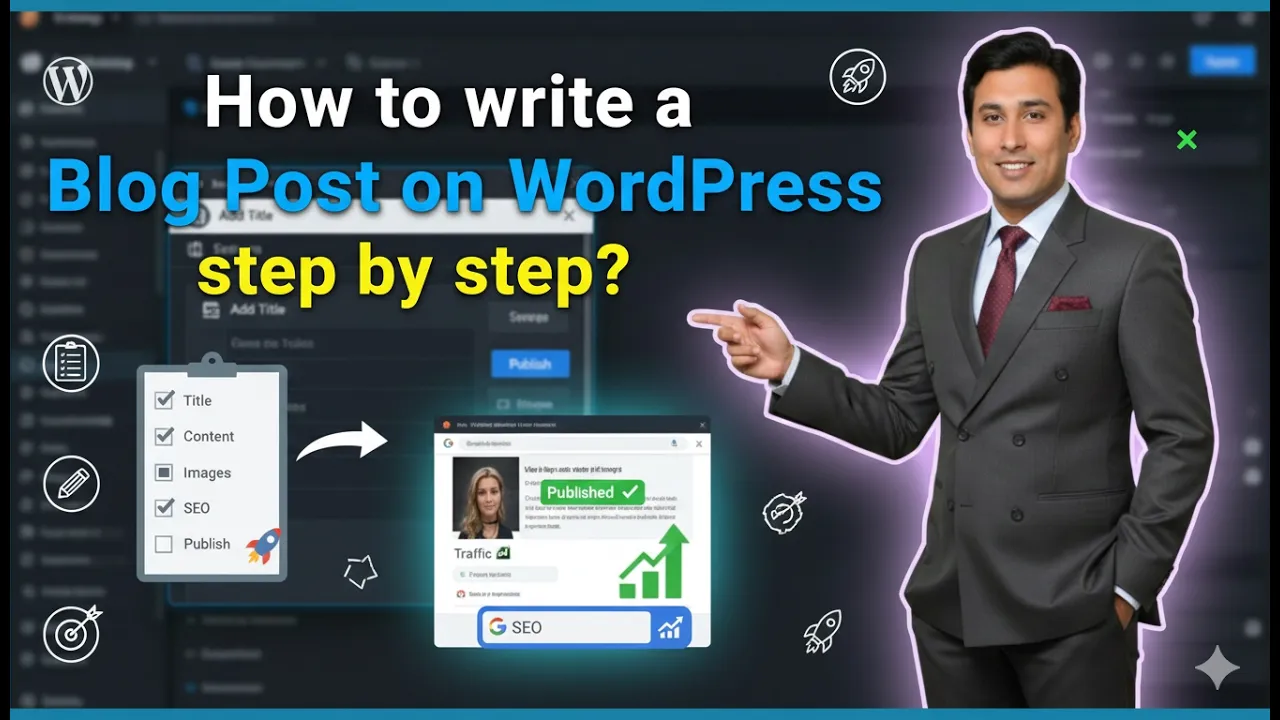
How to Write a Blog Post on WordPress Website?
In this article, you will learn how to write a blog post on a WordPress website step by step. Writing a blog post in WordPress includes entering a title, writing content, formatting headings, adding images and videos, creating categories and tags, and finally publishing the article. As you can see, we are inside the WordPress […]
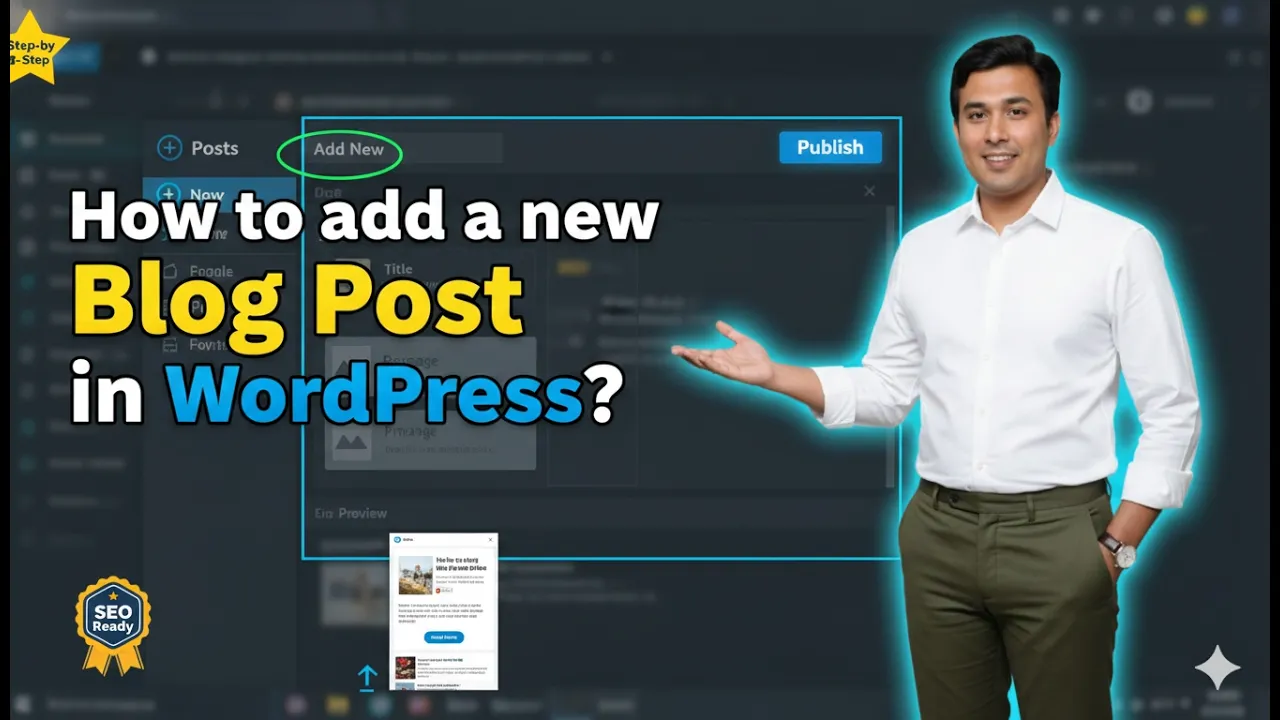
How to add a new Blog Post in WordPress Website?
If you have created a WordPress website and are wondering how you can write a blog post on your website, then it is super easy. In this article, you will learn step by step how to add a new blog post on your WordPress website from the admin dashboard. The process is simple and can […]
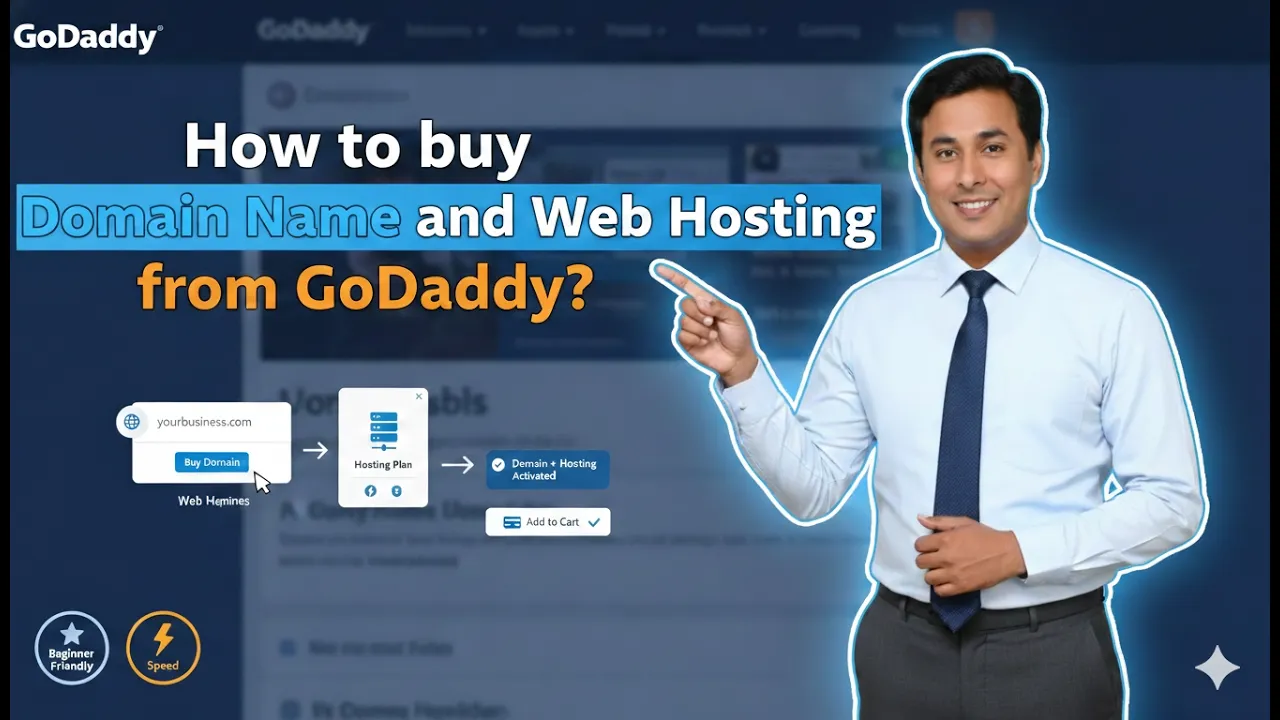
How to buy Domain Name and Web Hosting from GoDaddy?
If you are planning to create a website, the first two things you need are: In this article, we will understand step by step how to purchase a domain name and hosting plan from GoDaddy. We will also understand premium domains, hosting types, and which hosting plan is best for beginners. Let us begin. Step […]
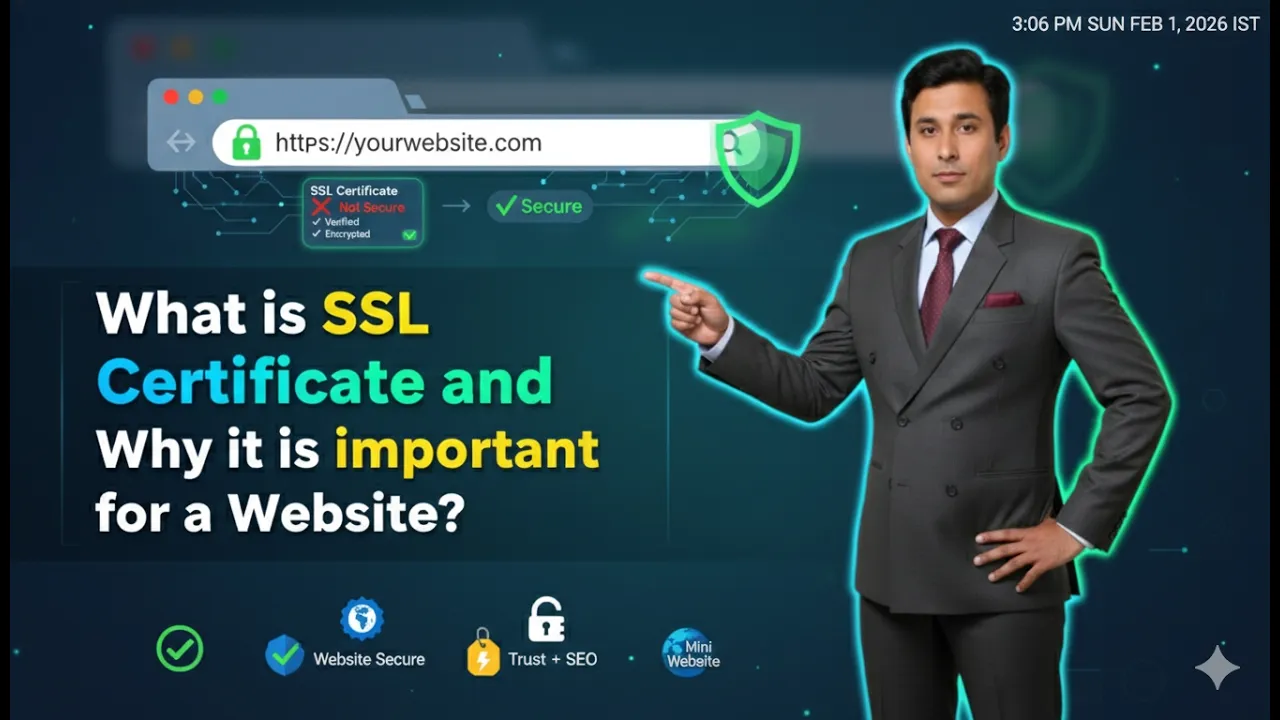
What is SSL Certificate and Why it is important for a Website?
If you are planning to create a website, you may have heard about something called an SSL certificate. Many students ask what SSL certificate means and why it is required for a website. In this article, we will clearly understand: Let us understand everything step by step in simple language. What Does SSL Stand For? […]
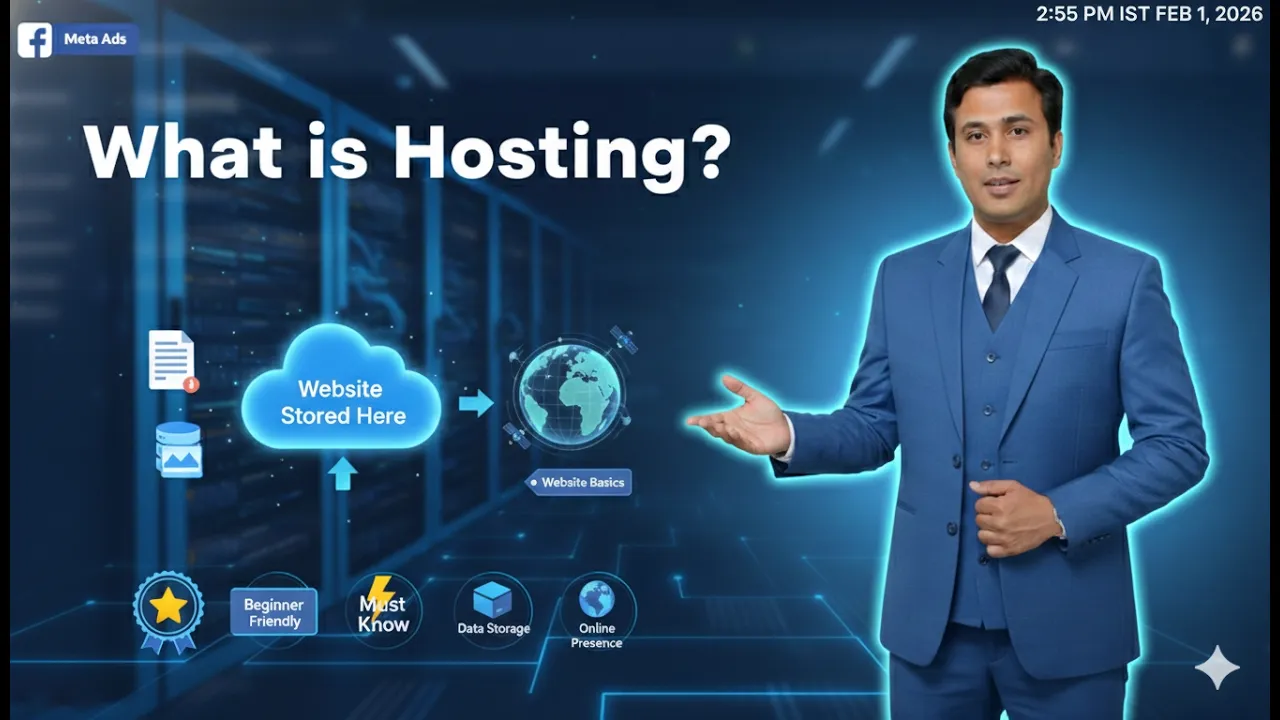
What is Hosting and How does it work?
If you are planning to create a website, you probably already know what a domain name is. But having a domain name alone is not enough to build a website. There is another very important element required to make your website accessible on the internet. That element is called hosting. In this article, we will […]
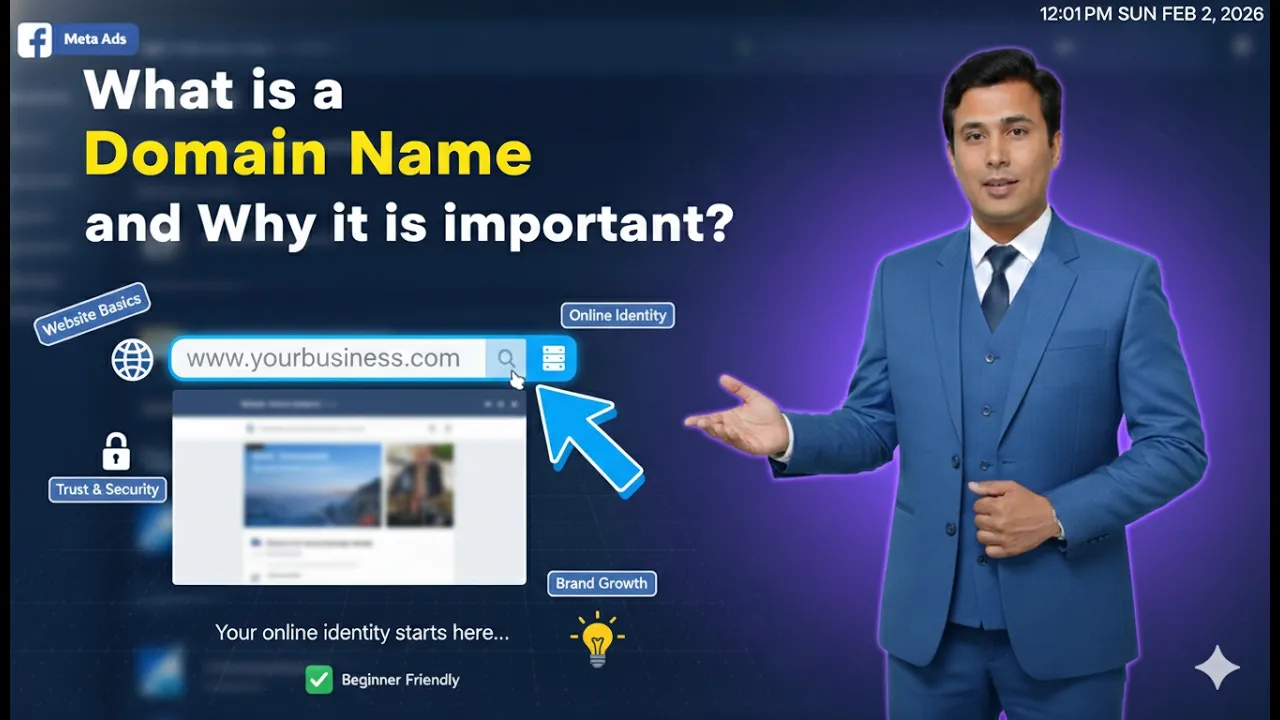
What is a Domain Name and Why it is important?
Whenever we open a website, we type something in the browser’s URL bar and press Enter. Within seconds, the website appears in front of us. But have you ever wondered what that typed address is called? That address is known as a domain name. In this article, we will clearly understand: Let us begin with […]