Many advertisers and students often get confused when they hear the term dynamic custom audience in Facebook Ads Manager. While most people are familiar with custom audiences, they are not always aware that custom audiences are categorized into different types.
In this article, we will clearly explain what a dynamic custom audience is in Facebook Ads Manager, how it works, and how it is different from a static custom audience. This explanation is based completely on practical understanding and real usage inside Facebook Ads Manager.
Understanding Custom Audiences in Facebook Ads Manager
Before understanding dynamic custom audiences, it is important to understand what a custom audience is.
A custom audience is an audience created using existing data. This data comes from people who have already interacted with your business in some way. These interactions can happen through different platforms such as Facebook, Instagram, or your website.
Facebook custom audiences are mainly divided into two types:
- Static custom audience
- Dynamic custom audience
Understanding the difference between these two is essential for effective ad targeting.
Types of Facebook Custom Audiences
Static Custom Audience
A static custom audience is an audience that does not update automatically. It remains fixed unless manually changed by the advertiser.
Dynamic Custom Audience
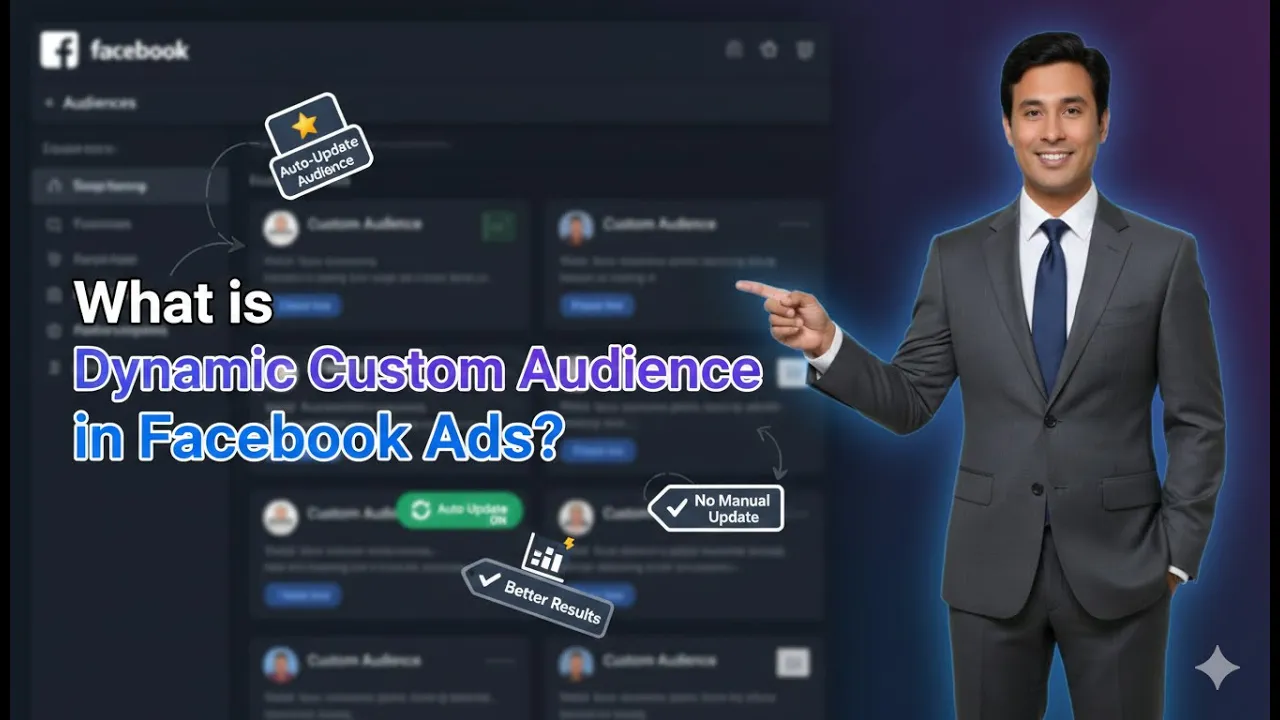
A dynamic custom audience is an audience that updates automatically over time. New users keep getting added to this audience based on predefined activity or engagement rules.
What is a Dynamic Custom Audience in Facebook Ads Manager?
A dynamic custom audience is an audience that keeps updating automatically. New users continuously become part of this audience whenever they meet certain conditions.
This means that as people interact with your content or website, they are automatically added to the custom audience without any manual action.
This automatic update process is what makes the audience dynamic.
How Dynamic Custom Audience Works
Dynamic custom audiences are created using engagement-based or behavior-based data sources.
Whenever a user performs a specific action, they automatically become part of the audience. Over time, as more users perform these actions, the audience size keeps growing.
This process happens continuously and does not require manual uploads.
Sources of Dynamic Custom Audience
Dynamic custom audiences can be created from multiple sources.
Facebook Page Engagement
If users interact with your Facebook page by liking, commenting, sharing, or engaging with posts, they automatically become part of the custom audience.
This audience keeps updating as more users interact with the page.
Instagram Profile Engagement
When users interact with your Instagram profile, such as visiting the profile, liking posts, or engaging with content, they automatically get added to the custom audience.
This engagement-based audience grows organically over time.
Website Visitors
Website visitor custom audiences are created using Meta Pixel.
Whenever someone visits your website, they are tracked and automatically added to the custom audience. As more visitors come to the website, the audience keeps updating.
Video Views
Another example of a dynamic custom audience is video views.
When users watch your video for a specific duration, they automatically become part of the custom audience. As videos get more views, the audience keeps growing.
Automatic Nature of Dynamic Custom Audiences
The key characteristic of a dynamic custom audience is automatic updating.
Why It Is Called Dynamic
The audience is called dynamic because:
- New users are added automatically
- No manual upload is required
- Audience size changes frequently
This makes dynamic custom audiences very useful for ongoing campaigns.
Role of Meta Pixel in Dynamic Custom Audience
Dynamic custom audiences often rely on Meta Pixel.
The Meta Pixel tracks user behavior such as:
- Website visits
- Page views
- Engagement actions
As users perform these actions, they are automatically included in the custom audience.
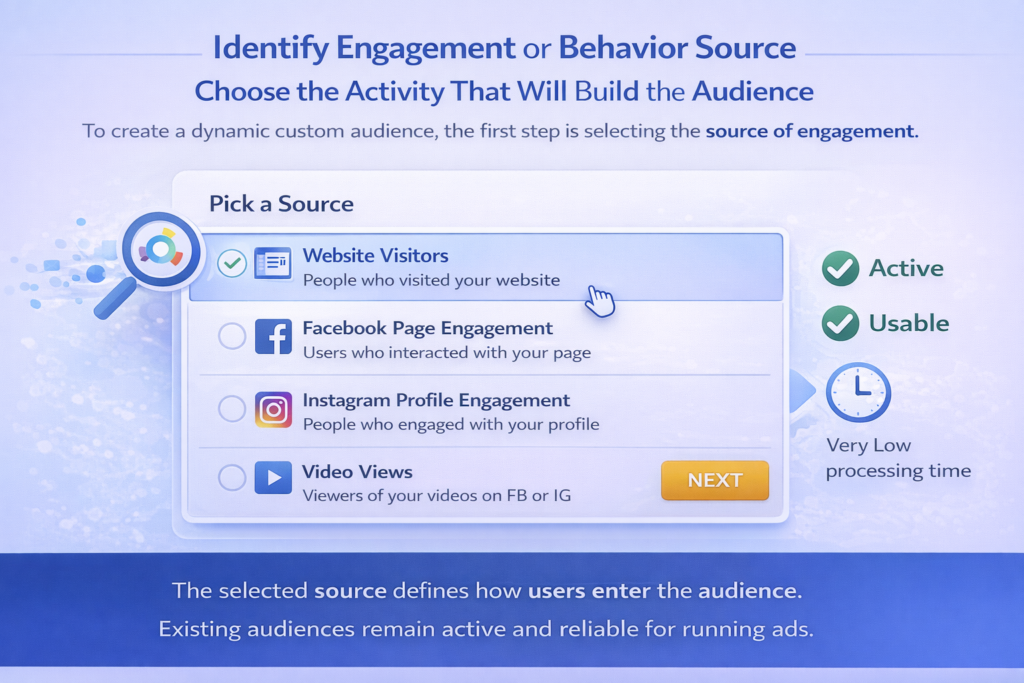
Step 1: Identify Engagement or Behavior Source
Choose the Activity That Will Build the Audience
To create a dynamic custom audience, the first step is selecting the source of engagement.
This source could be:
- Website visitors
- Facebook page engagement
- Instagram profile engagement
- Video views
The selected source defines how users enter the audience.
Step 2: Allow Automatic Audience Growth
Let Users Enter the Audience Automatically
Once the dynamic custom audience is created, it starts collecting users automatically.
As people continue interacting with your content or website, they keep getting added without manual intervention.
This automatic process continues as long as engagement or traffic exists.

What Is a Static Custom Audience?
A static custom audience is completely different from a dynamic custom audience.
This type of audience does not update automatically. It remains unchanged unless manually updated by the advertiser.
How Static Custom Audience Is Created
Static custom audiences are usually created by uploading customer data manually.
Email List Upload
If you upload an email list to create a custom audience, it becomes static.
Only the emails that are uploaded initially are included in the audience.
Phone Number List Upload
Similarly, if you upload a phone number list, the custom audience includes only those phone numbers.
Unless new numbers are added manually, the audience does not grow.
Step 3: Manual Upload for Static Custom Audience
Add Data Manually to Update Audience
To update a static custom audience, you must manually upload new data.
If no new data is uploaded:
- Audience size remains fixed
- No automatic updates occur
This manual dependency is the main limitation of static custom audiences.

Difference Between Dynamic and Static Custom Audiences
Update Method
- Dynamic custom audience updates automatically
- Static custom audience requires manual updates
Data Source
- Dynamic custom audience uses engagement or behavior
- Static custom audience uses uploaded lists
Audience Growth
- Dynamic audience grows continuously
- Static audience grows only when manually updated
Why Dynamic Custom Audience Updates Automatically
Dynamic custom audiences update automatically because they are linked to live data sources.
As users interact with:
- Facebook pages
- Instagram profiles
- Videos
- Websites
They are automatically added to the audience.
This automation eliminates the need for manual uploads.
Step 4: Understand When to Use Dynamic Custom Audience
Use for Continuous Engagement Tracking
Dynamic custom audiences are ideal when:
- Engagement happens regularly
- Traffic is ongoing
- Content is updated frequently
They are best suited for businesses with consistent online activity.

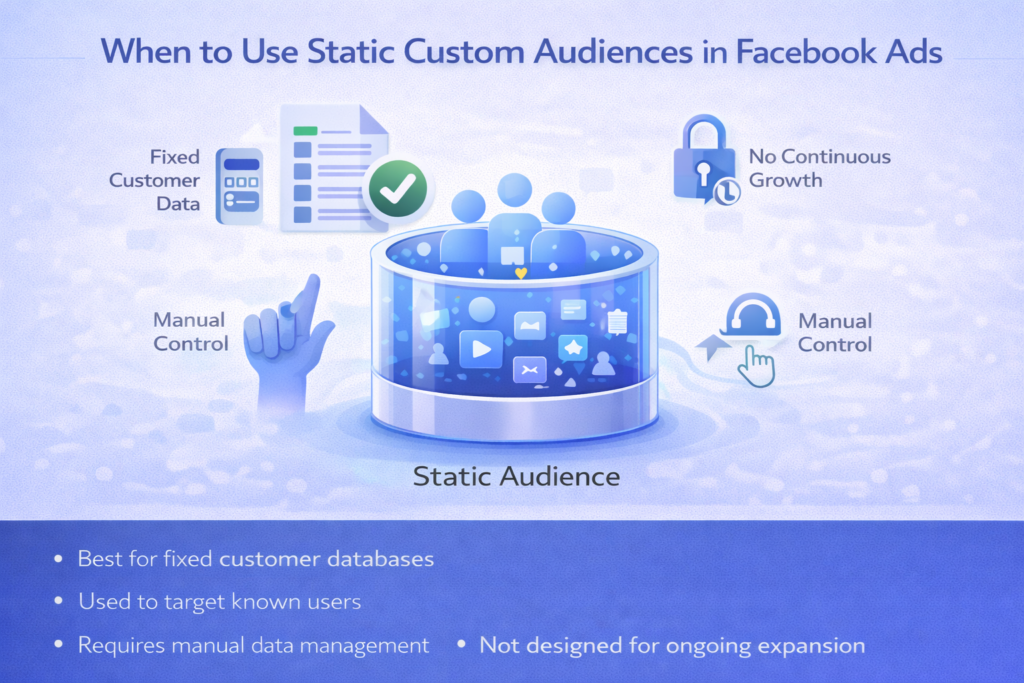
Step 5: Understand When Static Custom Audience Is Used
Use for Fixed Customer Lists
Static custom audiences are useful when:
- You have a fixed customer database
- You want to target specific known users
- You control data manually
These audiences are not meant for continuous growth.
Key Advantage of Dynamic Custom Audience
The biggest advantage of a dynamic custom audience is automation.
Advertisers do not need to worry about adding users manually. The system continuously updates the audience based on real user behavior.
This ensures that the audience remains fresh and relevant.
Limitations of Static Custom Audience
Static custom audiences require constant manual effort.
If the advertiser forgets to update the list:
- Audience becomes outdated
- New potential users are missed
- Targeting effectiveness reduces
This makes static audiences less flexible.
Practical Understanding of Both Audience Types
Dynamic custom audiences are better suited for:
- Retargeting campaigns
- Engagement-based ads
- Website visitor targeting
Static custom audiences are better suited for:
- Customer list targeting
- Email or phone-based outreach
- One-time campaigns
Final Explanation in Simple Terms
A dynamic custom audience automatically adds new users based on activity.
A static custom audience stays the same until manually updated.
This simple difference defines how both audience types function.
Final Conclusion
Dynamic custom audiences in Facebook Ads Manager are audiences that update automatically as users interact with your Facebook page, Instagram profile, videos, or website. These audiences continuously grow without manual effort, making them highly effective for ongoing ad campaigns.
On the other hand, static custom audiences are created using manually uploaded email or phone number lists. These audiences do not update automatically and require manual uploads to grow.
Understanding the difference between dynamic and static custom audiences helps advertisers choose the right audience type based on their campaign goals and data availability.

Related Posts