
Meta Pixel Tutorial For Beginners
This Meta Pixel Tutorial for Beginners category is designed to help learners understand how the Meta Pixel works and how it can be used to track website activity for better advertising results. Meta Pixel is a powerful tracking tool used with Meta Ads that helps businesses measure user actions on their website, optimize ad campaigns, and improve conversion performance.
I am the founder of Digital Bikana, and through my experience in digital marketing and campaign management, I have worked with Meta Ads and tracking tools to analyze user behavior and improve ad performance. Many beginners run Facebook or Instagram ads but often do not install the Meta Pixel properly, which means they miss valuable data about their website visitors. This category is created to explain Meta Pixel step by step in a simple and beginner-friendly way.
In this section, I explain what Meta Pixel is and why it is important for digital advertising. The Meta Pixel is a small piece of code that is added to a website to track actions such as page views, purchases, form submissions, and other user activities. This data helps advertisers understand how people interact with their website after clicking an ad.
The tutorials also explain how to create a Meta Pixel inside Meta Events Manager and how to install it on a website. You will learn how to add the pixel to platforms like WordPress, Shopify, or other websites so that tracking starts working properly.
Another important concept covered in this category is event tracking. Events help track specific actions such as Add to Cart, Purchase, Lead, or View Content. By tracking these events, advertisers can measure campaign performance and optimize ads for better results.
You will also learn how Meta Pixel helps with conversion tracking, retargeting, and audience creation. Businesses can show ads again to people who visited their website, interacted with products, or performed specific actions.
The goal of this Meta Pixel Tutorial for Beginners category is to simplify tracking and help beginners understand how data improves advertising performance. Whether you are a student, digital marketer, or business owner, these tutorials will guide you step by step to install and use Meta Pixel effectively for better ad optimization.

Why My Custom Audience Facebook Ad is not Running?
One of the most frequently asked questions by advertisers is why their Facebook ad campaign is not running when they target a custom audience. Many advertisers create a custom audience, launch a campaign, and then notice that the ad does not deliver at all. This situation can be confusing, especially when everything appears to be […]
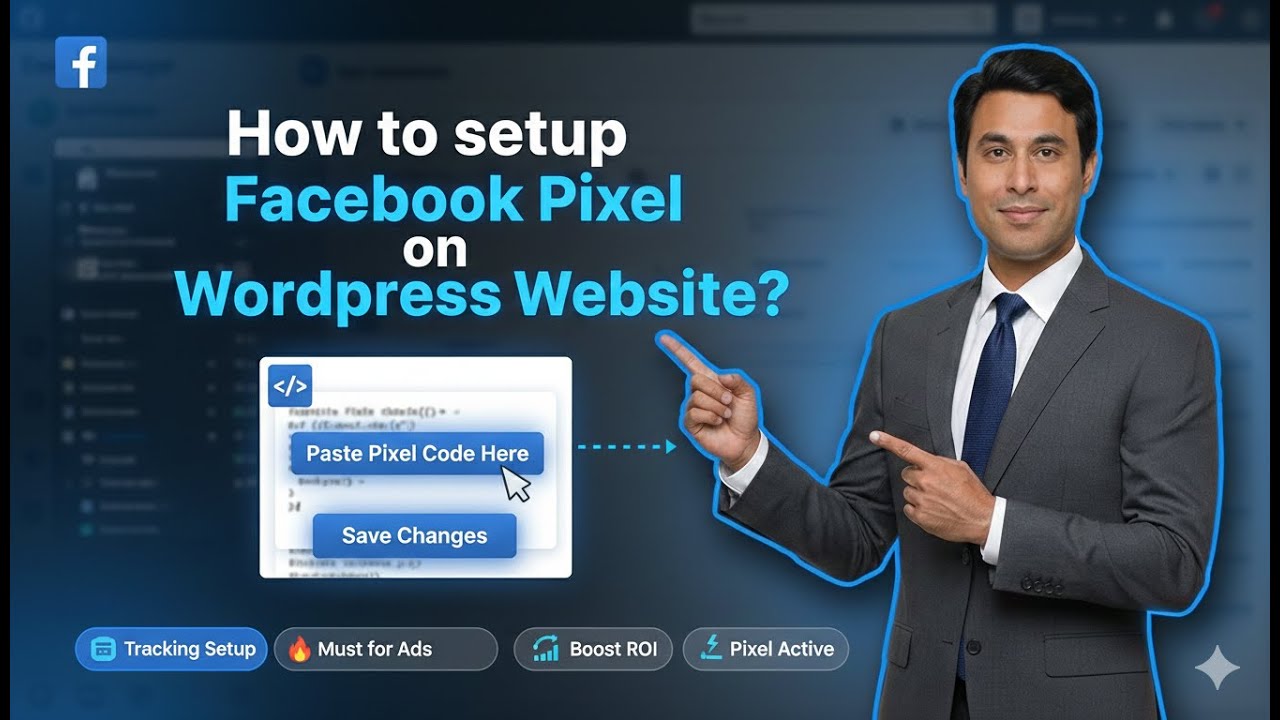
How to Add Meta Pixel Code in WordPress Header Section?
In this article, we will learn how to add the Facebook Pixel, also known as the Meta Pixel, to a WordPress website using the header section. The Meta Pixel is a crucial tool for tracking website visitors, understanding their behavior, and creating custom audiences for Facebook and Instagram ads. This guide explains the complete process […]
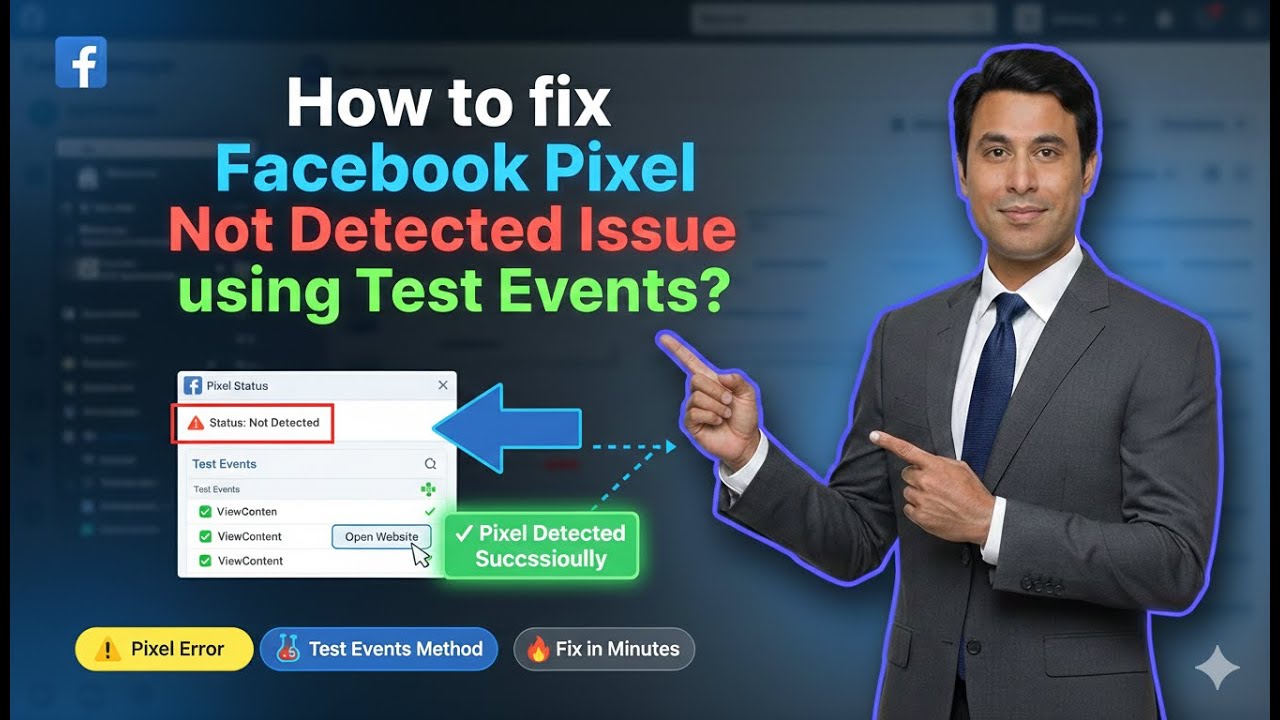
How to fix Facebook Pixel Not Detected Issue using Test Events?
In this article, we are going to discuss a very important issue that many advertisers face while working with Facebook Ads. This problem usually occurs after generating a Meta Pixel (Facebook Pixel) code and adding it to the website header, but while creating a custom audience, Facebook Ads Manager still shows an error. This error […]

How to Connect Facebook Pixel With Your Ad Account?
In this article, we are going to learn how to connect Facebook Pixel (Meta Pixel) with your Meta ad account or Facebook ad account. Connecting the Meta Pixel with your ad account is a very important step if you want to track website visitors properly and use that data for running ad campaigns. Many users […]

How to Generate Meta Pixel Code in Events Manager?
In this article, we are going to learn how to generate Meta Pixel code in Events Manager. Meta Pixel is required when you want to track website visitors and create custom audiences using the website as a source. Meta Pixel is created inside the Events Manager, which can be accessed either through Ads Manager or […]