In this article we are going to discuss what a custom audience is in Facebook ads in detail. When running Facebook ad campaigns, targeting the right audience is one of the most important factors for success. Meta provides different types of audiences to advertisers so they can reach people effectively. Among these audience types, custom audience plays a very important role because it allows advertisers to reconnect with people who have already shown interest in their business, product, or service.
Audience Types Available in Facebook Ads
When you open the audience section inside Meta Ads Manager, you will see that Meta provides three types of audiences.
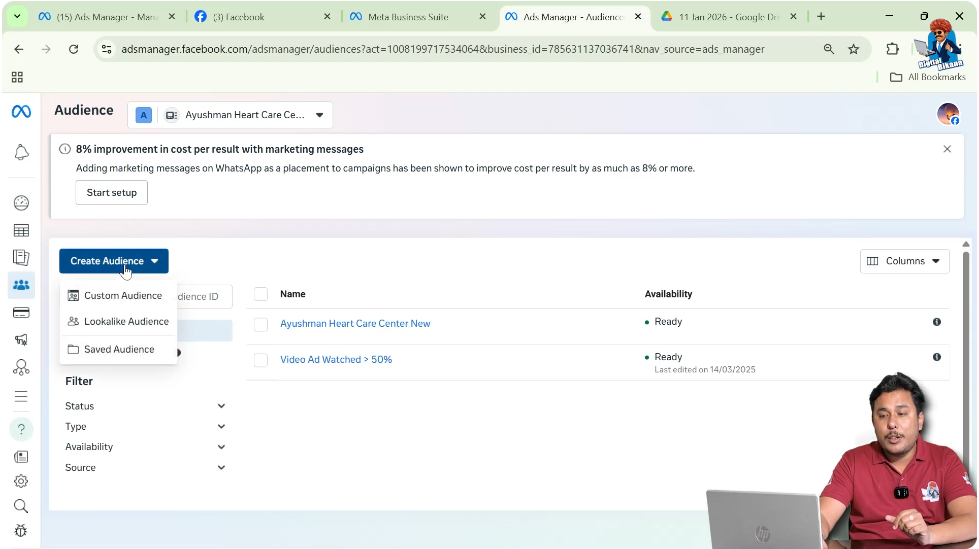
Types of Audiences
- Custom Audience
- Lookalike Audience
- Saved Audience
Among these three, this article focuses only on custom audience.
What Is a Custom Audience?
A custom audience is an audience created from people who have already shown interest in your business, product, or service.
In simple terms, a custom audience includes users on Meta platforms who have already interacted with your business in some way. These users are not new users. They already know your brand or have taken some action related to it.
Purpose of Custom Audience
The main purpose of a custom audience is to reconnect with interested users.
These users may have:
- Visited your website
- Watched your videos
- Interacted with your Facebook page or Instagram account
- Clicked on your ads
- Filled or opened your lead forms
- Purchased or considered purchasing your products
Custom audience helps advertisers target these users again with relevant ads.
Where Custom Audience Is Created
Whenever you click on the Create Audience button inside Ads Manager, three audience options are displayed. One of these options is Custom Audience.
By selecting this option, you can create audiences based on different sources.
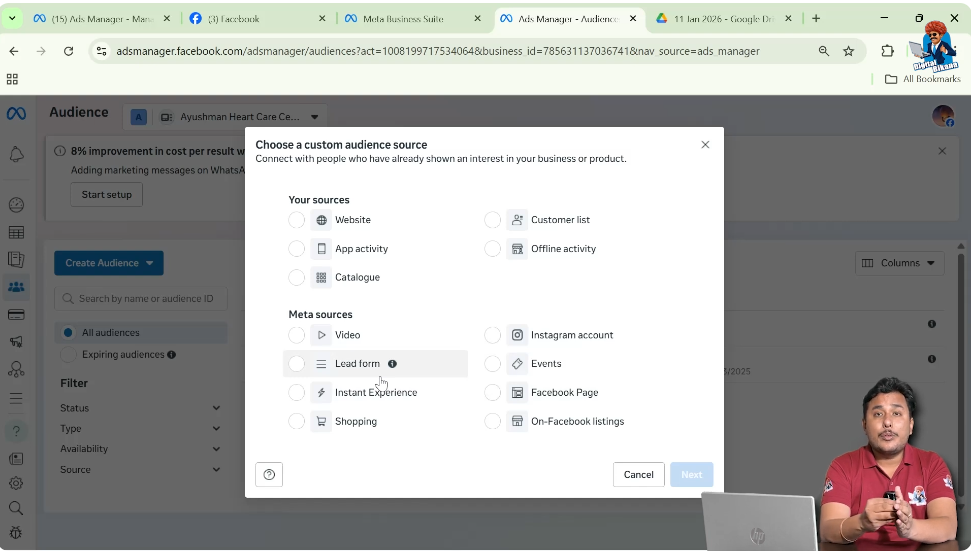
Sources Used to Create Custom Audience
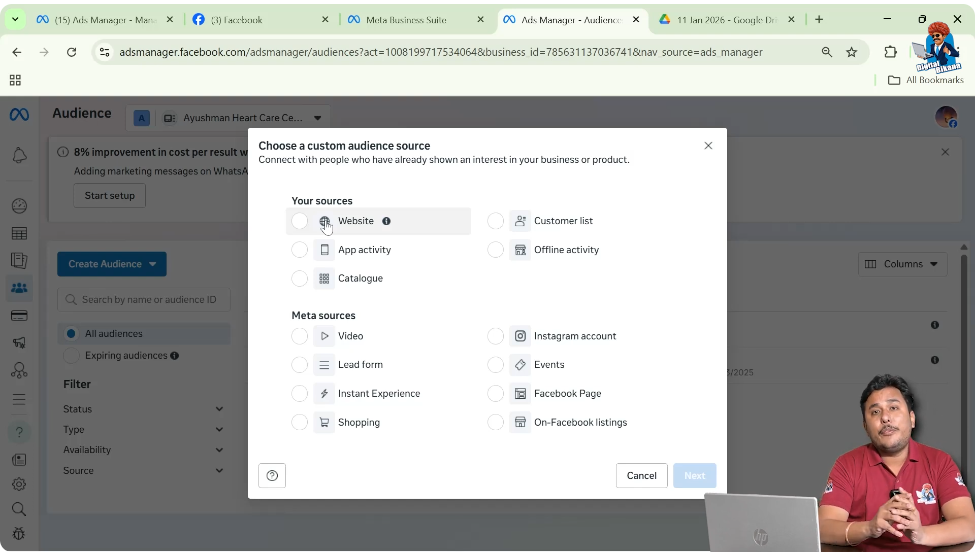
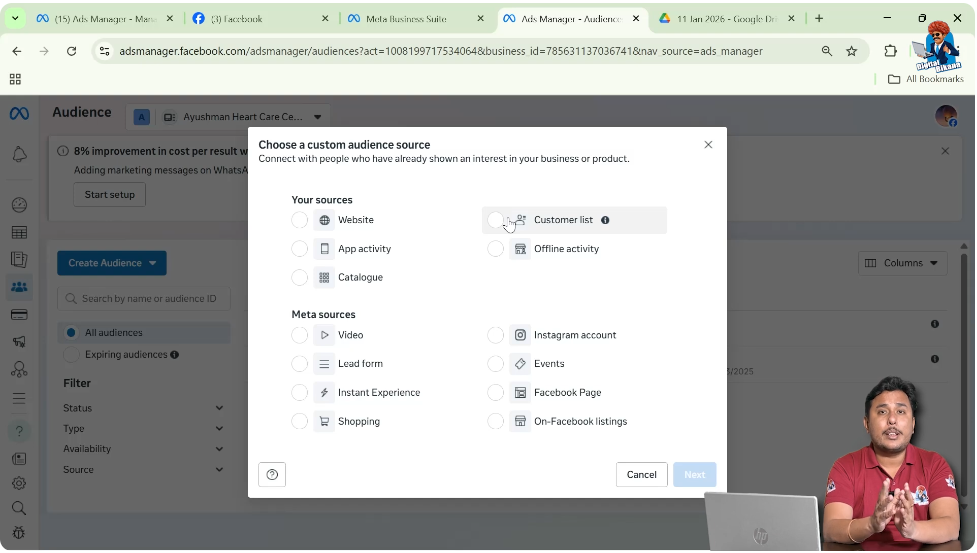
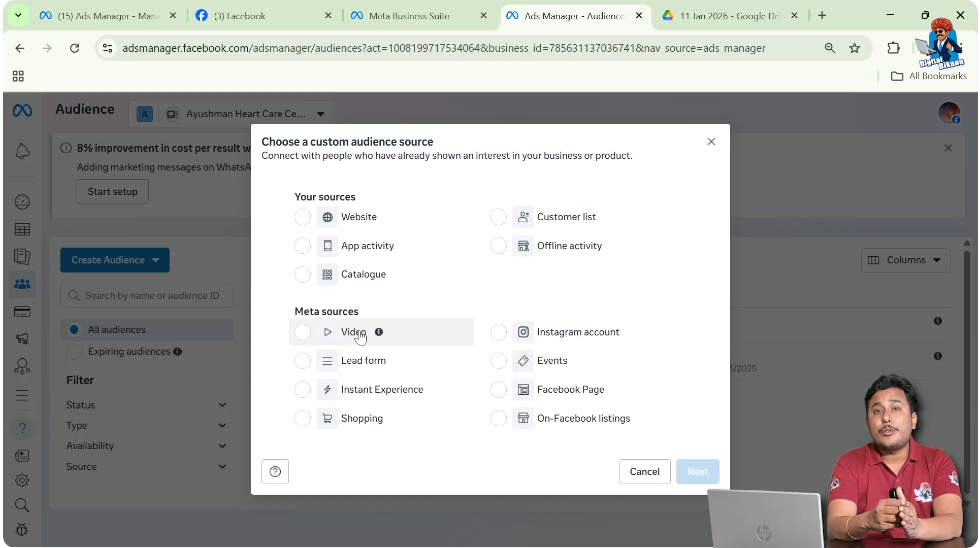
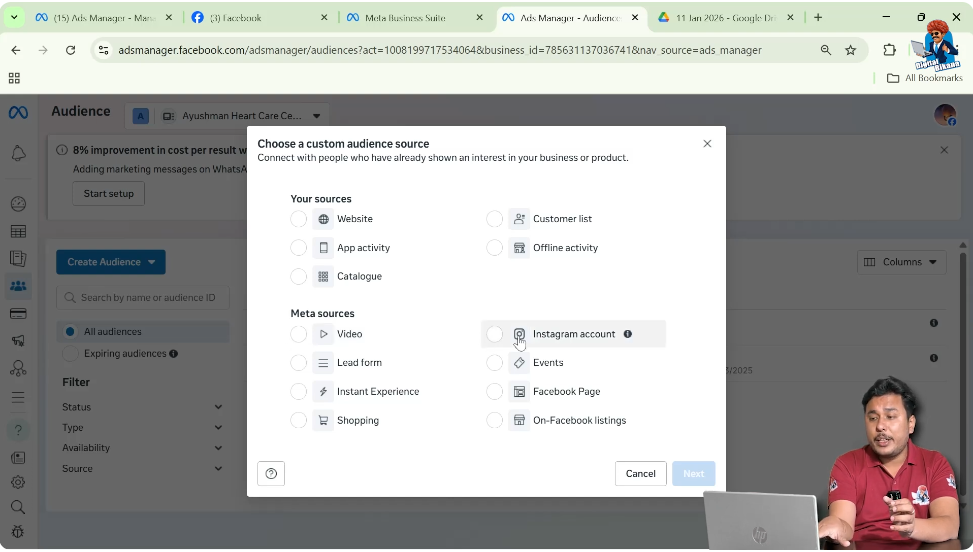
Custom audiences can be created using different sources, such as:
- Website
- Customer list
- Video
- Facebook page
- Instagram account
- Lead form
Each source allows advertisers to target users based on specific interactions.
Creating Custom Audience Using Website Source
Step 1: Run a Website Traffic Ad Campaign
To create a website-based custom audience, first you must run an ad campaign that sends users to your website.
For example, you may run a traffic ad campaign using a saved audience with detailed targeting.
Step 2: Users Click the Visit Website CTA
Under your ad creative, there is a CTA button such as Visit Website.
When users click on this button, they land on your website.
Step 3: Website Visitor Behavior
Suppose 5,000 users visited your website through this ad campaign.
It is very common that not all users purchase your product or service.
Users may visit different pages such as:
- Homepage
- Product category page
- Product page
- Cart page
- Checkout page
- Payment gateway page
- Order confirmation page
At each stage, some users drop off.
Understanding Website Drop-Off Funnel
On the homepage, you usually receive the maximum number of users.
As users move forward:
- Fewer users reach product pages
- Even fewer add products to the cart
- Very few reach checkout
- Only a small number complete the purchase
This drop-off is a natural behavior on websites.
Retargeting Specific Website Visitors
Now suppose you want to show ads only to users who visited a specific product page.
Example: Product Page Retargeting
For example, you are selling 10 sweets and you want to target users who visited the Rasgulla page.
You can create a custom audience using the website source and select users who visited only the Rasgulla page.
Step 4: Use This Custom Audience in a New Campaign
In your second ad campaign, you can create attractive ad creatives specifically for Rasgulla and show them only to those users who visited that page but did not purchase.
Creating Multiple Website-Based Custom Audiences
In a similar way, you can create:
- Separate custom audiences for different product pages
- Multiple ad sets or campaigns targeting different page visitors
This allows you to show ads based on user interest.
Goal of Website-Based Custom Audience
The goal is conversion.
By showing relevant ads to users based on the pages they visited, you increase the chances of converting them into customers.
Creating Custom Audience Using Customer List
Another method of creating a custom audience is using a customer list.
Step 1: Prepare Customer Data
If you have a list of regular customers with their:
- Mobile numbers
- Email IDs
You can create a CSV or Excel file.
Step 2: Upload Customer List
You can upload this CSV file while creating a custom audience using the customer list option.
Step 3: Meta Matches User Data
Meta matches the uploaded mobile numbers and email IDs with Facebook or Instagram accounts.
If users used the same details to create their accounts, Meta identifies them.
Step 4: Show Ads to Matched Users
You can then show ads directly to these users.
This allows you to reconnect with existing customers.
Creating Custom Audience Using Video Source
You can also create a custom audience using video as the source.
Step 1: Run a Video Ad Campaign
Suppose you run a video ad campaign on a saved audience and show the ad to one lakh users.
Step 2: Video Watch Behavior
If the video duration is one minute:
- Not all users will watch the full video
- Some may watch 15 seconds
- Some may watch 30 seconds
- Some may watch 45 seconds
- Very few may watch the full video
Step 3: Create Audience Based on Video Duration
Now suppose you want to target users who watched at least 45 seconds of your video.
You can create a custom audience based on video interaction.
Step 4: Retarget High-Interest Viewers
You can show your next ad campaign only to users who watched most of the video, as they showed higher interest.
Creating Custom Audience Using Facebook Page and Instagram Account
Custom audiences can also be created using engagement on your Facebook page or Instagram account.
Types of Engagement Considered
You can target users who have:
- Followed your page or account
- Visited your Facebook page or Instagram profile
- Liked any post, video, or ad
- Commented on content
- Shared posts
Purpose of Page and Profile Engagement Audience
These users already interacted with your brand content.
Creating a custom audience from them helps you retarget engaged users.
Creating Custom Audience Using Lead Form
Another important source for creating a custom audience is the lead form.
Step 1: Run a Lead Generation Campaign
Suppose you run an ad campaign with the leads objective.
Under the ad creative, there is a CTA button that opens an instant lead form.
Step 2: Lead Form Interaction Behavior
Suppose you showed the ad to one lakh users.
Out of these:
- Around 2,000 users clicked the CTA button
- Only around 400–500 users submitted the form
- Around 1,600 users opened the form but did not submit it
Step 3: Create Custom Audience From Lead Form Users
You can create a custom audience of:
- Users who opened the form but did not submit
- Users who submitted the form
Step 4: Retarget Interested Users
These users showed interest by clicking the CTA button.
You can retarget them with different ad creatives to convince them again.
Purpose of Lead Form Custom Audience
The purpose is retargeting.
Since these users already showed interest, they are more likely to convert when shown relevant ads again.
Final Understanding of Custom Audience
A custom audience is an audience created from users who have already interacted with your business.
These interactions can be through:
- Website visits
- Customer lists
- Video views
- Facebook page or Instagram engagement
- Lead form interactions
Custom audiences help advertisers retarget interested users and increase conversions.
Final Conclusion
Custom audience in Facebook ads allows advertisers to connect again with users who have already shown interest in their business, product, or service.
By creating custom audiences using different sources such as website, customer list, video, social media engagement, and lead forms, advertisers can show highly relevant ads to interested users and improve conversion chances.

Related Posts