
Whatsapp Marketing Tutorial

How to Add GST Details in WhatsApp Business API Billing?
Adding GST details in your WhatsApp Business API billing is an important step for businesses operating in India. It ensures correct taxation, proper invoicing, and compliance with government regulations. When you are using a WhatsApp Business API provider like Interakt, GST details can be added directly from the billing or subscription settings. Why GST Details […]
How to Create a Marketing Template in WhatsApp Business API?
Creating a marketing template is one of the most important steps when working with WhatsApp Business API. After uploading contacts, templates allow you to send structured, approved, and professional messages to users at scale. In this article, we will understand how to design a marketing template in Interakt and how to connect it with a […]
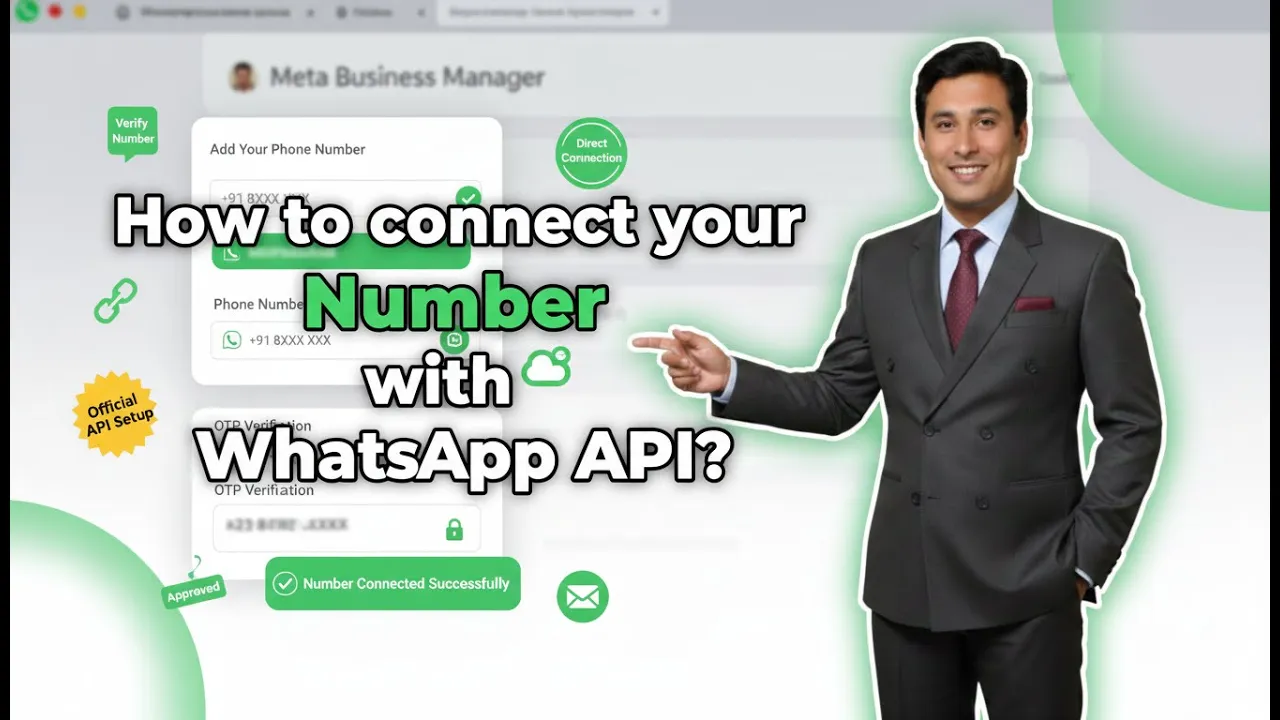
How to connect Phone Number with Whatsapp API?
Connecting a mobile number to WhatsApp Business API is a mandatory step after signing up on Interakt. Without connecting a number, you cannot send messages, run campaigns, or automate conversations. In earlier sessions, the signup process on Interakt was completed. In this session, we will understand how to connect a mobile number to WhatsApp Business […]
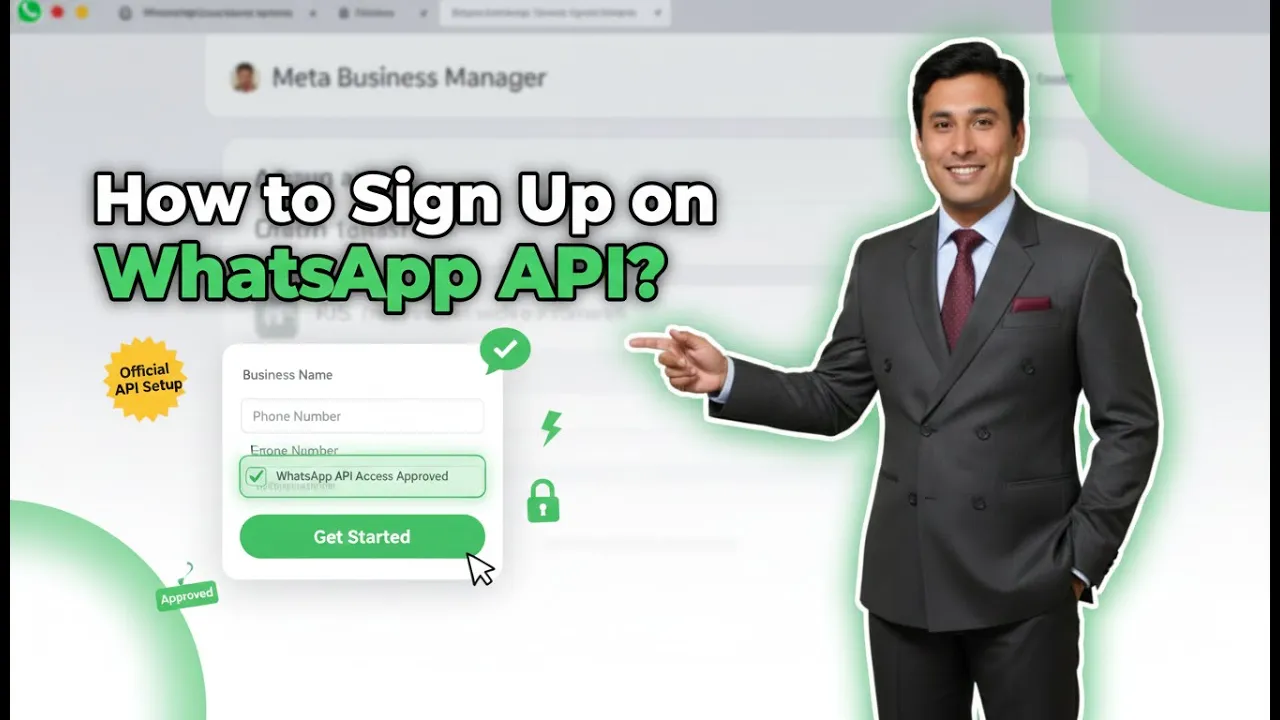
How to create Whatsapp Business API account?
If you are running a business and using Meta ads on Facebook or Instagram, you may already be receiving a large number of inquiries on WhatsApp. Replying to these inquiries manually becomes difficult when the volume increases. Additionally, if you try to send promotional or marketing messages using WhatsApp Business, your WhatsApp account may get […]
How to Upload Contacts in WhatsApp Business API for Bulk Messaging?
In this session, we learn how to upload contacts in Interakt for WhatsApp Business API so that bulk messaging campaigns can be executed smoothly. Contact uploading is a mandatory step before running any promotional or informational WhatsApp campaign. Without contacts properly uploaded and tagged, bulk messaging is not possible. Interakt provides a simple and structured […]
How to Set Up Custom Auto Replies in WhatsApp API?
In this article, we will learn how to set up custom auto replies in Interakt for WhatsApp Business API. Custom auto replies help businesses automate conversations based on specific user messages or button selections. By using these replies, a complete chatbot journey can be created where the system interacts with users step by step without […]
How to create a Welcome Message on WhatsApp API?
In this article, we will understand how to create a Welcome message on WhatsApp Business API. When businesses start receiving a large number of messages through WhatsApp Business API, manually replying to every message becomes difficult. To handle this efficiently, Interakt provides automation features such as welcome messages and custom auto replies. Understanding the Purpose […]
How to Setup WhatsApp Business API?
In this session, we will understand how to set up WhatsApp Business API in a proper and systematic way. Earlier, we discussed what WhatsApp Business API is. In simple words, WhatsApp Business API works like a chatbot system that helps businesses automate communication with customers. It is especially useful for businesses running ads on Facebook […]
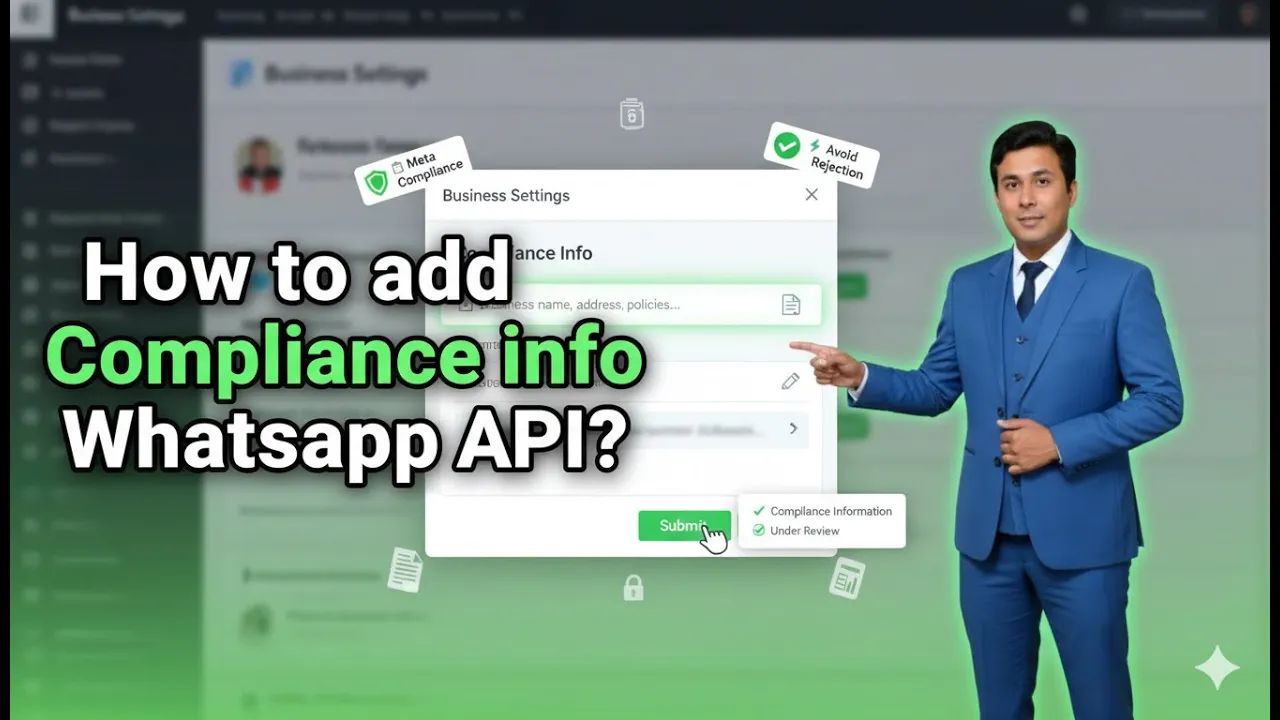
How to add Compliance info on Whatsapp Business API?
When using WhatsApp Business API through the Interakt platform, adding compliance information is an essential step. Compliance information helps users understand who they are interacting with, view official business details, and know how to contact a grievance officer if required. This builds trust, transparency, and credibility for your business on WhatsApp. In this article, we […]
How to Send a Marketing Campaign Using WhatsApp API?
Sending a marketing campaign is the final and most important step when working with WhatsApp Business API. After uploading contacts and creating an approved template, the next task is to deliver that message to the right audience in a structured and controlled manner. In this article, we will understand how to create and send a […]