
Shopify Tutorial for Beginners
This Shopify Tutorial for Beginners category is designed to help new learners understand how to create and manage an online store using Shopify. Shopify is one of the most popular e-commerce platforms that allows individuals and businesses to build online stores, manage products, and sell items easily without needing advanced technical skills.
I am the founder of Digital Bikana, and through my experience in digital marketing and website development, I have worked with different platforms used for building online businesses. Many beginners want to start an e-commerce store but often feel confused about how to set up their store, add products, and manage orders. This category is created to explain Shopify step by step in a simple and beginner-friendly way.
In this section, I explain the basics of Shopify so beginners can understand how the platform works. You will learn how to create a Shopify account, set up your online store, and choose the right store name and theme. Themes help define the design and layout of your e-commerce website, making it easier to create a professional-looking store.
The tutorials also explain how to add and manage products in your Shopify store. You will learn how to upload product images, write product descriptions, set pricing, and organize products into collections. These steps help customers easily browse and purchase items from your store.
Another important topic covered in this category is payment and shipping setup. Shopify allows store owners to connect payment gateways and configure shipping options so customers can place orders smoothly. Understanding these settings is essential for running a successful online store.
You will also learn how to manage orders, track customer information, and use apps to add extra features to your store. Shopify offers many apps that help businesses with marketing, automation, and store optimization.
The goal of this Shopify Tutorial for Beginners category is to make e-commerce website creation simple and practical. Whether you are a student, entrepreneur, or digital marketing learner, these tutorials will guide you step by step to create and manage your Shopify store with confidence.
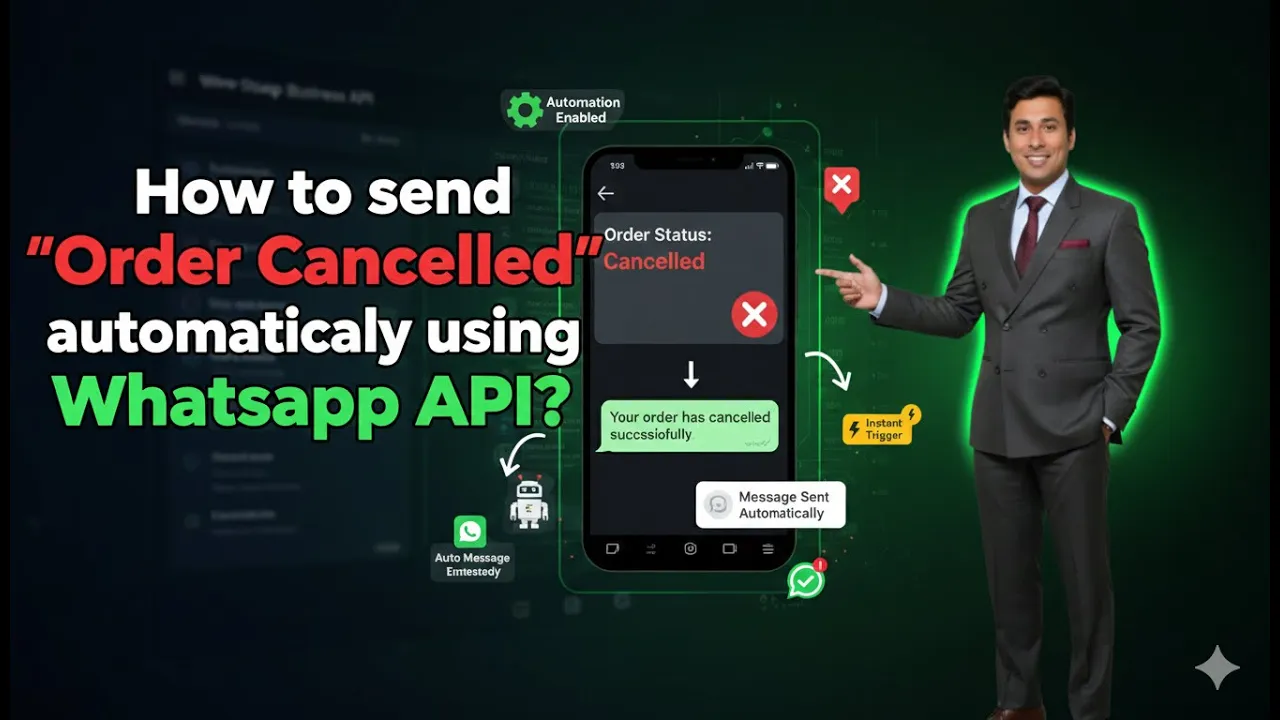
How to Send Order Cancelled Messages Using WhatsApp API?
Sending timely notifications to customers is an important part of maintaining transparency and trust in an online business. When a customer places an order and later cancels it, they expect clear communication regarding the cancellation. Using WhatsApp Business API integrated with Shopify, this communication can be fully automated. In this article, we will learn how […]
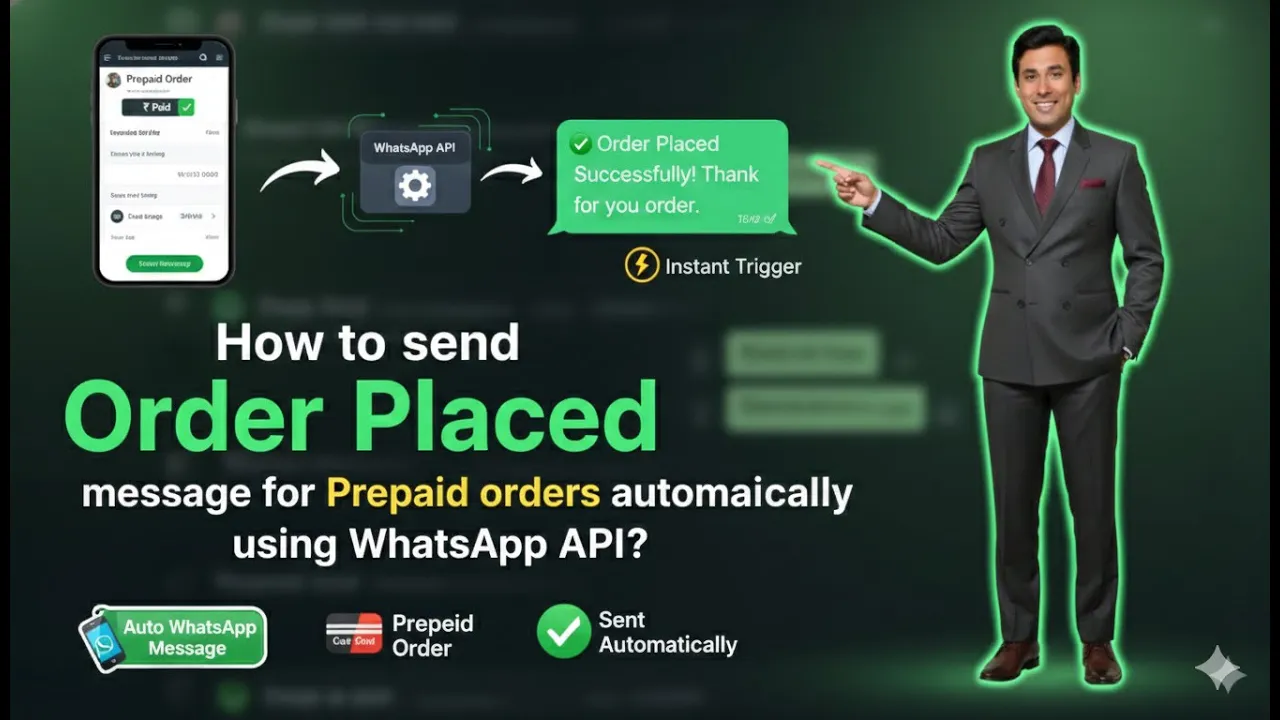
How to Send Order Placed Messages for Prepaid Orders Using WhatsApp API?
Sending automatic order placed messages is an essential part of customer communication for any Shopify-based business. When a customer completes a prepaid order, sending a confirmation message on WhatsApp builds trust, improves transparency, and enhances the overall shopping experience. In this article, we will learn how to send order placed messages to customers who select […]