
WhatsApp Business API
When I started exploring communication tools for businesses, I realized how powerful WhatsApp can be for connecting with customers. However, many people only know about the regular WhatsApp or WhatsApp Business App and are not aware of the advanced capabilities of the WhatsApp Business API. That is why I created this WhatsApp Business API Tutorial category to help beginners understand how businesses can use WhatsApp for automation, marketing, and customer support.
I am the founder of Digital Bikana, and through my experience in digital marketing and automation tools, I have worked with platforms that integrate the WhatsApp Business API for business communication. Over time, I noticed that many business owners want to use WhatsApp for customer engagement but do not fully understand how the API works and how it can improve their communication process.
This tutorial category is designed for beginners, business owners, marketers, and students who want to learn how the WhatsApp Business API works and how it can be used to automate conversations and improve customer service.
In this WhatsApp Business API Tutorial, I explain the complete concept of the WhatsApp Business API in simple language. You will learn the difference between WhatsApp, WhatsApp Business App, and WhatsApp Business API. Understanding this difference is very important because the API is designed specifically for medium and large businesses that want to handle customer communication at scale.
I also explain how businesses can connect WhatsApp Business API with platforms like CRM systems, automation tools, or chatbot platforms. This allows companies to send automated replies, manage multiple customer conversations, and provide faster support.
Another important part of this tutorial category is learning how businesses can send notifications, order updates, appointment reminders, and marketing messages through approved WhatsApp templates. This helps businesses maintain professional communication while following WhatsApp policies.
WhatsApp Business API is widely used today for customer support, lead generation, order confirmations, and automated messaging systems. When implemented properly, it can significantly improve customer experience and response time.
Through this WhatsApp Business API Tutorial, my goal is to help beginners understand how WhatsApp automation works and how businesses can use it effectively for communication and marketing.
Whether you are a digital marketer, entrepreneur, or business owner, learning WhatsApp Business API can help you build better customer relationships and streamline communication processes.
How to Upload Contacts in WhatsApp Business API for Bulk Messaging?
In this session, we learn how to upload contacts in Interakt for WhatsApp Business API so that bulk messaging campaigns can be executed smoothly. Contact uploading is a mandatory step before running any promotional or informational WhatsApp campaign. Without contacts properly uploaded and tagged, bulk messaging is not possible. Interakt provides a simple and structured […]
How to Set Up Custom Auto Replies in WhatsApp API?
In this article, we will learn how to set up custom auto replies in Interakt for WhatsApp Business API. Custom auto replies help businesses automate conversations based on specific user messages or button selections. By using these replies, a complete chatbot journey can be created where the system interacts with users step by step without […]
How to create a Welcome Message on WhatsApp API?
In this article, we will understand how to create a Welcome message on WhatsApp Business API. When businesses start receiving a large number of messages through WhatsApp Business API, manually replying to every message becomes difficult. To handle this efficiently, Interakt provides automation features such as welcome messages and custom auto replies. Understanding the Purpose […]
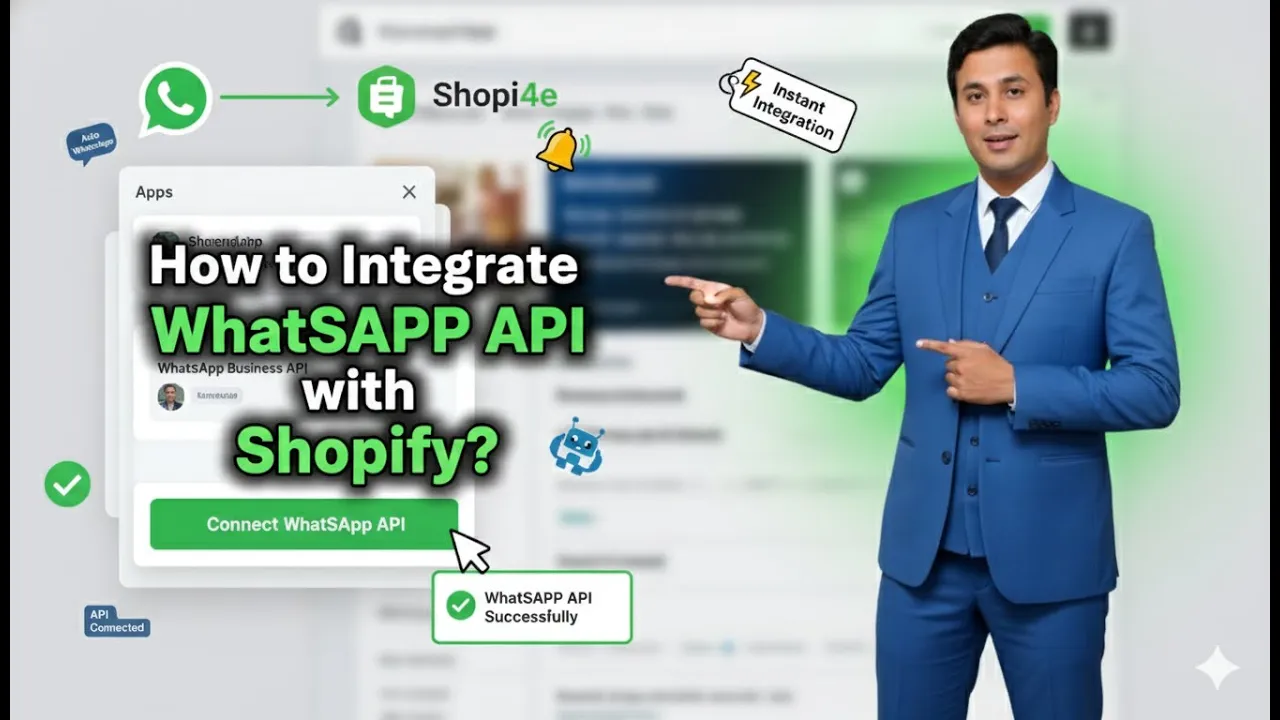
How to Integrate Whatsapp Business API with Shopify?
In this session, we will learn how to integrate WhatsApp Business API with a Shopify store using the Interakt platform. This integration is required if you want to send messages such as cart reminders, order confirmation messages, and if you want your Shopify product catalog to appear inside WhatsApp Business API. Once the integration is […]
How to Setup WhatsApp Business API?
In this session, we will understand how to set up WhatsApp Business API in a proper and systematic way. Earlier, we discussed what WhatsApp Business API is. In simple words, WhatsApp Business API works like a chatbot system that helps businesses automate communication with customers. It is especially useful for businesses running ads on Facebook […]
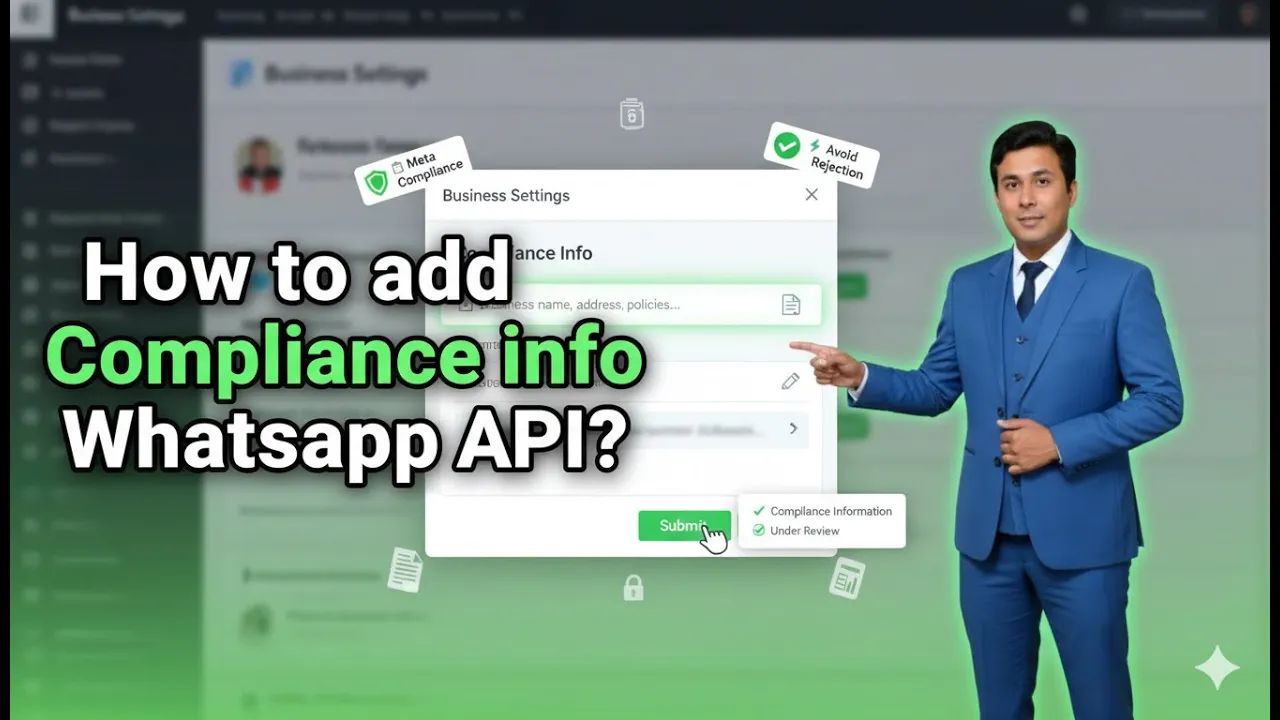
How to add Compliance info on Whatsapp Business API?
When using WhatsApp Business API through the Interakt platform, adding compliance information is an essential step. Compliance information helps users understand who they are interacting with, view official business details, and know how to contact a grievance officer if required. This builds trust, transparency, and credibility for your business on WhatsApp. In this article, we […]

How to add Products in Whatsapp Business API Catalogue?
Adding Shopify products to your WhatsApp Business API catalog allows businesses to showcase their entire product range directly on WhatsApp. When WhatsApp Business API is integrated with Shopify through the Interakt platform, all products published on the Shopify store can automatically sync into the WhatsApp catalog. This makes it possible to send product catalogs, automate […]
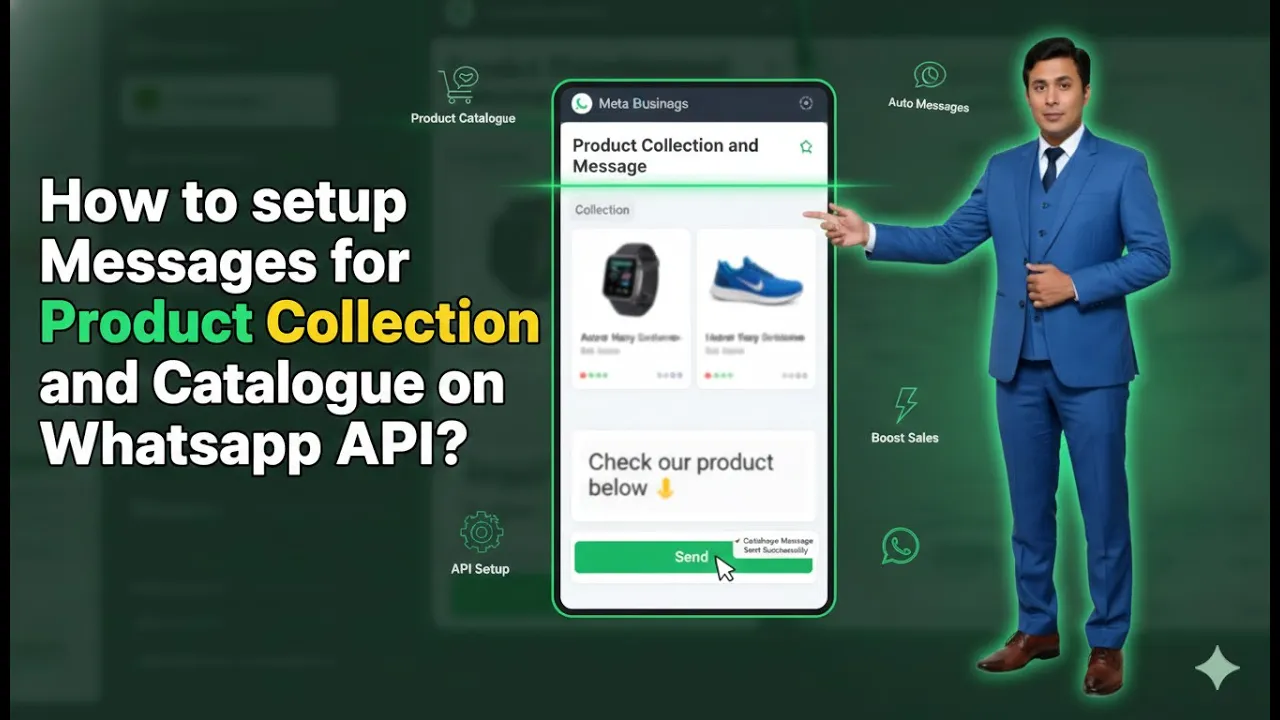
How to setup Product Catalog Message on Whatsapp API?
Sending product collections and catalogs directly on WhatsApp is one of the most effective ways to showcase products and increase user engagement. When a user messages your business on WhatsApp, sending them a product catalog instead of plain text improves clarity, trust, and conversion chances. In this article, we will learn how to set up […]
How to Send a Marketing Campaign Using WhatsApp API?
Sending a marketing campaign is the final and most important step when working with WhatsApp Business API. After uploading contacts and creating an approved template, the next task is to deliver that message to the right audience in a structured and controlled manner. In this article, we will understand how to create and send a […]