One of the most frequently asked questions by advertisers is why their Facebook ad campaign is not running when they target a custom audience. Many advertisers create a custom audience, launch a campaign, and then notice that the ad does not deliver at all. This situation can be confusing, especially when everything appears to be set up correctly.
In this article, we will clearly explain the most common reasons why a Facebook ad campaign does not serve to a custom audience. Each reason is explained in detail so that you can understand where the issue might be and what needs to be checked. The explanation is based entirely on real scenarios faced while running Facebook ads.
Understanding the Problem of Non-Delivering Custom Audience Ads
When a Facebook ad campaign is active but not delivering, it usually means that Meta is unable to show your ads to the selected audience. This does not always indicate a single problem. There can be multiple reasons behind this issue, ranging from audience size to technical glitches.
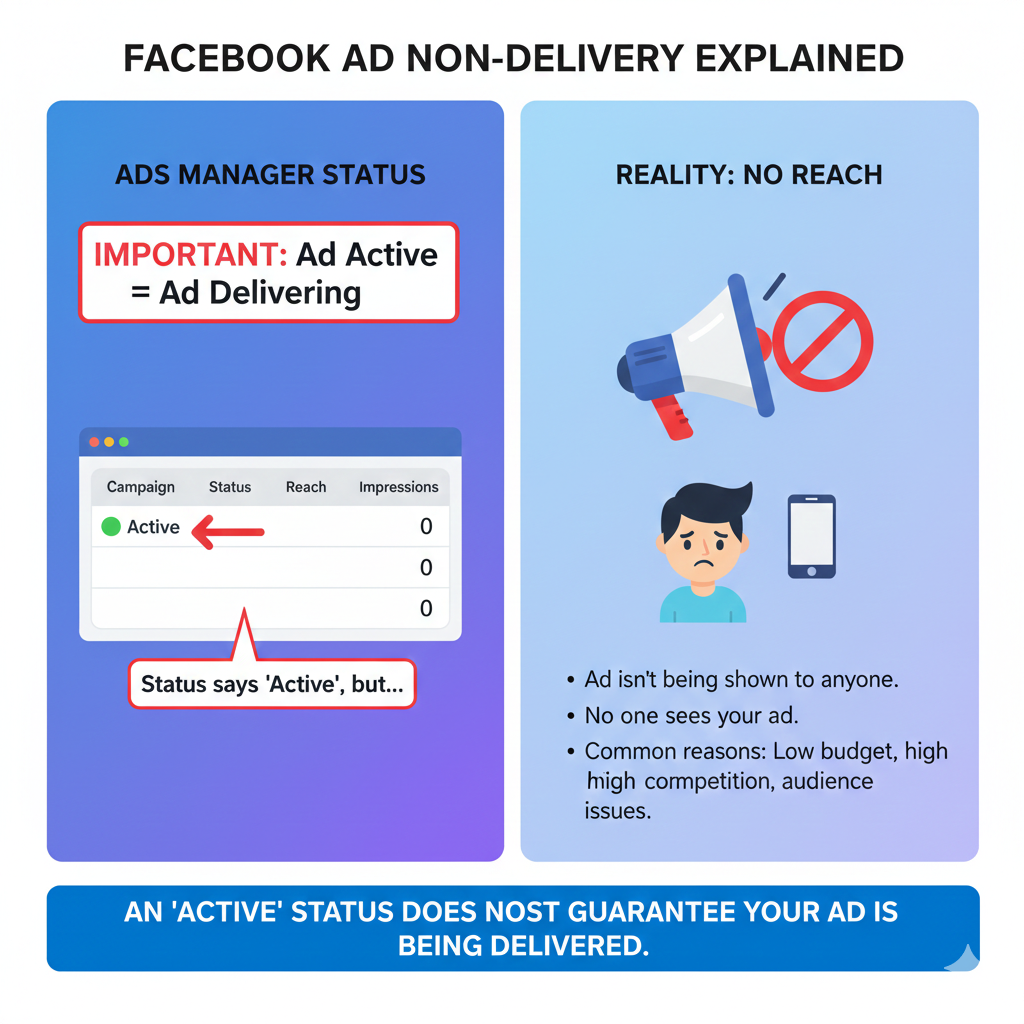
Below are the most common and practical reasons why a custom audience Facebook ad does not run.
Reason 1: Custom Audience Size Is Too Small
Why Audience Size Matters
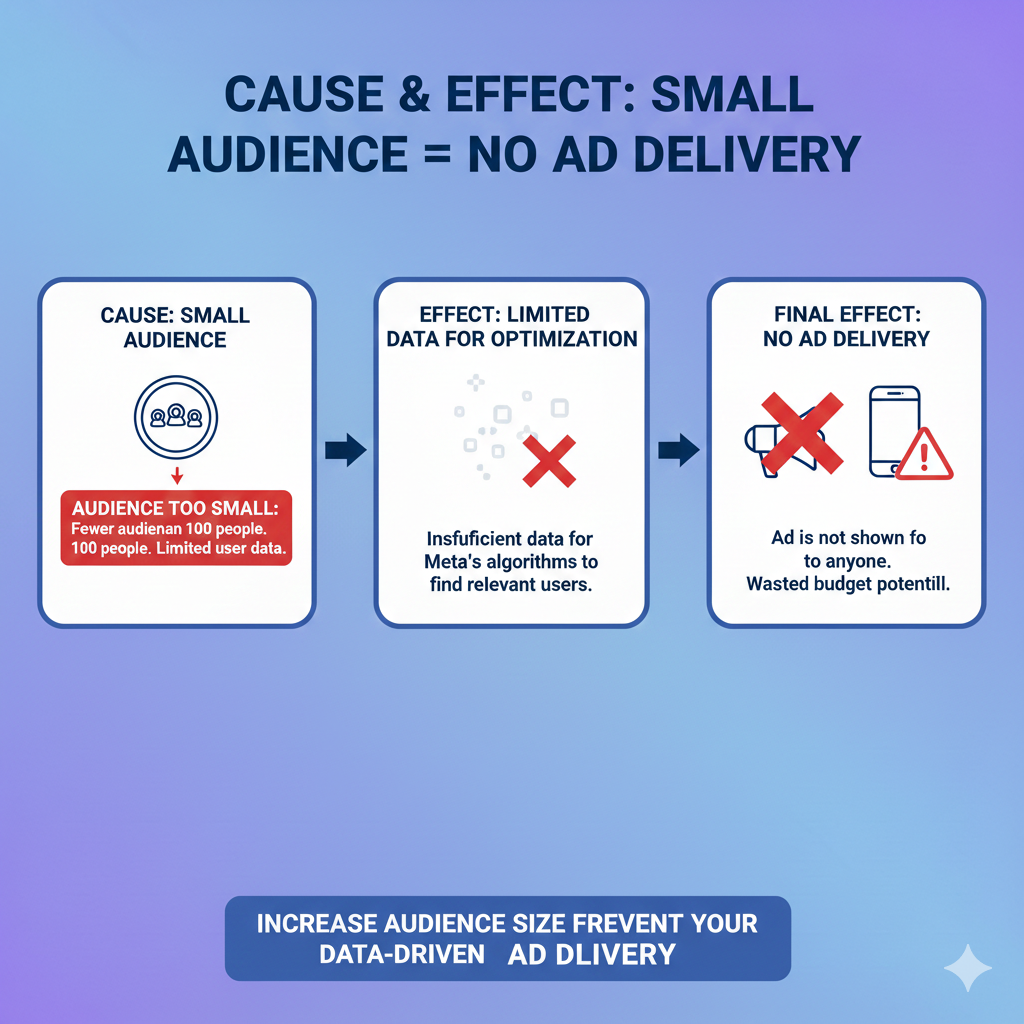
One of the most common reasons a Facebook ad does not deliver is that the custom audience size is too small. Facebook requires a minimum audience size to properly deliver ads.
If your custom audience does not have enough people, Facebook may not be able to show your ads. As a result, the campaign remains active but does not deliver impressions.
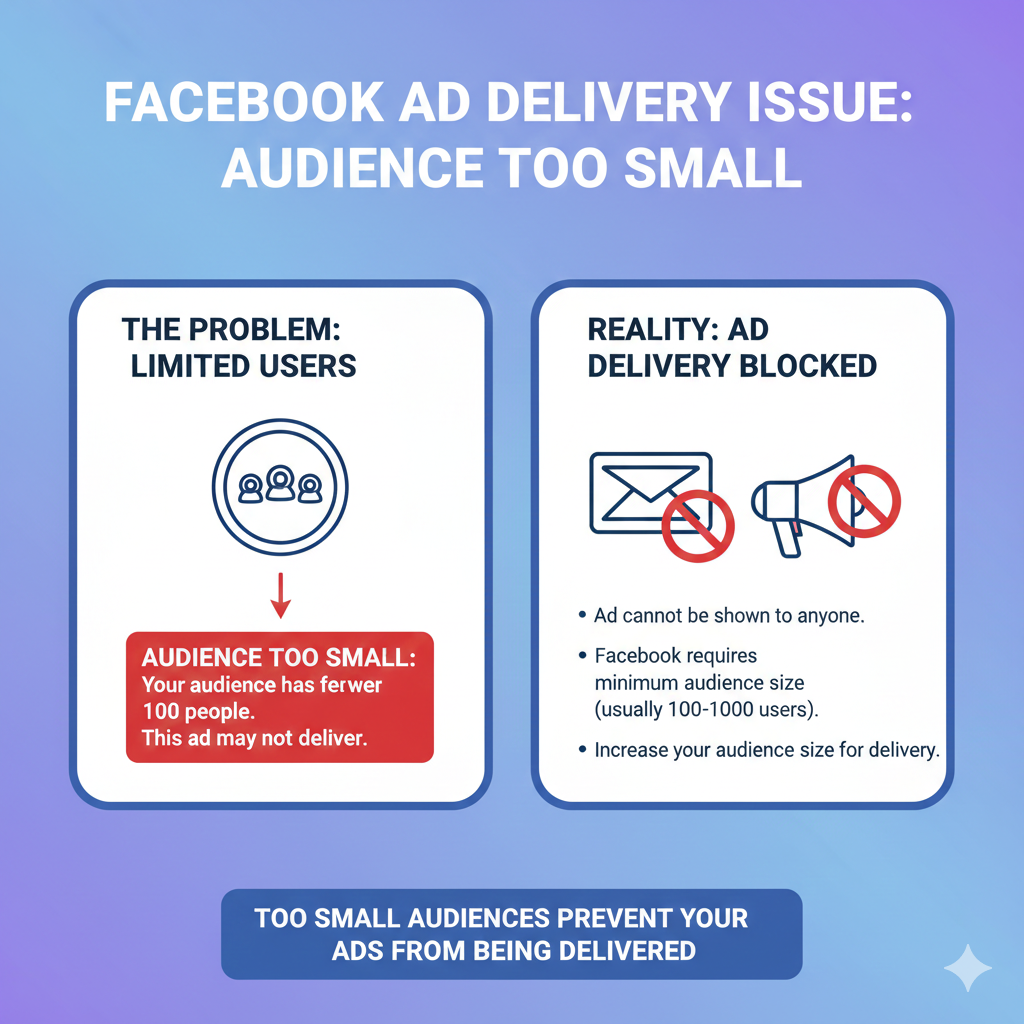
How Small Audience Affects Ad Delivery
When the audience size is insufficient:
- Facebook struggles to find eligible users
- The delivery system does not get enough data
- Ads remain in learning or limited delivery state
Because of this, your ad campaign may not serve at all.
Reason 2: Ad Account Status Issues
Billing or Account Restriction Problems
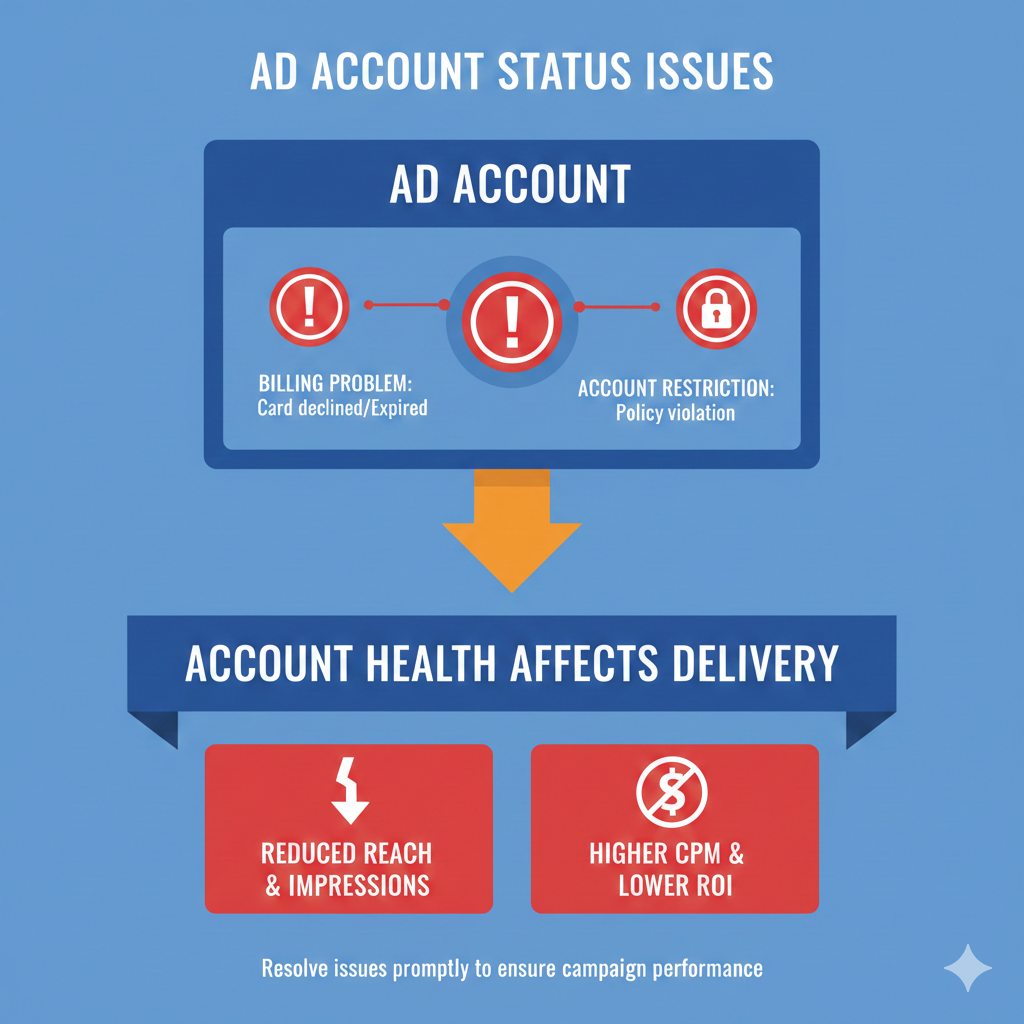
Another major reason why a custom audience ad may not run is an issue with the ad account itself. This can happen if:
- There is a billing issue
- Payment has failed
- The ad account is restricted
When an ad account faces such issues, Meta automatically limits or stops ad delivery.
Step to Check Ad Account Quality
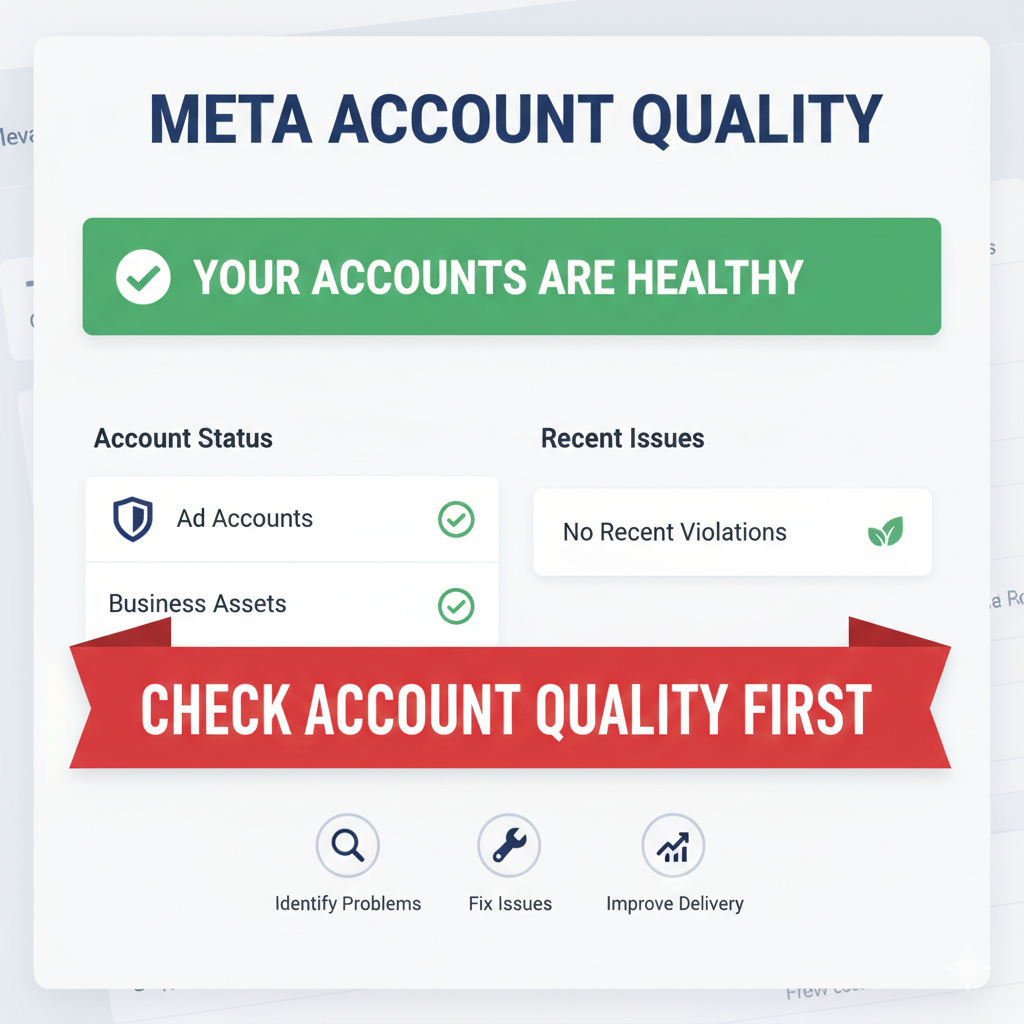
Visit Meta Account Quality Section
To verify whether your ad account has any issues, you must check the Meta account quality section. This section shows whether your ad account is healthy, restricted, or facing any policy or billing-related problems.
If the account quality shows a warning or restriction, ads may not deliver to any audience, including custom audiences.
Reason 3: Ad Campaign or Creative Disapproval
Ad Disapproval by Meta
Another possible reason for ad non-delivery is that your ad campaign or ad creative has been disapproved. This usually happens when the ad violates Meta’s advertising policies.
The disapproval may occur because:
- The ad creative contains restricted or negative keywords
- The messaging is inappropriate
- The content violates Meta advertising rules

How Ad Creative Affects Delivery
If the ad creative is flagged or disapproved:
- The campaign remains active but does not serve
- Ads do not reach the selected custom audience
- Delivery is completely stopped until the issue is fixed
This is why it is important to review ad creatives carefully and ensure they comply with Meta policies.
Reason 4: Integration or Automation Issues
Use of Third-Party Integrations
Many advertisers use automation tools such as Zapier or Pabbly to create or sync custom audiences.
If these integrations are not configured properly, the custom audience may not be transferred correctly to Facebook.
How Integration Issues Affect Custom Audiences
Problems may occur if:
- The automation workflow is not working
- The setup is done incorrectly
- Audience data is not syncing properly
In such cases, the custom audience does not get created or updated, which results in ads not being served.
Importance of Proper Workflow Setup
When automation tools are involved, even a small configuration mistake can prevent data transfer. This directly impacts audience creation and ad delivery.

Reason 5: Technical or System Glitches
Meta Platform Technical Issues
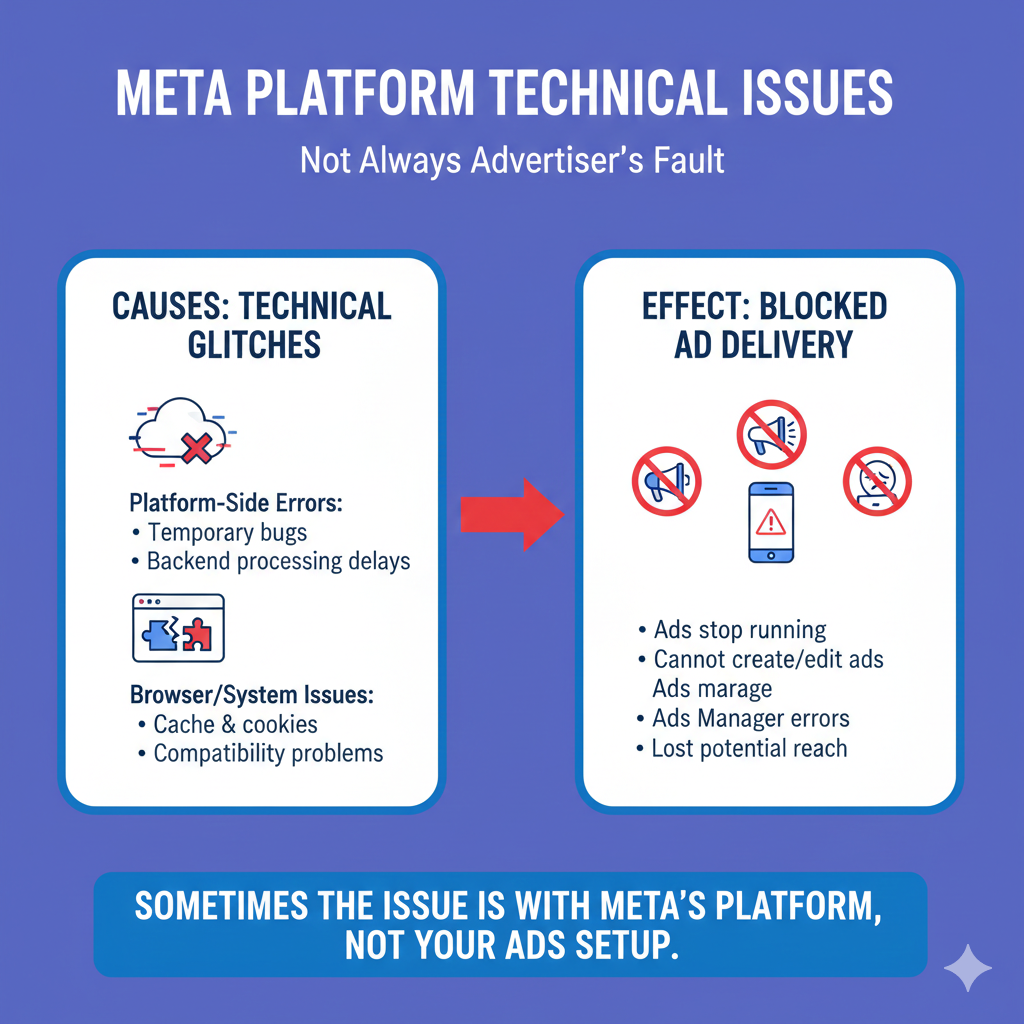
Sometimes, the issue is not from the advertiser’s side. There may be a technical glitch on Facebook or Meta’s side. These glitches can temporarily prevent ads from serving even if everything is set up correctly.
Such issues may include:
- Temporary bugs
- Platform-side errors
- Backend processing delays
Browser or System-Related Issues
In some cases, the problem may be related to the browser or system being used. Browser cache, cookies, or compatibility issues can cause unexpected behavior in Ads Manager.
Troubleshooting Technical Glitches
Clear Browser Cache and Cookies
One of the simplest steps is to clear the cache and cookies of your browser. This can help resolve browser-related issues that affect ad delivery.
Try a Different Browser or System
If clearing cache does not help, try:
- Opening Ads Manager in a different browser
- Running the campaign from another system
Sometimes, these steps alone can resolve the issue.
Contact Meta Support Team
If the issue still persists, contacting the Meta support team is the best option. The support team can check the backend status of your ad account and tell you the exact reason why the ad is not serving.
Summary of All Possible Reasons
To recap, a custom audience Facebook ad may not run due to the following reasons:
- Custom audience size is too small
- Ad account has billing or restriction issues
- Ad creative or campaign is disapproved
- Automation or integration workflows are not working
- Technical glitches from Meta, browser, or system side
Each of these reasons can individually or collectively affect ad delivery.
Final Conclusion
When a Facebook ad does not serve to a custom audience, it does not mean that the ad setup is completely wrong. In most cases, the issue can be identified by carefully checking audience size, ad account quality, ad approval status, integrations, and technical factors.
By understanding these reasons, advertisers can quickly diagnose the problem and take the right corrective steps. Proper setup, patience, and systematic troubleshooting are key to ensuring smooth ad delivery on Facebook.

Related Posts