Welcome to this article. Today we are diving into one of the most important parts of SEO: on-page SEO. Whether you are a blogger, business owner, or SEO beginner, understanding on-page SEO is essential for improving your website’s visibility on Google.
On-page SEO is the foundation of search engine optimization. Before you focus on backlinks or advanced technical strategies, you must ensure your website content and structure are properly optimized. Let us break it down step by step.
What Is On-Page SEO?
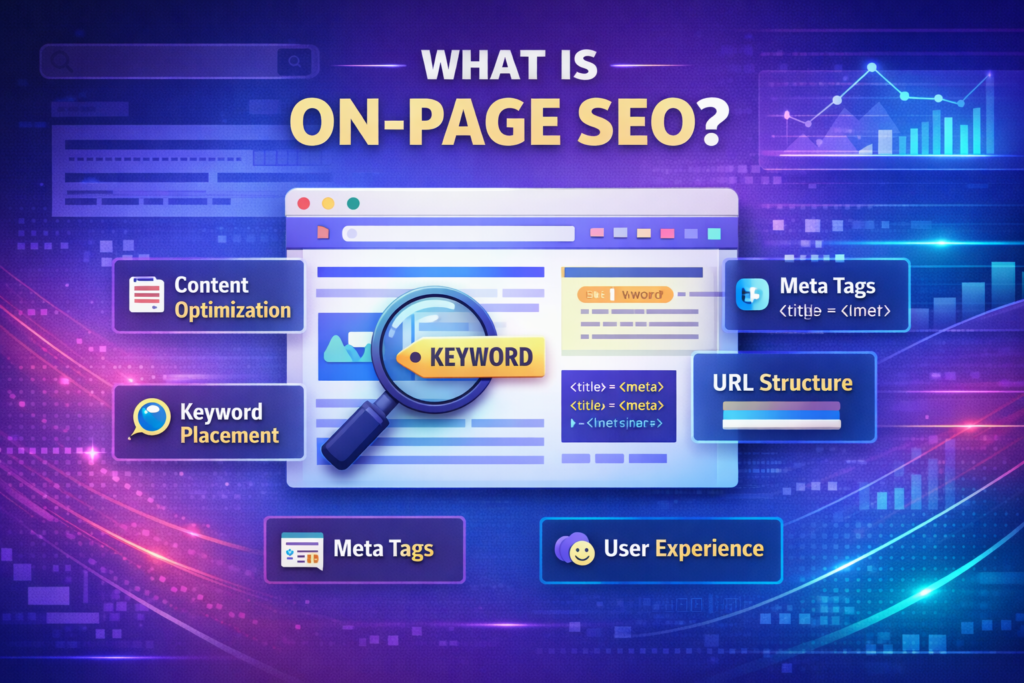
On-page SEO refers to all the optimization activities you perform within your website content and HTML to help search engines understand your page and rank it better.
It includes:
- Content optimization
- Keyword placement
- Meta tags
- URL structure
- User experience
Unlike off-page SEO, which focuses on external factors like backlinks, on-page SEO is fully under your control.
Why On-Page SEO Is Important
On-page SEO helps search engines understand your content and match it to the right queries.
When your page is well optimized:
- Search engines clearly understand your topic
- Users find your content easy to read
- Your chances of ranking higher increase
- Engagement and user satisfaction improve
A well-optimized page does not just attract traffic. It also provides a better experience to your visitors.
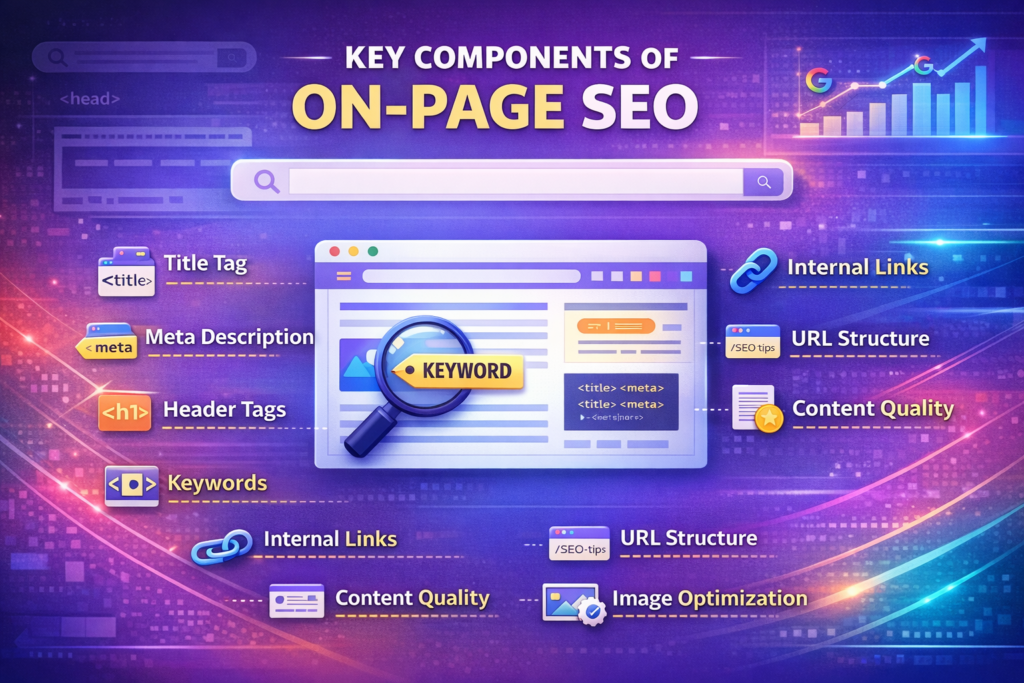
Key Components of On-Page SEO
To achieve strong on-page SEO, you need to focus on several essential elements. These factors ensure that both search engines and users find your content useful and relevant.
Title Tag
The title tag is the clickable headline users see in search results.
It is one of the most important on-page SEO elements.
Why the Title Tag Matters
The title tag:
- Tells search engines what your page is about
- Influences click-through rate
- Appears in browser tabs and search results
It should include your focus keyword and remain under 60 characters for better display.
Step 1: Include the Focus Keyword
Place the Keyword Naturally
Ensure your main keyword appears in the title without sounding forced.
Step 2: Keep It Concise
Stay Within 60 Characters
Shorter titles display properly in search results and prevent truncation.
Meta Description
The meta description is the short summary below your title in search results.
Although it does not directly impact rankings, a compelling description can improve your CTR.
Why Meta Description Is Important
A well-written meta description:
- Encourages users to click
- Summarizes the content clearly
- Aligns with search intent
It should be informative and engaging.
Step 1: Write a Clear Summary
Explain What the Page Offers
Provide a concise explanation of the page’s value.
Step 2: Add a Call to Action
Encourage Clicks
Use engaging language that motivates users to learn more.
URL Structure
Clean and short URLs that include your main keyword are easier to read and more SEO-friendly.
Avoid using unnecessary numbers or symbols.
Why URL Optimization Matters
A clean URL:
- Improves readability
- Helps search engines understand content
- Builds trust
Step 1: Keep URLs Short
Remove Unnecessary Words
Use simple and descriptive words in your URL.
Step 2: Include the Main Keyword
Align URL With Page Topic
Your focus keyword should appear naturally in the URL.
Heading Structure
Use headings to structure your content.
Your H1 tag is usually the page title, and subheadings like H2 and H3 organize your content for easy readability.
Why Headings Are Important
Headings:
- Improve content structure
- Enhance readability
- Help search engines understand page hierarchy
Step 1: Use One H1 Tag
Define the Main Topic
Your H1 should clearly represent the page’s primary focus.
Step 2: Organize With H2 and H3
Break Content Into Sections
Subheadings help users scan and navigate your content easily.
Content Quality and Keyword Usage
Your content should be original, relevant, and valuable to the reader.
Naturally include your target keywords, but do not overdo it.
Why Content Quality Matters
High-quality content:
- Builds trust
- Reduces bounce rate
- Increases engagement
- Improves ranking potential
Step 1: Write Original Content
Avoid Duplicate Information
Ensure your content is unique and informative.
Step 2: Use Keywords Naturally
Avoid Keyword Stuffing
Include keywords where relevant, but focus on clarity and natural flow.
Image Optimization
Search engines cannot see images the way humans do. That is why adding descriptive file names and alt text is crucial for image SEO and accessibility.
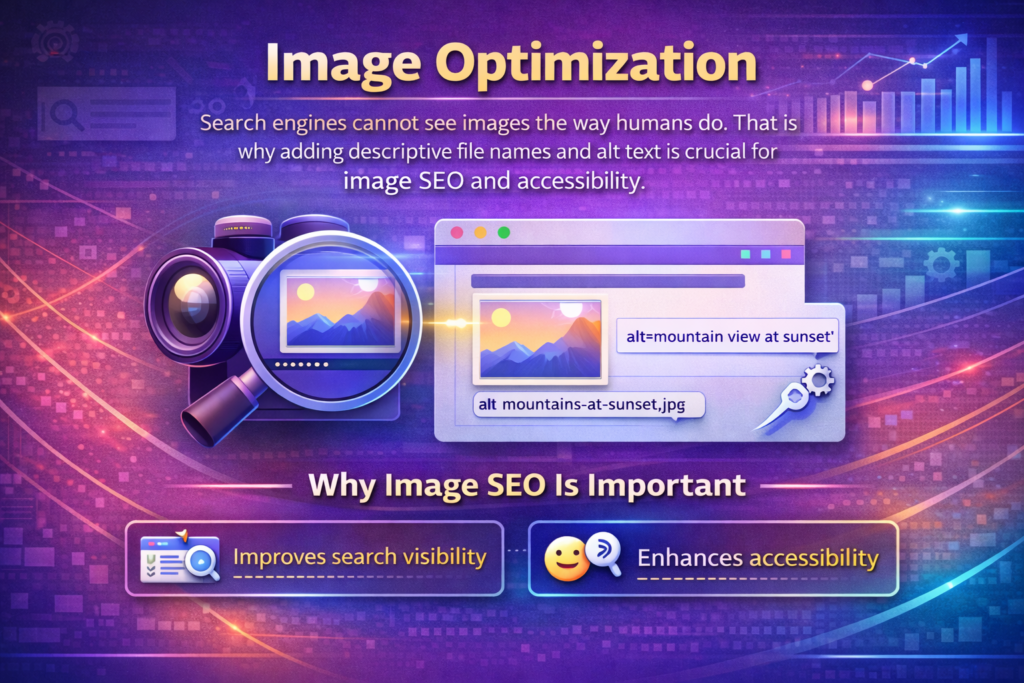
Why Image SEO Is Important
- Improves search visibility
- Enhances accessibility
- Supports page relevance
Step 1: Use Descriptive File Names
Replace Generic Names
Instead of “image1.jpg,” use meaningful file names related to your topic.
Step 2: Add Alt Text
Describe the Image Clearly
Alt text helps search engines understand the image content and improves accessibility.
Internal Linking
Internal links guide users to related content on your site and help search engines crawl your website more efficiently.
Why Internal Linking Matters
Internal linking:
- Improves navigation
- Distributes page authority
- Enhances crawlability
Step 1: Link to Relevant Pages
Connect Related Content
Add links to other pages that provide additional value.
Step 2: Use Descriptive Anchor Text
Avoid Generic Phrases
Use meaningful anchor text instead of vague terms like “click here.”
Mobile Responsiveness
Google uses mobile-first indexing, so your site must be responsive.
Test it on different devices to make sure it loads fast and looks great on phones and tablets.
Why Mobile Optimization Is Critical
A responsive website:
- Improves user experience
- Reduces bounce rate
- Supports better rankings
Step 1: Test on Multiple Devices
Ensure Consistent Performance
Check how your website appears on smartphones, tablets, and desktops.
Step 2: Improve Page Speed
Optimize Loading Time
Fast-loading pages improve engagement and ranking potential.
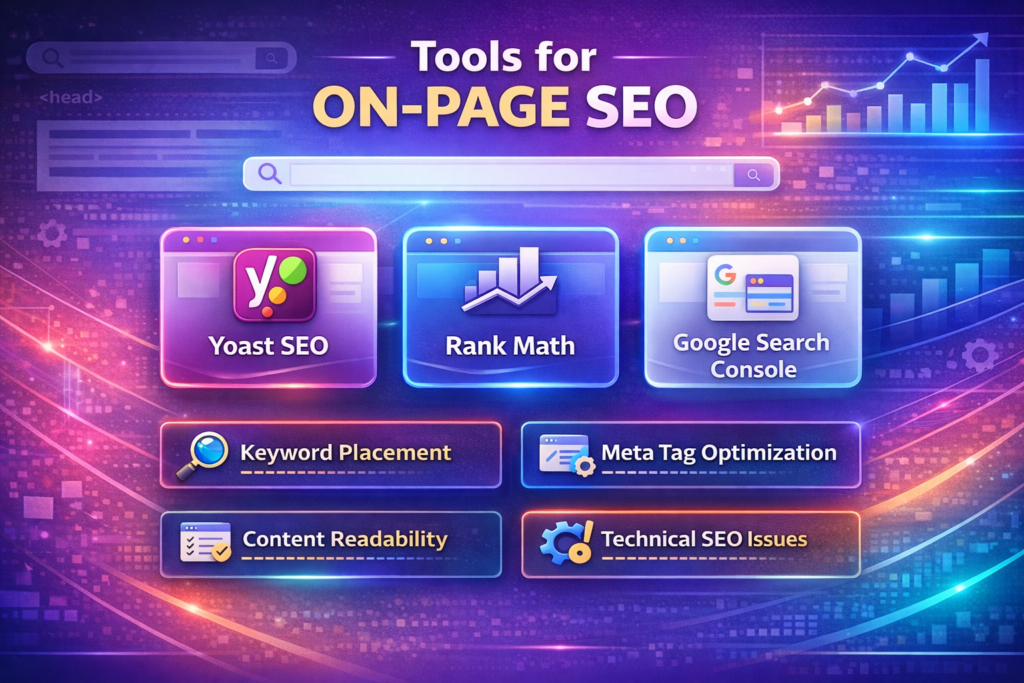
Tools for On-Page SEO
You do not have to do everything manually.
Tools like:
- Yoast SEO
- Rank Math
- Google Search Console
can guide and track your on-page SEO progress.
These tools analyze:
- Keyword placement
- Meta tag optimization
- Content readability
- Technical issues
They provide helpful recommendations for improvement.
Final Summary: The Power of On-Page SEO
To recap, on-page SEO is all about optimizing your content, HTML, and URLs to make your site more relevant and readable for both users and search engines.
It includes optimizing:
- Title tags
- Meta descriptions
- URLs
- Headings
- Content
- Images
- Internal links
- Mobile responsiveness
When done right, on-page SEO can significantly boost your search engine rankings and engagement.
By focusing on clarity, relevance, and user experience, you create a strong foundation for long-term SEO success.

Related Posts