
Wordpress Tutorial
When I first started building websites, WordPress was the platform that helped me understand how websites actually work. However, as a beginner, I found it confusing to understand themes, plugins, pages, posts, and settings. That is exactly why I created this WordPress Tutorial for Beginners category — to help new learners understand WordPress in a simple and practical way.
I am the founder of Digital Bikana, and through my experience in digital marketing and website development, I have built and managed multiple WordPress websites for businesses, blogs, and educational platforms. Over time, I realized that many beginners want to learn WordPress but do not know where to start. My goal with this category is to guide beginners step by step so they can confidently create and manage their own websites.
In this WordPress Tutorial for Beginners section, I explain everything from the basics to practical website building techniques. You will learn how to install WordPress, understand the dashboard, create pages and posts, and organize your website structure. I also explain how to install themes, customize website design, and use plugins to add important features.
One of the most important things I focus on is making WordPress easy to understand. Instead of using complicated technical terms, I explain concepts in simple language so beginners can follow along easily. I also share practical tips that help you avoid common mistakes when creating a website.
WordPress is one of the most widely used website platforms in the world. Millions of businesses, bloggers, and creators use it because it is flexible, customizable, and beginner-friendly. With the right guidance, anyone can learn to build a professional website without needing advanced coding skills.
Through this WordPress Tutorial for Beginners category, my aim is to help students, freelancers, business owners, and digital marketing learners understand how WordPress works and how they can use it to create powerful websites.
If you want to start a blog, build a business website, or learn website designing as a skill, these tutorials will guide you step by step and help you gain confidence in working with WordPress.
How to Install WooCommerce Plugin on WordPress Website?
Installing the WooCommerce plugin on your WordPress website allows you to convert a normal website into an eCommerce website. WooCommerce is required if you want to create a shop page and sell products or services through your WordPress website. With WooCommerce, you can list products, manage orders, accept payments, and run an online store directly […]
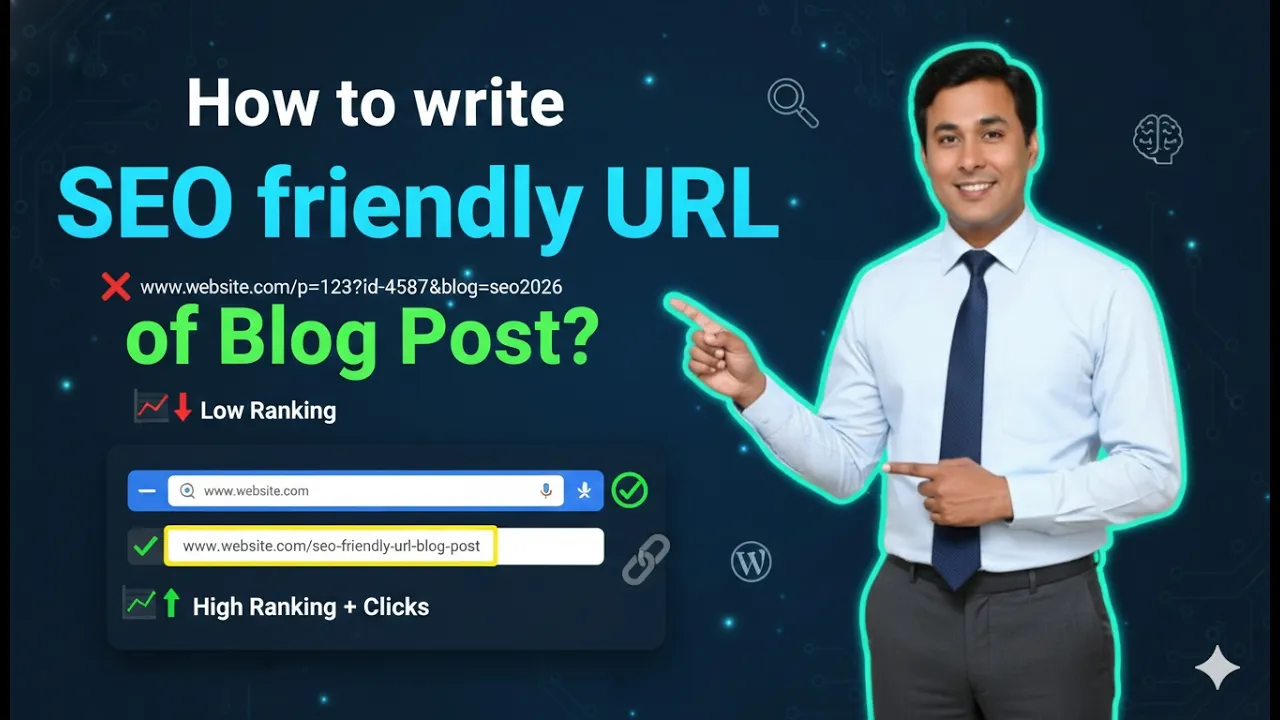
How to Write SEO Friendly URL of Blog Post on WordPress?
Writing an SEO friendly URL is an important part of search engine optimization for a WordPress website. A properly structured URL helps search engines understand the topic of the page and improves the chances of ranking higher in search results. An SEO friendly URL is short, relevant, easy to read, and based on proper keyword […]
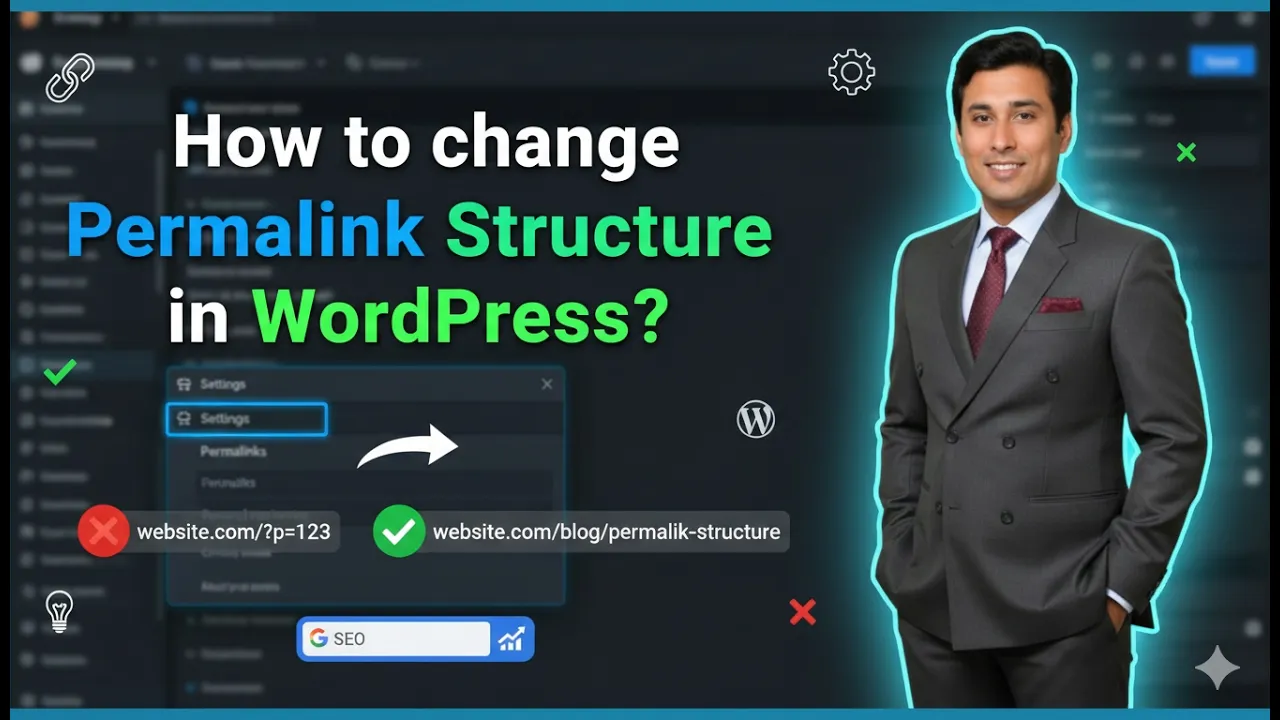
How to Change Permalink Structure of WordPress Website?
Changing the permalink structure of a WordPress website is an important step while setting up your website. The permalink structure defines how the URLs of your pages and blog posts will appear. A proper permalink structure helps in organizing your website content and is also useful for search engine optimization. In this article, you will […]
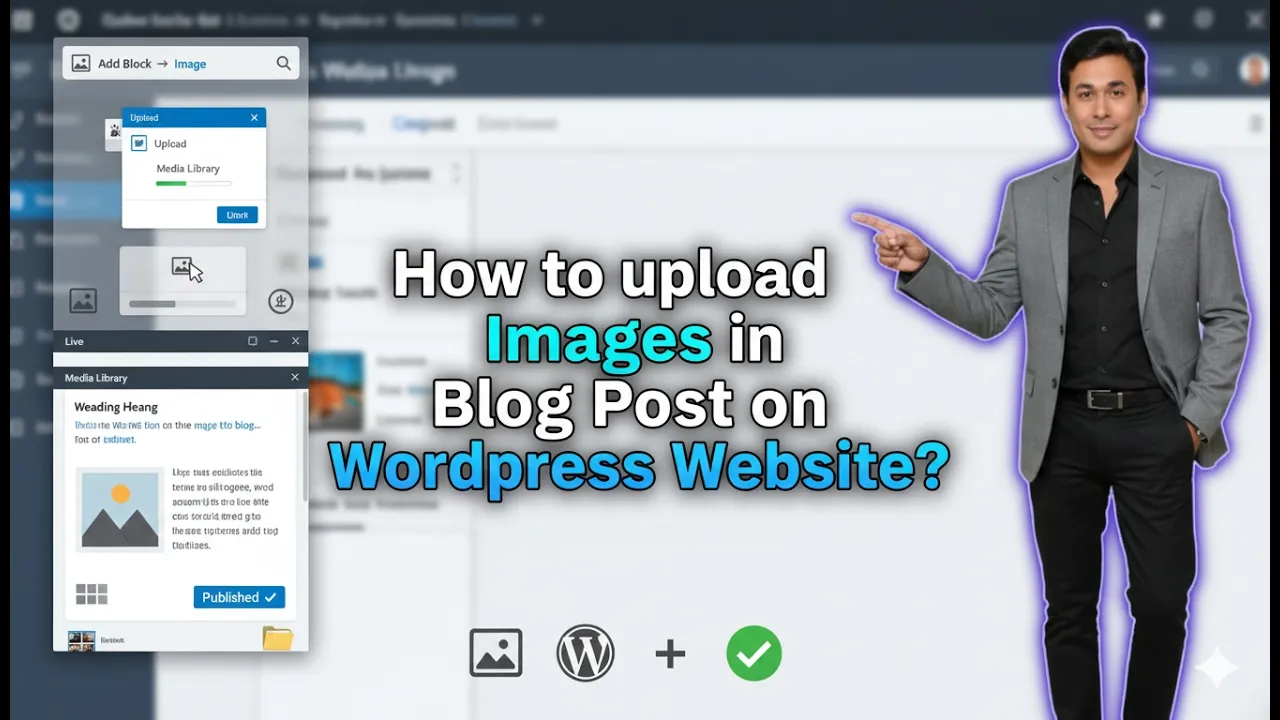
How to Upload Images in a Blog Post on WordPress?
In this article, you will learn how to upload images in a blog post on a WordPress website step by step. Adding images to a blog post is an important part of content creation because images make the article more informative and easier to understand. WordPress allows you to insert images anywhere inside your blog […]
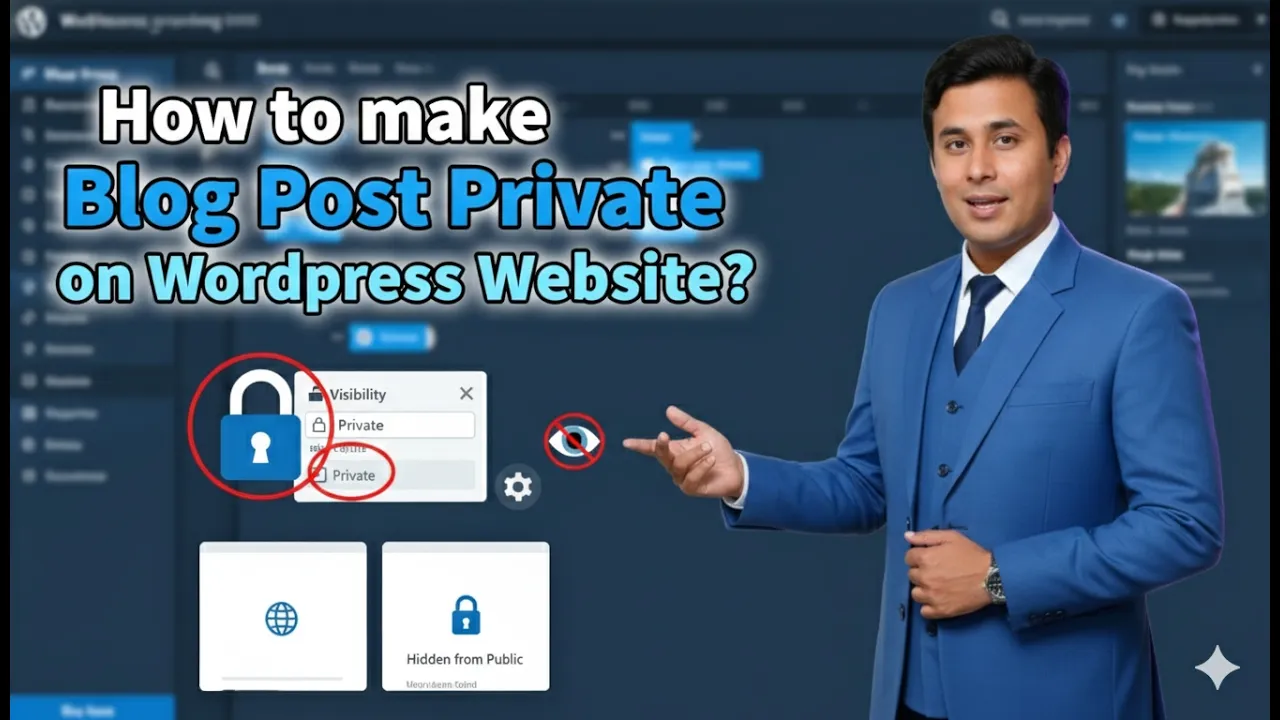
How to Make Blog Post Private on WordPress Website?
Making a blog post private on a WordPress website is a useful feature when you do not want a blog post to be publicly visible. WordPress allows you to control the visibility of your posts so that only authorized users can view them. This feature is helpful when you are working on content that is […]
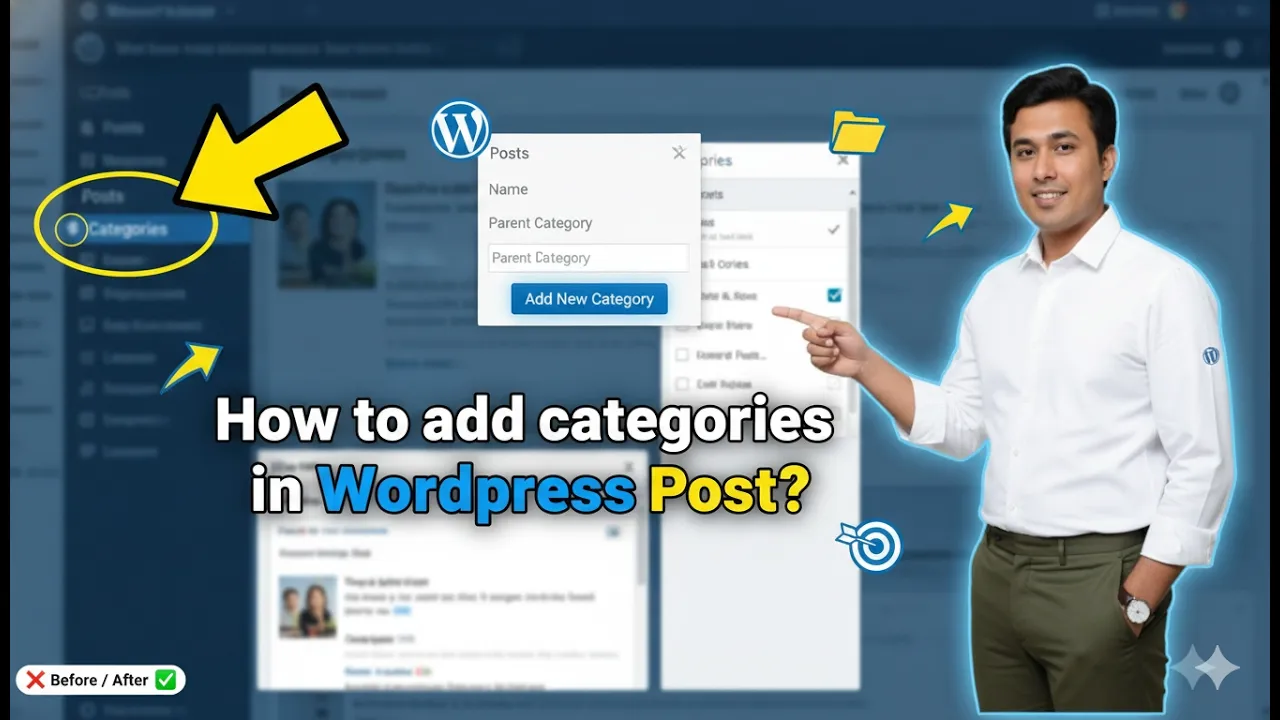
How to Add Categories in a WordPress Post?
Adding categories in a WordPress post is an important step in organizing your website content. Categories help group similar blog posts together so that visitors can easily find related content. Proper category structure also helps improve the SEO of your website because category pages can rank in search engines and attract organic traffic. In this […]
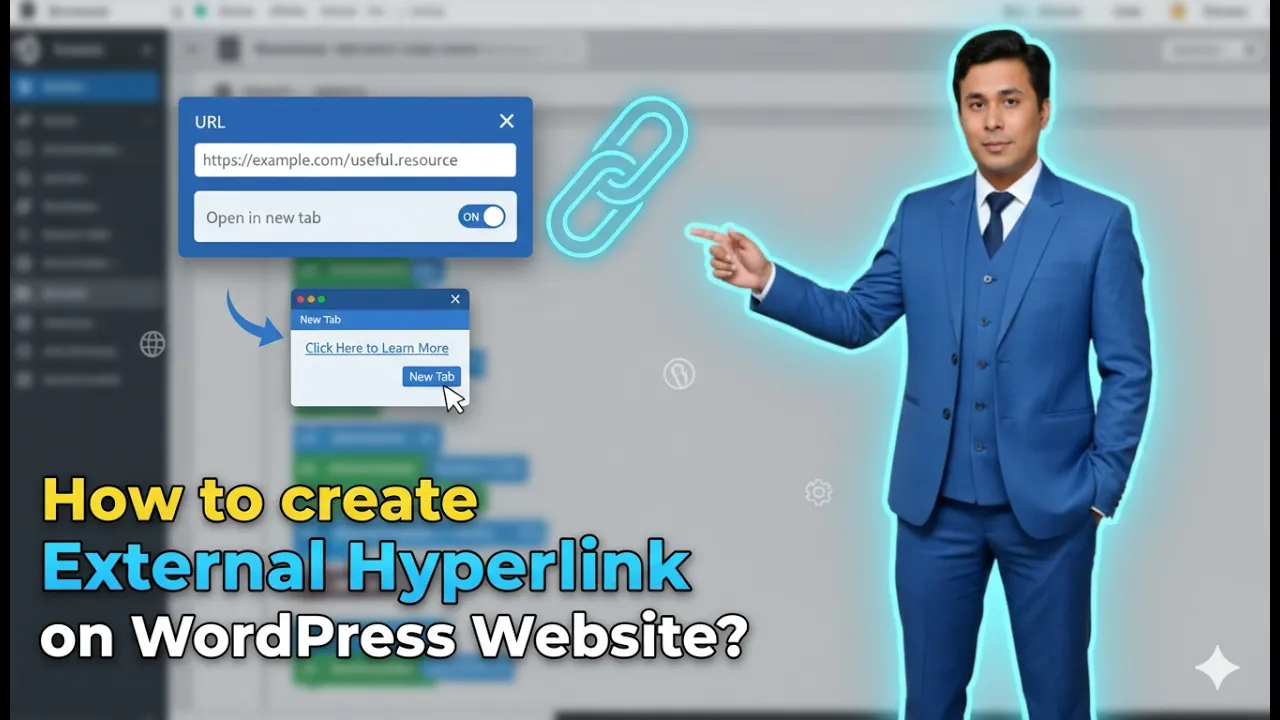
How to Create External Hyperlink in a WordPress Website?
Creating an external hyperlink in a WordPress website is a simple process. External hyperlinks connect your website to other websites and provide additional information to users. External links can improve the usefulness of your content and help users access more information related to the topic. In this article, you will learn how to create an […]
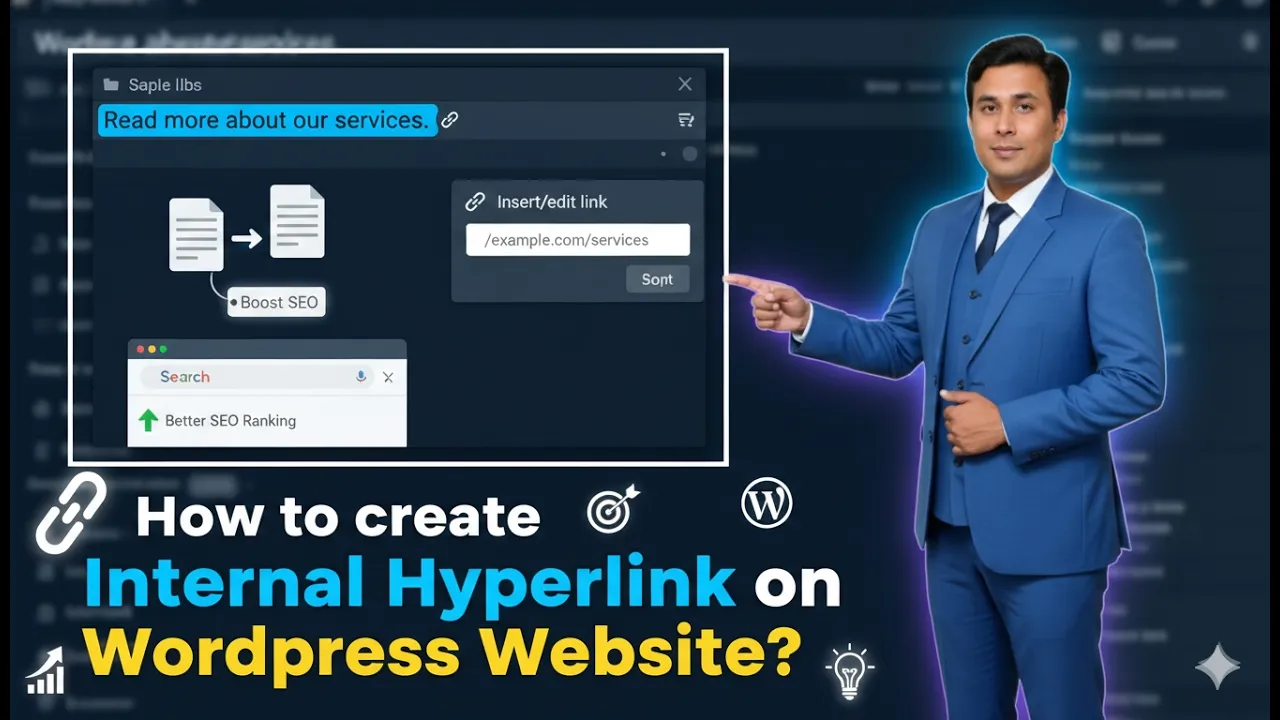
How to Create Internal Hyperlink in a WordPress Website?
Creating internal hyperlinks in a WordPress website is an important part of website structure and SEO. Internal links connect one page of your website to another page of the same website. They help users navigate between related articles and improve the overall user experience. In this article, you will learn how to create internal hyperlinks […]
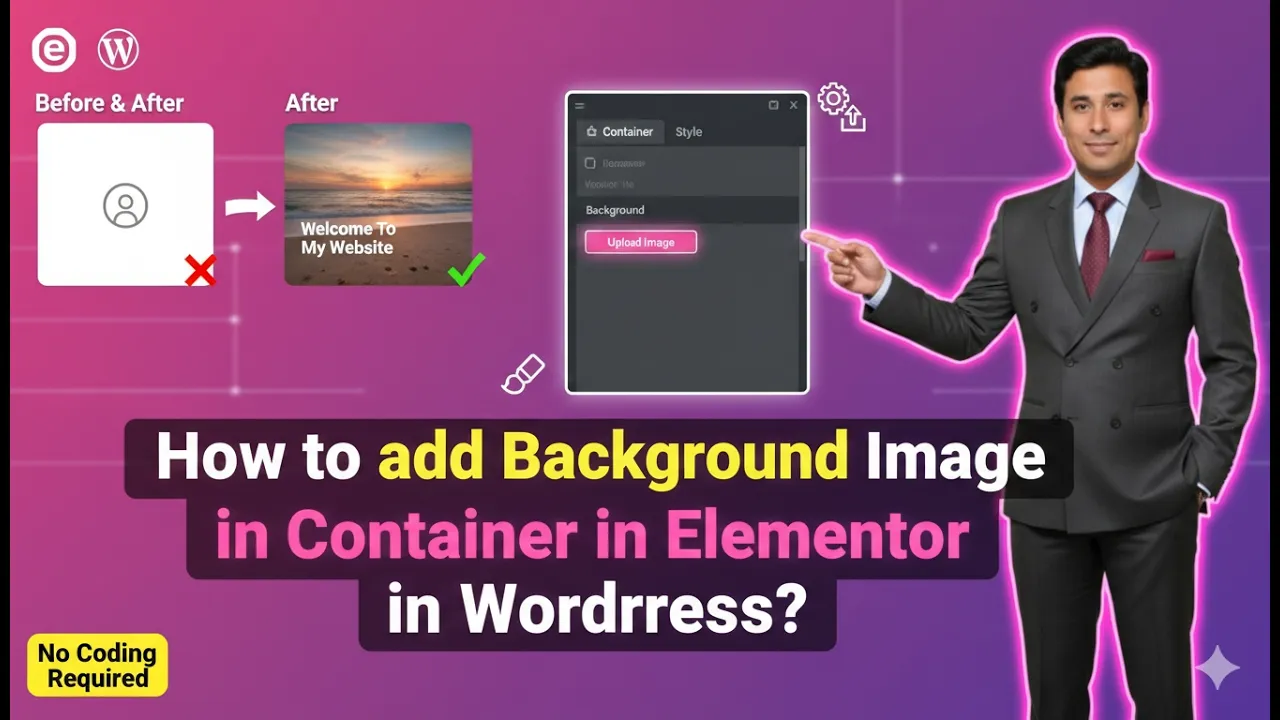
How to Add Background Image in Container in Elementor?
Adding a background image to a container in Elementor is a common design technique used to make webpages visually appealing. Background images are often used in hero sections, banners, call-to-action areas, and many other parts of a webpage to create an engaging user experience. Elementor allows users to easily add background images inside containers while […]
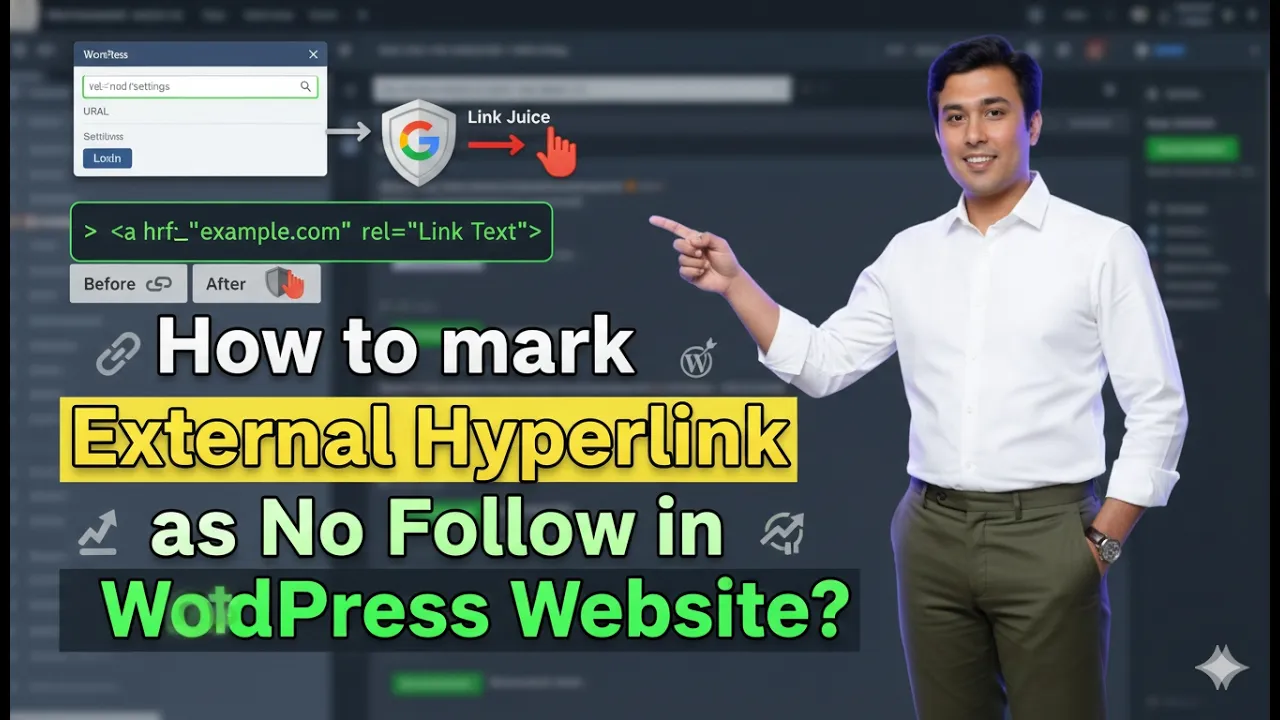
How to Mark an External Link as No Follow in WordPress?
In this article, you will learn how to mark an external link as no follow on a WordPress website. This method helps you control how search engines treat external links on your website. By marking a link as no follow, search engine crawlers will not follow that link and your link value will not be […]