
Wordpress Tutorial
When I first started building websites, WordPress was the platform that helped me understand how websites actually work. However, as a beginner, I found it confusing to understand themes, plugins, pages, posts, and settings. That is exactly why I created this WordPress Tutorial for Beginners category — to help new learners understand WordPress in a simple and practical way.
I am the founder of Digital Bikana, and through my experience in digital marketing and website development, I have built and managed multiple WordPress websites for businesses, blogs, and educational platforms. Over time, I realized that many beginners want to learn WordPress but do not know where to start. My goal with this category is to guide beginners step by step so they can confidently create and manage their own websites.
In this WordPress Tutorial for Beginners section, I explain everything from the basics to practical website building techniques. You will learn how to install WordPress, understand the dashboard, create pages and posts, and organize your website structure. I also explain how to install themes, customize website design, and use plugins to add important features.
One of the most important things I focus on is making WordPress easy to understand. Instead of using complicated technical terms, I explain concepts in simple language so beginners can follow along easily. I also share practical tips that help you avoid common mistakes when creating a website.
WordPress is one of the most widely used website platforms in the world. Millions of businesses, bloggers, and creators use it because it is flexible, customizable, and beginner-friendly. With the right guidance, anyone can learn to build a professional website without needing advanced coding skills.
Through this WordPress Tutorial for Beginners category, my aim is to help students, freelancers, business owners, and digital marketing learners understand how WordPress works and how they can use it to create powerful websites.
If you want to start a blog, build a business website, or learn website designing as a skill, these tutorials will guide you step by step and help you gain confidence in working with WordPress.
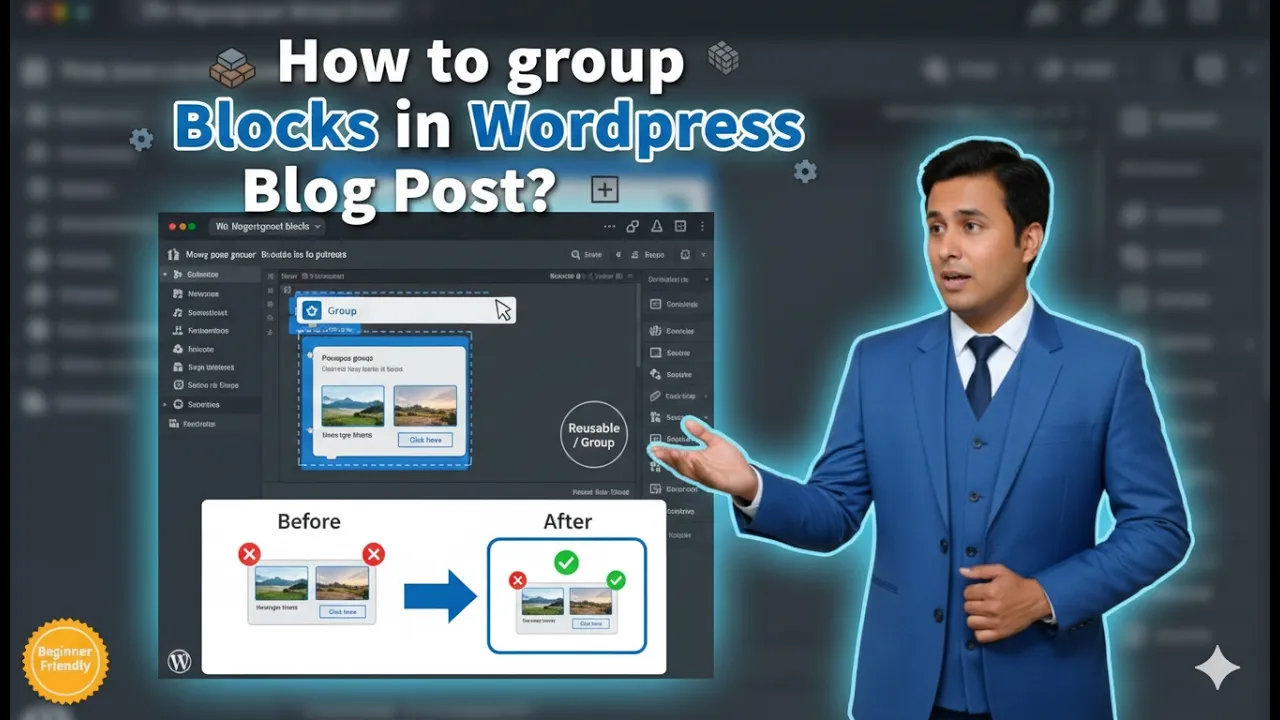
How to Group Blocks in a WordPress Blog Post?
Grouping blocks in a WordPress blog post is a useful feature that helps manage multiple blocks together. When writing or editing a blog post, you may have several headings, paragraphs, or bullet points that belong to the same section. Instead of moving or editing each block individually, you can group them together and manage them […]

How to Delete a Blog Post on a WordPress Website?
Deleting a blog post on a WordPress website is a simple process that can be done directly from the WordPress admin dashboard. Sometimes you may want to remove outdated content, incorrect information, or unnecessary blog posts from your website. WordPress provides two options while deleting a blog post: moving it to Trash and permanently deleting […]
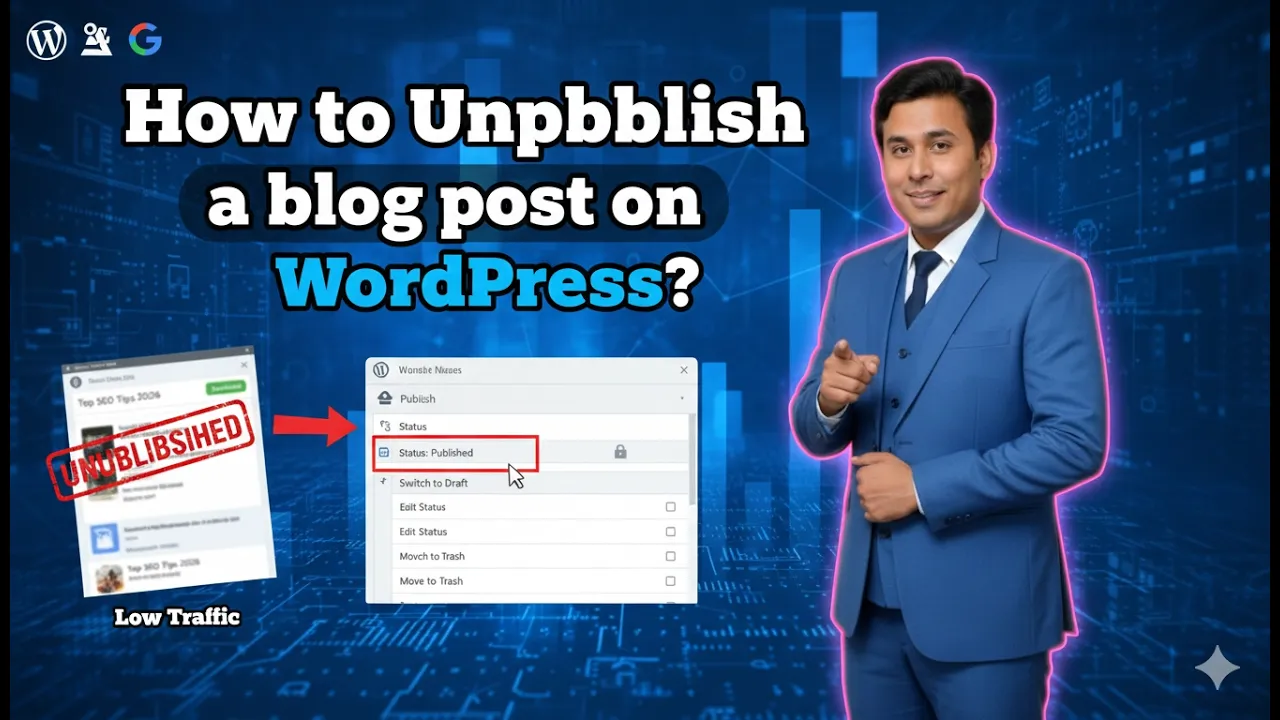
How to Unpublish a Blog Post on a WordPress Website?
Unpublishing a blog post on a WordPress website is a simple process that allows you to remove a published post from public view without deleting it. Sometimes mistakes happen while publishing content. You may have added incorrect information, uploaded the wrong images, or published the post before completing the final edits. In such situations, instead […]
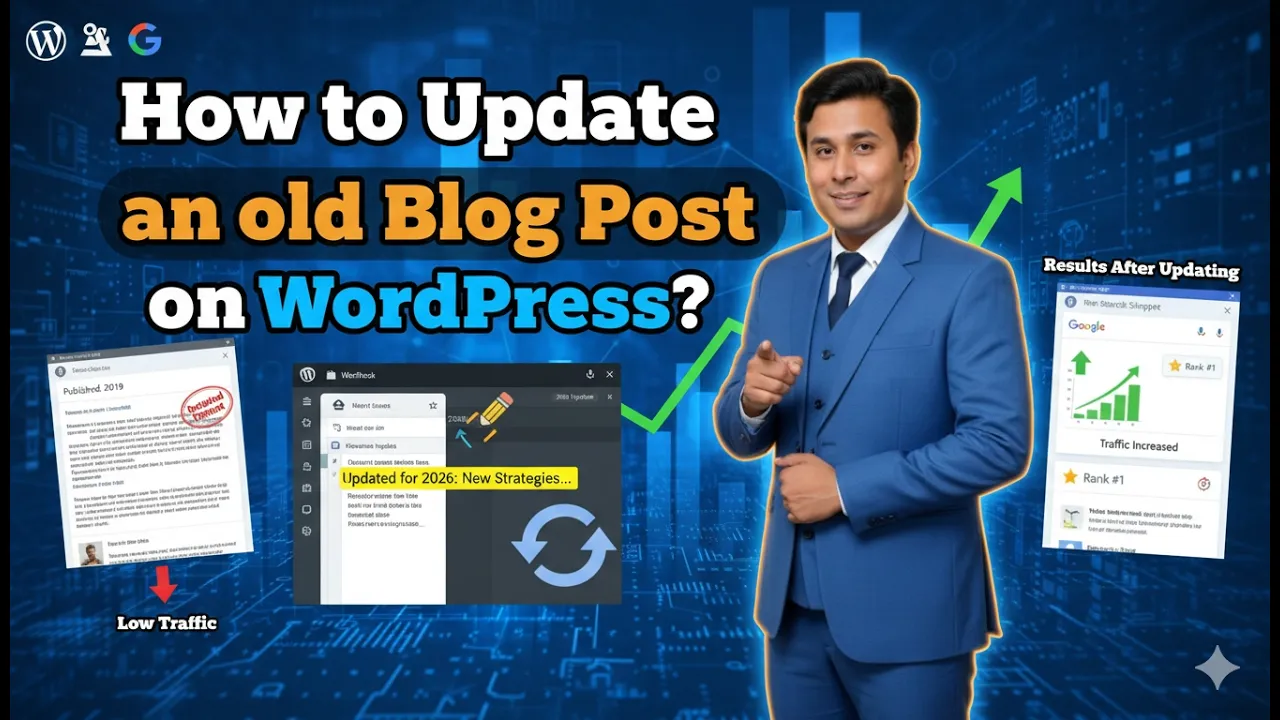
How to Update a Blog Post in a WordPress Website?
Updating a blog post in a WordPress website is an important part of maintaining content freshness. Once a blog post is published, it does not mean the content should remain unchanged forever. Over time, you may need to add new information, correct mistakes, update images, or improve the structure of your article. Keeping your content […]
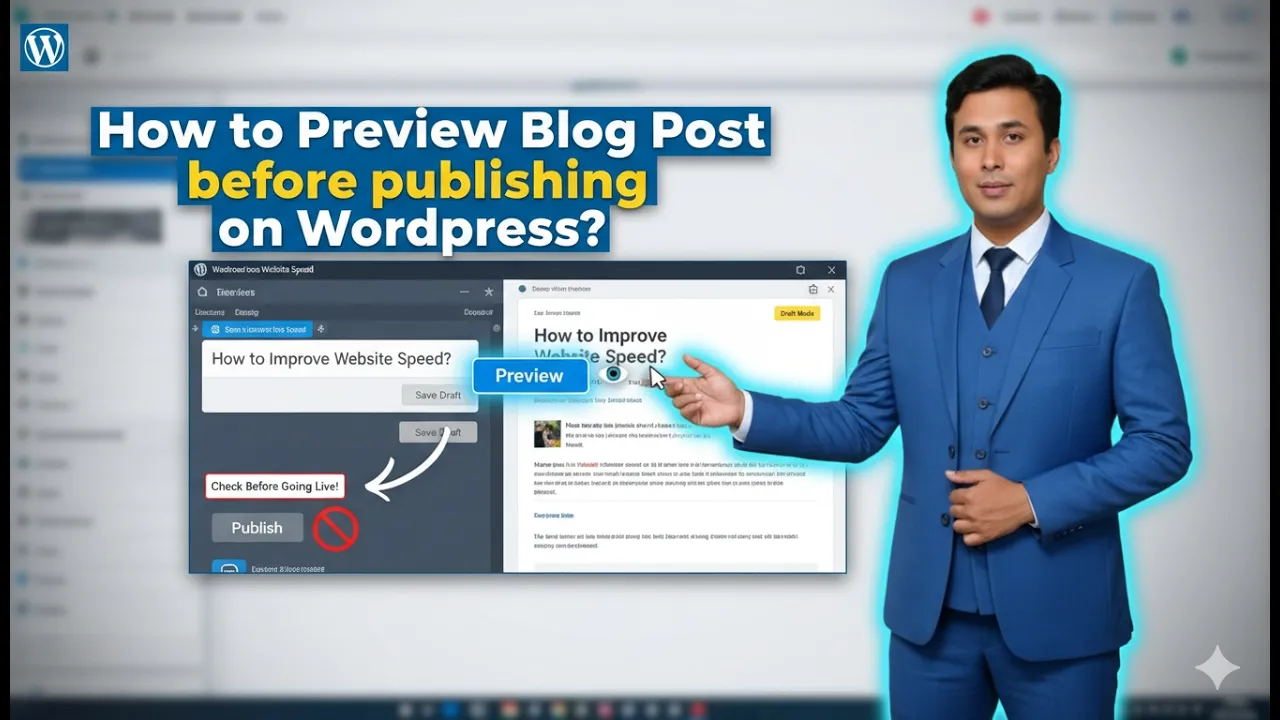
How to Preview Blog Post Before Publishing it in WordPress?
Previewing your blog post before publishing it is an important step in content management. It allows you to check how your blog post will appear on the website once it is live. This helps you identify formatting issues, layout problems, missing images, or any content errors before your audience sees the post. In this article, […]
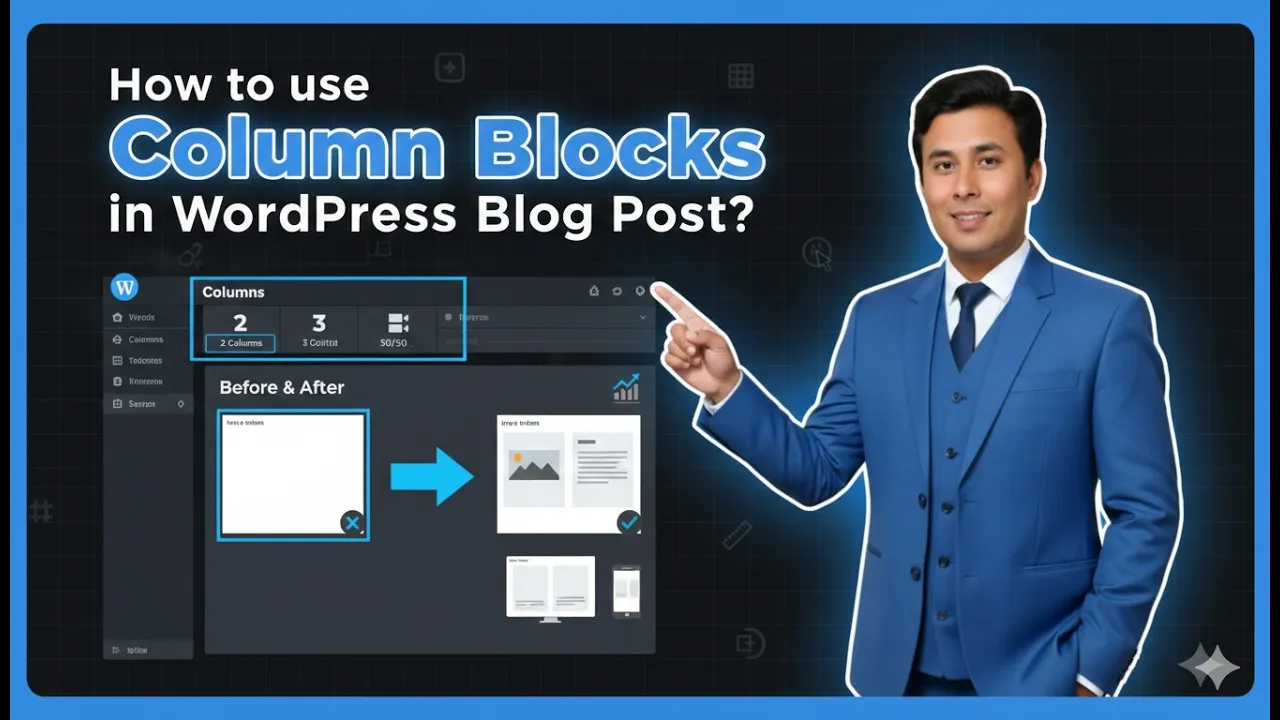
How to Use Column Blocks in a WordPress Blog Post?
Using column blocks in a WordPress blog post allows you to create structured and visually appealing layouts. Instead of displaying all content in a single vertical format, column blocks help you divide your content into multiple sections side by side. This improves readability and makes your blog post look more professional. In this article, you […]
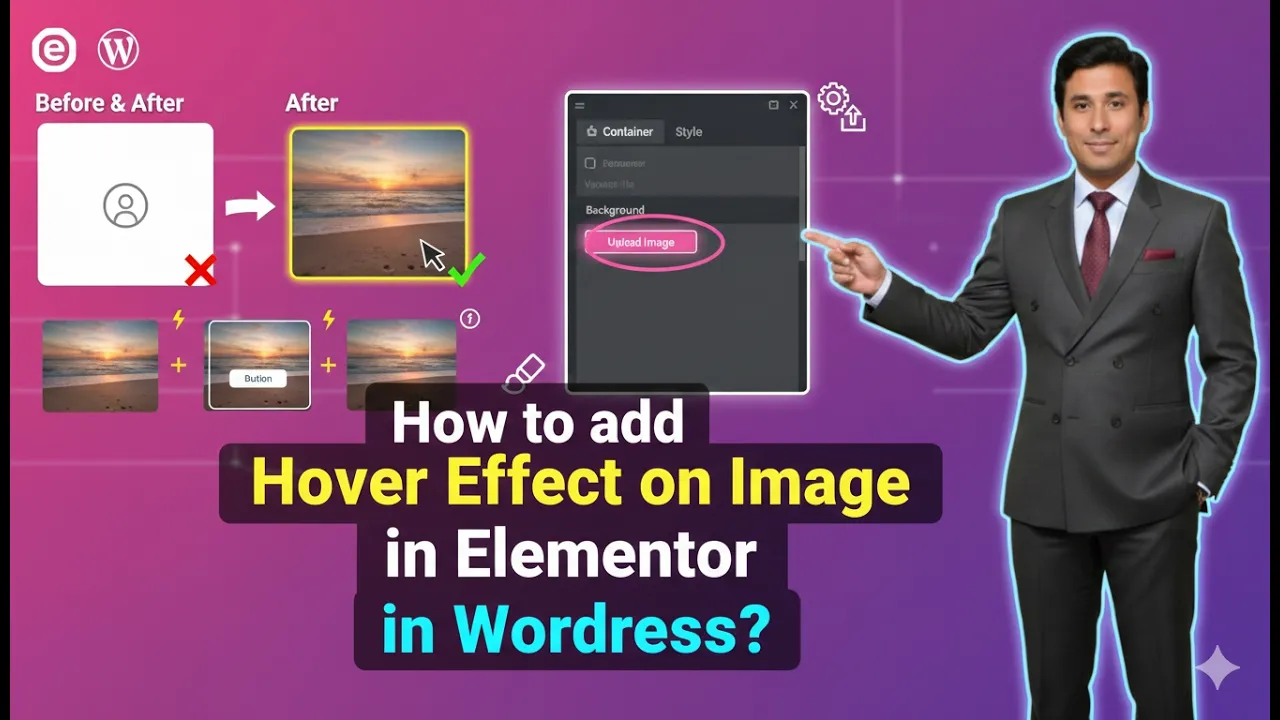
How to Add Hover Effect on an Image in Elementor?
Adding hover effects to images is a useful design technique that enhances the visual interaction of a website. Hover effects allow images to change when a user moves their cursor over them. This feature is commonly used in modern website design to create engaging layouts and improve user experience. Elementor provides simple options to add […]

How to Add Separator Line in a WordPress Blog Post?
Adding a separator line in a WordPress blog post helps create a clear visual gap between different sections of content. A separator line improves readability and makes the blog post look more organized. It is especially useful when you want to create spacing between headings, paragraphs, or different points inside an article. In this article, […]

How to Change the Image Title in a WordPress Website?
Changing the image title in a WordPress website is an important step in managing media files properly. The image title helps identify images inside the media library and can also help with organization and SEO. WordPress allows you to change the image title in multiple ways depending on your workflow. In this article, you will […]

How to Upload Featured Image or Cover Image in Blog Post?
Uploading a featured image or cover image in a blog post on a WordPress website is a simple process. A featured image represents the blog post visually and is usually displayed at the top of the article as well as on blog listing pages. Setting a proper featured image helps improve the presentation of the […]