
Avinash Pareek
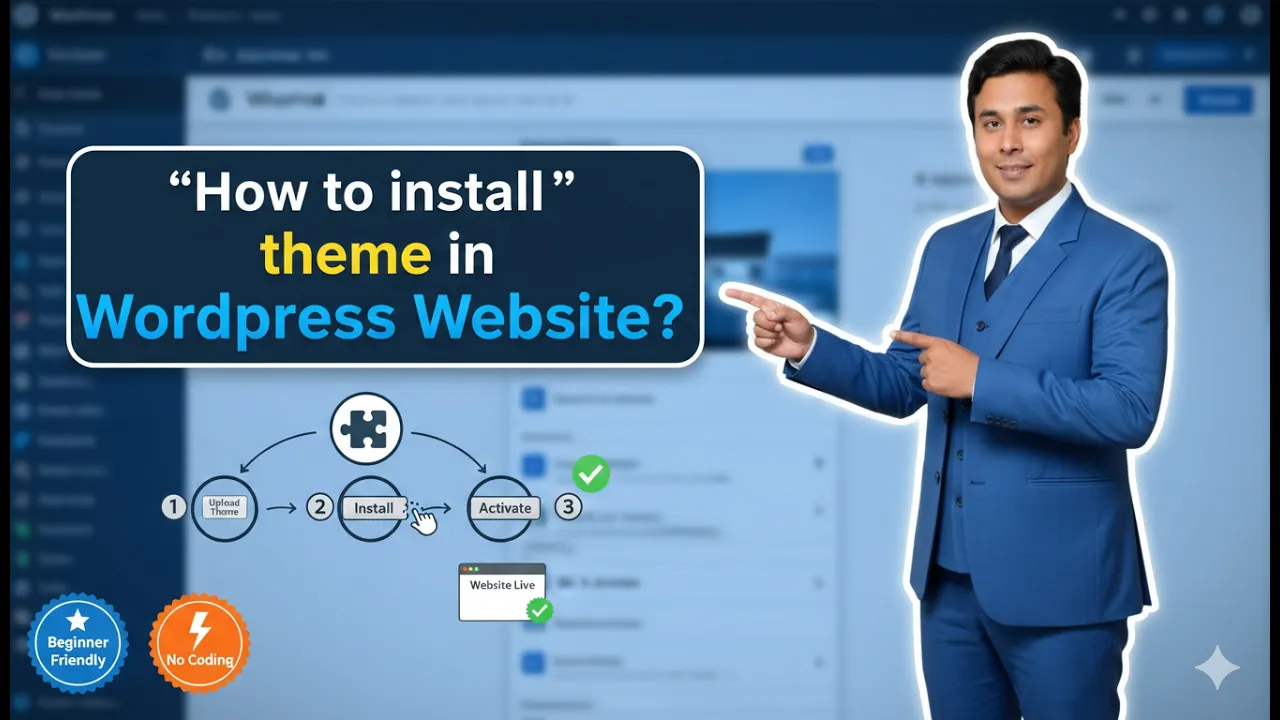
How to Install a Theme in WordPress Website?
In this article, you will learn how to install a theme in a WordPress website step by step. A theme controls the design and layout of your WordPress website. By installing a theme, you can change the appearance of your website and make it suitable for your business or blog. After logging in to your […]

How to Login into WordPress Website Admin Dashboard?
In this article, you will learn how to login into your WordPress website admin dashboard step by step. The WordPress admin dashboard is the place where you can manage your website, create pages, publish posts, and customize the design of your website. Before reaching this step, you should have already completed the earlier steps such […]
How to Optimize Images for SEO?
Welcome to this article. Did you know that optimizing your images is just as important as optimizing your content? Many people focus only on text-based SEO, but images play a powerful role in overall website performance. Image SEO improves page speed, accessibility, and even helps your content appear in Google Images. In this guide, we […]
What is Alt Text in Image SEO?
Welcome to this article. Whether you are a blogger, website owner, or digital marketer, understanding alt text is essential for SEO and accessibility. Alt text may seem like a small technical detail, but it plays a major role in how search engines and users interpret your website. In this guide, we will explain what alt […]
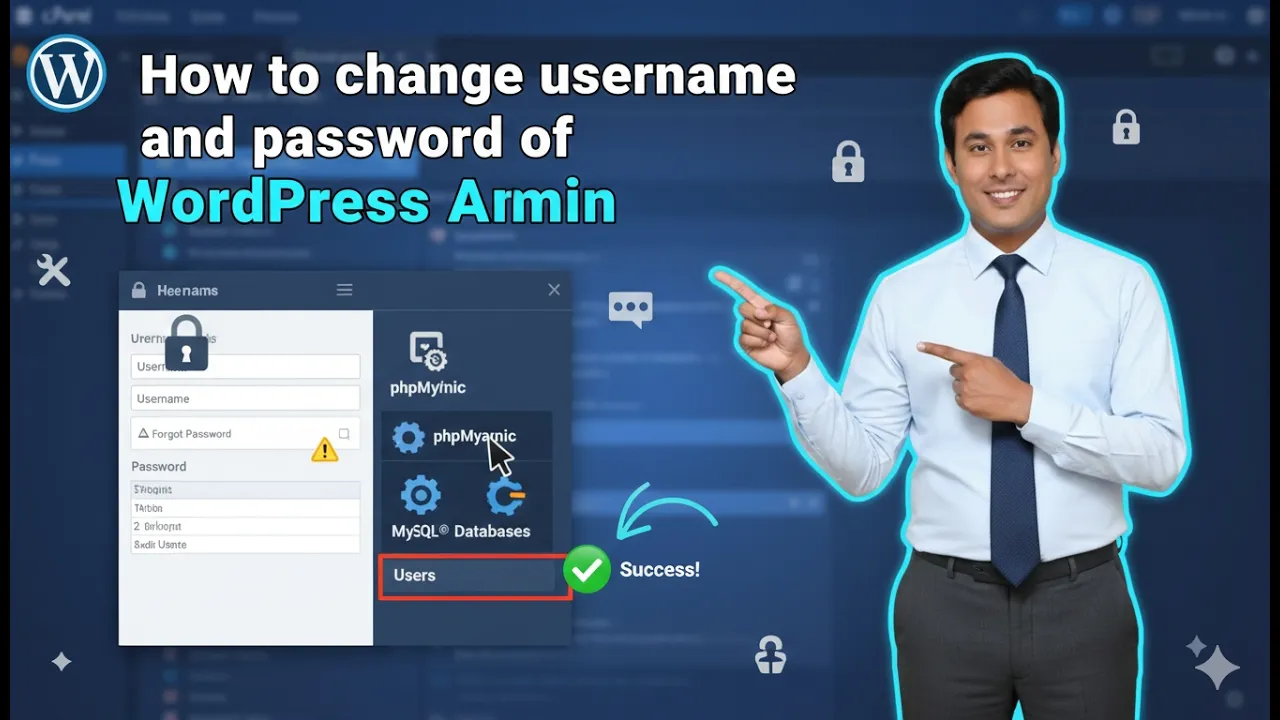
How to Change WordPress Username and Password in cPanel?
In this article, you will learn how to change the WordPress username and password using cPanel. This method allows you to update your WordPress admin login credentials directly from your hosting control panel. If you have access to your hosting account and cPanel, you can easily modify the administrator username, password, and email address. Before […]
What are SERPs in SEO?
Welcome to today’s session. In this article, we are going to understand a fundamental term in SEO: SERPs. If you have ever used Google to search for anything, you have seen a SERP in action. But what exactly is it, and why does it matter for your website? Let us dive in. SERP stands for […]
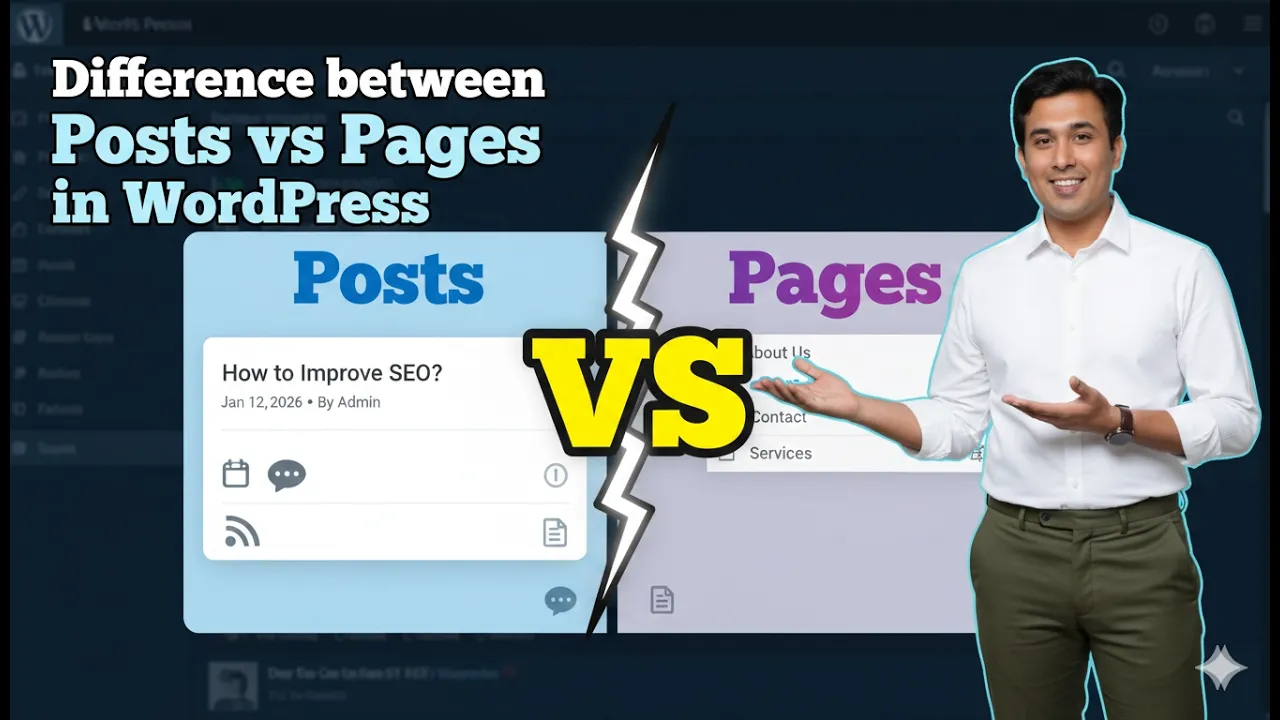
Difference Between Posts and Pages in a WordPress Website
Understanding the difference between posts and pages in a WordPress website is very important for properly managing website content. When you log in to the WordPress admin dashboard, you will notice two separate options in the left menu: Posts and Pages. Both are used to publish content on a website, but they serve completely different […]
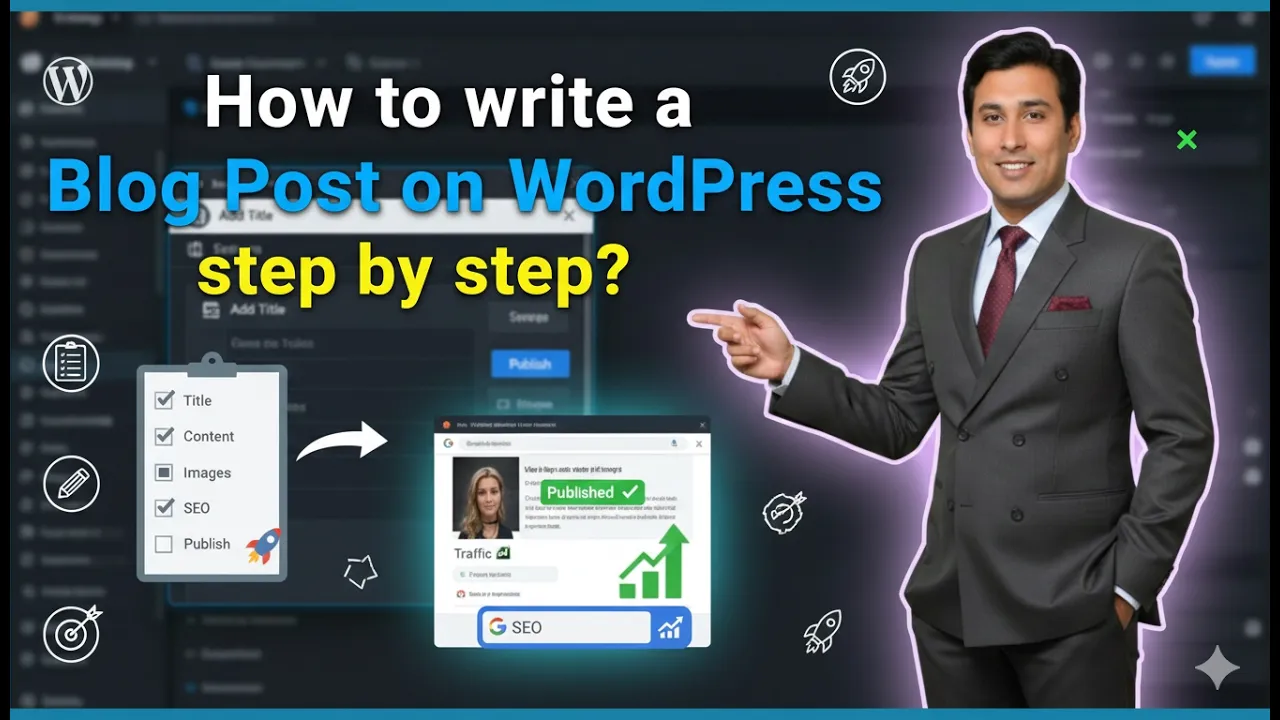
How to Write a Blog Post on WordPress Website?
In this article, you will learn how to write a blog post on a WordPress website step by step. Writing a blog post in WordPress includes entering a title, writing content, formatting headings, adding images and videos, creating categories and tags, and finally publishing the article. As you can see, we are inside the WordPress […]
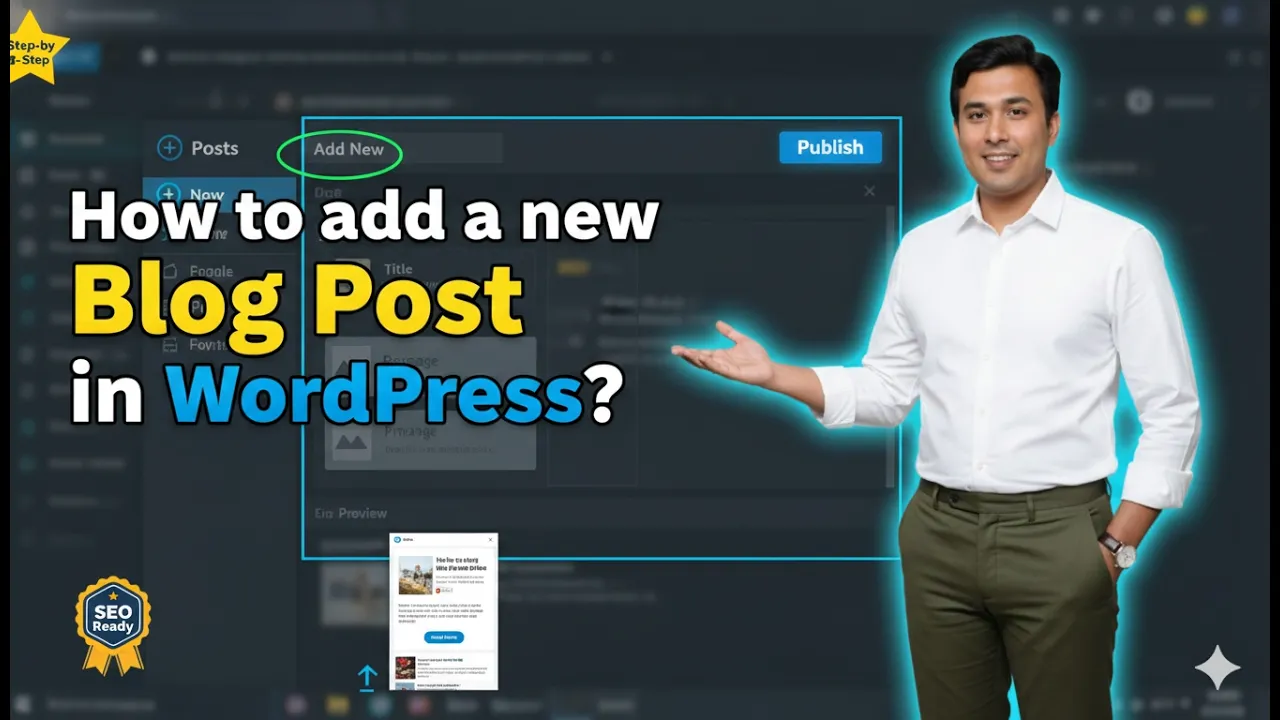
How to add a new Blog Post in WordPress Website?
If you have created a WordPress website and are wondering how you can write a blog post on your website, then it is super easy. In this article, you will learn step by step how to add a new blog post on your WordPress website from the admin dashboard. The process is simple and can […]
What is SEO and How Does It Work?
In today’s digital world, having an online presence is no longer optional. Whether you are a business owner, a content creator, or a digital marketer, your visibility on search engines plays a major role in your success. One of the most essential components of digital marketing is SEO. SEO stands for Search Engine Optimization. It […]