
Avinash Pareek
How to Optimize Title Tag in On-Page SEO?
Welcome. In today’s article, we are going to understand one of the most critical on-page SEO elements: the title tag. It is the first thing that users and search engines notice about your page. A well-optimized title tag can boost your rankings and improve your click-through rate (CTR). Even though it may seem like a […]
What is a Meta Description in SEO?
Welcome to this article. In today’s session, we will understand what a meta description is and why it plays a crucial role in SEO. Whether you are writing blog posts or product pages, mastering meta descriptions can improve your visibility and clicks. Meta descriptions may seem small, but they have a powerful impact on how […]

How to Take Backup of a WordPress Website for Free?
In this article, we will learn how to take a backup of a WordPress website for free. Many website owners are always worried about losing their website data. Sometimes mistakes happen while updating themes, plugins, or making design changes, and the website may stop working properly. Because of this reason, it is always recommended to […]

How to Add WhatsApp Chat Button on WordPress Website?
In this article, we are going to learn how to add WhatsApp chat button on WordPress website. If you want visitors to contact you directly through WhatsApp from your website, then adding a WhatsApp chat button is a very useful feature. It allows users to send messages instantly and makes communication easier. As you can […]
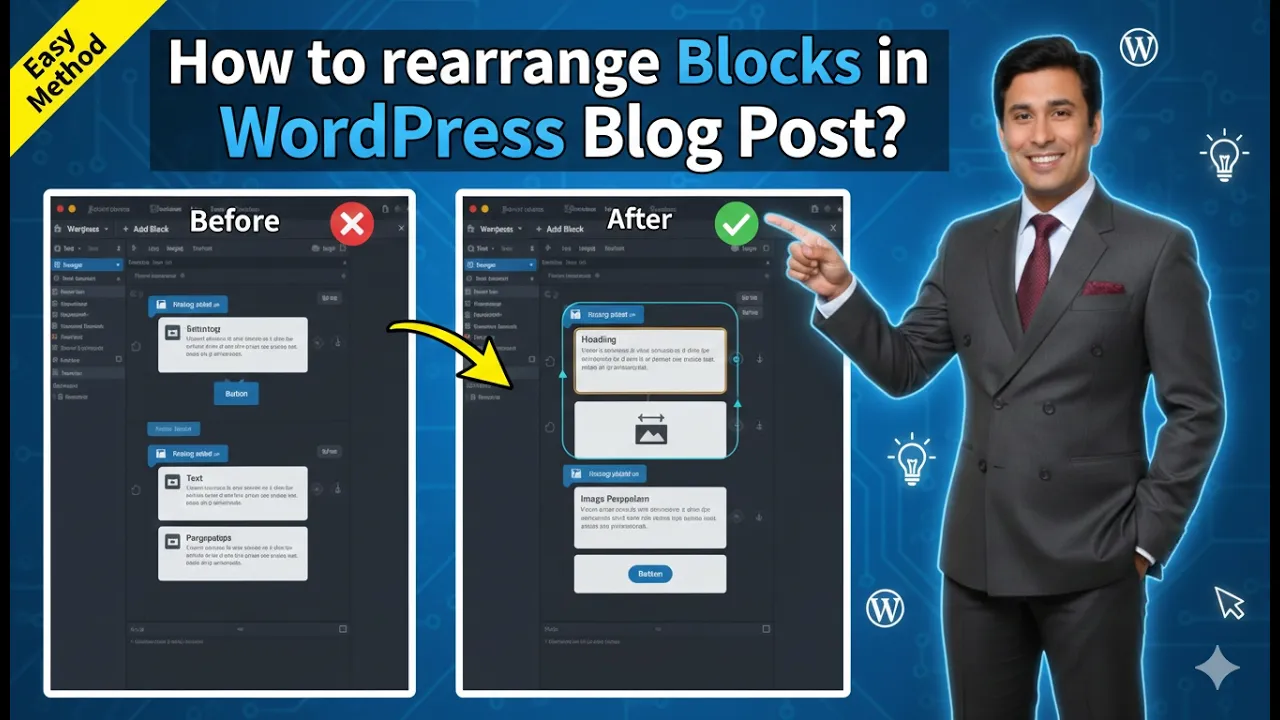
How to Rearrange Blocks in a WordPress Blog Post?
Rearranging blocks in a WordPress blog post is an important editing feature that helps organize content properly. While creating a blog post, it is possible that some blocks may be placed in the wrong location. Instead of rewriting the content, WordPress allows you to rearrange blocks easily by moving them upward or downward inside the […]
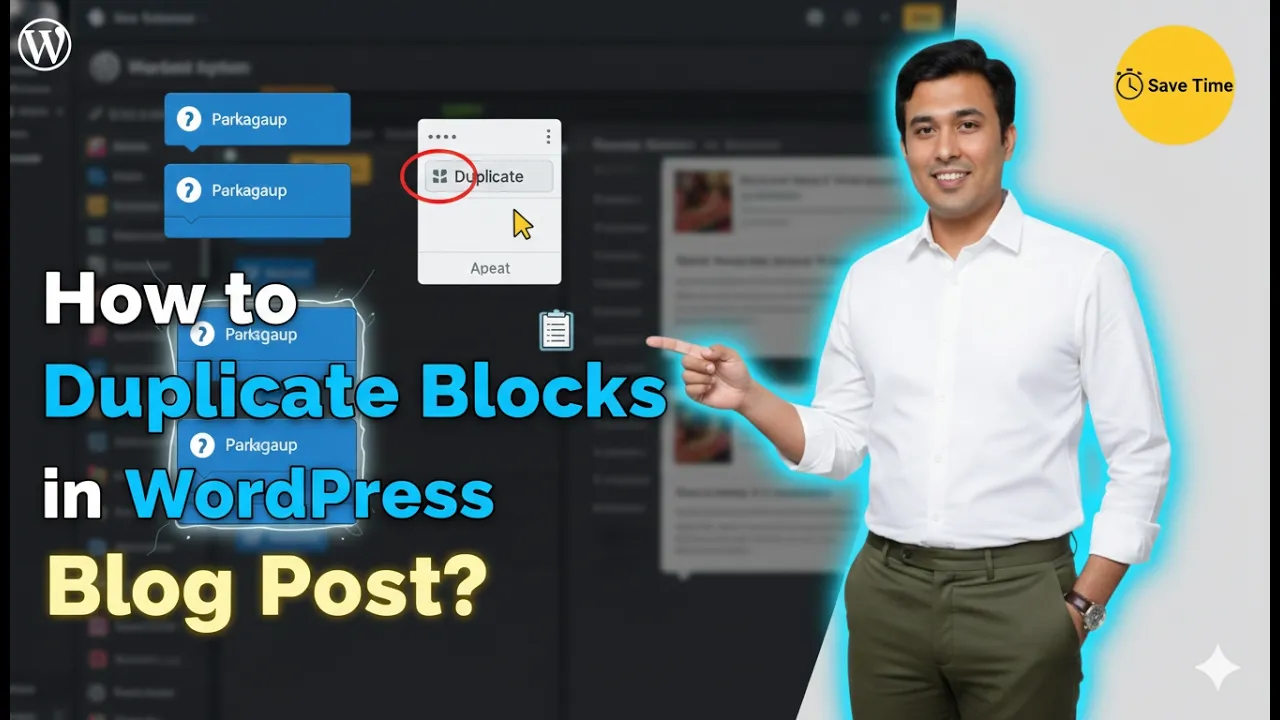
How to Duplicate Blocks in a WordPress Blog Post?
Duplicating blocks in a WordPress blog post is a simple and useful feature that helps save time while editing content. Sometimes you may want the same content, image, or layout to appear multiple times in a blog post. Instead of creating the same block again and again, you can simply duplicate an existing block. This […]
How to Add New Blocks in a WordPress Blog Post?
Adding new blocks in a WordPress website is a simple process. WordPress uses a block editor that allows you to create and arrange content using different types of blocks such as paragraphs, headings, images, columns, and more. By adding blocks, you can organize your content in a structured and flexible way. In this article, you […]
How to Add a Button Inside WordPress Blog Post?
Adding a button inside a WordPress post is a simple process that helps make your content more interactive and user-friendly. Buttons are useful for call-to-action purposes such as directing visitors to another page, encouraging them to read more content, or guiding them toward important sections of your website. In this article, you will learn how […]
How to embed YouTube Video in Blog Post on WordPress?
In this article, we will learn how to add a YouTube video in a blog post on a WordPress website. This process is very easy and can be done directly from the WordPress admin dashboard. Adding a YouTube video inside a blog post helps improve the presentation of your article and allows visitors to understand […]
How to write SEO-friendly URLs?
Welcome to this article. If you are aiming for better rankings and a smoother user experience, then optimizing your URL is a must. In this guide, we will learn how to write SEO-friendly URLs that are clean, readable, and effective. URL optimization may seem like a small detail, but it plays an important role in […]