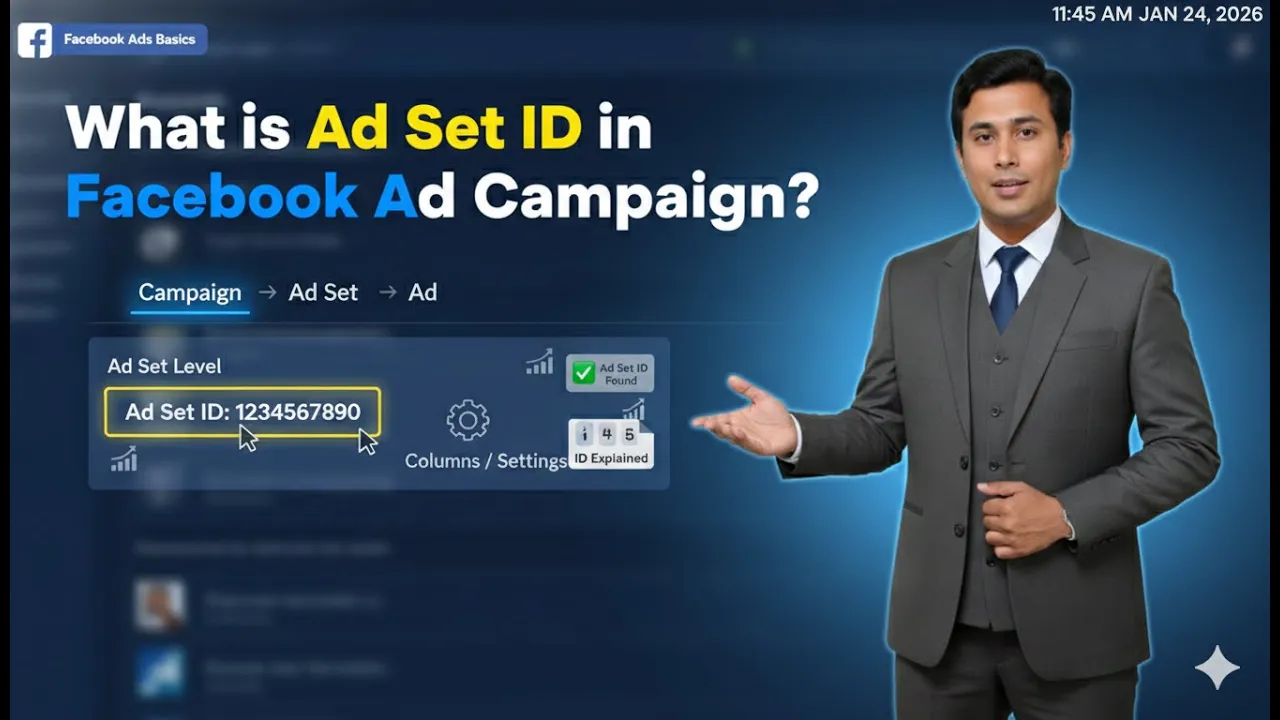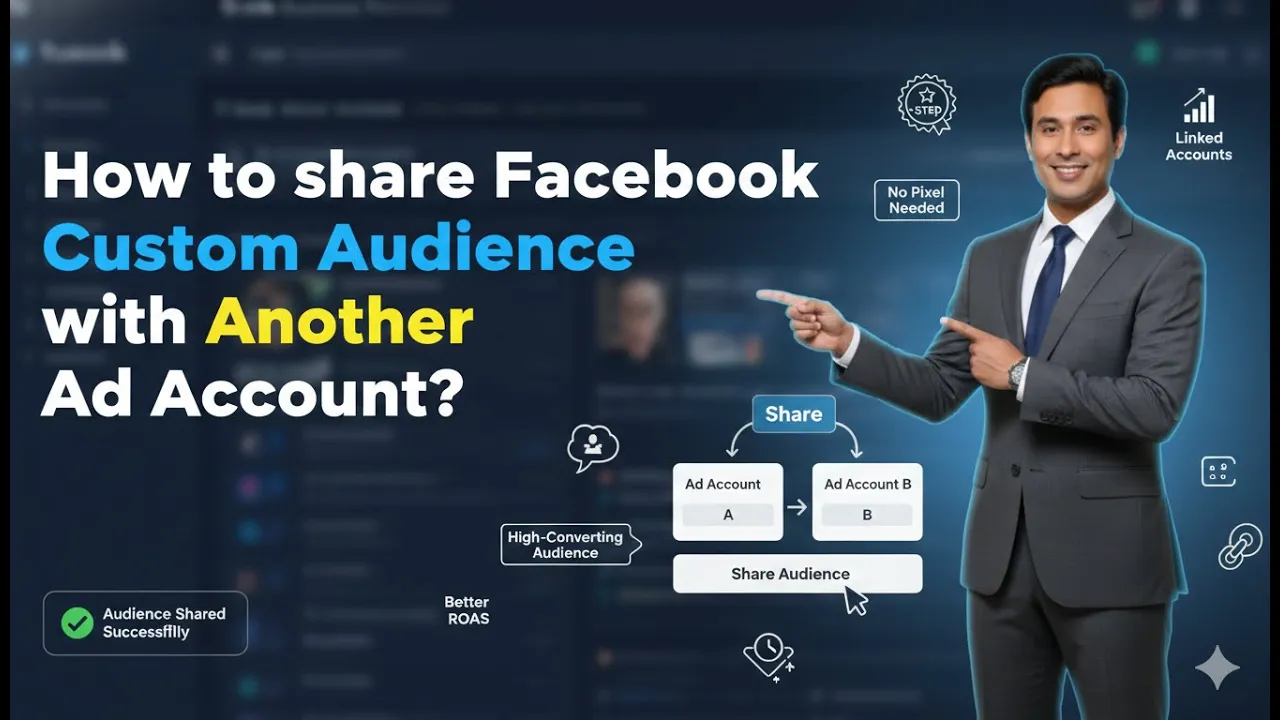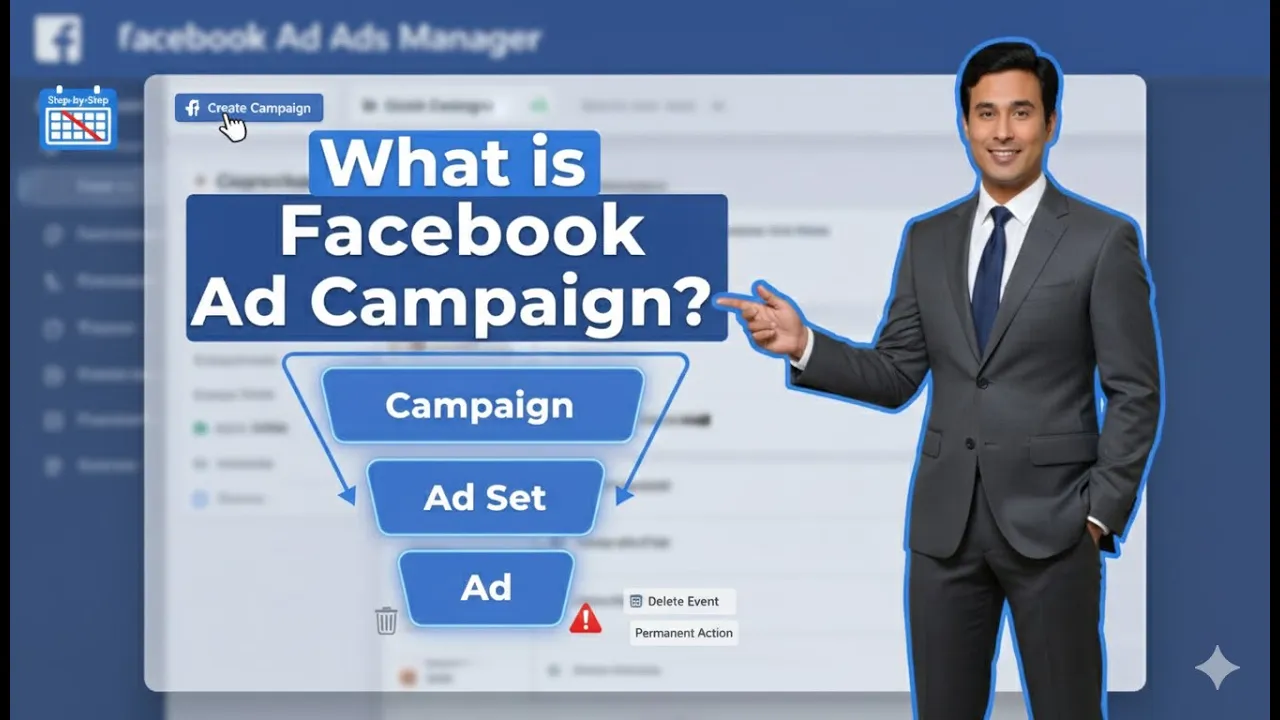
Running ads on Meta platforms starts with understanding the basic structure of how ads are organized. Many beginners feel confused when they open the Ads Manager and see terms like campaigns, ad sets, and ad creatives. To remove this confusion, it is important to understand what an ad campaign actually is and how it works within Meta’s advertising system. In this article, we will explain in detail what an ad campaign is in Meta, how it is created, why objectives matter, and how campaigns, ad sets, and ad creatives are connected.
Understanding Meta Ads Manager Structure
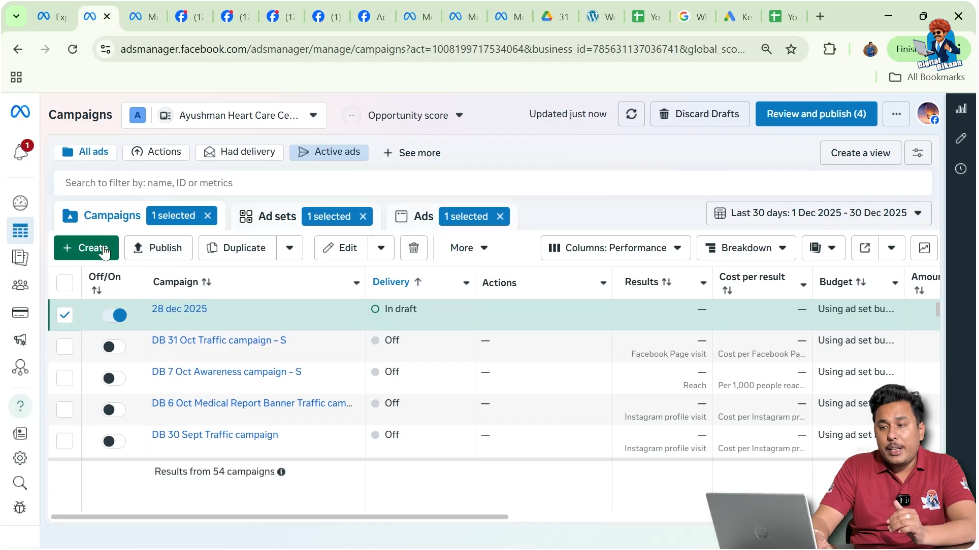
When you open Meta Ads Manager, you will immediately notice three main sections:
- Campaigns
- Ad Sets
- Ad Creatives
These three sections represent the complete structure of Meta advertising. Every ad you run on Meta follows this hierarchy. To understand ads properly, you must first understand the role of each level, starting with the campaign.
What Is an Ad Campaign in Meta?
An ad campaign is the top-level structure in Meta Ads Manager. It defines why you are running ads.
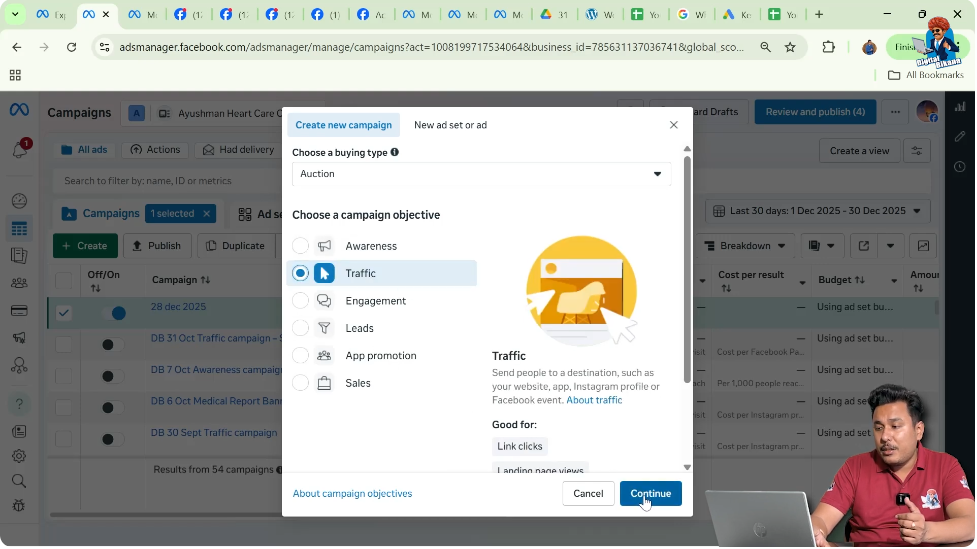
Whenever you click on the Create button, the first thing Meta asks you is to choose a campaign objective. This shows that a campaign is not about design, audience, or budget—it is about your goal.
In simple words, an ad campaign answers one question:
“What do I want to achieve from this advertisement?”
Importance of Campaign Objectives
Campaign objectives are the foundation of any ad campaign. They tell Meta what result you are expecting so that the platform can show your ads to the right type of people.
For example, you may want:
- Awareness of your business among people
- Traffic to your website
- Calls from potential customers
- Inquiries through messages
- Leads through form filling
- Promotion of a mobile application
- Sales for an e-commerce website
Each of these goals represents a different campaign objective.
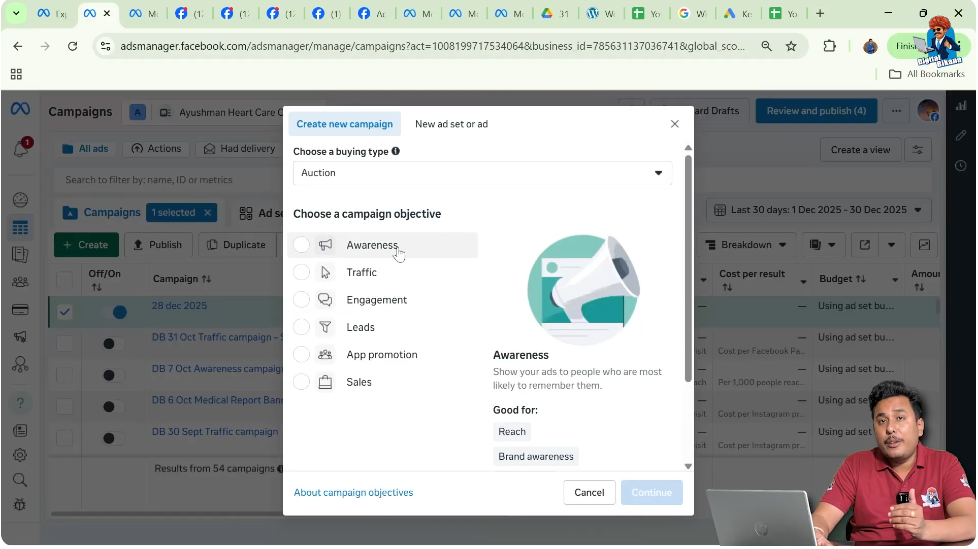
Awareness Objective Explained
If your goal is to make more people aware of your business, you select an awareness objective.
This type of campaign focuses on showing your ad to as many relevant people as possible. It is useful when your brand is new or when you want people to recognize your business name.
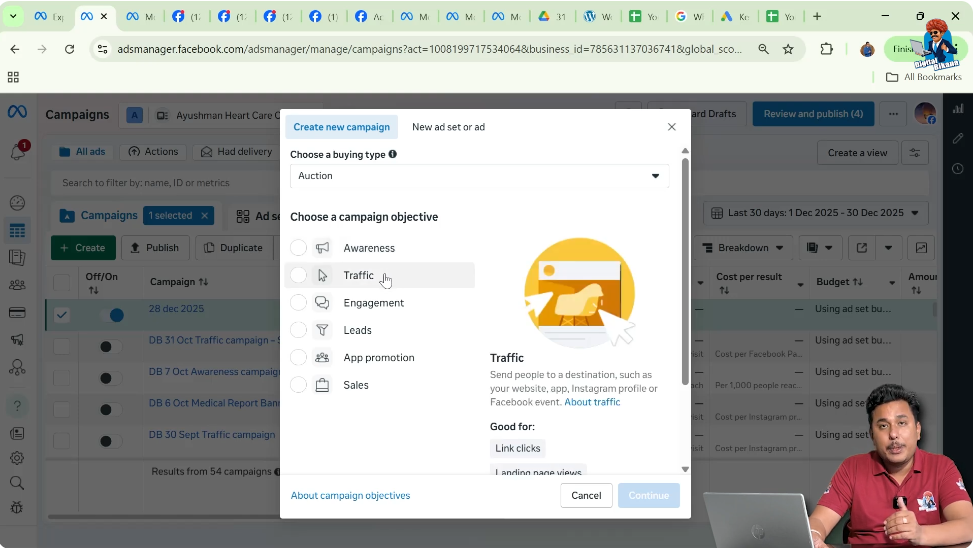
Traffic Objective Explained
If you want people to visit your website, you choose the traffic objective.
In this type of campaign, Meta tries to show your ad to users who are more likely to click on links. In the example shown, the traffic objective is selected to continue the campaign creation.
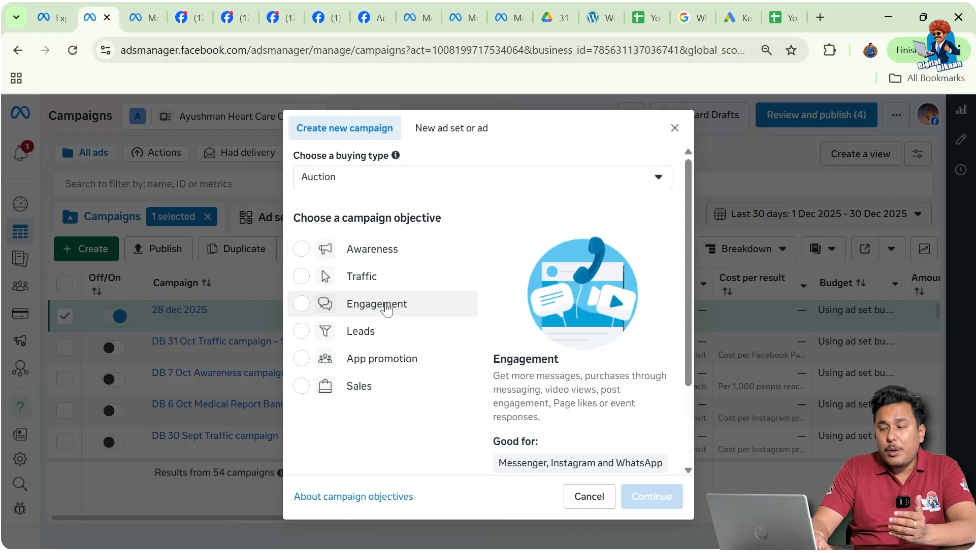
Calls, Messages, and Leads Objectives
Meta also allows you to:
- Get phone calls from users
- Receive inquiries through messages
- Collect leads using forms
These objectives are selected based on how you want people to contact your business. The campaign objective decides the action Meta optimizes for.

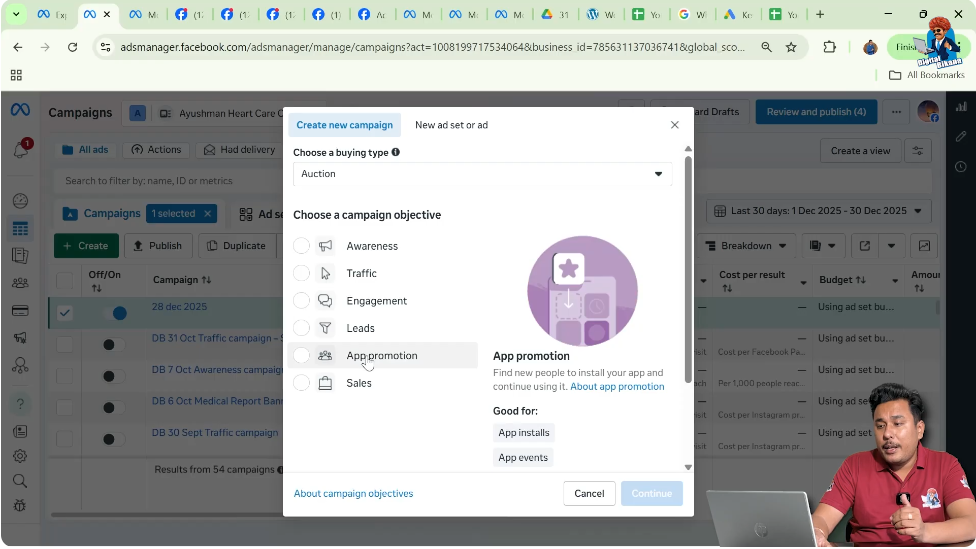
App Promotion Objective
If you want to promote a mobile application, Meta provides an app promotion objective.
This campaign focuses on app installs or app engagement depending on what you select during setup.
Sales Objective for E-Commerce
If you are running an e-commerce website, you can choose the sales objective.
This campaign is focused on driving purchases. Meta shows ads to users who are more likely to buy products based on their behavior.

Selecting an Objective and Continuing
Once you select the objective—for example, traffic—you click on continue.
At this point, the campaign objective is locked in. Everything else in the campaign will work toward achieving this selected goal.
Manual Campaign Setup vs Recommended Settings (Advantage Plus Campaign)
After selecting the objective, Meta asks whether you want to:
- Use recommended settings, or
- Design the campaign manually
In the example, the campaign is designed manually. Manual Ad Campaign setup gives more control over how the campaign, ad sets, and ads are structured.

Understanding the Campaign Level Clearly
The campaign level only focuses on:
- The objective
- The overall purpose of advertising
It does not handle audience targeting or ad design directly. Those elements are handled at lower levels.
What Comes After the Campaign? Ad Sets
After creating the campaign, the next level is the ad set.
An ad campaign can have:
- A single ad set, or
- Multiple ad sets
In the shown scenario, the campaign has one ad set.
What Is an Ad Set?
An ad set controls how and to whom your ads are shown.
Although not deeply discussed in the video, the ad set is positioned between the campaign and the ad creative. It acts as a bridge between the campaign goal and the actual advertisement.
Single Ad Set Example
In the example:
- One campaign
- One ad set
- One ad creative
This is the simplest structure possible and is commonly used for basic advertising needs.

Multiple Ad Sets in One Campaign
Meta allows you to create multiple ad sets inside one campaign.
This is useful when you want to test different audiences, placements, or other variations. The video mentions that reasons for multiple ad sets will be discussed in upcoming videos.
Understanding Ad Creatives
Inside each ad set, there are ad creatives.
An ad creative is the actual advertisement that people see. It includes visuals, text, and call-to-action elements.
Single Ad Creative Example
In the shown scenario, the single ad set contains one ad creative.
This means:
- One message
- One design
- One ad
This structure is easy to manage and understand, especially for beginners.

Multiple Ad Creatives in One Ad Set
Meta also allows you to create multiple ad creatives inside a single ad set.
This means the same audience can see different versions of your ad. This helps in testing which creative performs better.

Relationship Between Campaign, Ad Set, and Ad Creative
The structure can be understood in a very simple hierarchy:
- Ad Campaign → Defines the objective
- Ad Set → Groups settings under the campaign
- Ad Creative → The actual advertisement
Or simply:
Campaign contains ad sets, and ad sets contain ad creatives.
Why This Structure Is Important
This structure helps businesses organize their ads clearly.
Instead of mixing objectives, audiences, and creatives, Meta separates everything into levels. This makes it easier to track performance and understand results.
Campaigns Are Goal-Oriented
The most important thing to remember is that campaigns are goal-based.
Every campaign is created to achieve a specific result, such as awareness, traffic, leads, or sales. Without a clear objective, an ad campaign cannot function effectively.
Final Understanding of an Ad Campaign in Meta
An ad campaign in Meta is the starting point of advertising. It defines what you want from your ads. Once the objective is selected, Meta structures the campaign into ad sets and ad creatives.
Campaigns do not work alone. They function as part of a system where:
- Campaign sets the goal
- Ad sets manage structure
- Ad creatives deliver the message
Understanding this hierarchy is essential before running any paid ads on Meta.
Final Thoughts
If you are new to Meta advertising, understanding what an ad campaign is should be your first step. Once the concept of campaigns, ad sets, and ad creatives becomes clear, running ads becomes much easier.
This foundational knowledge helps you make better decisions, avoid mistakes, and plan your advertising strategy more effectively.

Related Posts