
Elementor Wordpress Tutorial for Beginners
This Elementor WordPress Tutorial for Beginners category is designed to help new learners understand how to design professional websites using Elementor in WordPress. Elementor is one of the most popular page builder plugins that allows users to create beautiful and responsive webpages without needing advanced coding knowledge. With its drag-and-drop interface, beginners can easily design websites, landing pages, and blog layouts.
I am the founder of Digital Bikana, and through my experience in digital marketing and website development, I have built and customized many WordPress websites using Elementor. During this process, I realized that many beginners want to design websites but feel confused about themes, page builders, and layout settings. This category is created to simplify Elementor and help beginners learn website designing step by step.
In this section, I explain the basics of Elementor so beginners can clearly understand how the page builder works. You will learn how to install the Elementor plugin, create new pages, and start designing layouts using the drag-and-drop editor. Elementor provides different widgets such as headings, images, buttons, videos, and columns, which help in building visually appealing webpages.
Another important topic covered in these tutorials is page layout and section structure. Elementor works using sections, columns, and widgets, and understanding this structure helps you design pages more effectively. Once you understand these elements, you can create professional landing pages, service pages, and homepage designs.
The tutorials also explain how to customize fonts, colors, spacing, and backgrounds so that your website design looks clean and professional. I also share tips on creating responsive pages that look good on mobile, tablet, and desktop devices.
In addition, you will learn how Elementor can be used with WordPress themes to design complete websites. From creating headers and footers to designing sections with images and call-to-action buttons, Elementor provides powerful tools to make website creation easier.
The goal of this Elementor WordPress Tutorial for Beginners category is to make website designing simple for beginners. Whether you are a student, freelancer, digital marketer, or business owner, these tutorials will guide you step by step so you can design professional WordPress websites using Elementor with confidence.
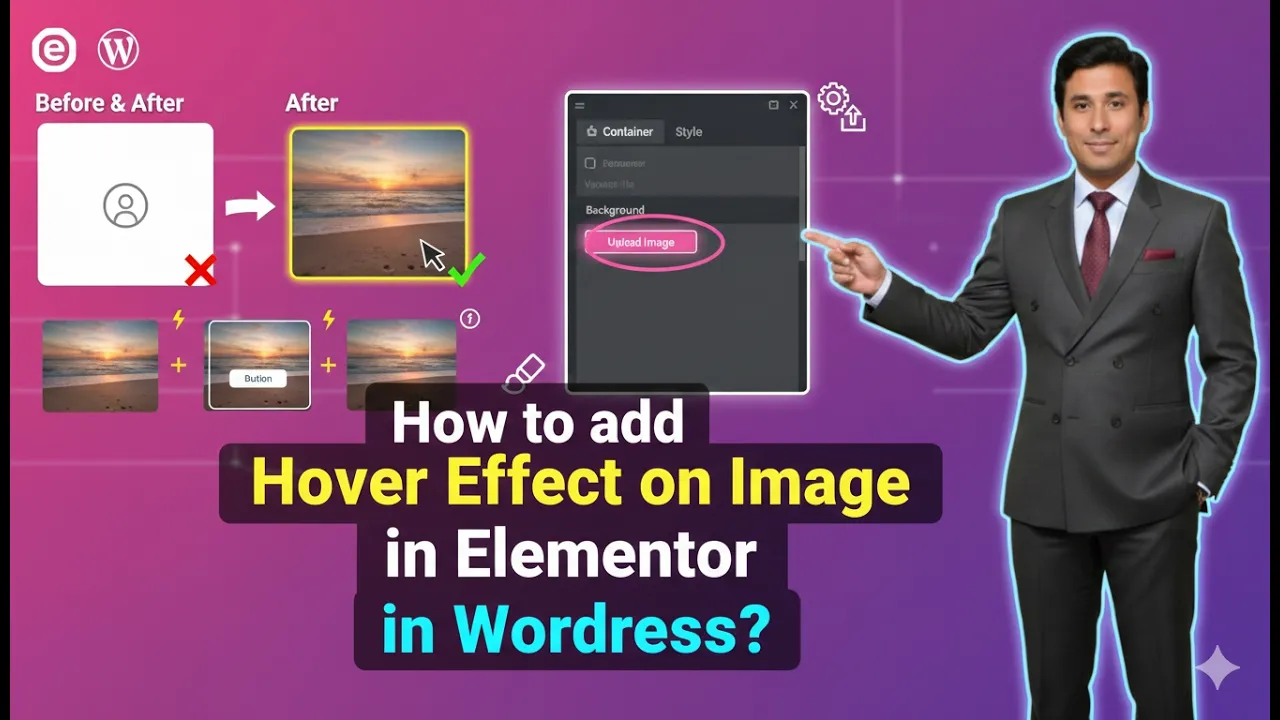
How to Add Hover Effect on an Image in Elementor?
Adding hover effects to images is a useful design technique that enhances the visual interaction of a website. Hover effects allow images to change when a user moves their cursor over them. This feature is commonly used in modern website design to create engaging layouts and improve user experience. Elementor provides simple options to add […]
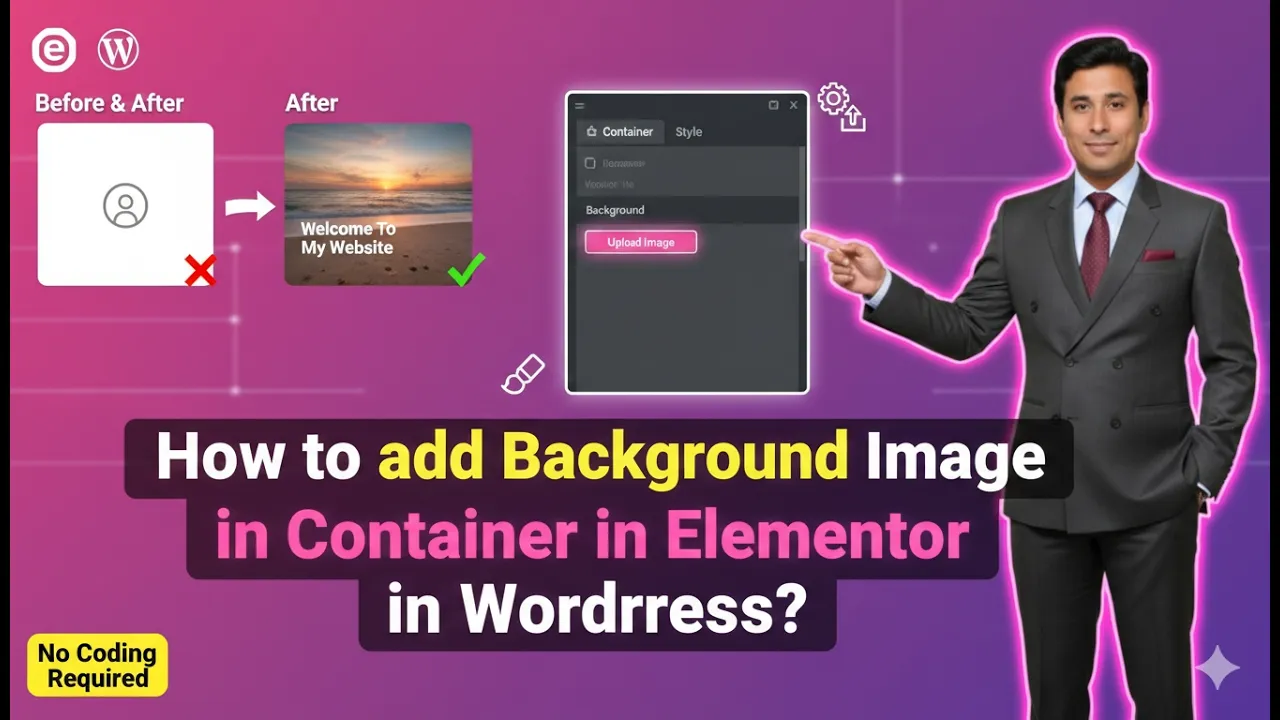
How to Add Background Image in Container in Elementor?
Adding a background image to a container in Elementor is a common design technique used to make webpages visually appealing. Background images are often used in hero sections, banners, call-to-action areas, and many other parts of a webpage to create an engaging user experience. Elementor allows users to easily add background images inside containers while […]
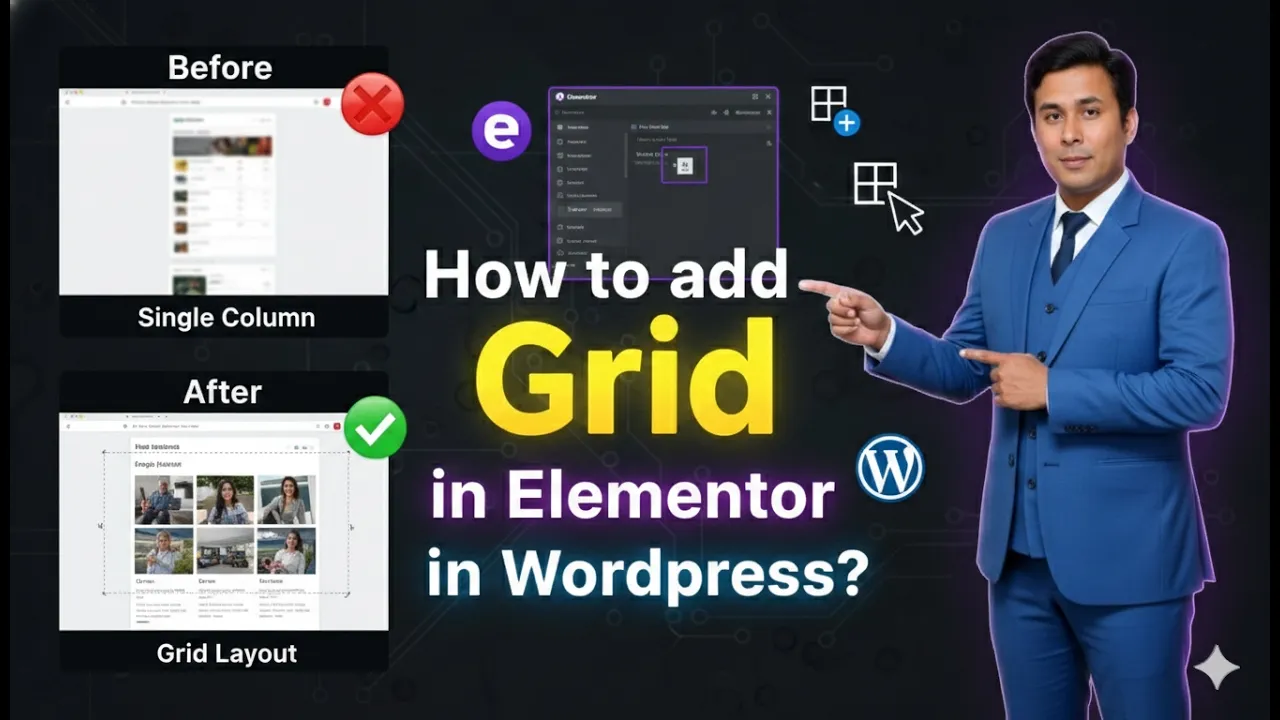
How to Add Grid in Elementor?
Creating structured and organized layouts is an important part of designing a professional website. Elementor provides different layout systems that help users design web pages easily. One of these layout systems is the Grid container, which allows you to organize elements into rows and columns in a flexible and structured way. When you are editing […]
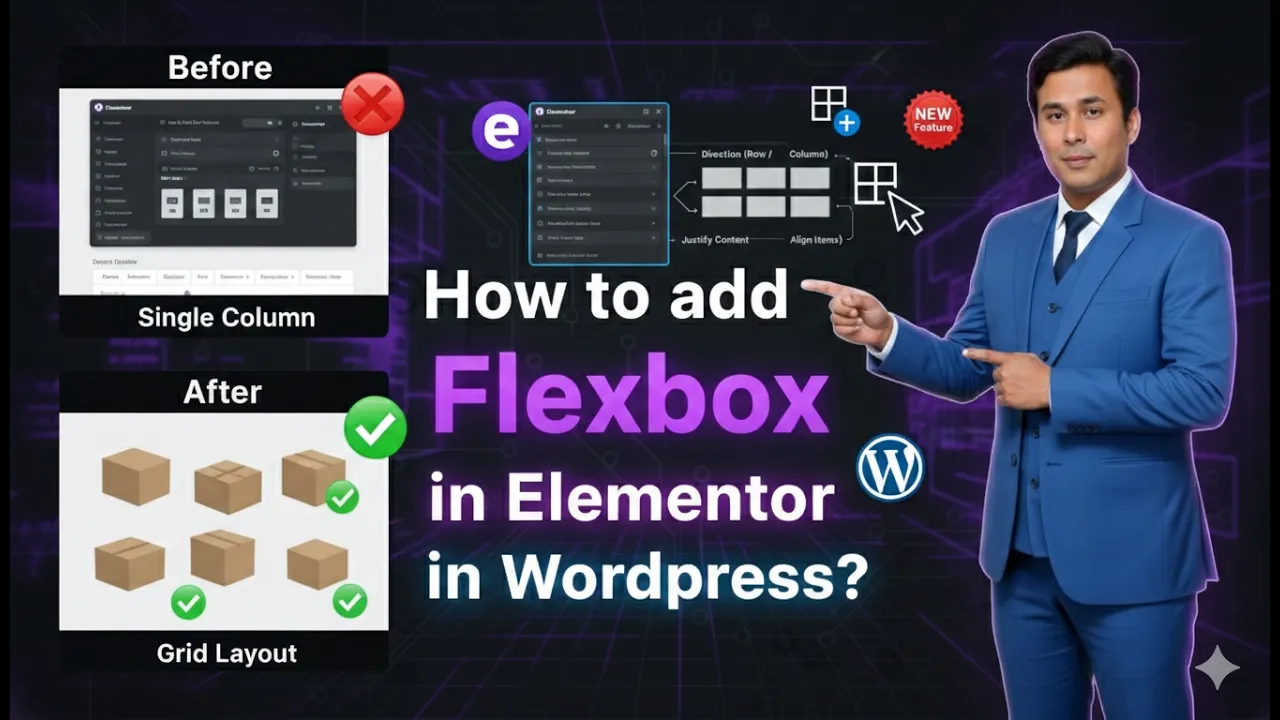
How to Add Flexbox in Elementor?
Flexbox has become one of the most useful layout systems for designing modern and responsive web pages. In Elementor, Flexbox Containers provide a flexible way to structure content without relying on the older section and column system. If you are editing a page in Elementor and want to create structured layouts using rows and columns, […]