
Blogging Tutorial for Beginners
This Blogging Tutorial for Beginners category is designed to help new learners understand how blogging works and how they can start their own blog step by step. Blogging has become one of the most effective ways to share knowledge, build an online presence, and attract organic traffic from search engines. With the right strategy, blogging can help individuals and businesses educate their audience, improve website visibility, and establish authority in their niche.
I am the founder of Digital Bikana, and through my experience in digital marketing and website development, I have worked with blogs that generate traffic through search engines and valuable content. During this journey, I noticed that many beginners want to start blogging but often feel confused about where to begin. This category is created to simplify blogging concepts and guide beginners through the entire process in a practical and easy way.
In this section, I explain the basics of blogging so beginners can clearly understand what a blog is and why it is important for online growth. Blogging is not only about writing articles; it is about creating useful content that answers questions, solves problems, and provides valuable information to readers.
One of the important topics covered here is choosing the right blog niche. A niche is the main topic or subject your blog focuses on. Selecting a clear niche helps you build a focused audience and allows you to create consistent content around a specific subject.
The tutorials also explain how to set up a blog and create a website using platforms like WordPress. You will learn how to structure your blog, create pages and categories, and publish your first article. These steps are explained in a beginner-friendly way so that even someone with no technical knowledge can start blogging.
Another important part of blogging is content writing and SEO. Creating valuable and well-structured articles helps search engines understand your content and rank it higher in search results. In these tutorials, I explain how to write blog posts that are informative, easy to read, and optimized for search engines.
The goal of this Blogging Tutorial for Beginners category is to make blogging simple and practical. Whether you are a student, entrepreneur, or digital marketing learner, these tutorials will guide you step by step so you can build a blog, publish quality content, and gradually grow your online presence.
How to Rearrange Blocks in a WordPress Blog Post?
Rearranging blocks in a WordPress blog post is an important editing feature that helps organize content properly. While creating a blog post, it is possible that some blocks may be placed in the wrong location. Instead of rewriting the content, WordPress allows you to rearrange blocks easily by moving them upward or downward inside the […]
How to Duplicate Blocks in a WordPress Blog Post?
Duplicating blocks in a WordPress blog post is a simple and useful feature that helps save time while editing content. Sometimes you may want the same content, image, or layout to appear multiple times in a blog post. Instead of creating the same block again and again, you can simply duplicate an existing block. This […]
How to Add New Blocks in a WordPress Blog Post?
Adding new blocks in a WordPress website is a simple process. WordPress uses a block editor that allows you to create and arrange content using different types of blocks such as paragraphs, headings, images, columns, and more. By adding blocks, you can organize your content in a structured and flexible way. In this article, you […]
How to Add a Button Inside WordPress Blog Post?
Adding a button inside a WordPress post is a simple process that helps make your content more interactive and user-friendly. Buttons are useful for call-to-action purposes such as directing visitors to another page, encouraging them to read more content, or guiding them toward important sections of your website. In this article, you will learn how […]
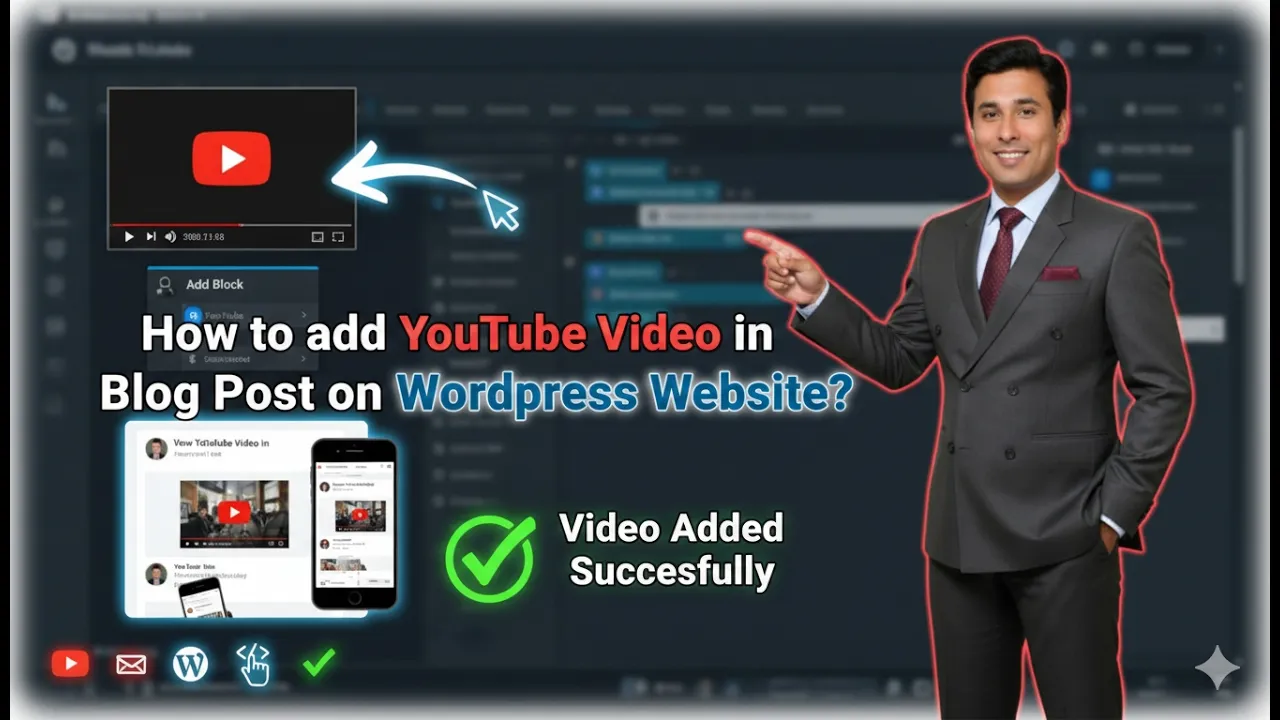
How to embed YouTube Video in Blog Post on WordPress?
In this article, we will learn how to add a YouTube video in a blog post on a WordPress website. This process is very easy and can be done directly from the WordPress admin dashboard. Adding a YouTube video inside a blog post helps improve the presentation of your article and allows visitors to understand […]
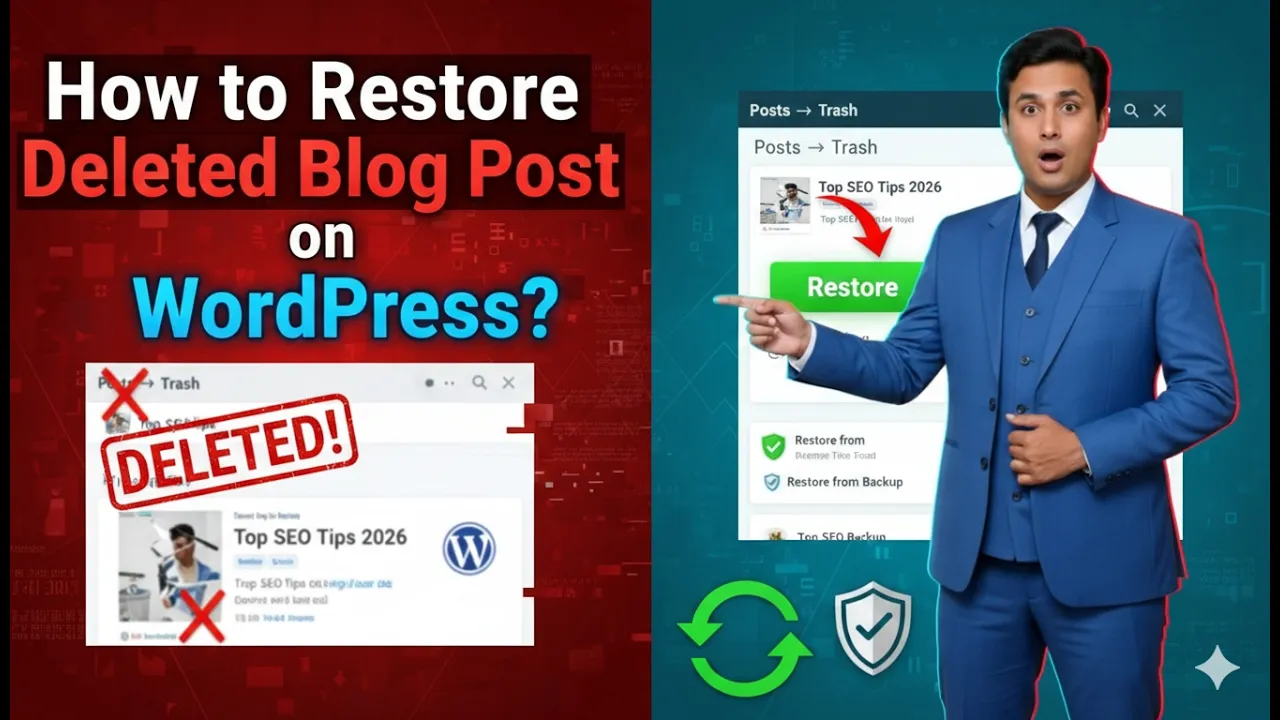
How to Restore Deleted Blog Post on a WordPress Website?
Sometimes blog posts may be deleted accidentally while managing a WordPress website. If a blog post is deleted by mistake, it does not get permanently removed immediately. WordPress keeps deleted blog posts inside the Trash section, allowing users to restore them whenever needed. If you have mistakenly deleted a blog post and want to retrieve […]

How to Write SEO Friendly Blog Post Title in WordPress?
Writing an SEO friendly blog post title is one of the most important steps in blogging. A well-planned blog title helps a post rank in search engines and brings traffic to the website. Many beginners make mistakes while writing blog titles because they write titles based only on their ideas instead of using proper keyword […]
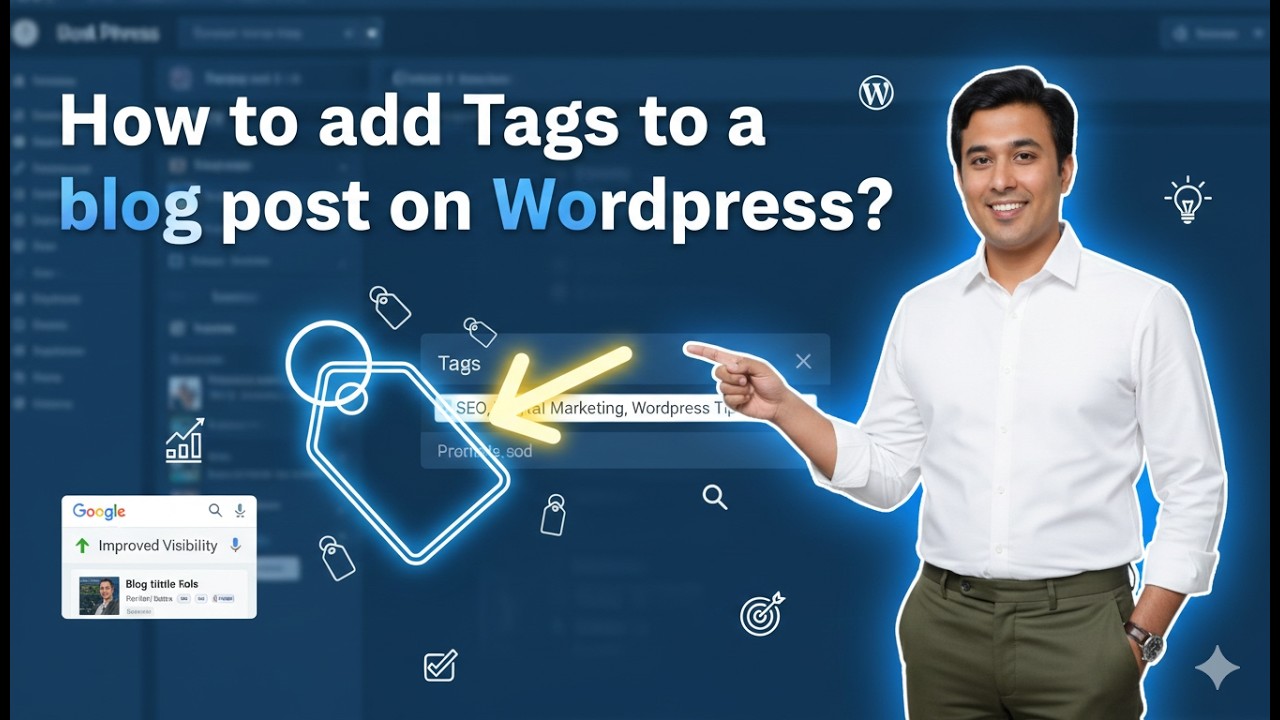
How to Add Tags in a Blog Post on WordPress Website?
Adding tags in a WordPress blog post is an important step while creating content. Tags help organize blog posts and improve the search visibility of your website. Proper use of tags makes it easier for users and search engines to understand the topic of your blog post. In this article, you will learn how to […]
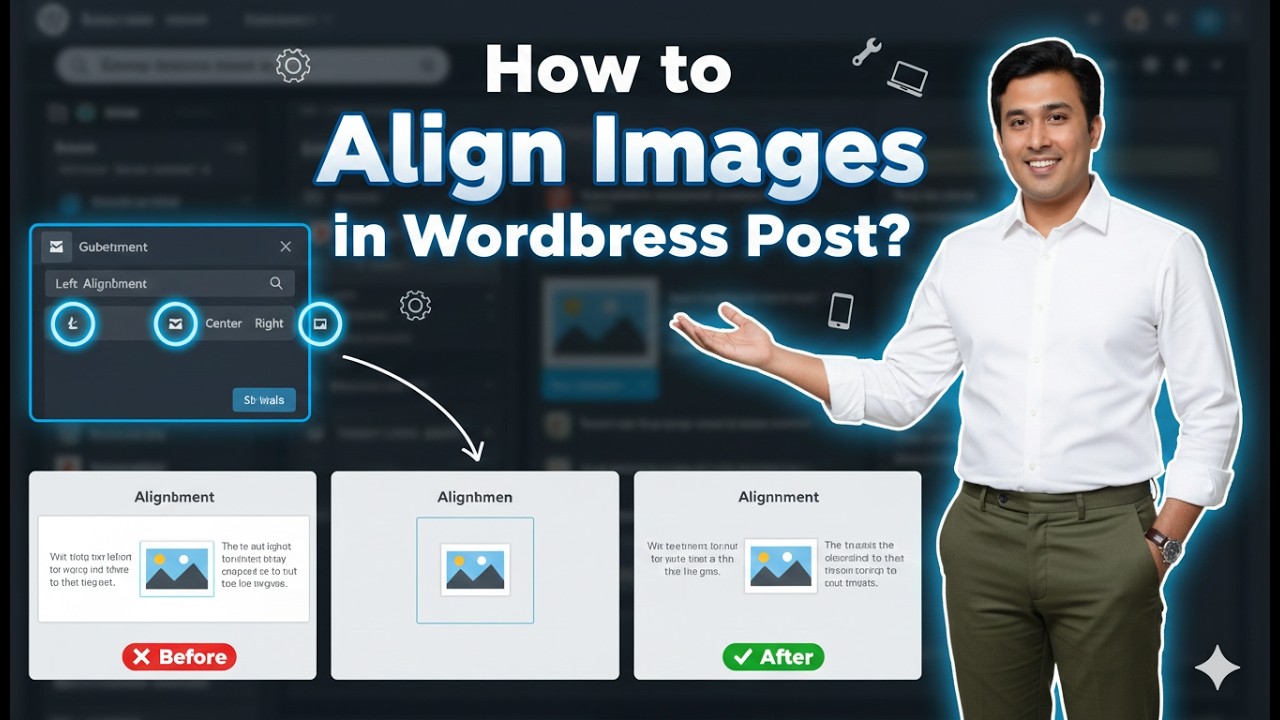
How to Align Images in a WordPress Blog Post?
Aligning images properly in a WordPress blog post helps improve the overall appearance and readability of your content. Proper image alignment makes your blog posts look professional and well-structured. In WordPress, you can easily align images to the left, center, or right using the built-in editor tools. In this article, you will learn how to […]

How to Resize the Images in a WordPress Blog Post?
Resizing images in a WordPress blog post is an important task while creating or editing content. Properly sized images improve the appearance of a blog post and help maintain a clean layout. WordPress provides simple tools that allow you to resize images directly from the editor without using any external software. In this article, you […]