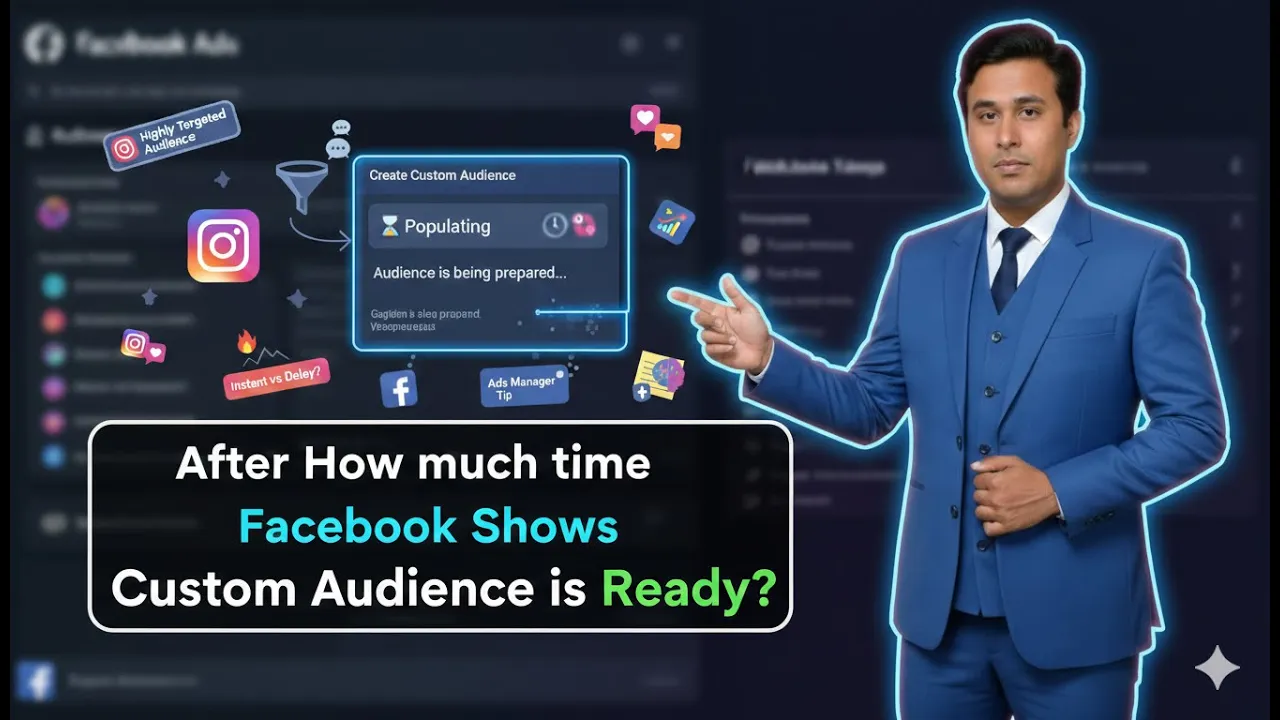
One of the most common questions asked by advertisers and students is about the time Facebook takes to show a custom audience after it has been created. Many people notice that after creating a custom audience, it remains in the populating phase and is not immediately ready for use.
This situation often creates confusion, especially for beginners, because they want to use the custom audience right away in their Facebook ad campaigns. In this article, we will clearly explain how much time Facebook takes to show a custom audience, why the populating phase exists, and how different types of custom audiences behave over time.
What Does “Populating” Mean in Custom Audience?
When a custom audience is in the populating phase, it means that Facebook is still collecting and processing data for that audience. The audience is under construction and is not yet ready to be used in ad campaigns.
During this phase:
- Facebook is identifying eligible users
- Data is being processed
- The audience size is being calculated
Until this process is complete, the custom audience cannot be selected for ad targeting.
Why Custom Audience Is Not Ready Immediately
Custom audiences are built based on data. Facebook needs time to collect, verify, and organize this data before making the audience available.
The time required depends on:
- Whether the audience is newly created
- The type of custom audience
- The data source used
- Whether third-party integrations are involved
This is why custom audiences do not appear instantly after creation.
Initial Time Required for a Newly Created Custom Audience
Facebook’s Standard Processing Time
If you have created a new custom audience, Facebook usually takes around 6 hours to 24 hours to show that custom audience properly.
This is the initial processing time during which Facebook:
- Gathers data
- Applies audience rules
- Prepares the audience for use
During this time, the audience may remain in the populating phase.
Step 1: Create a New Custom Audience
Initial Processing Phase
When a custom audience is created for the first time, Facebook starts processing it immediately.
At this stage:
- The audience is not usable
- Facebook is collecting data
- The audience status shows populating
This phase generally lasts between six hours and twenty-four hours.
Custom Audience Based on Facebook and Instagram Engagement
How Engagement-Based Audiences Work
If the custom audience is created from Facebook page engagement or Instagram profile engagement, the behavior is slightly different.
As soon as people:
- Watch your ads
- Engage with your Facebook posts
- Engage with your Instagram posts
They automatically become part of the custom audience.

No Fixed Time Frame for Engagement Audiences
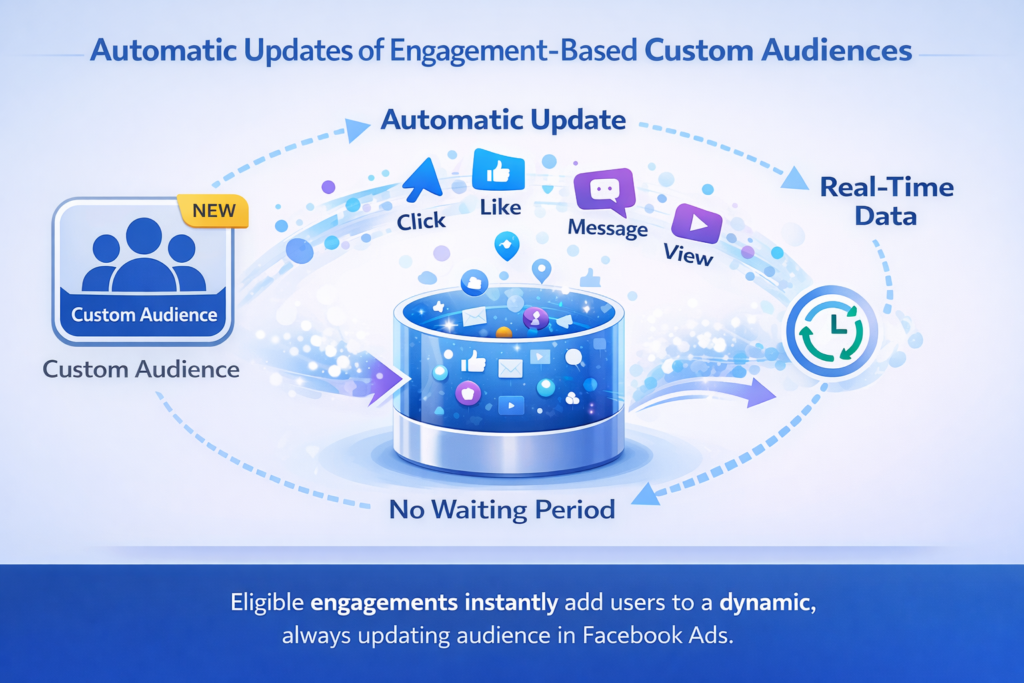
For engagement-based custom audiences, there is no fixed time frame. Users are added as soon as they perform the defined engagement action.
This means:
- Audience updates happen frequently
- Users are added continuously
- The audience grows dynamically
Step 2: Audience Updates Through Engagement
Automatic and Frequent Updates
Once engagement starts happening, Facebook does not wait for a specific time interval. Every eligible engagement action can add a user to the custom audience automatically.
This makes engagement-based audiences very dynamic.
Custom Audience Based on Website Visitors
How Website Visitor Audiences Work
When you create a custom audience of website visitors, Facebook follows the rules you defined during audience creation.
These rules may include:
- All website visitors
- Visitors of specific pages
- Visitors within a specific time range
Whenever a user visits your website and matches these rules, they automatically become part of the custom audience.
Continuous Data Collection
Website visitor custom audiences update frequently as new visitors arrive on the website.
As long as traffic continues, the audience keeps growing.
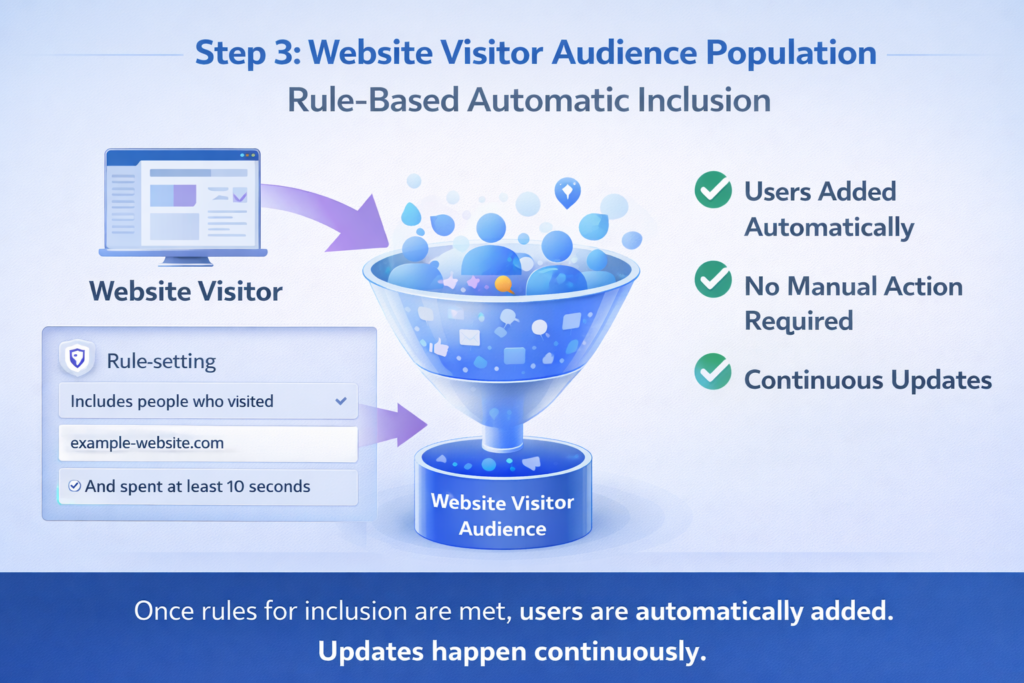
Step 3: Website Visitor Audience Population
Rule-Based Automatic Inclusion
The inclusion of users depends entirely on the rules you set while creating the audience.
Once those rules are met:
- Users are added automatically
- No manual action is required
- Updates happen continuously
Effect of Third-Party Integrations on Custom Audience Timing
Use of Automation Tools
In some cases, advertisers use third-party automation tools to connect their data with Facebook custom audiences.
This usually happens when:
- Lead ads are used
- Leads flow into a Google Sheet
- The Google Sheet is connected to Facebook custom audience
In such cases, the data does not move instantly.
Step 4: Understand Data Flow in Automation
Multi-Platform Data Transfer
When automation tools are involved, data flows through multiple platforms.
For example:
- A user submits a lead
- The lead goes to a Google Sheet
- The data moves from Google Sheet to Facebook custom audience
Each step takes time, which delays audience population.

Why Automation-Based Audiences Take More Time
The delay in automation-based custom audiences depends on:
- Automation workflow setup
- Sync frequency
- Platform response time
Because data travels from one platform to another, audience updates are not instant.
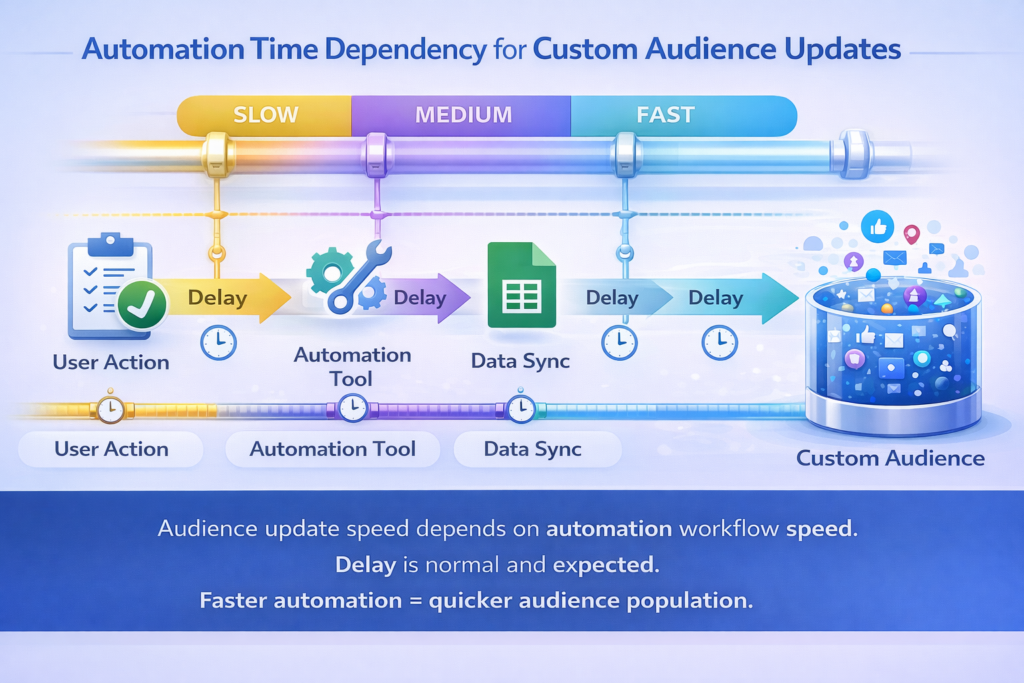
Step 5: Automation Time Period Dependency
Audience Update Depends on Workflow Speed
In automation-based setups, the time required for a user to appear in the custom audience depends entirely on how fast the automation processes the data.
This delay is normal and expected.
Data Travel Time Between Platforms
When data moves across platforms:
- Submission happens on one platform
- Processing happens on another
- Audience update happens on Facebook
This multi-step movement increases the total time required for the custom audience to populate.
Custom Audience That Is Already Created
Faster Updates for Existing Audiences
If a custom audience has already been created earlier, it does not take much time for new users to be added.
Once the initial setup is complete:
- Users are added frequently
- Audience updates happen faster
- There is no long populating phase
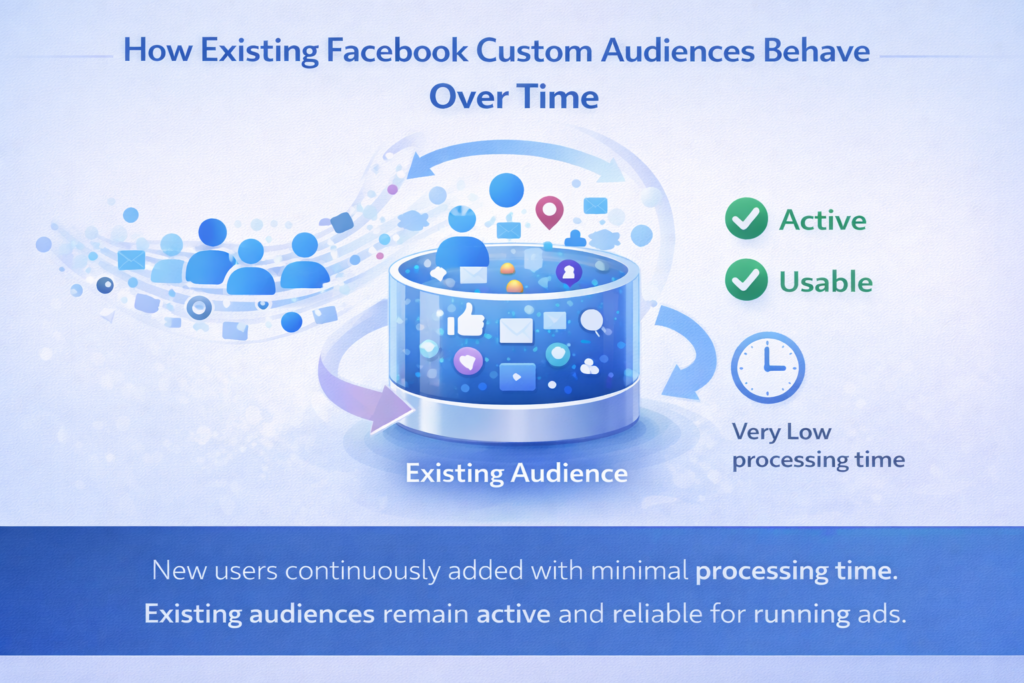
Step 6: Existing Custom Audience Behavior
Frequent User Addition
For existing audiences:
- New users join continuously
- Processing time is minimal
- Audience remains active and usable
This makes existing audiences more reliable for ongoing campaigns.
Why Time Differs for Different Custom Audiences
The time taken to show or update a custom audience varies because:
- Data sources are different
- Engagement patterns differ
- Automation workflows vary
- Audience rules are not the same
There is no single time rule that applies to all custom audiences.
Common Misunderstanding About Custom Audience Delay
Many advertisers think that a populating custom audience means something is wrong.
In reality:
- Populating is normal
- Facebook is processing data
- The audience will be ready after processing
Understanding this prevents unnecessary confusion.
What You Should Do During the Populating Phase
While the audience is populating:
- Do not panic
- Allow Facebook to process data
- Avoid recreating the same audience repeatedly
Recreating audiences unnecessarily can reset the process.
When Custom Audience Is Ready for Use
A custom audience becomes ready:
- After Facebook completes processing
- When the audience size appears
- When the populating status disappears
At this stage, the audience can be used safely in ad campaigns.
Final Understanding in Simple Terms
- New custom audiences take 6 to 24 hours
- Engagement audiences update instantly
- Website visitor audiences update based on rules
- Automation-based audiences depend on data flow speed
- Existing audiences update frequently
Final Conclusion
Facebook custom audiences do not appear instantly because Facebook needs time to collect and process data. For newly created custom audiences, Facebook usually takes around six to twenty-four hours to complete this process.
Engagement-based and website visitor audiences update frequently as users interact with content or visit the website. However, when third-party integrations or automation tools are used, the audience update time depends on how fast data flows between platforms.
Once a custom audience is created and active, new users are added regularly without significant delay. Understanding this timing helps advertisers plan their campaigns better and avoid confusion during the populating phase.

Related Posts