Welcome to this article. Internal linking is one of the most powerful and often underused techniques in SEO.
Many website owners focus heavily on backlinks and external strategies, but internal linking plays a crucial role in improving rankings, user experience, and overall website authority.
In this guide, you will learn what internal linking is, how it works, and how it improves your website’s ranking, user experience, and authority.
What Is Internal Linking?
Internal linking is the process of linking one page of your website to another page on the same website.
These links help users navigate your site and help search engines understand the relationship between different pages.
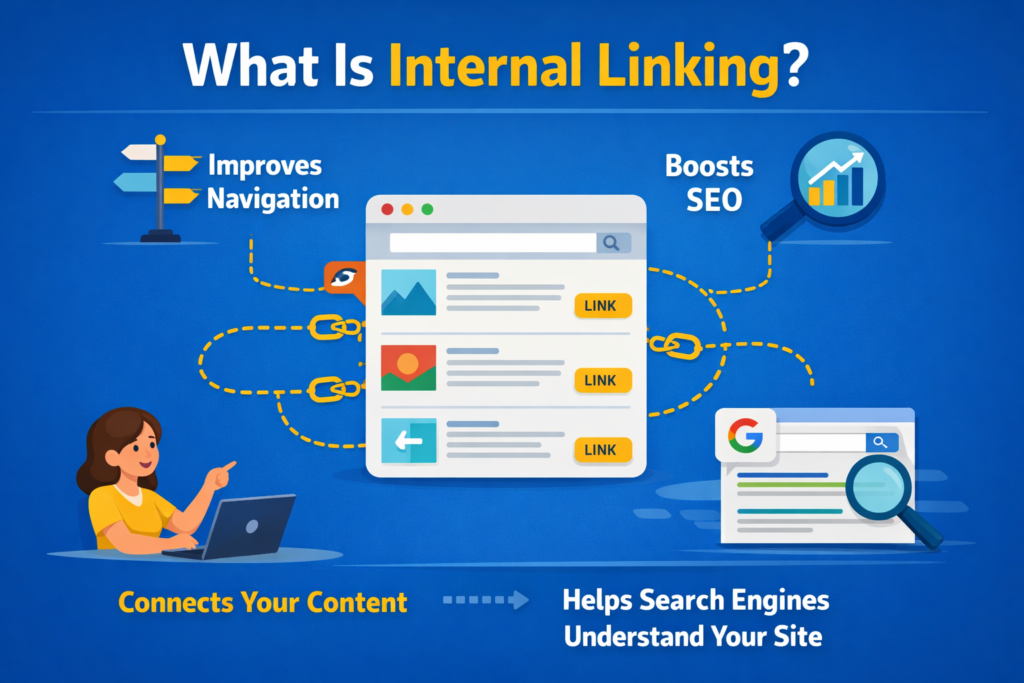
Unlike external links, which point to other websites, internal links keep users within your domain.
Types of Internal Links
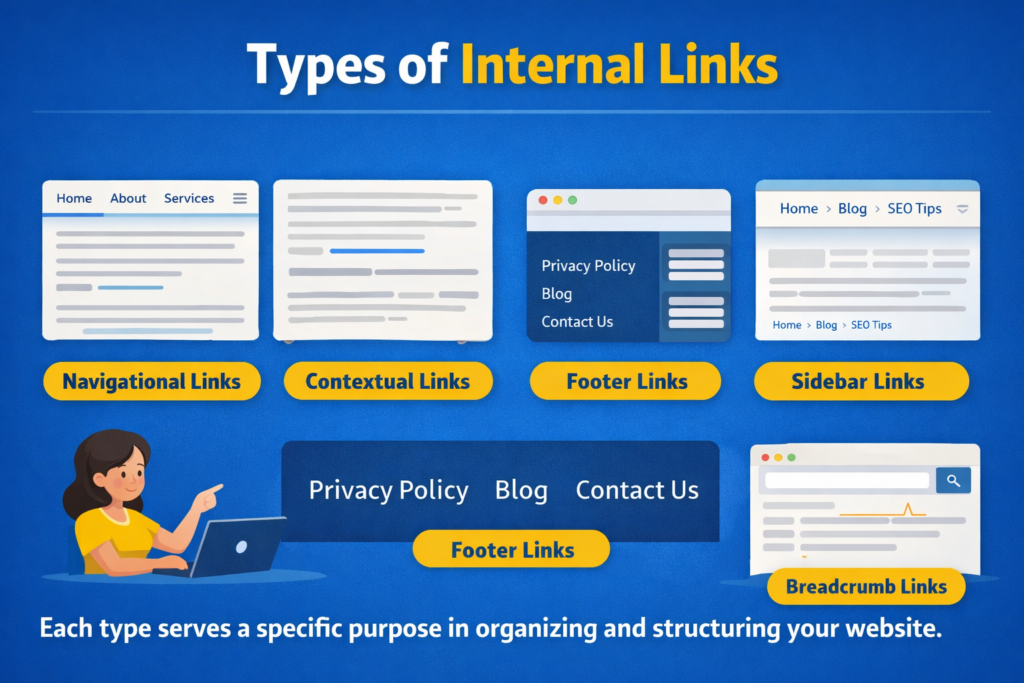
There are several types of internal links used across websites.
These include:
- Navigational links
- Contextual links within content
- Footer links
- Sidebar links
- Breadcrumb links
Each type serves a specific purpose in organizing and structuring your website.
Navigational Links
Navigational links are usually found in the main menu.
They help users access important pages such as:
- Home
- About
- Services
- Blog
- Contact
These links define your site’s primary structure.
Contextual Links
Contextual links are placed within the body of your content.
These are among the most powerful internal links because they are directly related to the topic being discussed.
For example, within a blog post about SEO, you might link to another article about keyword research.
Footer Links
Footer links appear at the bottom of your website.
They typically include important but secondary pages.
Sidebar Links
Sidebar links provide quick access to related posts or categories.
They improve navigation and help users discover more content.
Breadcrumb Links
Breadcrumb links show users where they are within the website structure.
They improve navigation and help search engines understand page hierarchy.
How Internal Links Help SEO
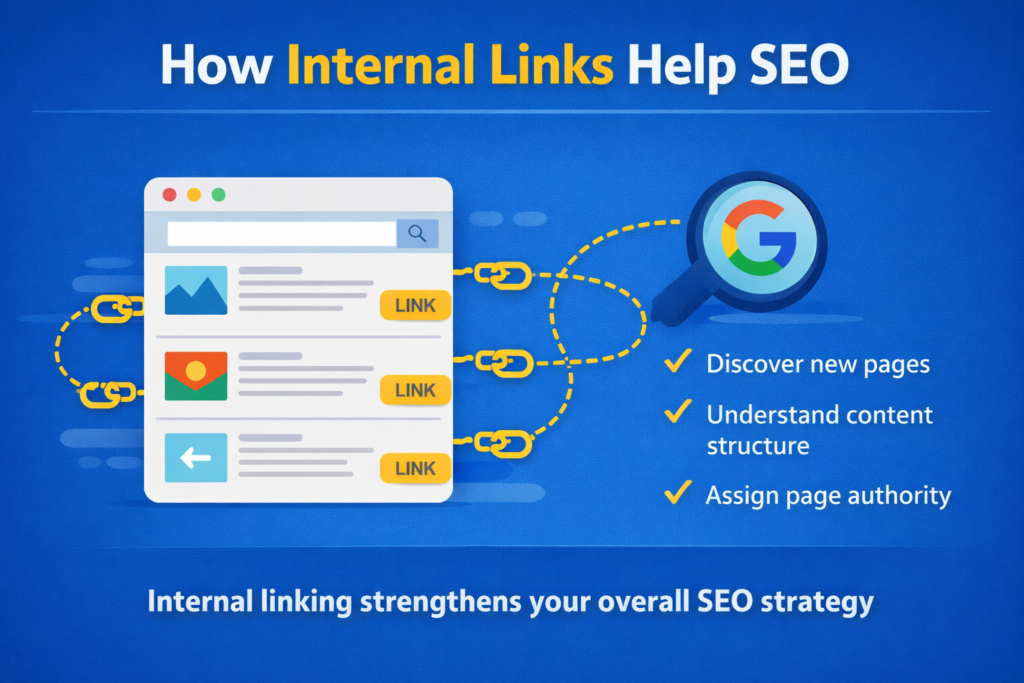
Internal links do more than guide visitors. They send important signals to search engines.
They help Google:
- Discover new pages
- Understand content structure
- Assign page authority
Internal linking strengthens your overall SEO strategy.
Passing Link Authority (Link Juice)
When a high-authority page links to another page on your site, some of its ranking power—also called link juice—is passed to that page.
This helps improve the ranking of deeper or newer pages.
For example, if your homepage has strong authority and links to a new blog post, that blog post gains some authority.
This improves visibility across your website.
Improving User Experience
Internal linking improves user experience by guiding visitors to related or helpful content.
When users find relevant links within your content, they are more likely to explore additional pages.
This keeps them on your site longer and reduces bounce rate, which is another signal search engines value.
Helping Search Engines Crawl and Index Pages
Google uses internal links to discover and crawl new content.
If a page is not linked anywhere on your website, Google might miss it entirely.
Such pages are known as orphan pages.
Internal linking ensures that all important pages are accessible and properly indexed.
Using Anchor Text Strategically
You can use internal links with anchor text that matches your target keywords.
Anchor text is the clickable text of a hyperlink.
When the anchor text clearly describes the linked page, it reinforces what that page is about and helps it rank for those terms.
For example:
Instead of:
“Click here”
Use:
“Learn more about keyword research strategies”
This improves clarity and SEO value.
Step 1: Choose Relevant Anchor Text
Match It to Page Topic
Use descriptive anchor text that reflects the content of the linked page.
Step 2: Avoid Over-Optimization
Keep It Natural
Do not force keywords repeatedly into anchor text.
Distributing Traffic Across Your Website
Internal linking helps distribute user traffic across your entire website.
It prevents important content from being buried too deep.
Older or less-visited pages can gain new visibility when linked from high-traffic content.
This improves overall site engagement.
Internal Linking Best Practices
Here are some internal linking best practices to follow:
- Use keyword-rich anchor text
- Link only to relevant content
- Avoid overlinking
- Fix broken links
- Maintain logical structure
Internal links should add value to the reader, not distract or confuse them.
Step 1: Link to Relevant Pages Only
Ensure Contextual Relevance
Only add links that genuinely support the topic.
Step 2: Avoid Overlinking
Keep It Balanced
Too many links can overwhelm users and reduce clarity.
Step 3: Check for Broken Links
Maintain Site Health
Broken internal links harm both user experience and SEO.
Tools to Audit Internal Links
You can use tools to audit your internal links and identify issues.
Some useful tools include:
- Screaming Frog
- Ahrefs
- Yoast SEO
These tools help you:
- Spot orphan pages
- Identify broken links
- Analyze link distribution
- Improve site structure
Regular audits ensure your internal linking strategy remains effective.
Step-by-Step Internal Linking Strategy
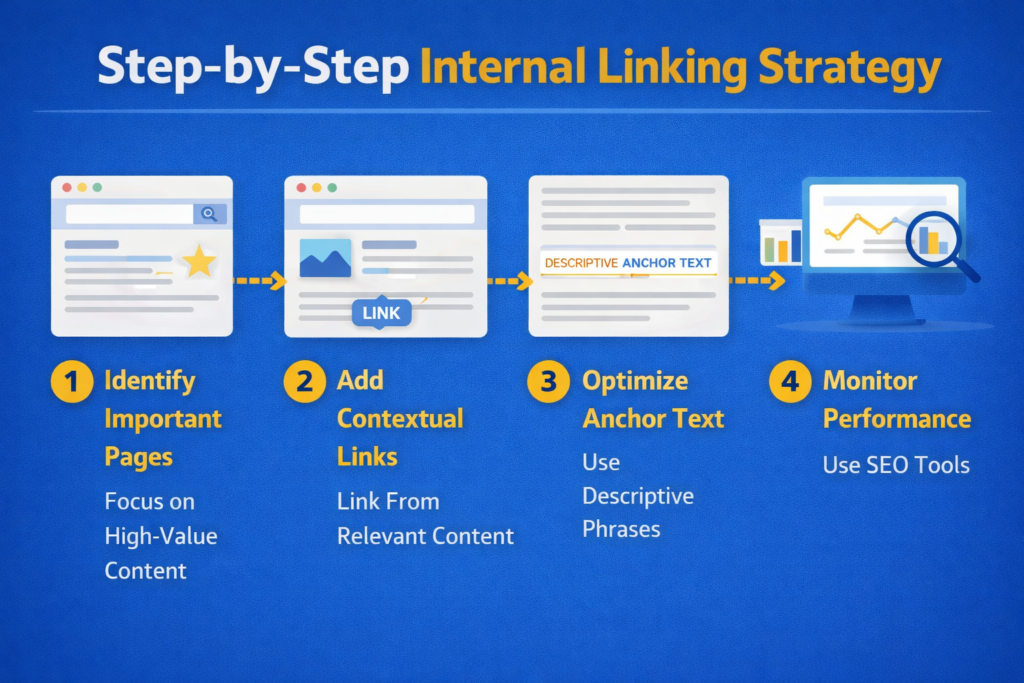
Step 1: Identify Important Pages
Focus on High-Value Content
Determine which pages need more visibility.
Step 2: Add Contextual Links
Link From Relevant Content
Place links naturally within related blog posts or pages.
Step 3: Optimize Anchor Text
Use Descriptive Phrases
Ensure anchor text clearly describes the linked page.
Step 4: Monitor Performance
Use SEO Tools
Track crawl reports and link performance regularly.
Common Internal Linking Mistakes
Avoid these common mistakes:
- Linking unrelated pages
- Using generic anchor text
- Ignoring orphan pages
- Creating broken links
- Adding too many links on one page
These errors reduce the effectiveness of internal linking.
Why Internal Linking Is Powerful
Internal linking improves SEO by:
- Helping search engines understand your site structure
- Passing authority between pages
- Enhancing user experience
- Improving indexing
- Distributing traffic
It is a simple tactic with powerful results.
Unlike backlinks, internal linking is fully under your control.
Final Summary: A Simple Tactic with Powerful Results
To summarize, internal linking improves SEO by helping search engines understand your site structure, pass authority, and enhance user experience.
It:
- Strengthens rankings
- Reduces bounce rate
- Improves indexing
- Increases engagement
By using relevant anchor text, linking strategically, and maintaining a clean structure, you can significantly improve your website’s performance.
Internal linking may seem simple, but when done correctly, it delivers powerful and lasting SEO benefits.

Related Posts