
Welcome to this article. If you have ever wondered how long your blog title should be for better SEO and engagement, you are in the right place.
Your blog title is one of the most important elements of your content. It influences both search engine rankings and user behavior. Today, we will explore the ideal length for blog titles, why it matters, and how to make your titles both SEO-friendly and click-worthy.
Why Blog Title Length Matters
A blog post title is your first impression, both to readers and search engines.
When someone searches on Google, the title is the first thing they see. It determines whether they click on your result or scroll past it.
If your title is:
- Too short, it may lack clarity and detail.
- Too long, it may get cut off in search results.
A perfect length helps with both visibility and click-through rate.
The Ideal Blog Title Length in Characters
The ideal blog title length is 50 to 60 characters.
Google typically shows up to 60 characters in search results. Staying within this limit ensures your full title is visible and impactful.
If your title exceeds this limit:
- It may get truncated.
- Important keywords may be hidden.
- The message may lose clarity.
Keeping your title concise improves presentation and professionalism.

The Ideal Blog Title Length in Words
In terms of words, aim for 6 to 10 words.
This range is usually enough to:
- Include your primary keyword
- Add a compelling hook
- Maintain clarity
- Avoid overwhelming readers
Six to ten words strike a balance between being informative and engaging.
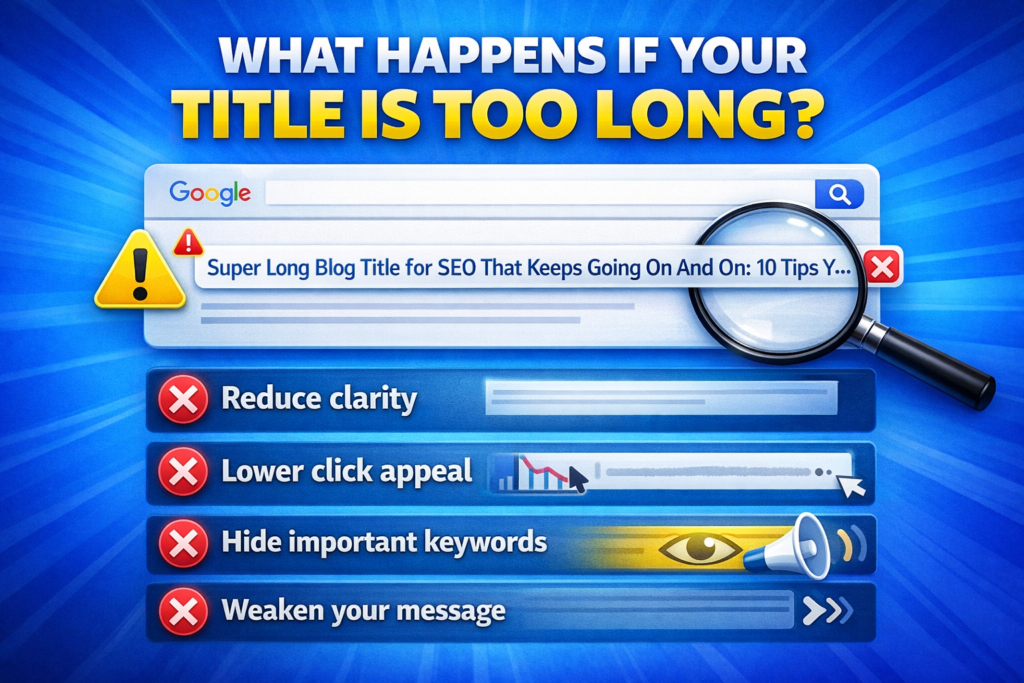
What Happens If Your Title Is Too Long?
If your blog title exceeds 60 characters, Google might cut off the end.
This can:
- Reduce clarity
- Lower click appeal
- Hide important keywords
- Weaken your message
When the end of a title gets truncated, users may not understand the full value of your content.
It may also dilute the impact of your focus keyword.
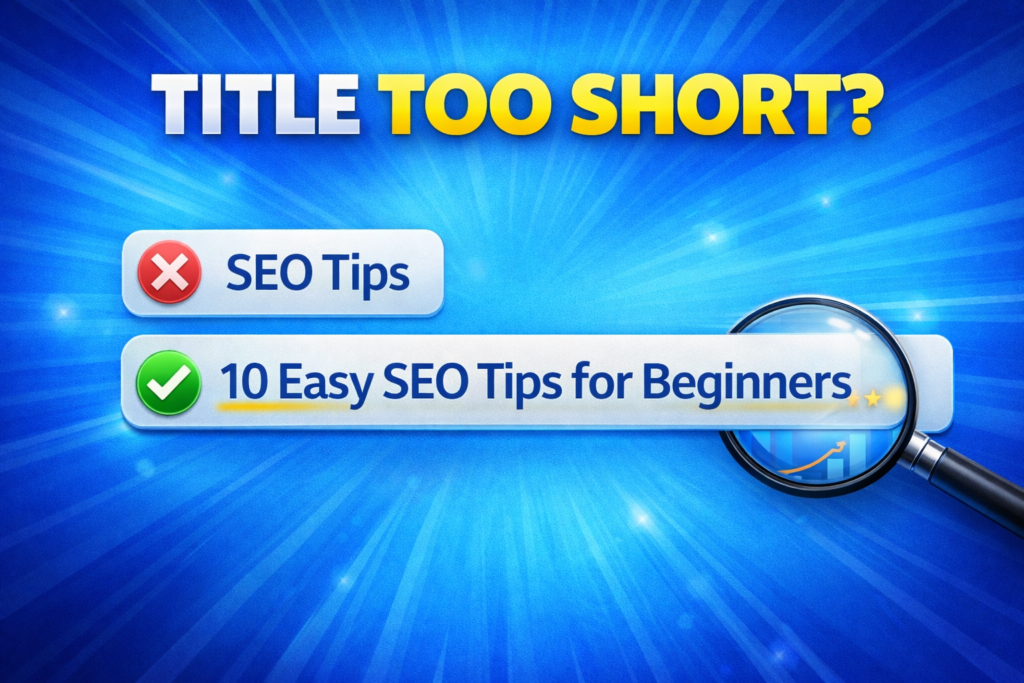
What Happens If Your Title Is Too Short?
On the other hand, if your title is too short, it may:
- Lack context
- Miss important keywords
- Fail to attract attention
For example, a title like “SEO Tips” is too vague. It does not provide enough detail or motivation to click.
A slightly longer version such as “10 Easy SEO Tips for Beginners” is clearer and more engaging.
Placing Keywords in Your Blog Title
Always try to include your primary keyword in the title.
Preferably, place it near the beginning.
This helps:
- Search engines quickly understand the topic
- Users identify relevance
- Improve visibility in search results
However, do not force keywords into your title.
Your title should read naturally and make sense to humans first.
Step 1: Identify Your Primary Keyword
Choose a Clear Focus Term
Select a keyword that represents the main topic of your blog post.
Step 2: Place the Keyword Strategically
Keep It Near the Beginning
Position your keyword early in the title for maximum impact.
Step 3: Maintain Natural Flow
Avoid Keyword Stuffing
Ensure your title sounds clear and conversational.
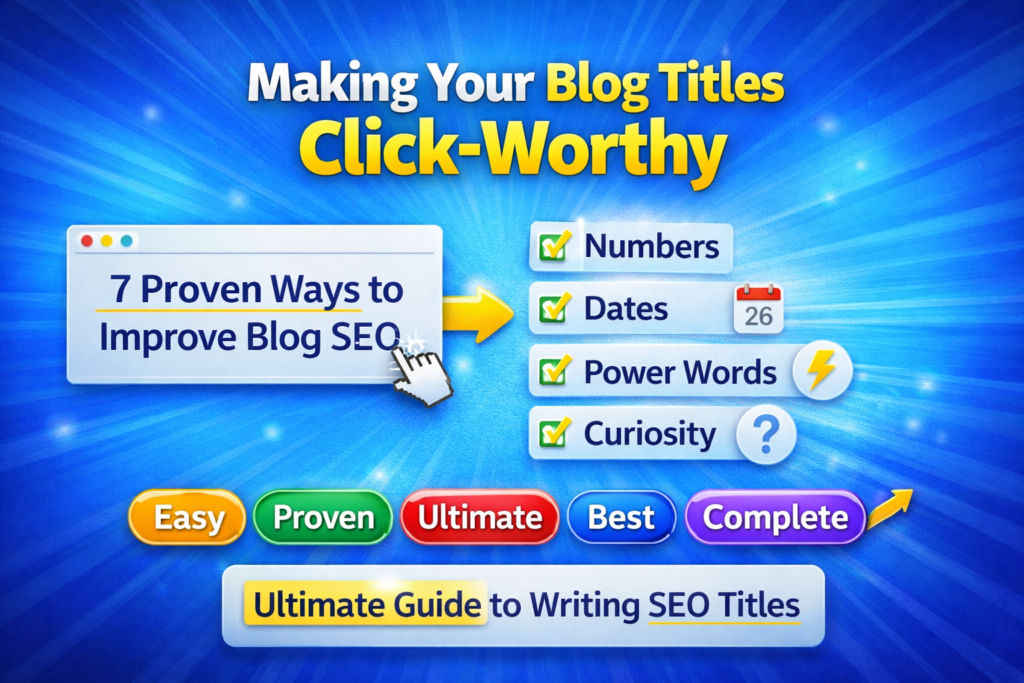
Making Your Blog Titles Click-Worthy
Length alone is not enough. Your title must also attract attention.
Adding elements like:
- Numbers
- Dates
- Power words
can significantly improve engagement.
Power words such as:
- Easy
- Proven
- Ultimate
- Best
- Complete
make your title more appealing.
For example:
- “7 Proven Ways to Improve Blog SEO”
- “Ultimate Guide to Writing SEO Titles”
These titles create curiosity and promise value.
Combining Length and Engagement
The best-performing titles combine:
- Proper length (50–60 characters)
- 6–10 words
- A primary keyword
- A compelling hook
This combination improves both search visibility and click-through rate.
A strong title:
- Clearly explains the topic
- Creates curiosity
- Promises value
- Stays within character limits
Examples of Optimized Blog Titles
Here are examples of titles that stay within the recommended range while remaining engaging and keyword-focused:
- “How to Write SEO-Friendly Blog Titles”
- “10 Easy Tips for Better Blog SEO”
- “Best Practices for Writing Clickable Titles”
Each example:
- Includes a clear keyword
- Stays concise
- Uses engaging language
Using Tools to Check Title Length
You can use free tools to preview how your title will appear in search engines.
These tools help you:
- Measure character count
- Preview search result appearance
- Analyze keyword placement
Real-time previews ensure your title fits within Google’s display limit.
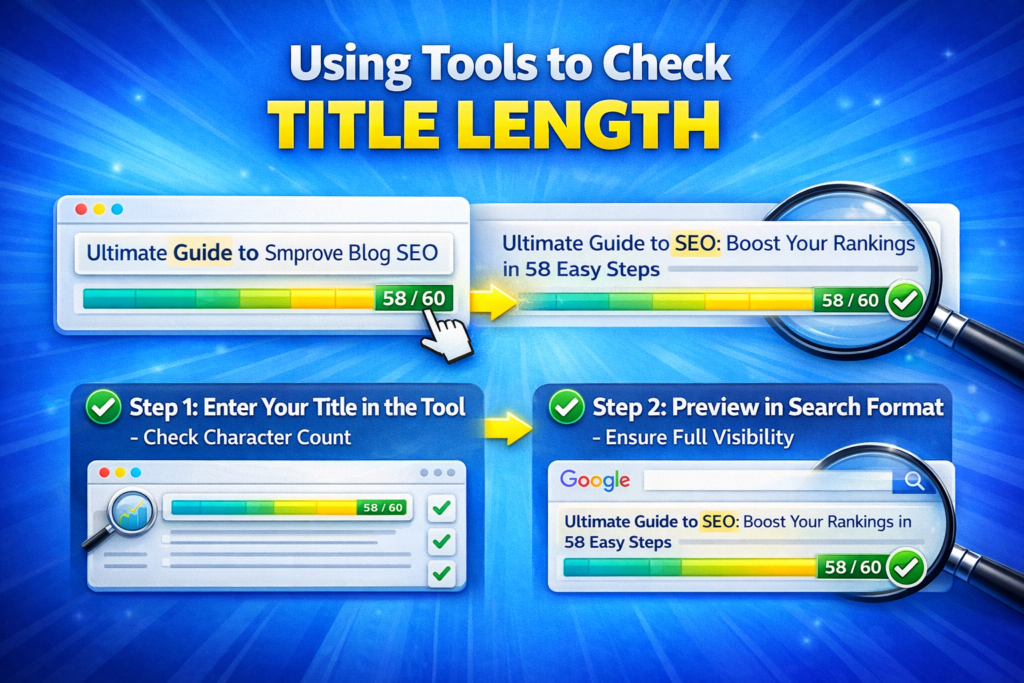
Step 1: Enter Your Title in the Tool
Check Character Count
Make sure your title does not exceed 60 characters.
Step 2: Preview in Search Format
Ensure Full Visibility
Confirm that your title appears complete and readable.
Balancing SEO and User Experience
Your blog title should not be written only for search engines.
It must also appeal to human readers.
A strong title:
- Communicates value clearly
- Aligns with search intent
- Encourages curiosity
- Builds trust
SEO brings users to your page, but engagement keeps them there.
Why Strong Titles Increase Traffic
When your title is strong:
- More users click on your link
- Click-through rate improves
- Engagement increases
- Organic traffic grows
A compelling title can outperform even higher-ranked results if it is more appealing.
Final Summary: The Perfect Blog Title Formula
To sum it up, your blog title should be:
- Clear
- Keyword-rich
- Within 60 characters
- Between 6 to 10 words
Focus on providing value and creating curiosity.
Include your primary keyword naturally. Add numbers or power words to enhance engagement. Use tools to preview and measure your title length.
When your title is strong, your traffic grows.
A well-optimized blog title is not just about SEO. It is about making a powerful first impression that encourages users to click and explore your content.

Related Posts