
Welcome. In today’s article, we are going to understand one of the most critical on-page SEO elements: the title tag. It is the first thing that users and search engines notice about your page.
A well-optimized title tag can boost your rankings and improve your click-through rate (CTR). Even though it may seem like a small element, it plays a powerful role in search engine optimization. Let us learn how to do it right.
What Is a Title Tag?
A title tag is an HTML element that specifies the title of a web page.
It appears as:
- The clickable headline in search engine results
- The title in browser tabs
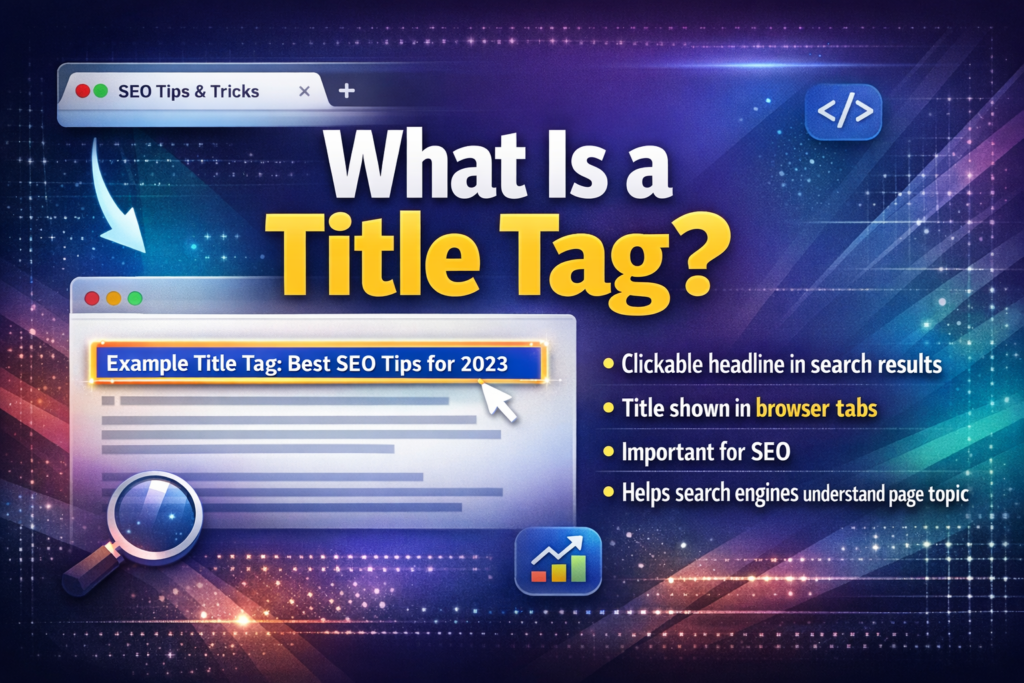
Although it does not show directly inside the page content, it plays a key role in SEO. It communicates the topic of your page to both users and search engines.
Why Title Tags Are Important for SEO
Optimizing your title tag improves:
- Visibility in search results
- Organic clicks
- Relevance to search queries
Google uses the title tag to understand what your page is about. Users rely on it to decide whether they should click on your result.
A well-written title can be the difference between getting ignored and getting clicked.
How Title Tags Influence Click-Through Rate
SEO is not just about algorithms. It is also about people.
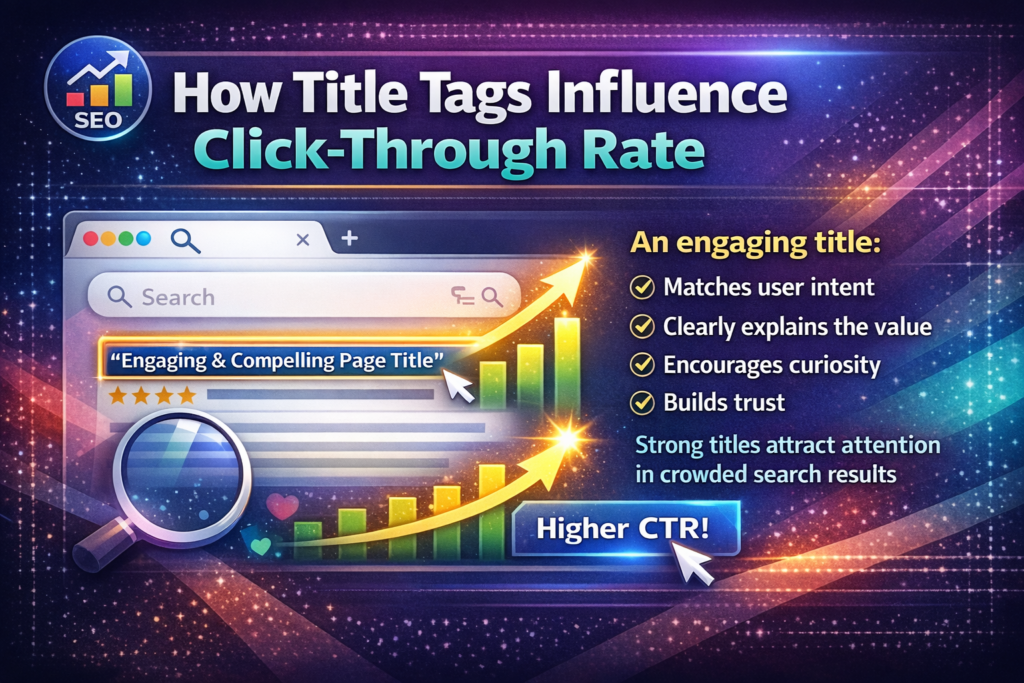
Your title tag directly affects how many users click on your link. Even if your page ranks well, a weak title may result in low CTR.
An engaging title:
- Matches user intent
- Clearly explains the value
- Encourages curiosity
- Builds trust
Strong titles attract attention in crowded search results.
Ideal Length of a Title Tag
Keep your title tag under 60 characters.
Google typically displays the first 50 to 60 characters in search results. Anything beyond that may get cut off, especially on mobile devices.
If your title is too long:
- It may appear incomplete
- Important words may be hidden
- It may look unprofessional
Clarity and brevity are essential.
Including Primary Keywords in the Title Tag
Always include your primary keyword near the beginning of the title.
This helps search engines quickly understand the topic of your page. It also shows users that your content is relevant to their query.
Placing the keyword early increases visibility and improves relevance.
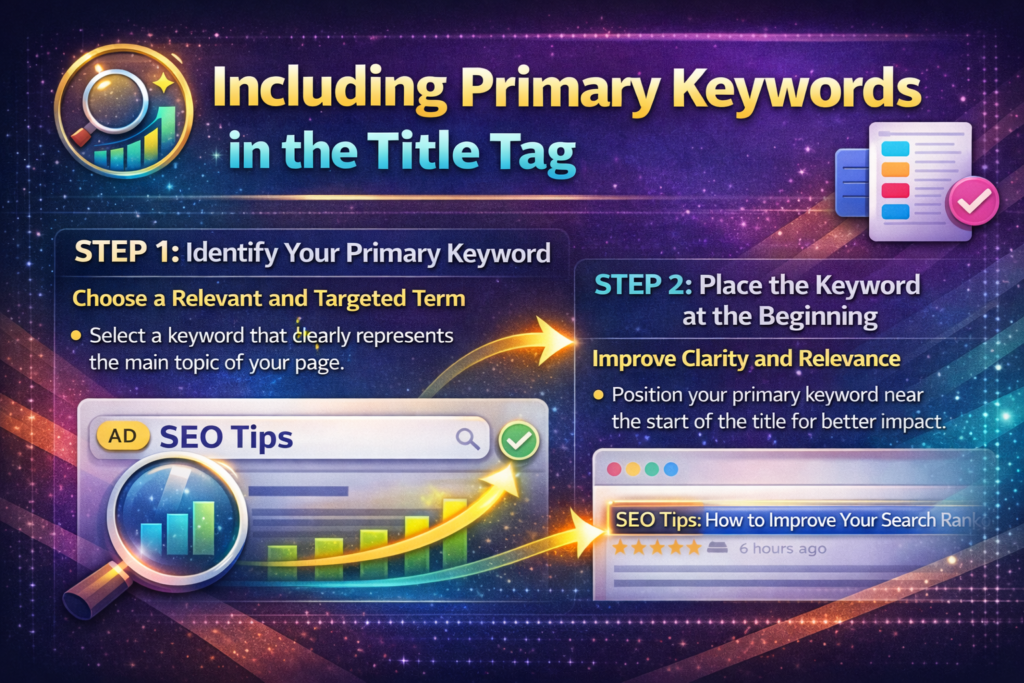
Step 1: Identify Your Primary Keyword
Choose a Relevant and Targeted Term
Select a keyword that clearly represents the main topic of your page.
Step 2: Place the Keyword at the Beginning
Improve Clarity and Relevance
Position your primary keyword near the start of the title for better impact.
Making Your Title More Clickable
A title should not only be optimized but also appealing.
Use:
- Action words
- Numbers
- Emotional triggers
For example:
- “10 Proven Ways to Improve SEO”
- “Ultimate Guide to On-Page SEO”
- “Boost Your Rankings with These Simple Tips”
These elements make your title more engaging and increase the likelihood of clicks.
Adding Brand Name in the Title Tag
If you are a recognized brand, including your business name at the end of your title can build trust and recognition.
For example:
“On-Page SEO Guide for Beginners | YourBrand”
However, if space is limited, prioritize keywords and clarity over branding.
Common Title Tag Mistakes to Avoid
Many people make mistakes that reduce the effectiveness of their title tags.
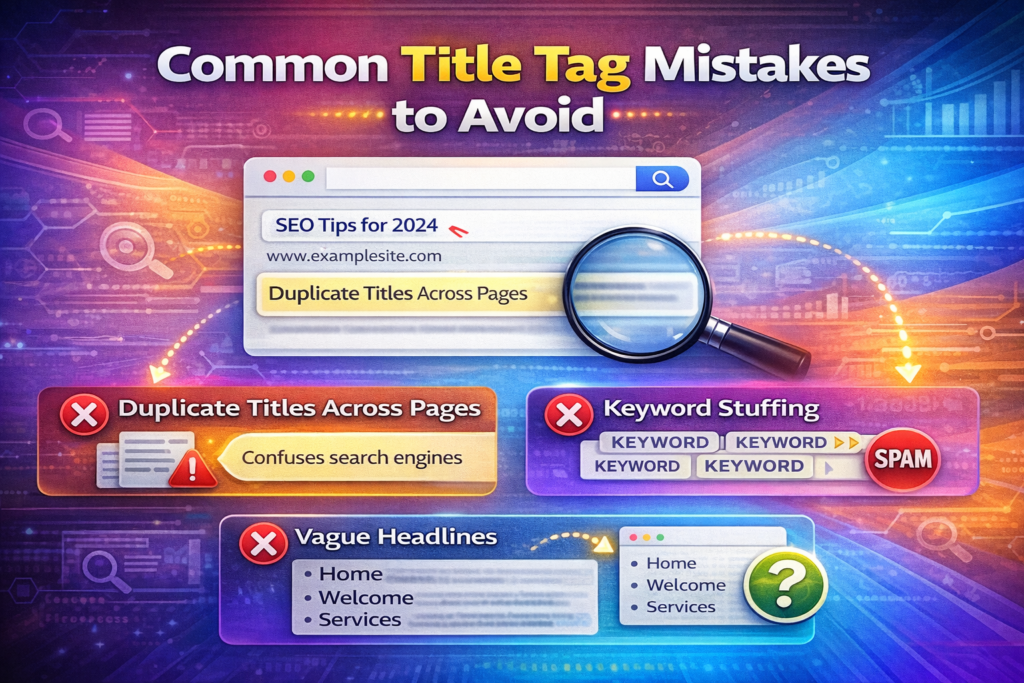
Duplicate Titles Across Pages
Each page on your website should have a unique title tag.
Duplicate titles:
- Confuse search engines
- Reduce clarity
- Lower ranking potential
Keyword Stuffing
Avoid adding too many keywords in one title.
Keyword stuffing makes titles look unnatural and spammy. It also reduces readability.
Vague Headlines
Titles should clearly describe the content.
Avoid generic phrases like:
- “Home”
- “Welcome”
- “Services”
Instead, be specific and informative.
Previewing Your Title Tag
You can preview how your title tag looks in search results using SEO tools.
Some tools include:
- Yoast SEO
- Moz Title Preview Tool
- Ahrefs
These tools help you:
- Check title length
- Analyze keyword placement
- Suggest improvements
Previewing ensures your title appears properly in search results.
Comparing Poor and Optimized Title Tags
Let us compare a poorly written title with a well-optimized one.
Poor example:
“Cheap Phone List”
Optimized example:
“Top 10 Budget Smartphones Under 10,000”
The optimized version:
- Includes keywords
- Provides clarity
- Offers a value proposition
- Uses numbers to attract attention
This comparison shows how proper optimization improves engagement.
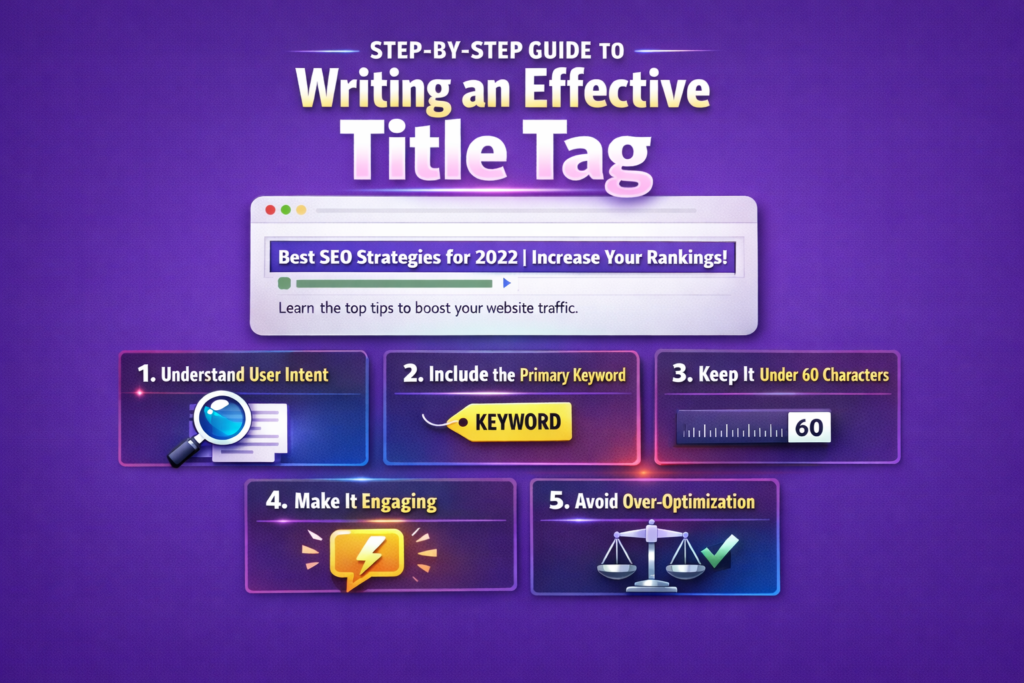
Step-by-Step Guide to Writing an Effective Title Tag
Step 1: Understand User Intent
Identify What the User Is Searching For
Your title should match the user’s query clearly and directly.
Step 2: Include the Primary Keyword
Ensure Relevance
Place the main keyword near the beginning of the title.
Step 3: Keep It Under 60 Characters
Avoid Truncation
Ensure your full message appears in search results.
Step 4: Make It Engaging
Use Compelling Language
Add numbers, action words, or emotional triggers.
Step 5: Avoid Over-Optimization
Maintain Natural Flow
Keep your title readable and clear.
Title Tags and Search Engine Rankings
Title tags are a direct ranking factor.
Google uses them to understand the subject of your page. If your title accurately reflects your content and includes relevant keywords, your chances of ranking improve.
However, rankings depend on multiple factors. The title tag works best when combined with:
- High-quality content
- Strong internal linking
- Technical optimization
- Backlink authority
The Role of Title Tags in Mobile Search
Mobile search results display less text than desktop results.
If your title exceeds recommended length, important information may get cut off.
Always preview your title on both desktop and mobile formats to ensure optimal display.
Title Tag Best Practices Checklist
To ensure your title tags are effective:
- Keep them under 60 characters
- Include the primary keyword
- Make them engaging
- Avoid duplicate titles
- Avoid keyword stuffing
- Ensure clarity
- Preview before publishing
Following these practices strengthens your on-page SEO.
Final Summary: Make Your Title Tags Count
To summarize, title tags are small but powerful elements in SEO.
They:
- Define your page topic
- Influence rankings
- Affect click-through rate
- Shape first impressions
Keep them short, clear, keyword-rich, and appealing.
Your title tag is your first impression in search results. When optimized correctly, it can significantly boost your visibility, engagement, and overall SEO performance.
Make every title count.

Related Posts