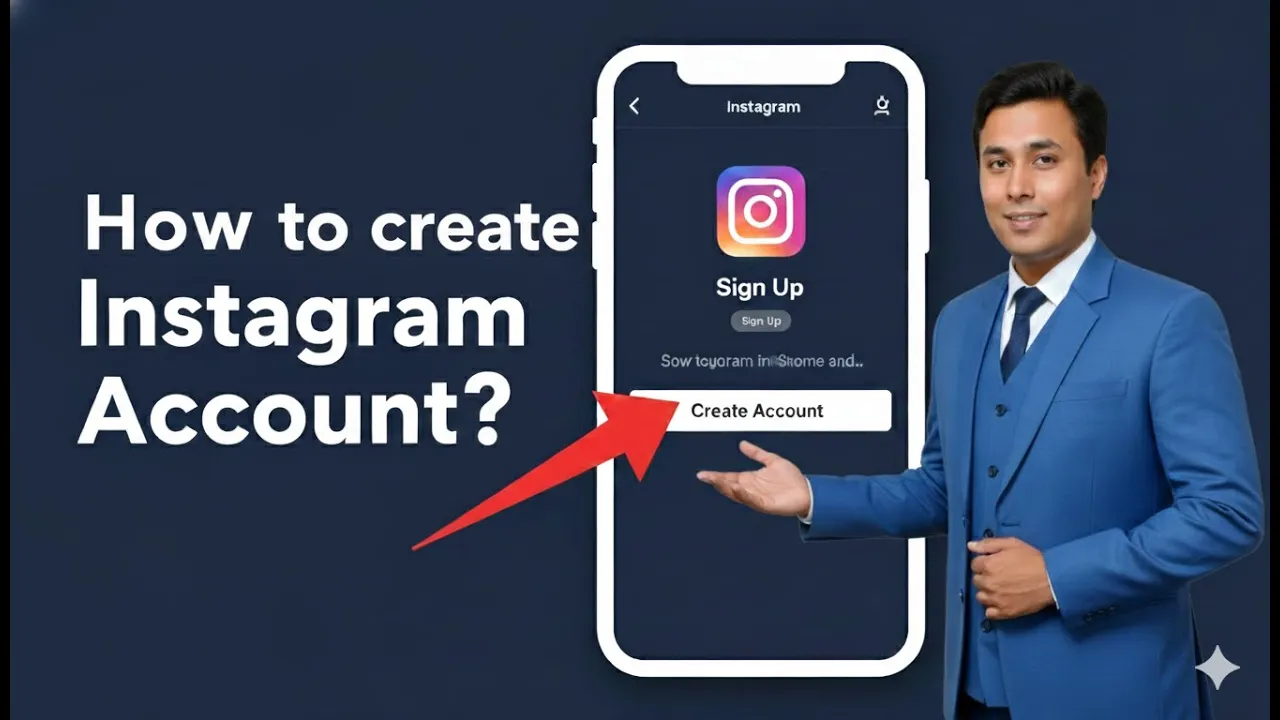
Creating an Instagram account is the first and most important step for any business that wants to promote itself on Instagram. Instagram provides a simple and user-friendly process to create an account, which can later be converted into a professional account for business use. In this article, we will explain how to create an Instagram account for your business, step by step, in a detailed and easy-to-understand way.
How to create Instagram Account for Business?
1. Opening Instagram on Your Browser
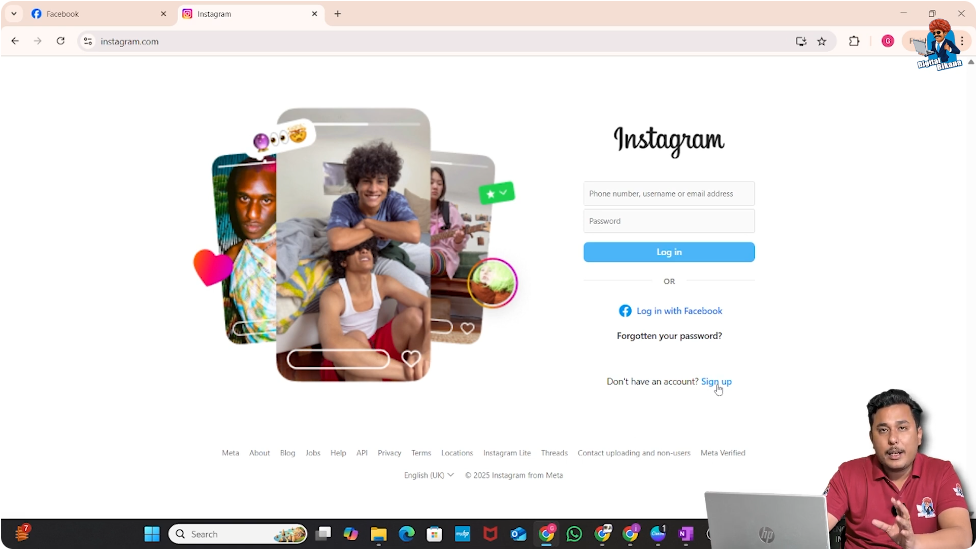
To begin the process, open your web browser and go to instagram.com. Once the website loads, you will see the Instagram homepage on your screen. On this page, there is a Sign Up button or hyperlink that allows new users to create an account.
This is the starting point for creating a new Instagram account for your business.
2. Clicking on the Sign Up Option
After reaching the Instagram homepage, click on the Sign Up button. This action takes you to the account creation screen, where Instagram asks for basic details required to set up a new account.
Clicking on Sign Up confirms that you want to create a new Instagram account instead of logging into an existing one.
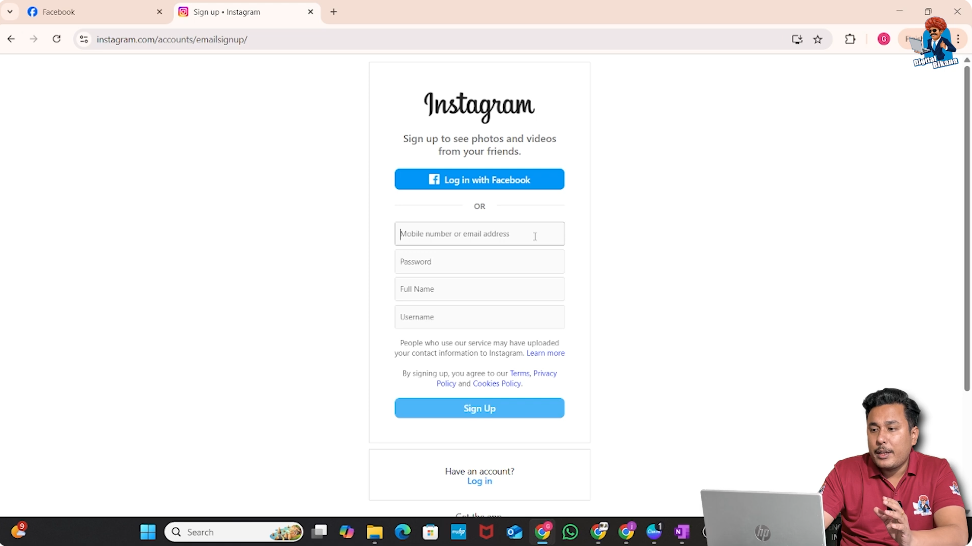
3. Entering Mobile Number or Email Address
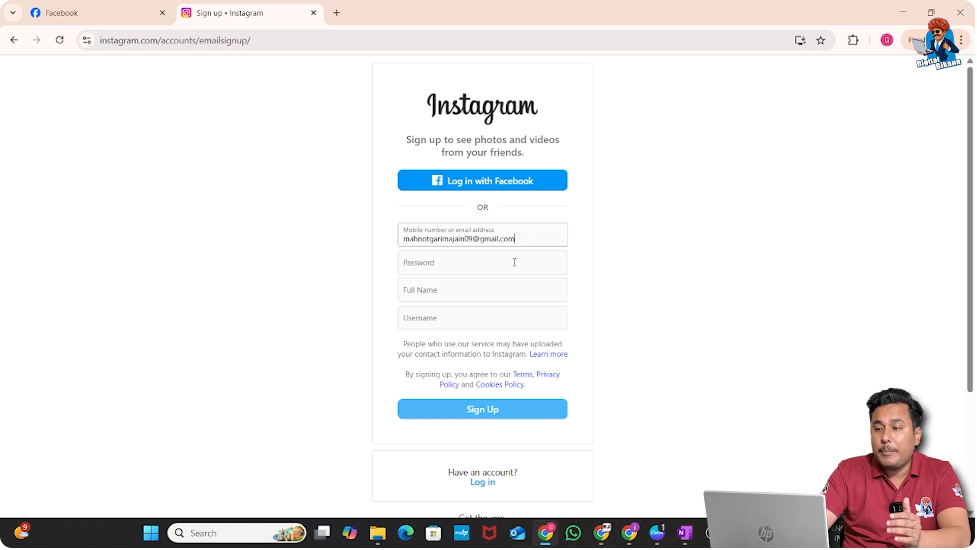
On the next screen, Instagram asks you to enter either a mobile number or an email address. This contact detail will be linked to your Instagram account and will be used for verification and communication.
In this process, an email address is entered. Once the email address is added, Instagram allows you to proceed to the next step.
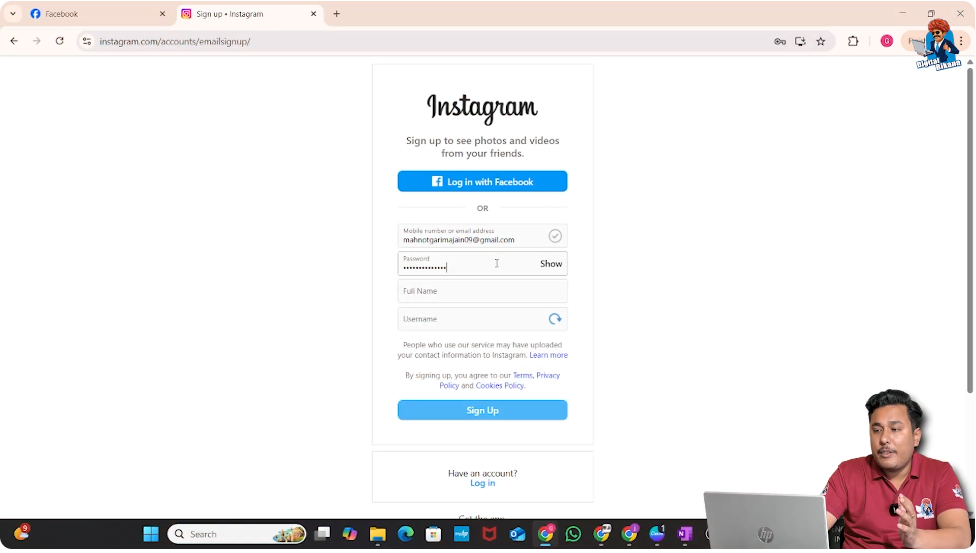
4. Creating a Password for the Instagram Account
After entering the email address, the next step is to create a password for your Instagram account. This password will be required every time you log in.
Once the password is entered, Instagram moves to the next section of the account setup process.
5. Entering Full Name and Username
After setting the password, Instagram asks for two important details:
- Full Name
- Username
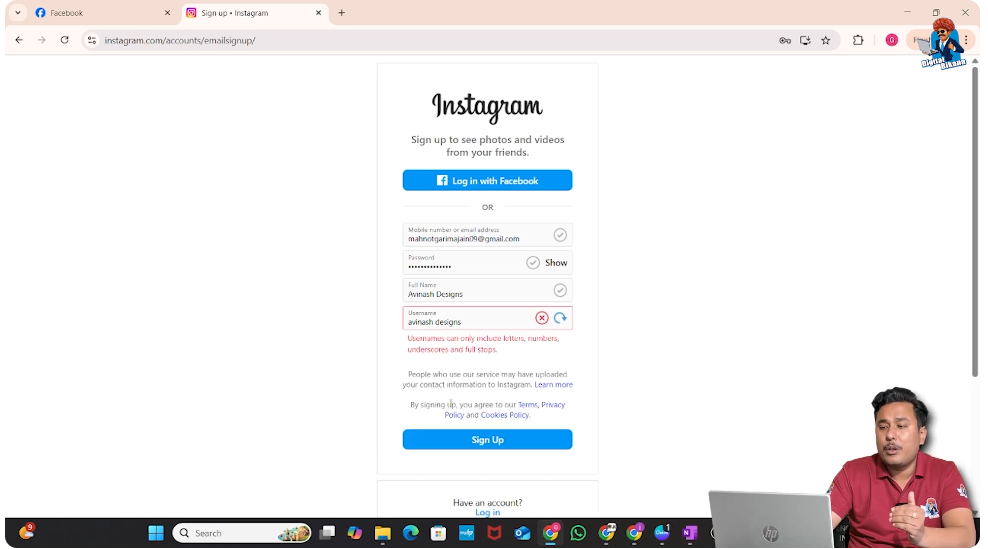
The full name is the display name of your Instagram account. Many students ask whether spaces are allowed in the full name. Yes, spaces can be used in the full name without any issue.
However, when it comes to the username, spaces are not allowed. In the username field, you can use:
- Underscores
- Full stops
- Other allowed symbols
But you cannot use spaces in the username. The username must be written as a single continuous word or with symbols.
6. Selecting a Unique Username
After entering the full name and username, click on the Sign Up button. If the username you selected is already taken, Instagram will notify you that the username is not available.
In that case, you need to choose a unique username. You can modify the username slightly by adding symbols or numbers until Instagram accepts it.
Once a unique username is selected, click on Sign Up again to proceed.

7. Entering the Date of Birth
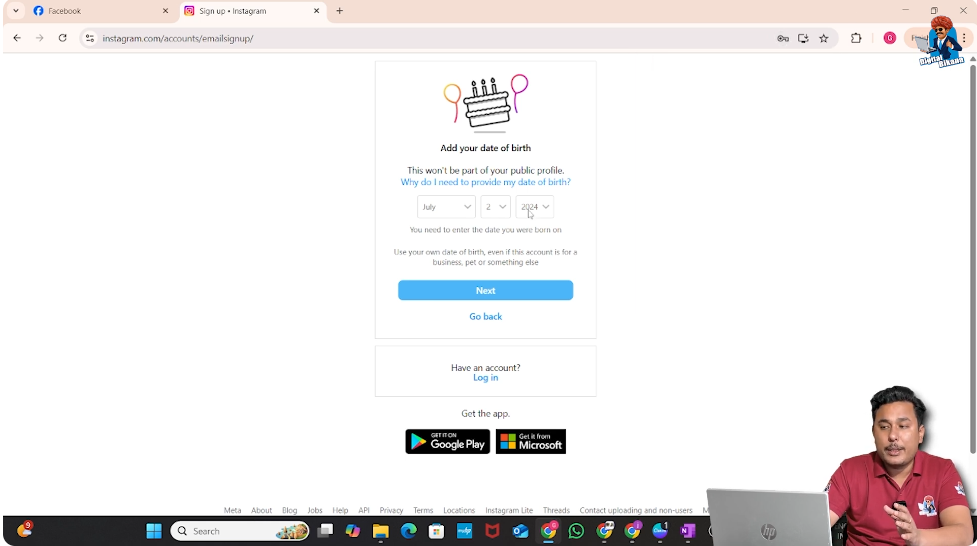
After the username is finalized, Instagram asks for your date of birth. At this stage, it is important to enter your actual date of birth, not the date of incorporation of your business.
Entering the correct date of birth is necessary because if Instagram thinks the account owner is under 18 years of age, there may be issues later, especially when running advertisements.
Once the correct date of birth is entered, proceed to the next step.
8. Email Verification Process
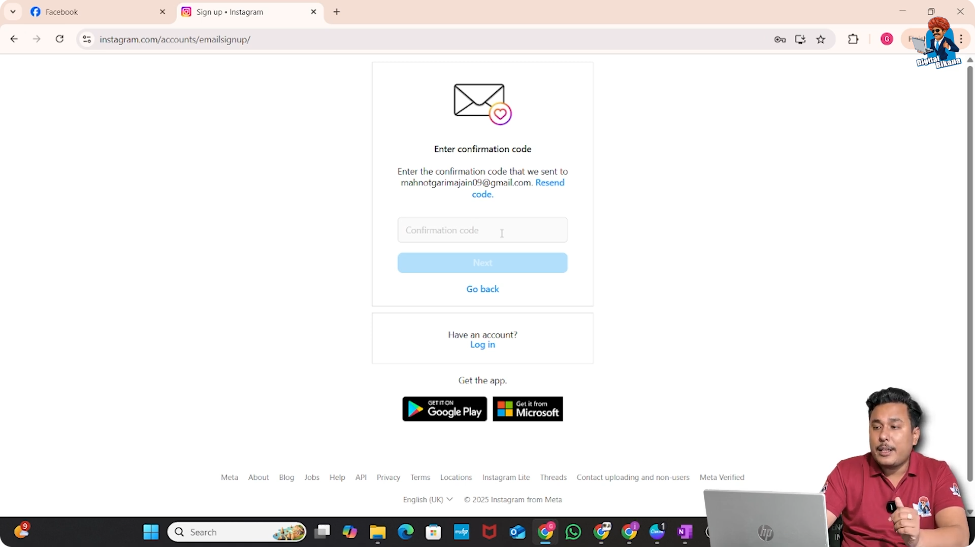
After entering the date of birth, Instagram sends a verification code to the email address that was used during sign-up.
You need to:
- Open your email inbox
- Find the email from Instagram
- Copy the verification code
- Enter the confirmation code in the required field on Instagram
This step verifies that the email address belongs to you.
9. Completing the Account Creation Process
Once the confirmation code is entered, click on Next. After this step, Instagram completes the account creation process.
At this point, your new Instagram account has been successfully created. You will be taken to the Instagram interface, where you can see your profile for the first time.

Understanding How Easy It Is to Create an Instagram Account
As you can see, creating a new Instagram account is a very simple process. The steps involved include:
- Opening instagram.com
- Clicking on Sign Up
- Entering email or mobile number
- Creating a password
- Entering full name and username
- Selecting a unique username
- Adding date of birth
- Verifying email
- Completing account creation
All these steps can be completed in just a few minutes.
Using the Instagram Account for Business Ads
Once the Instagram account is created, it can be used for business purposes such as running advertisements. However, to access business-specific features, the account needs to be converted into a professional account.
The process of converting the account into a professional account will be explained separately.
Important Points to Remember During Account Creation
While creating an Instagram account for business, there are a few important points to keep in mind:
- Always use a valid email address
- Choose a unique and appropriate username
- Do not use spaces in the username
- Enter your real date of birth to avoid future issues
- Complete email verification properly
Following these points helps ensure that the account setup goes smoothly.
Final Overview of the Process
To summarize the entire process:
- Visit instagram.com
- Click on Sign Up
- Enter email or mobile number
- Set a password
- Add full name and username
- Choose a unique username if needed
- Enter date of birth
- Verify email with confirmation code
- Complete the setup
This step-by-step process allows you to create an Instagram account easily and without confusion.
Conclusion
Creating an Instagram account for your business is a simple and straightforward process. By following the steps explained in this article, anyone can create a new Instagram account in a short amount of time.
Once the account is created, it can later be converted into a professional account and used for business promotions and advertisements. This makes Instagram a powerful platform for businesses looking to grow their online presence.

Related Posts