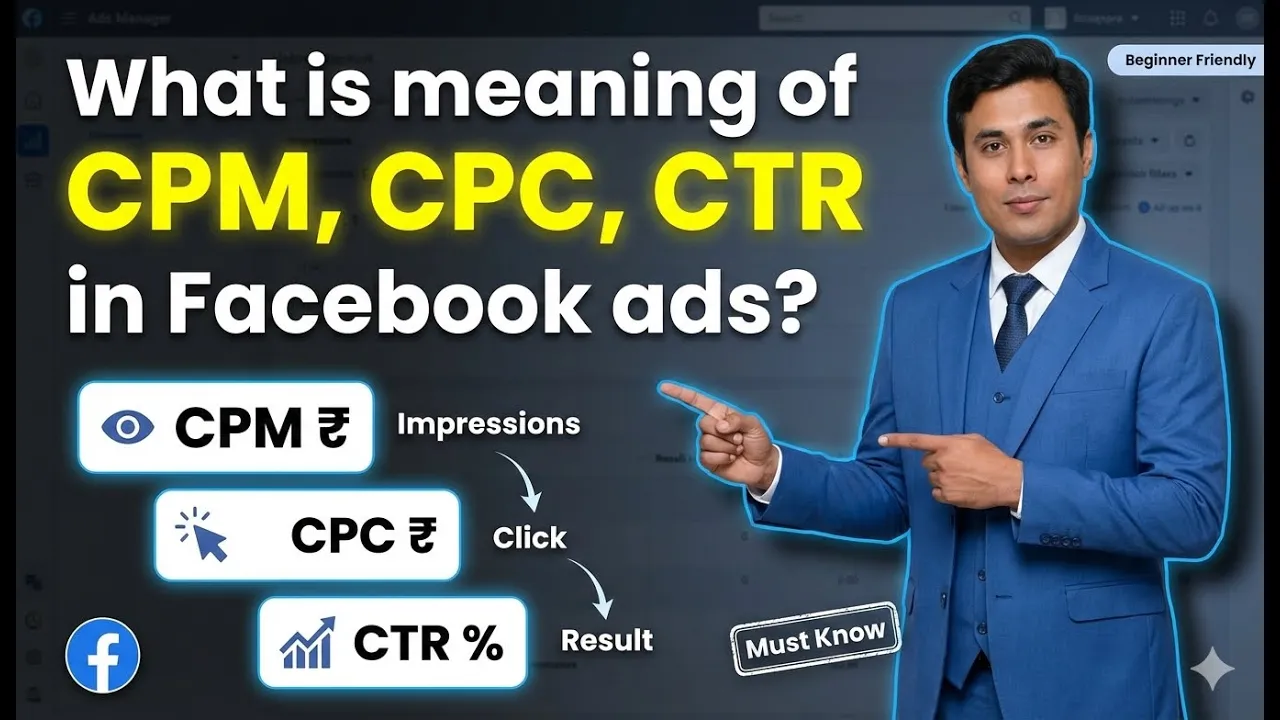
When running Facebook ads, advertisers frequently come across several performance metrics in Ads Manager. Among these, three of the most important and commonly discussed metrics are CPM, CPC, and CTR. These metrics help advertisers understand how their ads are performing, how much they are spending, and how users are interacting with their ads.
In this article, we will clearly explain CPM, CPC, and CTR, what each metric means, how they are calculated, and how to understand them using real campaign data from Facebook Ads Manager.
Overview of the Three Key Facebook Ads Metrics
Facebook Ads Manager shows multiple data points, but the three metrics discussed here are:
- CPM (Cost Per Thousand Impressions)
- CPC (Cost Per Click)
- CTR (Click Through Rate)
Each of these metrics answers a different performance-related question. Understanding them correctly helps advertisers analyze campaigns more confidently.

What is CPM in Facebook Ads?
Meaning of CPM
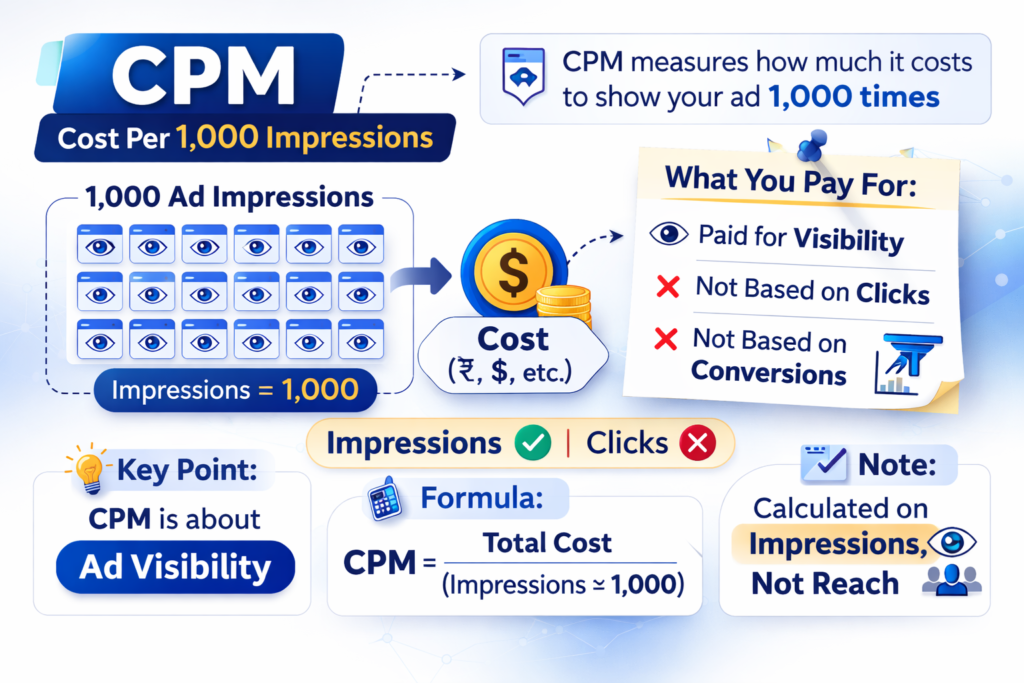
CPM stands for Cost Per Thousand Impressions, also known as Cost Per Mille. The word “mille” means one thousand.
CPM tells you:
- How much money you are paying to show your ad 1,000 times
- The cost of ad visibility, not clicks or conversions
CPM is always based on impressions, not reach.
Understanding Impressions vs Reach
Before understanding CPM deeply, it is important to differentiate between impressions and reach.
- Reach: Number of unique users who saw your ad
- Impressions: Total number of times your ad was shown
A single user can see your ad multiple times, which increases impressions but not reach.
Example Campaign Data for CPM
Let’s understand CPM using a real campaign example:
- Total ad spend: ₹20,919
- Reach: 1,46,960 users
- Impressions: 4,06,467
This means:
- 1,46,960 people saw the ad
- The ad was shown 4,06,467 times
- Many users saw the ad multiple times
Ad Frequency and Its Role
Ad frequency shows:
- How many times, on average, a single user saw the ad
In this campaign:
- Ad frequency = 2.77
This means:
- On average, each user saw the ad around 2.7 times
Frequency is calculated by dividing impressions by reach.
How CPM Is Calculated
Step-by-Step CPM Calculation
To calculate CPM, follow these steps:
Step 1: Calculate Cost of One Impression
Divide total ad spend by total impressions.
Step 2: Calculate Cost of 1,000 Impressions
Multiply the cost of one impression by 1,000.
Using the campaign data:
- Total spend: ₹20,919
- Total impressions: 4,06,467
The calculated CPM comes to approximately ₹51.47.

What CPM Actually Tells You
CPM tells you:
- How much Meta is charging to show your ad 1,000 times
- The cost of ad exposure, not engagement or clicks
Meta charged around ₹51 to show this ad 1,000 times.
What is CPC in Facebook Ads?
Meaning of CPC
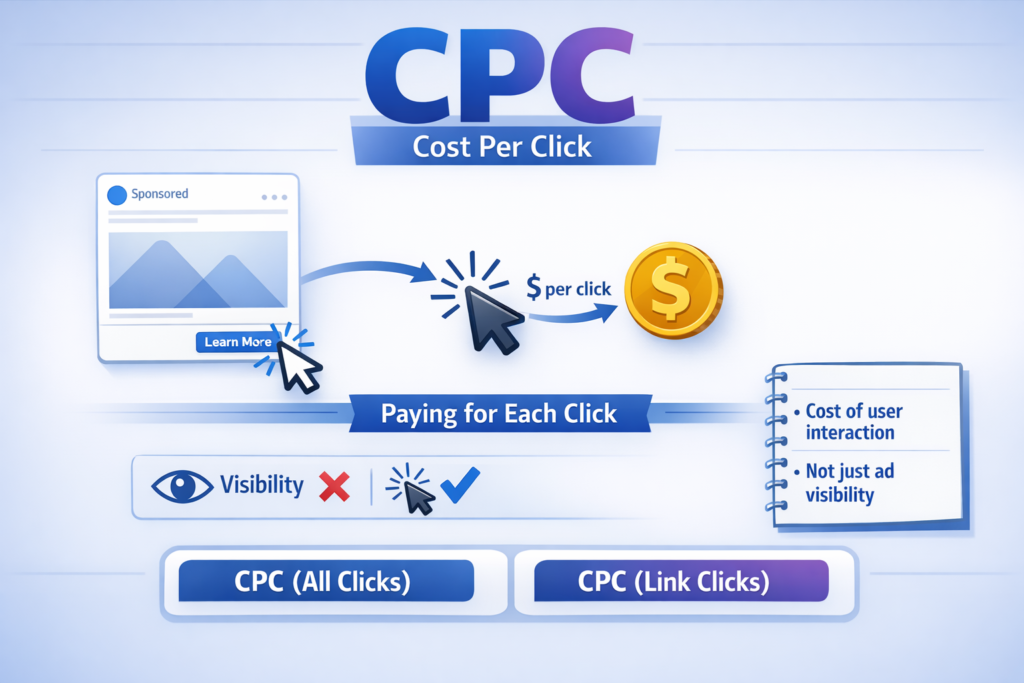
CPC stands for Cost Per Click.
CPC tells you:
- How much money you are paying for each click
- The cost of user interaction, not just visibility
However, CPC is not a single metric. It exists in two forms.
Types of CPC in Facebook Ads
CPC for Link Clicks (CTA Button Clicks)
This CPC measures:
- Cost for clicks on the CTA button
- Clicks that lead users to a website, form, WhatsApp, or landing page
It focuses only on intent-driven clicks.
Example of Link Click CPC
From the campaign data:
- Total CTA (link) clicks: 2,204
- Total spend: ₹20,919
To calculate CPC:
- ₹20,919 ÷ 2,204 = ₹9.49
This means:
- Meta charged approximately ₹9.49 per CTA button click
Understanding Link Click Behavior
Out of 2,204 link clicks:
- Only 450 users filled the form
- Around 1,800 users clicked and exited
This behavior is common and shows that:
- Not every click results in conversion
- CPC measures clicks, not outcomes
CPC for All Clicks
What Are “All Clicks”?
All clicks include:
- CTA button clicks
- Like, comment, and share clicks
- Page name clicks
- Carousel swipe actions
- Any interaction with the ad
Calculating CPC for All Clicks
From the campaign:
- Total clicks (all types): 4,558
- Total spend: ₹20,919
Calculation:
- ₹20,919 ÷ 4,558 = ₹5.15
This means:
- Average cost per interaction was ₹5.15
Difference Between Link CPC and All Click CPC
- Link CPC is higher because it measures intent-based actions
- All-click CPC is lower because it includes lighter interactions
Both metrics serve different analytical purposes.
What is CTR in Facebook Ads?
Meaning of CTR
CTR stands for Click Through Rate.
CTR tells you:
- What percentage of people clicked after seeing your ad
- How effective your ad is at generating clicks
CTR is always calculated in percentage (%).
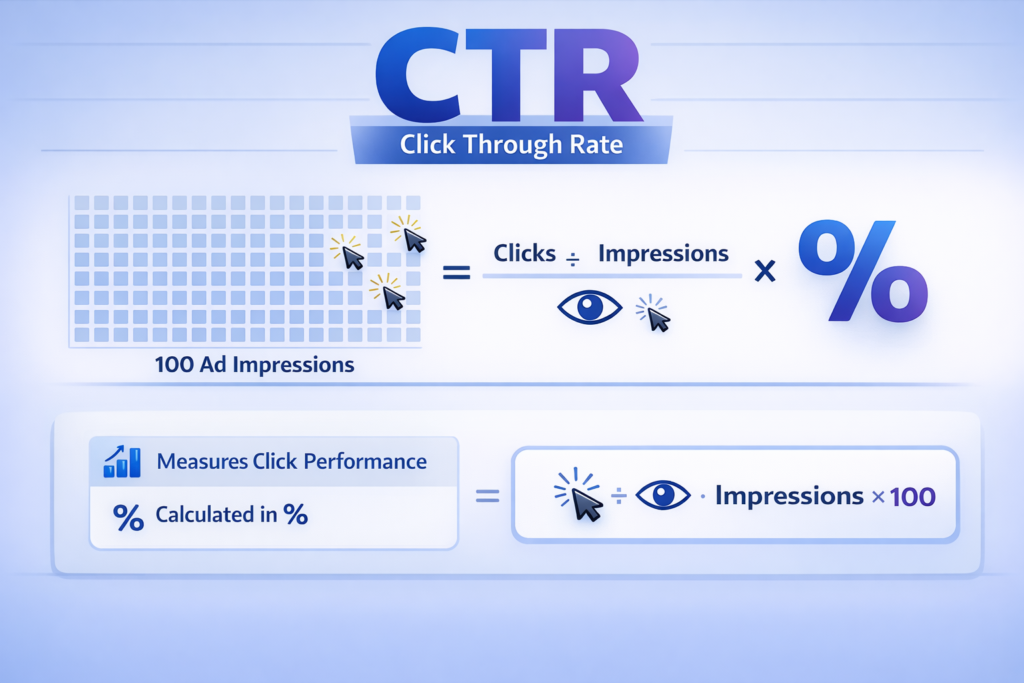
Types of CTR in Facebook Ads
Just like CPC, CTR also has two types.
CTR for Link Clicks (CTA Button CTR)
This CTR measures:
- Percentage of impressions that resulted in CTA button clicks
- Purely intent-driven engagement
Calculating Link Click CTR
From the campaign:
- Impressions: 4,06,467
- Link clicks: 2,204
Formula:
- (2,204 ÷ 4,06,467) × 100
Result:
- 0.54% CTR
This means:
- Out of every 100 impressions, about 0.54 users clicked the CTA button
CTR for All Clicks
What Does All Click CTR Measure?
All-click CTR measures:
- Total interactions divided by total impressions
- Includes all types of clicks, not just CTA clicks
Calculating All Click CTR
From the campaign:
- Total clicks: 4,558
- Impressions: 4,06,467
Formula:
- (4,558 ÷ 4,06,467) × 100
Result:
- 0.99% CTR, rounded to 1%
Understanding the Difference Between CTR Types
- Link CTR shows direct action intent
- All-click CTR shows overall engagement
Both values are correct but represent different user behaviors.
Relationship Between CPM, CPC, and CTR
These three metrics are interconnected:
- CPM shows cost of visibility
- CTR shows user response rate
- CPC shows cost of interaction
Together, they help advertisers understand:
- How much they are paying
- How users are reacting
- Where improvements are needed

Key Takeaways from CPM, CPC, and CTR
Let’s summarize the three metrics:
CPM
- Cost per 1,000 impressions
- Based on impressions, not reach
CPC
- Cost per click
- Exists for link clicks and all clicks
CTR
- Percentage of clicks per impression
- Exists for link clicks and all clicks
Each metric answers a different performance question.
Final Thoughts
CPM, CPC, and CTR are foundational Facebook ad metrics that every advertiser must understand. CPM helps evaluate visibility costs, CPC explains interaction costs, and CTR shows how effectively ads attract attention and engagement.
By understanding how these metrics are calculated and what they represent, advertisers can analyze campaigns more confidently and make better decisions based on actual data rather than assumptions.
These three metrics together provide a clear picture of ad performance inside Facebook Ads Manager.

Related Posts