
Welcome to this article. In today’s lesson, we will understand one of the most essential technical SEO tools: the canonical tag.
If your website has duplicate or similar content, canonical tags help search engines know which version to index. Without proper canonical implementation, search engines may rank the wrong version of your page or split your ranking power between multiple URLs.
Let’s explore what a canonical tag is, why it matters, when to use it, and how to implement it correctly.
What Is a Canonical Tag?
A canonical tag is an HTML element that tells search engines which version of a page is the preferred or original version.
It looks like this:
<link rel="canonical" href="https://example.com/seo-basics/" />
This tag is placed inside the <head> section of a webpage.
Its purpose is simple: it signals to search engines which URL should be treated as the main version when multiple URLs have identical or similar content.

Why Canonical Tags Are Important
Search engines aim to show the most relevant and original content in search results. However, when multiple URLs contain similar content, search engines may become confused.
For example:
- Product pages with filters
- Print-friendly versions
- URLs with tracking parameters
- Mobile versions
- Syndicated content
Without canonical tags, search engines might:
- Index the wrong URL
- Split ranking authority
- Lower overall visibility
- Create duplicate content issues
Canonical tags solve this by clearly specifying the preferred version.
What Causes Duplicate Content?
Duplicate content can occur for many reasons, including:
- URL parameters (e.g., ?id=123)
- Sorting and filtering options in e-commerce
- Session IDs
- HTTP and HTTPS versions
- WWW and non-WWW versions
- Print-friendly pages
- Syndicated content on other websites
Even if you did not intentionally create duplicates, technical factors can generate them automatically.
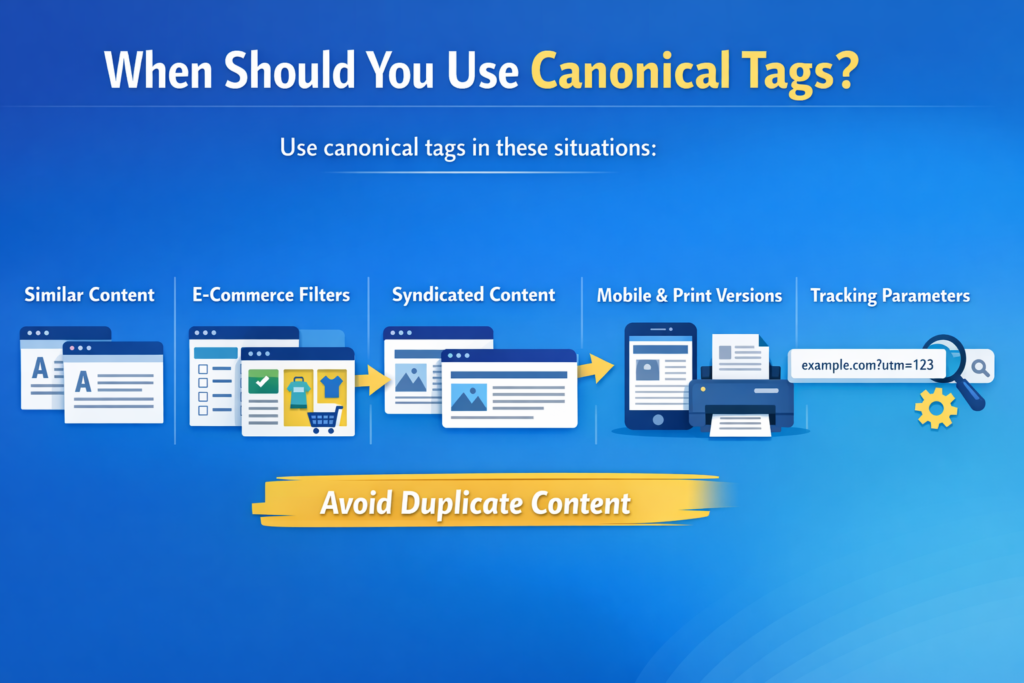
When Should You Use Canonical Tags?
Use canonical tags in these situations:
- Multiple pages with similar content
- E-commerce pages with filters or sorting
- Syndicated content published on other domains
- Print-friendly or mobile versions
- URLs with tracking parameters
These scenarios commonly create duplicate or near-duplicate content.
Practical Example of Canonical Usage
Let’s say you have the same blog post available under two URLs:
/blog?id=123/seo-basics/
You want Google to index /seo-basics/.
So, on both versions, you set the canonical tag pointing to:
<link rel="canonical" href="https://example.com/seo-basics/" />
This tells Google that /seo-basics/ is the preferred version.
Even if users access the other URL, search engines will consolidate authority to the canonical URL.
How Canonical Tags Improve SEO
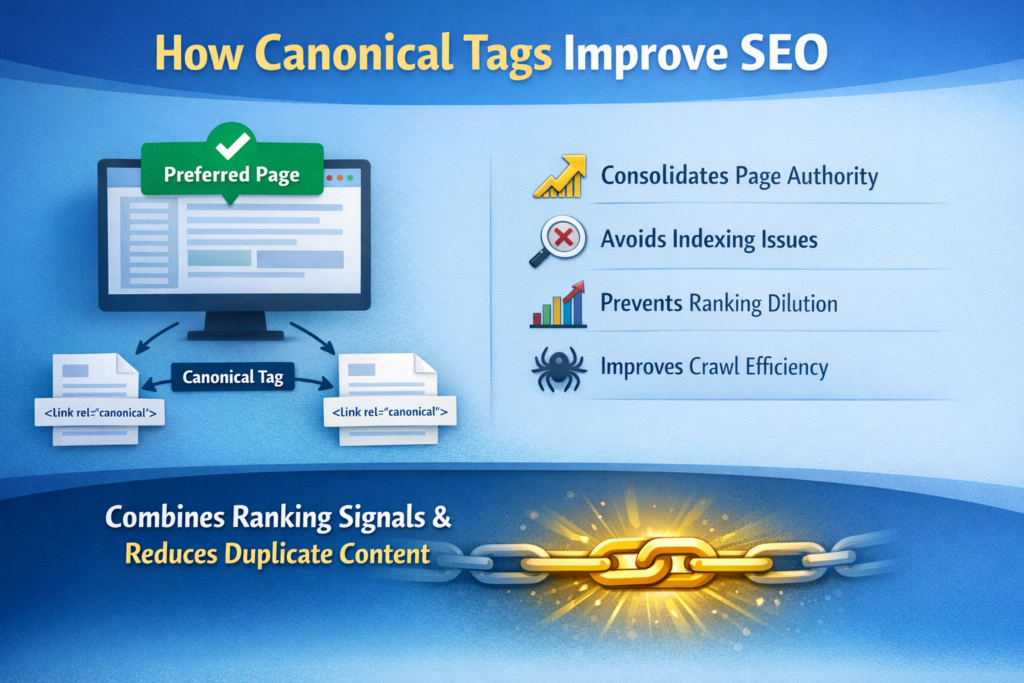
Proper use of canonical tags improves SEO in several ways:
- Consolidates page authority
- Avoids indexing issues
- Prevents ranking dilution
- Improves crawl efficiency
- Reduces duplicate content problems
Instead of splitting link equity between multiple URLs, canonical tags combine ranking signals into one preferred page.
This strengthens your SEO performance.
How Search Engines Interpret Canonical Tags
When search engines crawl your site and detect duplicate pages, they look for canonical tags.
If properly implemented:
- Search engines prioritize the canonical URL
- Ranking signals are consolidated
- Duplicate pages may not appear in search results
However, canonical tags are hints, not commands. Search engines may ignore incorrect implementations.
That is why proper configuration is important.
Common Canonical Tag Mistakes
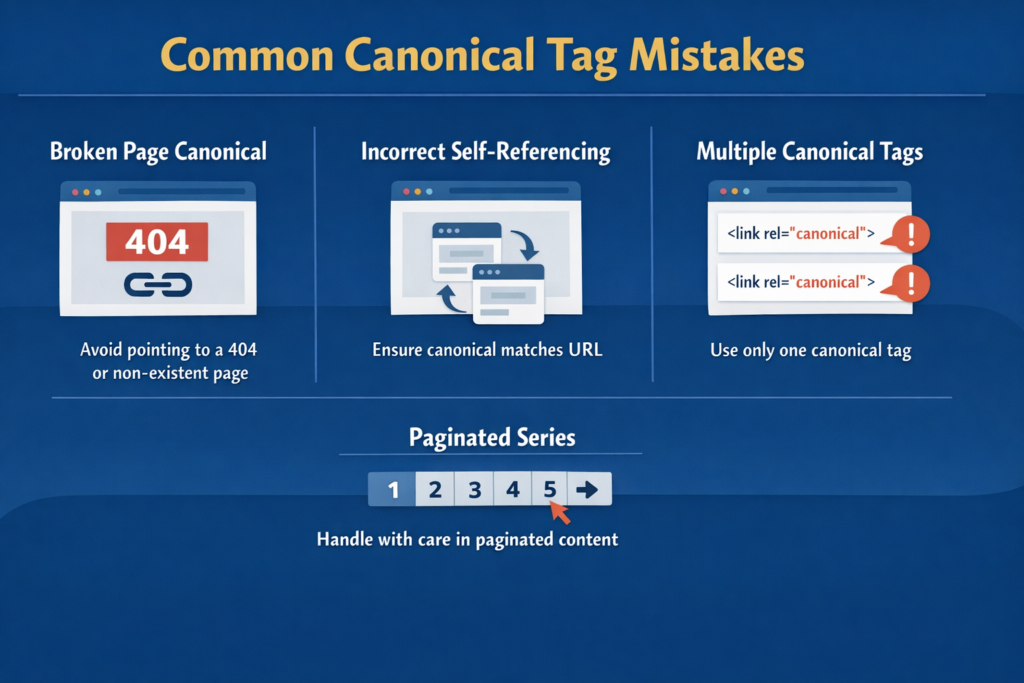
Here are a few things to watch out for:
Do Not Canonicalize to a Broken Page
Never point a canonical tag to a 404 or non-existing page.
This confuses search engines and wastes crawl budget.
Avoid Incorrect Self-Referencing
A self-referencing canonical means a page points to itself as canonical.
This is usually correct practice.
However, errors occur when the canonical URL differs from the actual page URL unintentionally.
Ensure consistency.
Never Use Multiple Canonical Tags
Each page should have only one canonical tag.
Multiple canonical tags on a single page create confusion.
Do Not Use Canonicals Carelessly on Paginated Series
Paginated content (such as page 1, 2, 3 of blog posts) requires careful handling.
Incorrect canonical usage may prevent deeper pages from being indexed.
Canonical Tag vs Redirect
Many people confuse canonical tags with redirects.
Canonical tag:
- Keeps multiple URLs accessible
- Suggests preferred version
- Does not redirect users
Redirect (301):
- Sends users and search engines to a new URL
- Removes old page from index over time
Use canonical tags when you want multiple versions accessible but only one indexed.
Use redirects when permanently moving content.
Step-by-Step Guide to Implement Canonical Tags
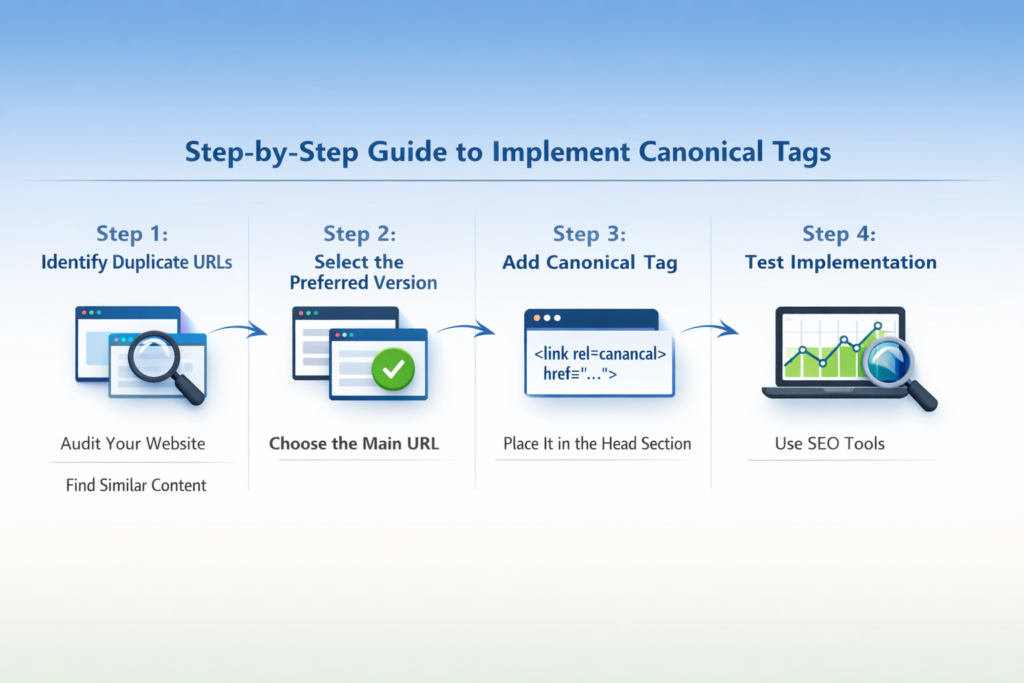
Step 1: Identify Duplicate URLs
Audit Your Website
Check for pages with similar or identical content.
Step 2: Select the Preferred Version
Choose the Main URL
Decide which URL should rank and appear in search results.
Step 3: Add Canonical Tag in HTML
Place It in the Head Section
Insert the canonical tag pointing to the preferred URL.
Step 4: Test Implementation
Use SEO Tools
Verify that canonical tags are correctly placed and functional.
How to Audit Canonical Tags
You can easily audit your canonical tags using tools such as:
- Screaming Frog
- Ahrefs
- Google Search Console
- Yoast SEO plugin (if using WordPress)
These tools help you:
- Detect missing canonical tags
- Identify conflicting tags
- Find duplicate content issues
- Spot broken canonical references
Regular audits ensure technical SEO health.
Canonical Tags in WordPress
If you use WordPress, SEO plugins like Yoast SEO automatically add self-referencing canonical tags.
You can also customize canonical URLs for:
- Custom pages
- Paginated content
- Filtered URLs
Plugins simplify implementation without manual coding.
Benefits of Proper Canonical Implementation
When used correctly, canonical tags:
- Protect your rankings
- Improve indexing accuracy
- Prevent duplicate penalties
- Consolidate backlinks
- Strengthen domain authority
They are small bits of code but make a significant difference.
Final Recap: Small Code, Big SEO Impact
To summarize, canonical tags are small bits of code that make a big SEO difference.
They:
- Tell search engines which version of a page to index
- Combine authority
- Prevent duplicate content issues
- Improve crawl efficiency
If your website has similar or duplicate URLs, canonical tags are essential.
Proper implementation ensures search engines understand your preferred page and rank it correctly.
In technical SEO, details matter. The canonical tag may be small, but its impact on search visibility is powerful.

Related Posts