
Welcome to this article. Today we are going to explain what bounce rate is and how it affects your website’s SEO. If you have ever wondered why users visit your site but leave quickly, this metric gives you the answer.
Bounce rate is one of the most discussed performance indicators in website analytics. It helps you understand user behavior and how visitors interact with your content. While it may seem like a simple number, it carries important insights about your website’s performance.
Let us dive in.
What Is Bounce Rate?
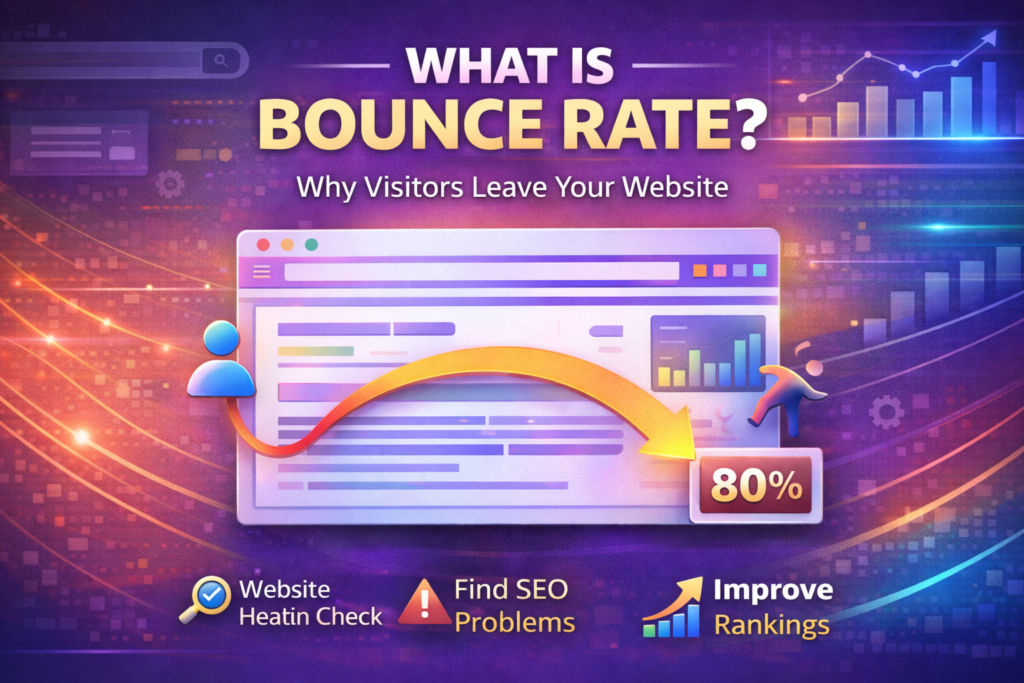
Bounce rate is the percentage of users who visit a page on your website and then leave without clicking anywhere else.
In simple words, they visit and bounce.
If a user lands on your page and does not interact further—such as clicking another page, filling out a form, or exploring additional content—that session is considered a bounce.
How Bounce Rate Is Calculated
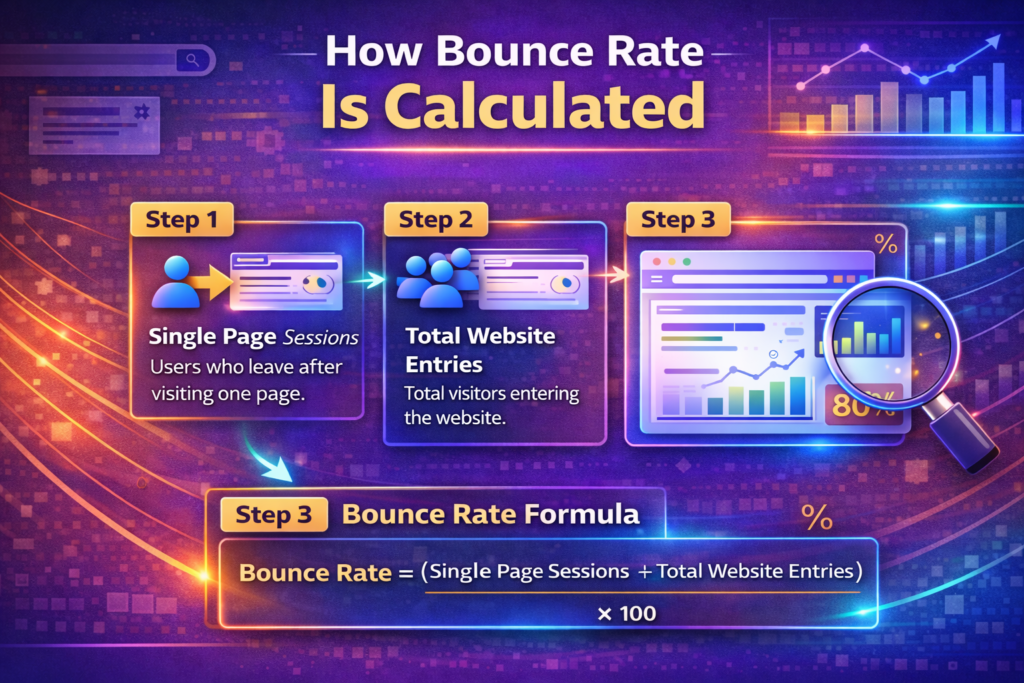
Bounce rate is calculated using a simple formula.
Step 1: Count Single-Page Sessions
Identify Users Who Left Without Interaction
A single-page session occurs when a user visits only one page and then exits without any further engagement.
Step 2: Count Total Website Entries
Measure Total Visitors
This includes all users who entered your website during a specific time period.
Step 3: Apply the Bounce Rate Formula
Use the Calculation Formula
Bounce Rate = (Single-Page Sessions ÷ Total Website Entries) × 100
The result gives you the percentage of visitors who left without exploring further.
Why Do People Bounce?
People bounce from a website for many reasons. Understanding these reasons helps you improve your website.
Some common causes include:
- Irrelevant content
- Slow loading pages
- Confusing design
- Poor navigation
- Technical issues
- Finding the answer immediately without needing to stay
Not all bounces indicate a problem. Sometimes users get exactly what they need and leave satisfied.
What Is a Good Bounce Rate?
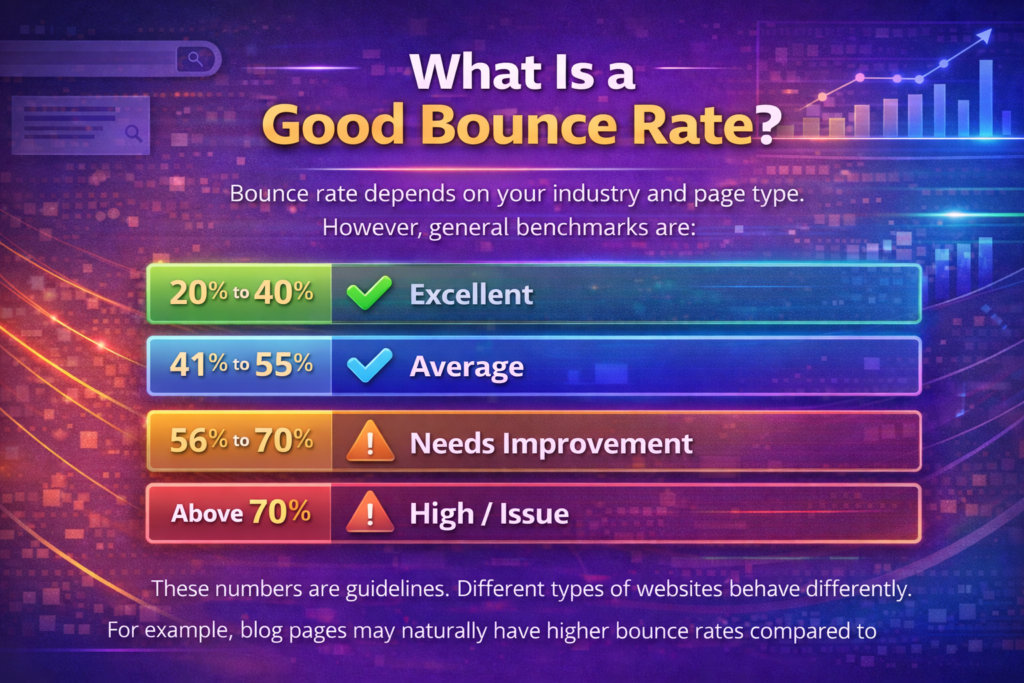
Bounce rate depends on your industry and page type. However, general benchmarks are:
- 20% to 40% bounce rate is excellent
- 41% to 55% bounce rate is average
- 56% to 70% bounce rate needs improvement
- Above 70% bounce rate is quite high and likely indicates an issue
These numbers are guidelines. Different types of websites behave differently.
For example, blog pages may naturally have higher bounce rates compared to e-commerce websites.
Does Bounce Rate Affect SEO?
Bounce rate is not a direct Google ranking factor. However, it can affect SEO indirectly.
A higher bounce rate could signal to Google that users did not find the content useful or relevant. If users frequently leave your page quickly, it may indicate a mismatch between content and user intent.
Over time, this can hurt your rankings.
Search engines prioritize user satisfaction. If visitors consistently leave without engaging, it may reflect negatively on your content quality.
When a High Bounce Rate Is Not a Problem
Not all high bounce rates are bad.
On certain types of pages, such as:
- Landing pages
- Blog posts
- FAQ pages
Users may find what they need and leave immediately. In such cases, the bounce is natural and acceptable.
Context matters.
If a user searches for a specific question, reads the answer on your page, and leaves satisfied, that bounce does not necessarily mean poor performance.
How to Reduce Bounce Rate
Improving bounce rate requires enhancing user experience and content quality.
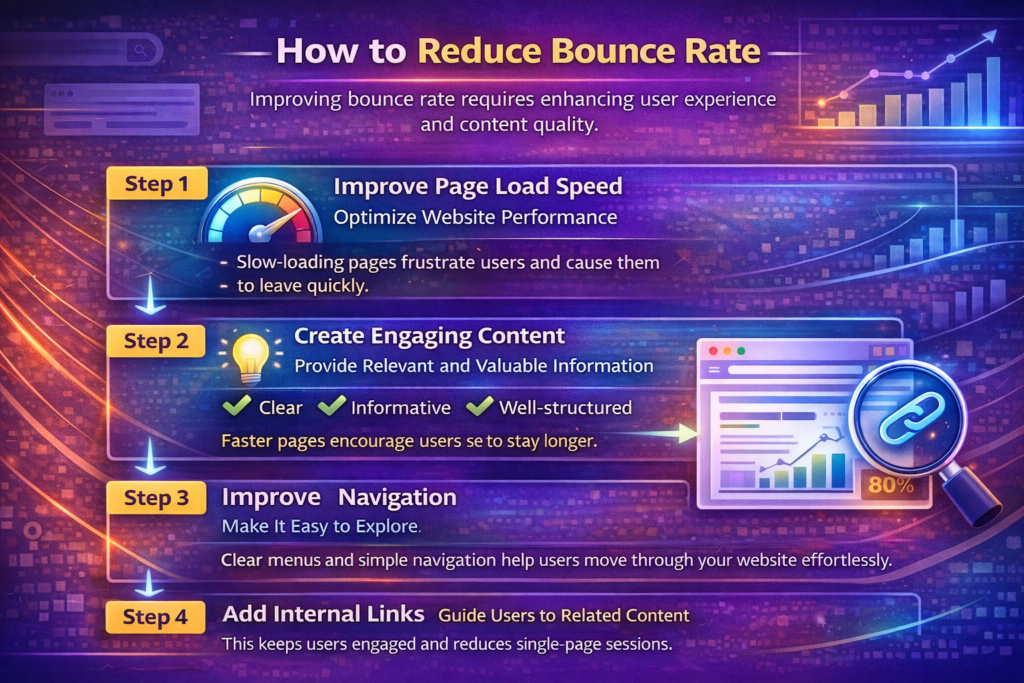
Step 1: Improve Page Load Speed
Optimize Website Performance
Slow-loading pages frustrate users and cause them to leave quickly.
Improve speed by:
- Compressing images
- Reducing unnecessary scripts
- Using reliable hosting
Faster pages encourage users to stay longer.
Step 2: Create Engaging Content
Provide Relevant and Valuable Information
Ensure your content matches user intent. Make it:
- Clear
- Informative
- Well-structured
- Easy to read
Engaging content encourages users to continue exploring.
Step 3: Improve Navigation
Make It Easy to Explore
Clear menus and simple navigation help users move through your website effortlessly.
Confusing layouts can drive users away.
Step 4: Add Internal Links
Guide Users to Related Content
Internal links encourage users to click on related pages.
For example:
- Link to related blog posts
- Suggest relevant products
- Add “Read More” sections
This keeps users engaged and reduces single-page sessions.
The Role of User Experience
User experience plays a central role in bounce rate.
A positive experience includes:
- Fast loading times
- Mobile-friendly design
- Clear layout
- Easy readability
If users enjoy navigating your site, they are more likely to explore further.
Poor design or cluttered layouts increase bounce rates.
How to Check Your Bounce Rate
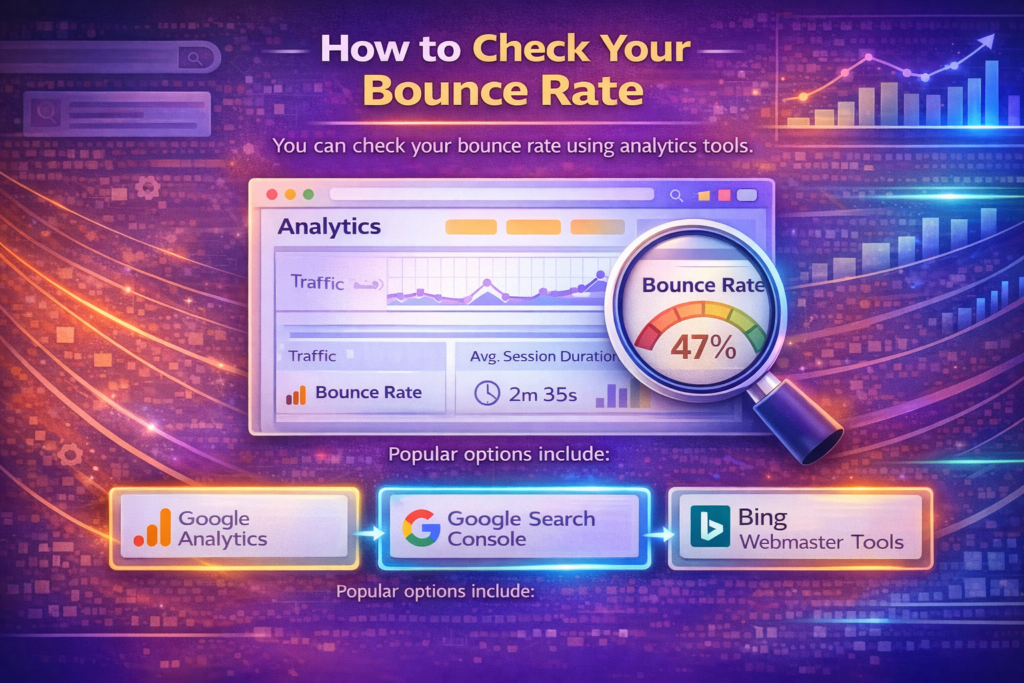
You can check your bounce rate using analytics tools.
Step 1: Use Google Analytics
Analyze Bounce Rate Data
Google Analytics shows bounce rates by:
- Page
- Traffic source
- Device type
This helps you identify where improvements are needed.
Step 2: Identify Problem Pages
Focus on High Bounce Pages
If certain pages have unusually high bounce rates, review them carefully.
Ask yourself:
- Is the content relevant?
- Is the page loading slowly?
- Is the design user-friendly?
Make targeted improvements.
Bounce Rate by Traffic Source
Different traffic sources may have different bounce rates.
For example:
- Organic search traffic may have moderate bounce rates.
- Social media traffic may have higher bounce rates.
- Direct traffic often has lower bounce rates.
Analyzing bounce rate by source helps you understand user behavior better.
Bounce Rate by Device
Bounce rates can vary across devices.
- Mobile users may bounce more if the site is not mobile-friendly.
- Desktop users may stay longer if navigation is smoother.
Optimizing for all devices is essential.
Common Mistakes That Increase Bounce Rate
Avoid these common mistakes:
- Using misleading titles
- Delivering irrelevant content
- Overloading pages with ads
- Having slow website speed
- Ignoring mobile optimization
These issues drive users away quickly.
Balancing Content and Engagement
Your goal is not just to reduce bounce rate but to keep users engaged meaningfully.
Encourage actions such as:
- Reading related articles
- Watching embedded videos
- Subscribing to newsletters
- Exploring services
Engagement improves overall website performance.
Final Summary: Why Bounce Rate Matters
To summarize, bounce rate shows how many users left your page without exploring further.
It is calculated by dividing single-page sessions by total website entries and multiplying by 100.
While not a direct ranking factor, bounce rate reflects content quality and user experience. A high bounce rate may signal that users are not finding what they expected.
However, context is important. On certain pages, a high bounce rate can be normal.
The goal is to keep users engaged and clicking through your site. Improve load speed, enhance navigation, create engaging content, and use internal links strategically.
By understanding and optimizing bounce rate, you improve both user satisfaction and overall SEO performance.

Related Posts