Welcome to this article. Whether you are a blogger, website owner, or digital marketer, understanding alt text is essential for SEO and accessibility.
Alt text may seem like a small technical detail, but it plays a major role in how search engines and users interpret your website. In this guide, we will explain what alt text is, why it matters, and how to write it effectively.
What Is Alt Text?
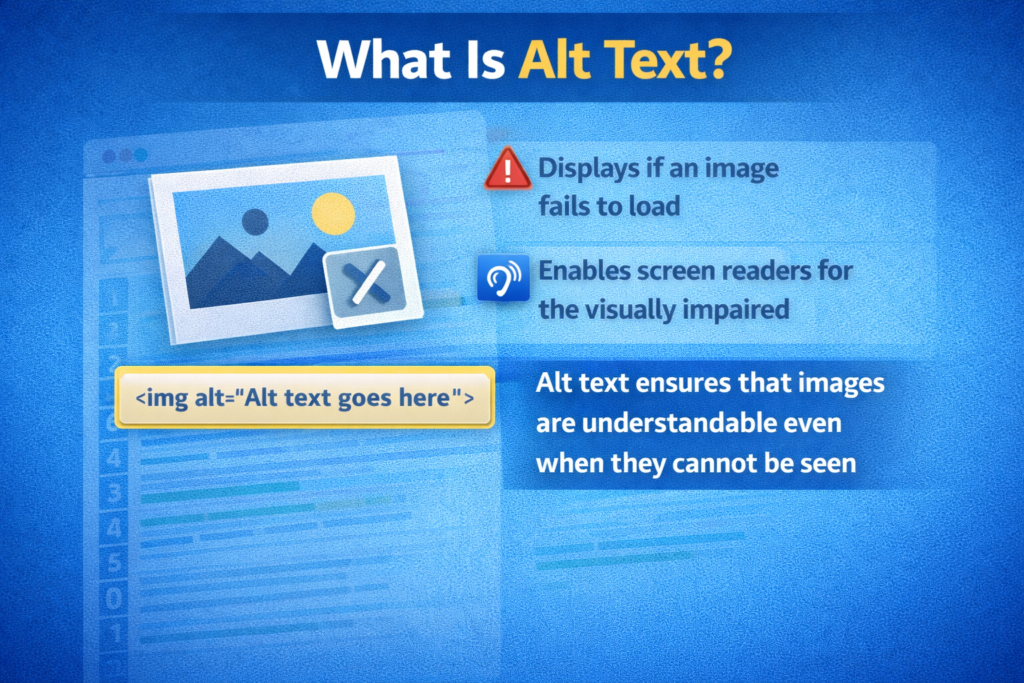
Alt text, or alternative text, is a short written description added to an image’s HTML.
If the image does not load, the alt text appears instead. It also helps screen readers describe the image to visually impaired users.
Alt text ensures that images are understandable even when they cannot be seen.
Where Does Alt Text Appear?
Alt text appears in two main situations:
- When an image fails to load
- When a screen reader reads the page to a visually impaired user
Although alt text is not visible to most users, it plays an important role behind the scenes.
Why Alt Text Is Important for SEO
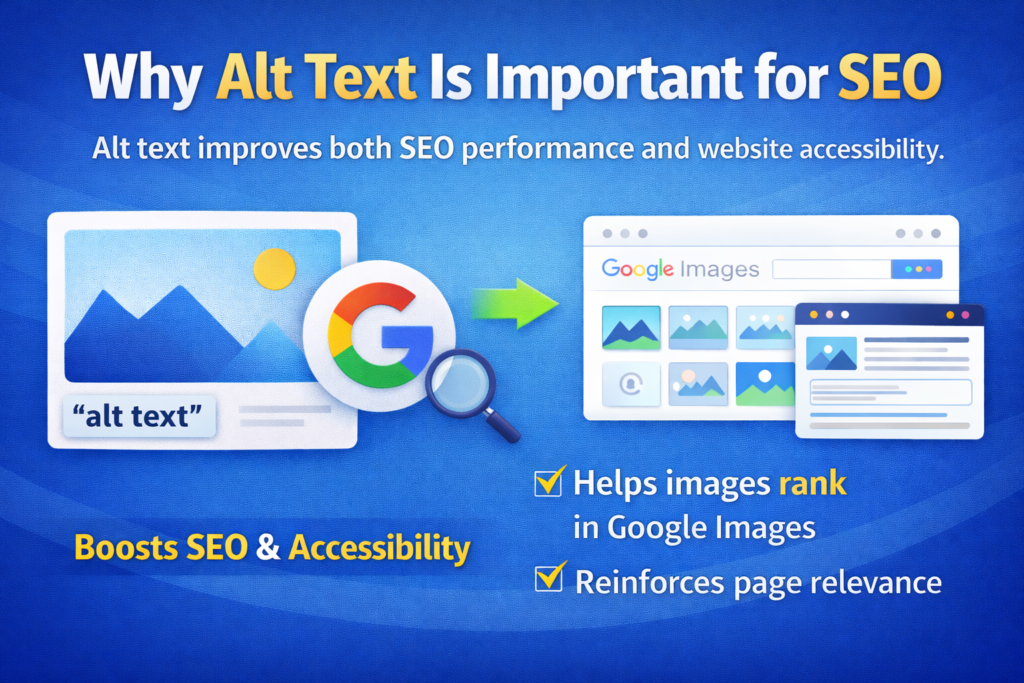
Alt text improves both SEO performance and website accessibility.
Google uses alt text to understand image content. Since search engines cannot visually interpret images, they rely on textual descriptions.
Properly optimized alt text helps your images rank in Google Images, which can bring additional traffic to your website.
Alt text also supports overall page relevance by reinforcing your content topic.
Why Alt Text Is Important for Accessibility
Alt text helps screen readers describe images to visually impaired users.
Without alt text, users who rely on assistive technologies may miss important information.
Accessibility is not only a best practice but also a way to make your website inclusive for everyone.
Clear alt text ensures equal access to content.
Difference Between Alt Text and Title Attribute
People often confuse alt text with image title attributes.
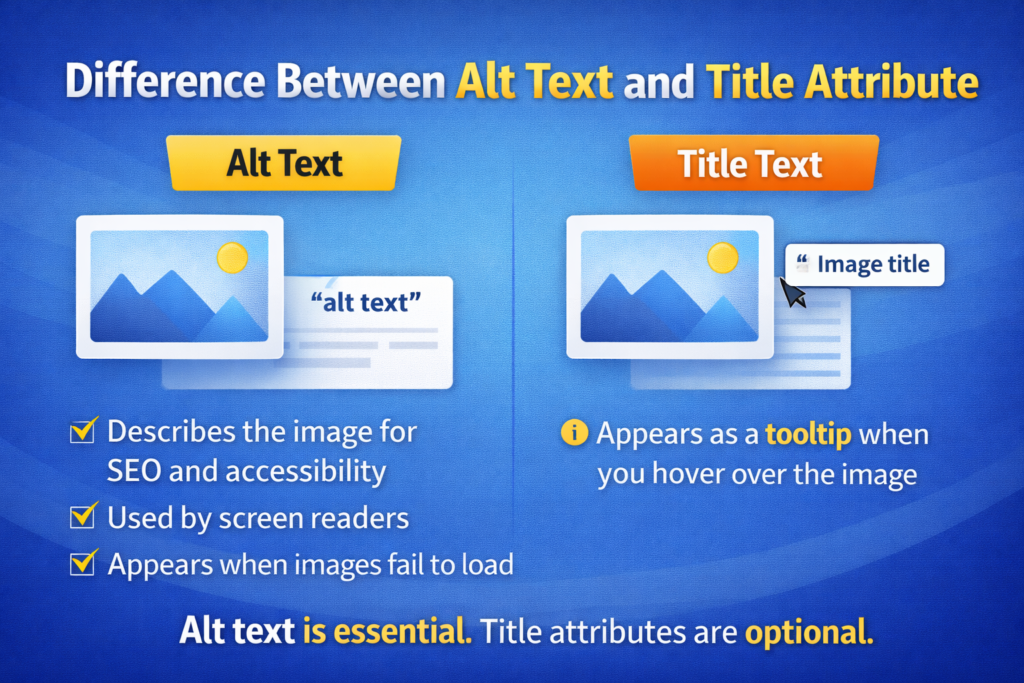
Alt text:
- Describes the image for SEO and accessibility
- Is used by screen readers
- Appears when images fail to load
Title text:
- Appears as a tooltip when you hover over the image
- Is not a substitute for alt text
Alt text is essential. Title attributes are optional.
How to Write Effective Alt Text
Writing good alt text is simple.
Just describe what you see clearly and briefly.
Be specific and relevant to the image and page content.
Your description should help someone understand the image without seeing it.
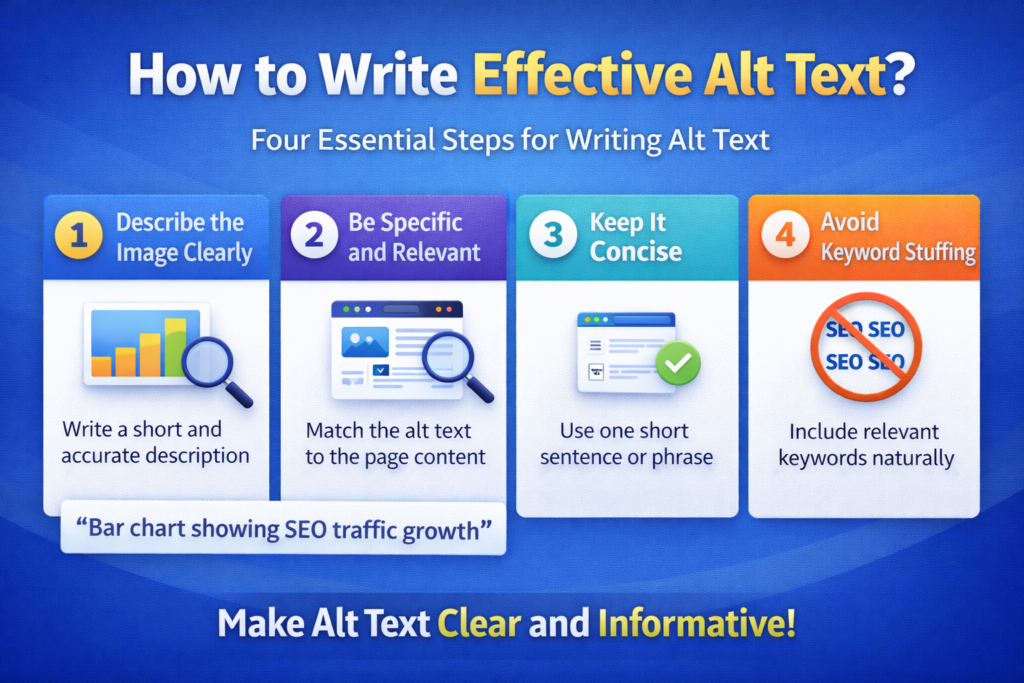
Step 1: Describe the Image Clearly
Focus on What Is Visible
Write a short and accurate description of the image.
For example:
“Bar chart showing SEO traffic growth”
Step 2: Be Specific and Relevant
Match the Page Content
If the image supports a blog post about SEO, ensure the description reflects that context.
Step 3: Keep It Concise
Avoid Long Sentences
Alt text should usually be one short sentence or phrase.
Step 4: Avoid Keyword Stuffing
Keep It Natural
Include keywords only if they are relevant. Do not repeat keywords unnecessarily.
Alt Text Best Practices
Here are some alt text best practices to follow:
- Keep descriptions short and meaningful
- Use relevant keywords naturally
- Describe the image, not the file name
- Avoid starting with “image of” or “picture of”
- Focus on clarity and context
Always aim for clarity and avoid keyword stuffing.
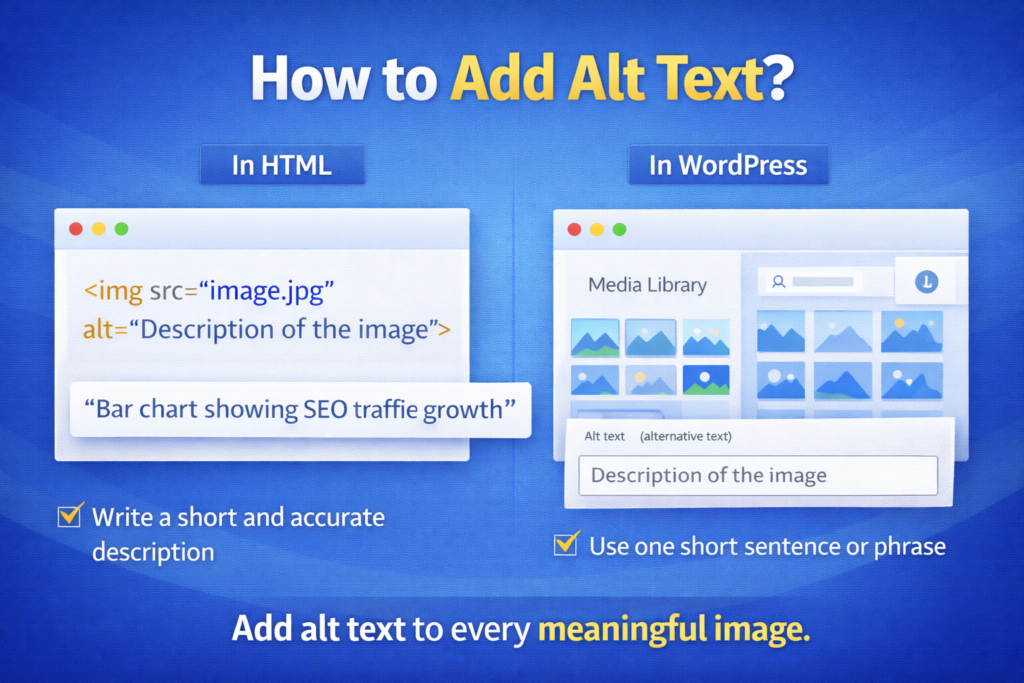
How to Add Alt Text
You can add alt text directly in HTML or through your CMS.
In HTML, it looks like this:
<img src=”image.jpg” alt=”Description of the image”>
In WordPress, you will find the alt text field in:
- The media library
- The image block settings
Adding alt text is simple and should be done for every meaningful image.
Tools to Check Alt Text
You can use SEO tools to check whether your site images have alt text.
Some of the best tools include:
- Yoast SEO
- Screaming Frog
- Ahrefs
These tools help identify:
- Missing alt attributes
- Over-optimized descriptions
- Accessibility issues
Regular audits ensure your images remain optimized.
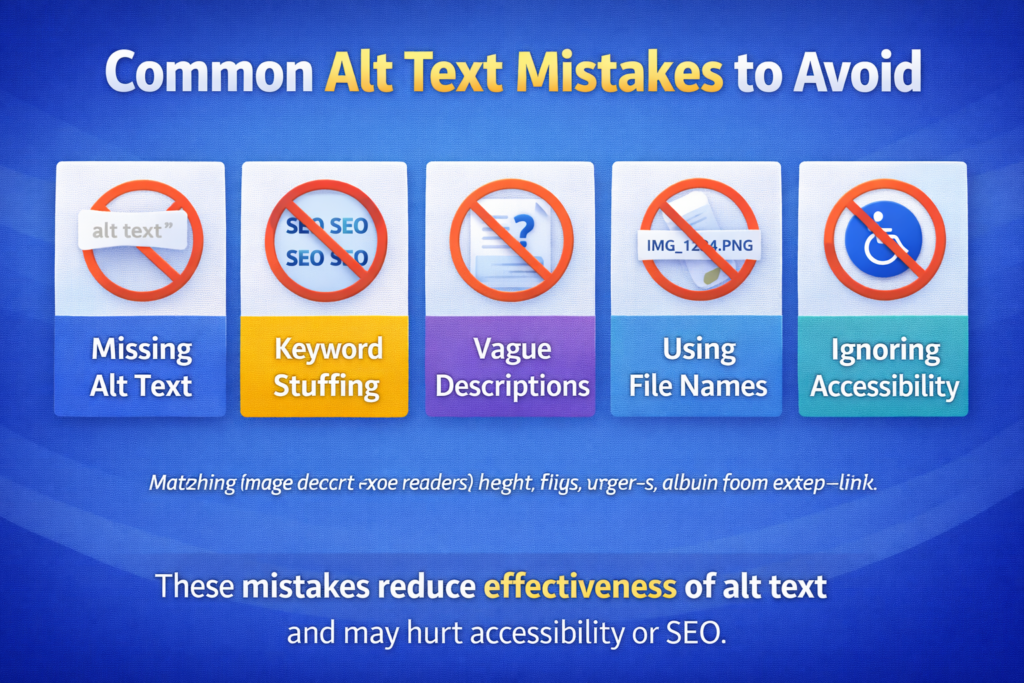
Common Alt Text Mistakes to Avoid
Watch out for these common mistakes:
- Leaving alt text empty for important images
- Keyword stuffing
- Writing vague descriptions
- Using file names as alt text
- Ignoring accessibility
These mistakes reduce the effectiveness of alt text and may hurt accessibility or SEO.
When to Leave Alt Text Empty
If an image is purely decorative and adds no informational value, you may leave the alt attribute empty.
For example:
alt=""
This tells screen readers to skip decorative images.
However, informative images must always have meaningful alt text.
How Alt Text Supports Image Search
When alt text clearly describes an image, Google can index it properly.
Optimized alt text increases the chances of your images appearing in Google Image Search.
This can bring:
- Additional traffic
- Higher visibility
- Improved engagement
Image search can be a valuable source of visitors.
Alt Text and Overall User Experience
Alt text contributes to overall user experience.
It ensures that:
- Content remains understandable if images fail
- Visually impaired users receive equal access
- Search engines understand visual elements
Improved accessibility leads to broader audience reach.
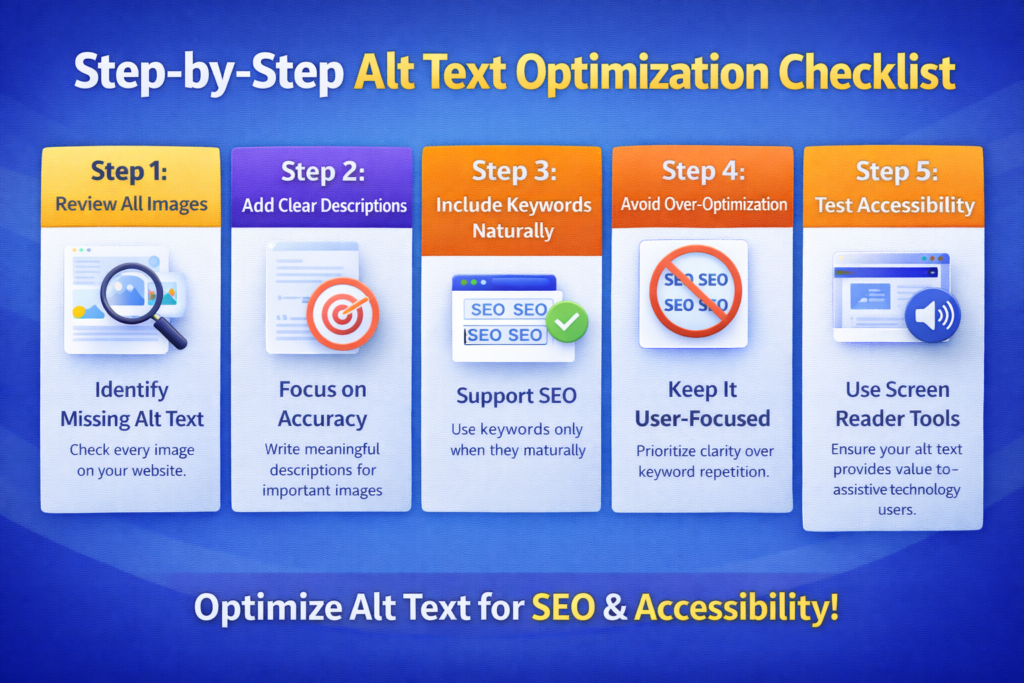
Step-by-Step Alt Text Optimization Checklist
Step 1: Review All Images
Identify Missing Alt Text
Check every image on your website.
Step 2: Add Clear Descriptions
Focus on Accuracy
Write meaningful descriptions for important images.
Step 3: Include Keywords Naturally
Support SEO
Use keywords only when they fit naturally.
Step 4: Avoid Over-Optimization
Keep It User-Focused
Prioritize clarity over keyword repetition.
Step 5: Test Accessibility
Use Screen Reader Tools
Ensure your alt text provides value to assistive technology users.
Final Summary: Small Text, Big Impact
To summarize, alt text is a simple but powerful way to improve your site’s SEO, accessibility, and user experience.
It tells both people and search engines what your images are about.
Alt text:
- Improves image indexing
- Supports search visibility
- Enhances accessibility
- Strengthens content relevance
By writing clear, concise, and meaningful alt text, you ensure that your images contribute positively to your overall SEO strategy.
Even though it is just a short description, alt text has a significant impact.
Make every image count.

Related Posts