Welcome to this article. Today we will learn the best blog formatting tips to make your content SEO-friendly, more engaging, and easier to read.
Formatting is not just about design. It directly affects user experience and search engine visibility. A well-formatted blog keeps readers engaged, improves readability, and helps search engines understand your content structure.
In this guide, we will explore essential blog formatting techniques that improve both usability and SEO performance.
Use Proper Headings Structure
Headings are essential for both SEO and readers.
They organize your content and create a clear hierarchy that search engines can understand.
Use:
- H1 for the main title
- H2 for main sections
- H3 for subpoints
Make sure to include your target keywords naturally in headings. This reinforces relevance without over-optimization.
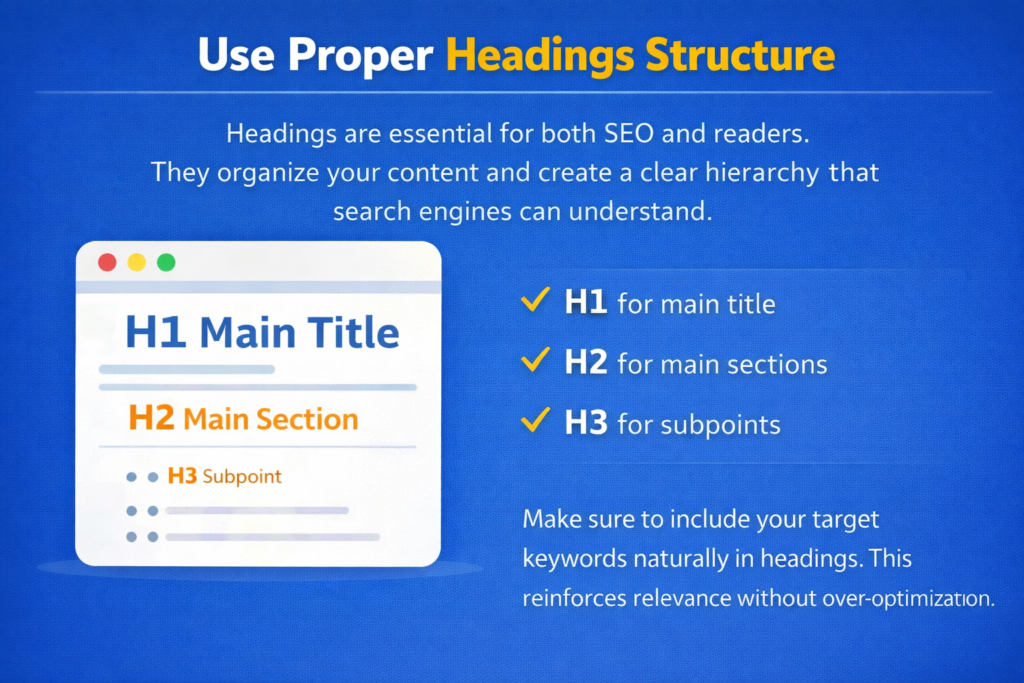
A structured heading system makes your content easy to scan and improves search engine crawling.
Step 1: Use Only One H1 Tag
Define the Main Topic Clearly
Your H1 should clearly describe what the blog post is about.
Step 2: Break Content into H2 Sections
Improve Structure
Use H2 tags for major sections of your article.
Step 3: Add H3 for Subpoints
Enhance Clarity
Use H3 tags to divide detailed explanations within each section.
Keep Paragraphs Short
Do not overwhelm your readers with large walls of text.
Keep paragraphs short, ideally two to four lines each.
Short paragraphs:
- Improve readability
- Enhance mobile experience
- Make content less intimidating
- Encourage continuous reading
Since more than 60% of users read blogs on mobile devices, shorter paragraphs are essential.
Use Bullet Points and Numbered Lists
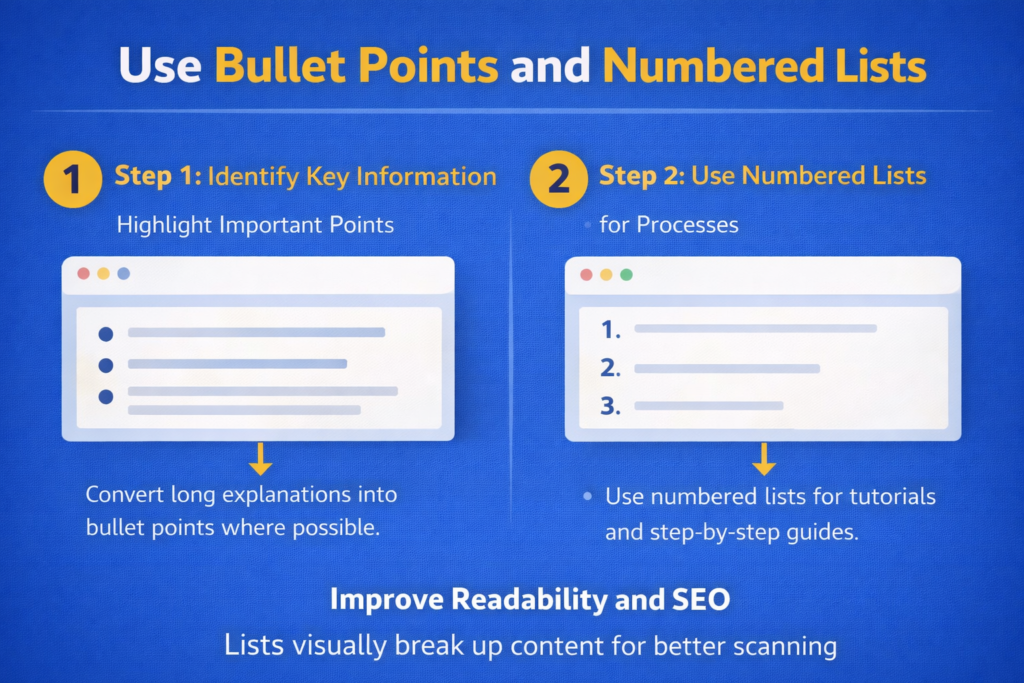
Lists are easier to read and perfect for step-by-step guides or key points.
Use:
- Bullet points for highlighting features
- Numbered lists for steps
Lists break up content visually and improve scanning.
Search engines also favor well-structured content.
Step 1: Identify Key Information
Highlight Important Points
Convert long explanations into bullet points where possible.
Step 2: Use Numbered Lists for Processes
Simplify Instructions
Use numbered lists for tutorials and step-by-step guides.
Add Internal and External Links
Always add internal links to related articles and external links to trusted sources.
Internal links:
- Help Google crawl your site
- Distribute page authority
- Improve user navigation
External links:
- Build credibility
- Support your claims
- Add value for readers
Linking strategically strengthens your overall SEO performance.
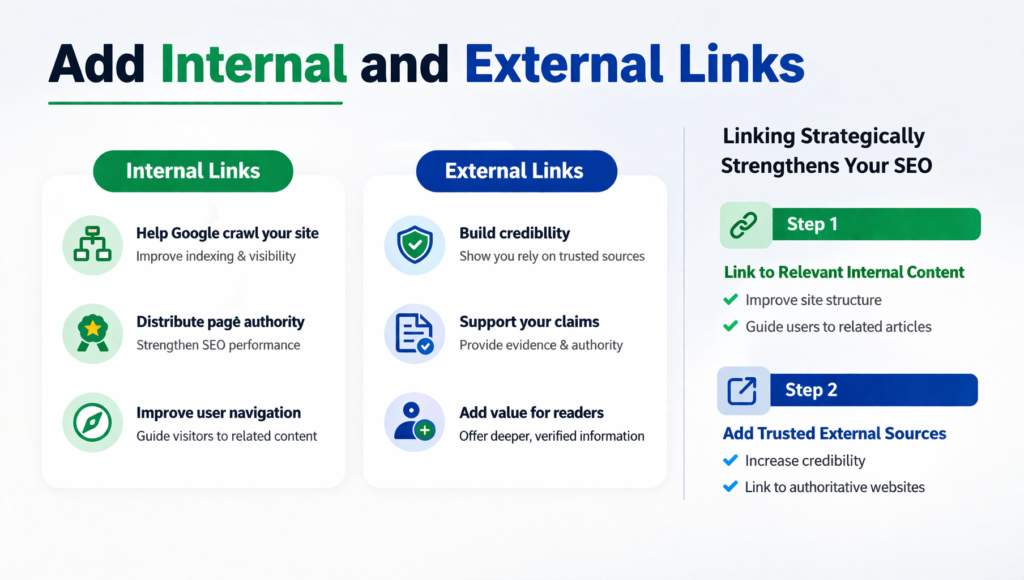
Step 1: Link to Relevant Internal Content
Improve Site Structure
Guide users to related articles on your website.
Step 2: Add Trusted External Sources
Increase Credibility
Link to authoritative websites when necessary.
Use Relevant Images
Visuals make your blog more attractive and easier to understand.
Use relevant images that support your content.
Always optimize images with alt text that includes your keyword naturally.
Images improve:
- Engagement
- Time on page
- Search visibility in image results
Well-optimized visuals enhance both SEO and user experience.

Step 1: Choose High-Quality Images
Support Your Topic
Ensure visuals add meaning to your content.
Step 2: Optimize Image Alt Text
Improve SEO
Add descriptive and keyword-friendly alt text.
Add a Table of Contents
A table of contents at the beginning helps users navigate your content easily.
It creates jump links that allow readers to move to specific sections quickly.
This improves:
- User experience
- Content organization
- Engagement
- SEO performance
Long-form content especially benefits from a clear navigation structure.
Highlight Key Information
Use bold text, italics, or colored boxes to highlight key phrases or tips.
This draws attention and makes the content easier to skim.
Most readers scan content rather than reading every word.
Strategic highlighting improves comprehension and engagement.
Write Simple and Clear Sentences
Complex sentences can confuse readers.
Stick to simple, clear sentences and avoid jargon unless absolutely necessary.
Clarity improves:
- User satisfaction
- Engagement
- Readability scores
Write in a conversational and easy-to-understand tone.
Optimize for Mobile Users
More than 60% of users read blogs on mobile devices.
Ensure your formatting is responsive:
- No clutter
- Proper font size
- Scroll-friendly layout
- Clean spacing
Mobile optimization directly affects user experience and SEO rankings.
Google uses mobile-first indexing, making mobile formatting critical.
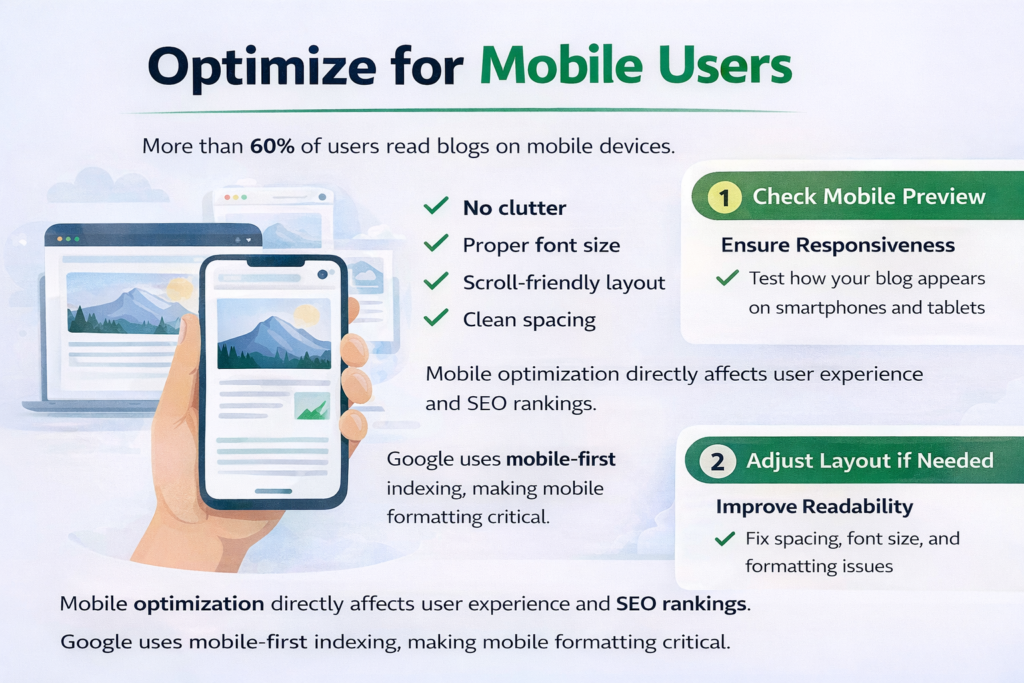
Step 1: Check Mobile Preview
Ensure Responsiveness
Test how your blog appears on smartphones and tablets.
Step 2: Adjust Layout if Needed
Improve Readability
Fix spacing, font size, and formatting issues.
Add a Clear Call to Action (CTA)
Wrap up your blog with a clear call to action.
Examples include:
- Read more
- Subscribe
- Get in touch
- Download now
A strong CTA guides your reader to the next step and increases conversions.
Without a CTA, readers may leave without taking action.
Why Formatting Improves SEO
Good formatting improves SEO because it:
- Enhances readability
- Reduces bounce rate
- Increases time on page
- Improves crawlability
- Strengthens content structure
Search engines prioritize content that provides a positive user experience.
Formatting directly contributes to that experience.
Step-by-Step Blog Formatting Checklist
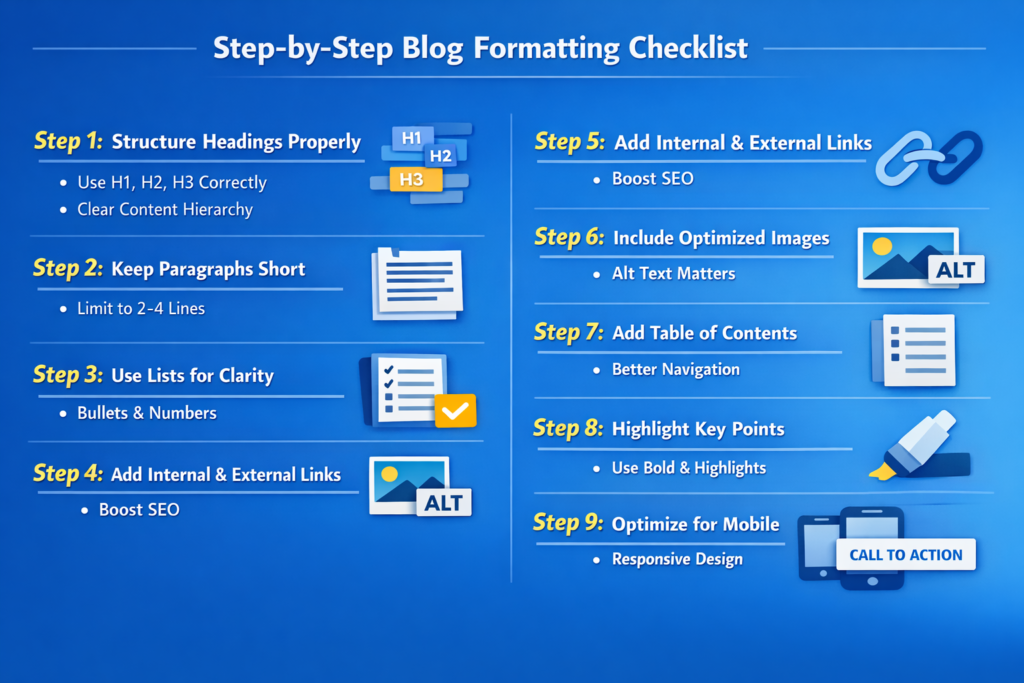
Step 1: Structure Headings Properly
Use H1, H2, and H3 Correctly
Create a clear content hierarchy.
Step 2: Keep Paragraphs Short
Improve Readability
Limit paragraphs to two to four lines.
Step 3: Use Lists for Clarity
Break Down Information
Use bullets and numbers for key points.
Step 4: Add Internal and External Links
Strengthen SEO
Link strategically to relevant content.
Step 5: Include Optimized Images
Enhance Engagement
Use images with proper alt text.
Step 6: Add Table of Contents
Improve Navigation
Help readers move through your content easily.
Step 7: Highlight Important Points
Improve Scannability
Use bold and formatting wisely.
Step 8: Optimize for Mobile
Ensure Responsive Design
Test layout on different devices.
Step 9: Add a Strong CTA
Guide User Action
Encourage readers to take the next step.
Final Recap: Simple Tweaks, Powerful Results
Let’s quickly recap.
Use:
- Proper headings
- Short paragraphs
- Bullet points
- Internal and external links
- Optimized images
- Table of contents
- Highlighted key points
- Mobile-friendly layout
- A strong call to action
These simple tweaks make your blog user-friendly and SEO optimized.
Formatting is not just visual design. It is a strategic tool that improves readability, engagement, and search engine performance.
When your content is easy to read and navigate, both users and search engines respond positively.
Small formatting improvements can lead to better rankings, higher engagement, and stronger overall blog performance.

Related Posts