
Welcome to this article. If you are aiming for better rankings and a smoother user experience, then optimizing your URL is a must.
In this guide, we will learn how to write SEO-friendly URLs that are clean, readable, and effective. URL optimization may seem like a small detail, but it plays an important role in both search engine understanding and user trust.
Let us get started.
What Is an SEO-Friendly URL?
An SEO-friendly URL is one that clearly describes the page’s content, uses keywords, and is easy for both users and search engines to read.
It is:
- Short
- Meaningful
- Well-structured
- Easy to understand

A good URL gives immediate clarity about what the page is about, even before someone clicks on it.
Why URLs Are Important for SEO
Search engines use URLs to understand what your page is about.
A clear and descriptive URL improves:
- Crawlability
- Rankings
- User trust
URLs also appear in search results. This means they influence click-through rates. If your URL looks clean and relevant, users are more likely to trust and click on it.
Include Your Primary Keyword in the URL
Always include your primary keyword in the URL.
This gives both search engines and users a clear idea of the page topic.
However, the keyword should feel natural. Do not force it into the URL or repeat it unnecessarily.

Step 1: Identify the Primary Keyword
Choose the Main Topic of the Page
Select the keyword that best represents your page content.
Step 2: Add the Keyword Naturally
Avoid Keyword Stuffing
Place the keyword once in the URL without repetition.
Keep URLs Short and Simple
Short URLs perform better.
Long and complex URLs are harder to:
- Read
- Remember
- Share
Aim for simplicity. A shorter URL is easier for users and clearer for search engines.
For example:
Instead of:
yourwebsite.com/blog/2024/10/complete-guide-to-writing-seo-friendly-urls-for-beginners
Use:
yourwebsite.com/seo-friendly-urls
Step 1: Remove Unnecessary Words
Keep Only Essential Terms
Eliminate extra words that do not add meaning.
Step 2: Focus on Clarity
Make It Easy to Understand
The URL should instantly explain the topic.
Use Hyphens to Separate Words
Google recommends using hyphens to separate words in a URL.
Hyphens improve readability and help search engines distinguish between words.
For example:
Correct:
yourwebsite.com/seo-friendly-urls
Incorrect:
yourwebsite.com/seofriendlyurls
Hyphens make URLs more readable and structured.
Avoid Dynamic URLs
Dynamic URLs with long IDs or parameters can confuse both search engines and users.
For example:
yourwebsite.com/page?id=1234&category=seo
Use static URLs that clearly describe the page content instead.
Static URLs are:
- Cleaner
- More professional
- Easier to understand
Use Lowercase Letters Only
Always use lowercase letters in URLs.
Some servers treat uppercase and lowercase letters differently. This can lead to duplicate content issues.
For example:
yourwebsite.com/SEO-Tips
and
yourwebsite.com/seo-tips
may be treated as two separate pages.
Using lowercase avoids confusion and ensures consistency.
Remove Stop Words When Possible
Words like:
- a
- the
- is
- of
are considered stop words.
While they are not harmful, they can make your URLs unnecessarily long.
If removing them does not change the meaning, it is better to exclude them.
For example:
Instead of:
yourwebsite.com/how-to-write-the-best-seo-urls
Use:
yourwebsite.com/write-best-seo-urls
Keep the meaning clear and concise.
Match URL With Page Title
Your URL should closely reflect your page title or topic.
This consistency reinforces relevance for both search engines and users.
If your page title is:
“How to Write SEO-Friendly URLs”
Your URL should look like:
yourwebsite.com/seo-friendly-urls
Consistency builds trust and clarity.
Avoid Special Characters
Avoid using special characters like:
- &, %, $, #
- Spaces
- Underscores
These can create technical issues and reduce readability.
Stick to:
- Letters
- Numbers (if necessary)
- Hyphens
Clean URLs look professional and trustworthy.
Tools to Optimize URLs
You can use tools to review and optimize your URLs for better performance.
Tools like:
- Yoast SEO
- Screaming Frog
- Google Search Console
help analyze:
- URL structure
- Crawl issues
- Duplicate URLs
- Optimization opportunities
Using these tools ensures your URLs meet SEO best practices.
Step-by-Step Guide to Writing an SEO-Friendly URL
Step 1: Identify the Main Topic
Focus on the Core Subject
Understand what your page is about.
Step 2: Add the Primary Keyword
Keep It Natural
Insert the keyword once without repetition.
Step 3: Keep It Short
Remove Unnecessary Words
Limit the URL to essential words only.
Step 4: Use Hyphens
Separate Words Clearly
Use hyphens instead of spaces or underscores.
Step 5: Use Lowercase Letters
Maintain Consistency
Avoid uppercase letters to prevent duplicate issues.
Step 6: Avoid Special Characters
Keep It Clean
Use only letters, numbers, and hyphens.

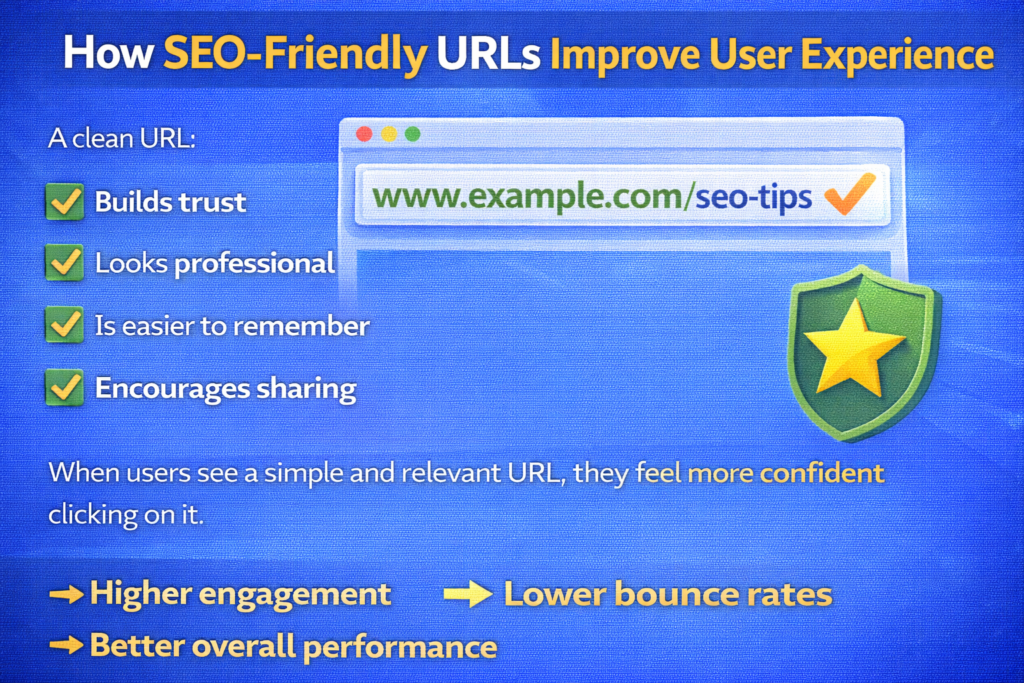
How SEO-Friendly URLs Improve User Experience
A clean URL:
- Builds trust
- Looks professional
- Is easier to remember
- Encourages sharing
When users see a simple and relevant URL, they feel more confident clicking on it.
Better user experience can lead to:
- Higher engagement
- Lower bounce rates
- Better overall performance
Common URL Mistakes to Avoid
Avoid these common mistakes:
- Long and confusing URLs
- Multiple keywords stuffed together
- Using random numbers
- Mixing uppercase and lowercase letters
- Using special characters
Keeping your URL clean and structured improves both SEO and usability.
Final Summary: Small Changes, Big Results
To recap, write URLs that are:
- Simple
- Keyword-rich
- Short
- Easy to understand
Include your primary keyword naturally. Use hyphens to separate words. Avoid special characters and dynamic parameters. Keep everything in lowercase.
These small changes can lead to better rankings and improved user experience.
An SEO-friendly URL may seem like a minor detail, but it plays a significant role in how search engines and users perceive your page.
Optimize it carefully, and you create a stronger foundation for your SEO success.

Related Posts