Hello friends, in this article we are going to understand how to increase the daily spend limit of Facebook ads in detail. Many advertisers face this common issue while running ad campaigns. You create a Facebook ad campaign, set a daily budget such as 10,000 per day, and after some time, Ads Manager shows a message that your daily spend limit has been reached or your daily spend budget has been exhausted. When this happens, advertisers often get confused and start searching for a direct way to increase the daily spend limit. This article explains why this issue happens and how the daily spend limit actually increases, based strictly on how Facebook ads system works.
Understanding the Daily Spend Limit Issue
What Is Daily Spend Limit?
The daily spend limit refers to the maximum amount that Facebook allows your ad account to spend in a single day. Even if you set a higher campaign or ad set budget, Facebook may restrict spending once the daily spend limit is reached.
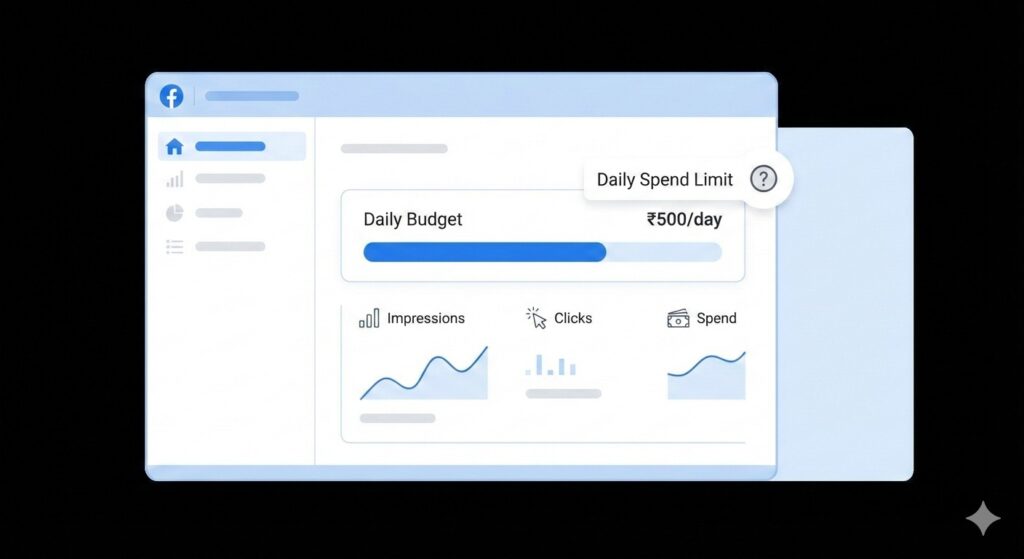
This situation usually appears when advertisers try to spend more than what their account is currently allowed to spend.
Common Situation Faced by Advertisers
Many advertisers experience the following situation:
- An ad campaign is already running
- The advertiser sets a daily budget of around 10,000
- Ads Manager suddenly shows a warning
- The warning says that the daily spend limit has been reached or exhausted
At this point, the advertiser wants to increase the daily spend limit immediately so that the ads can continue running.
Can You Increase Daily Spend Limit Directly?
The Simple Answer
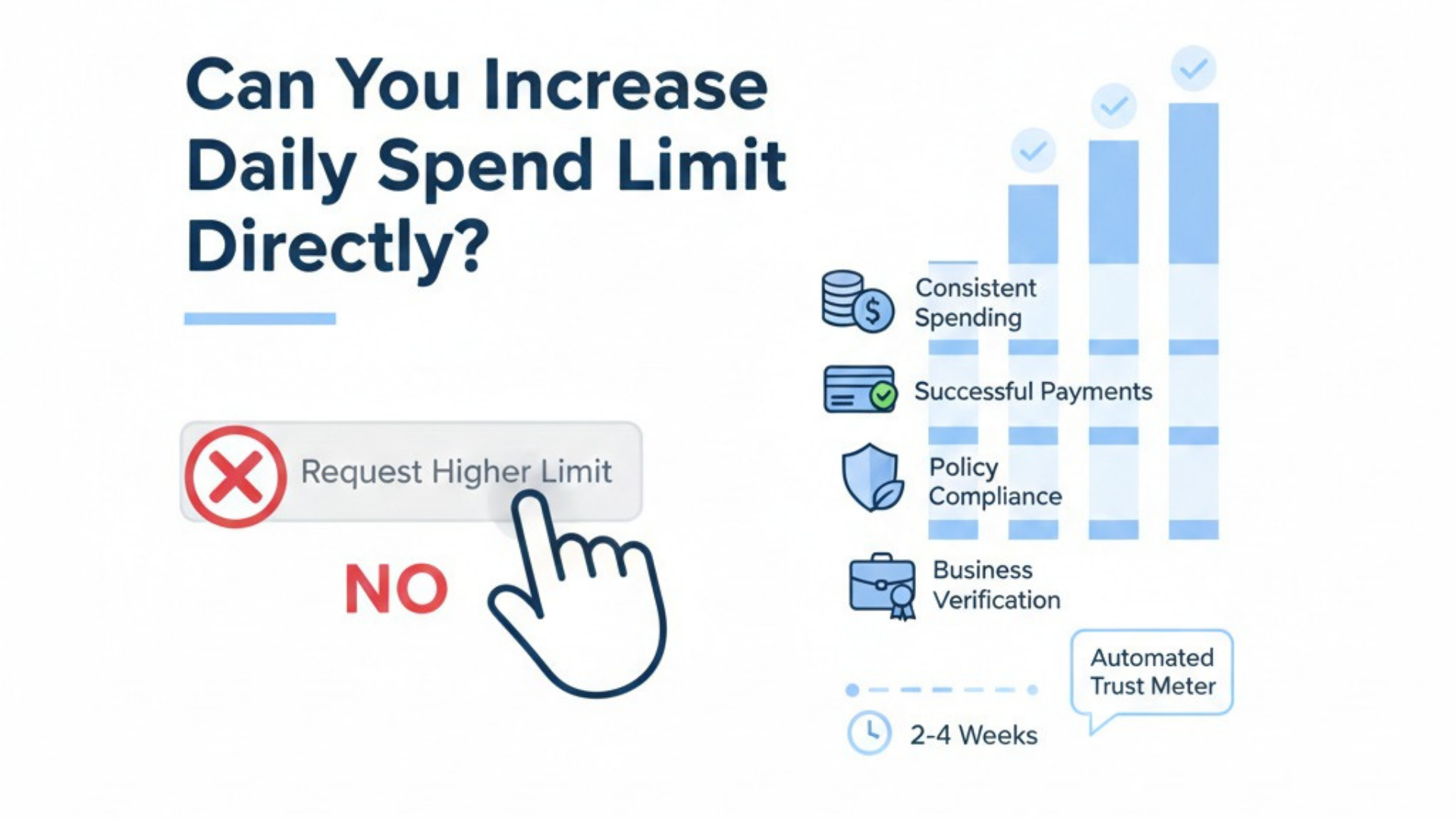
You cannot increase your daily spend limit in Facebook ads directly to any amount.
This is one of the most important points to understand. Facebook does not allow advertisers to suddenly increase their daily spending limit to a very high amount.
Why Direct Increase Is Not Allowed
The Facebook ads system assumes that if an advertiser suddenly increases their budget drastically, it might be a mistake.
For example:
- If someone usually spends a small amount daily
- And suddenly tries to spend a very large amount
- Facebook treats this as a possible error
Because of this assumption, Facebook does not allow direct and drastic budget increases.
Facebook’s Perspective on Budget Protection
Why Meta Restricts Budget Increase
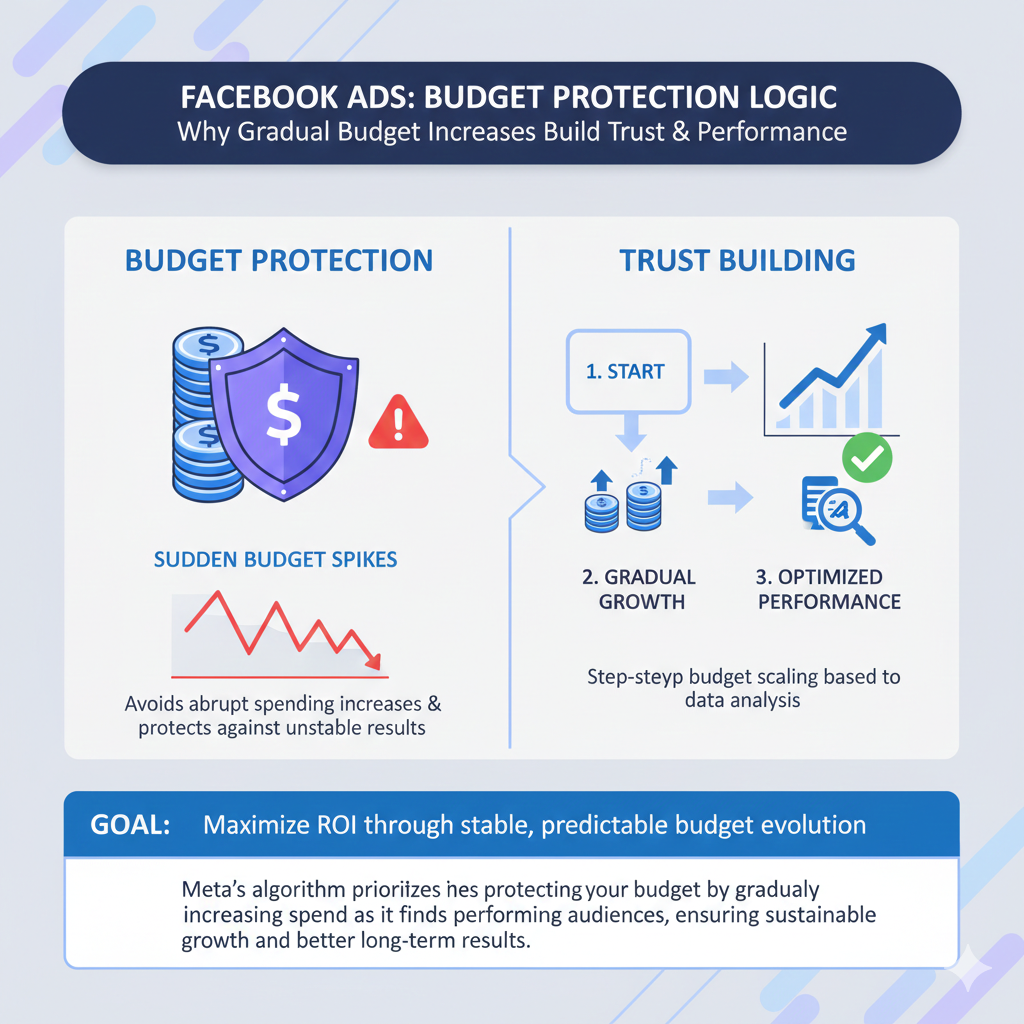
Meta does not want to waste your ad budget or your hard-earned money.
From Facebook’s perspective:
- A sudden increase could be accidental
- The advertiser may not intend to spend so much
- Spending a large amount incorrectly could cause loss
To avoid this situation, Meta restricts advertisers from increasing the daily spend limit suddenly.
Gradual Trust Building by Facebook
Facebook ads system increases the daily spend limit gradually.
This gradual increase allows Facebook to:
- Observe your spending behavior
- Understand your regular budget pattern
- Confirm that higher spending is intentional
This is how Facebook builds trust with your ad account over time.
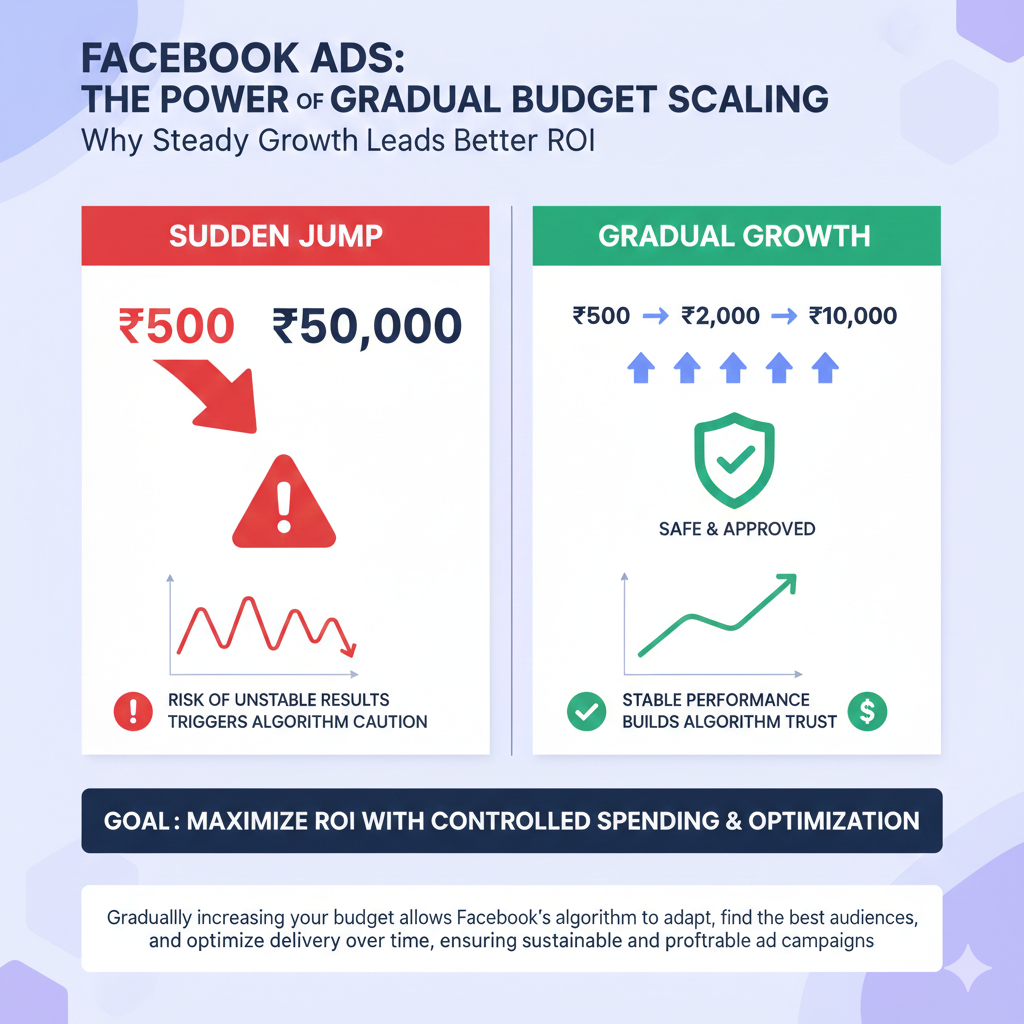
Why You Must Increase Budget Gradually
No Drastic Budget Jump Allowed
You cannot jump directly from a small daily budget to a very large one.
For example:
- If you are running ads at 500 per day
- You cannot directly change it to 50,000 per day
Facebook will restrict this change because it looks unnatural and risky.
Importance of Gradual Increase
Gradual increase signals Facebook that:
- You are intentionally scaling your ads
- The higher budget is not a mistake
- You are comfortable spending more
This is why increasing the budget step by step is the only allowed approach.
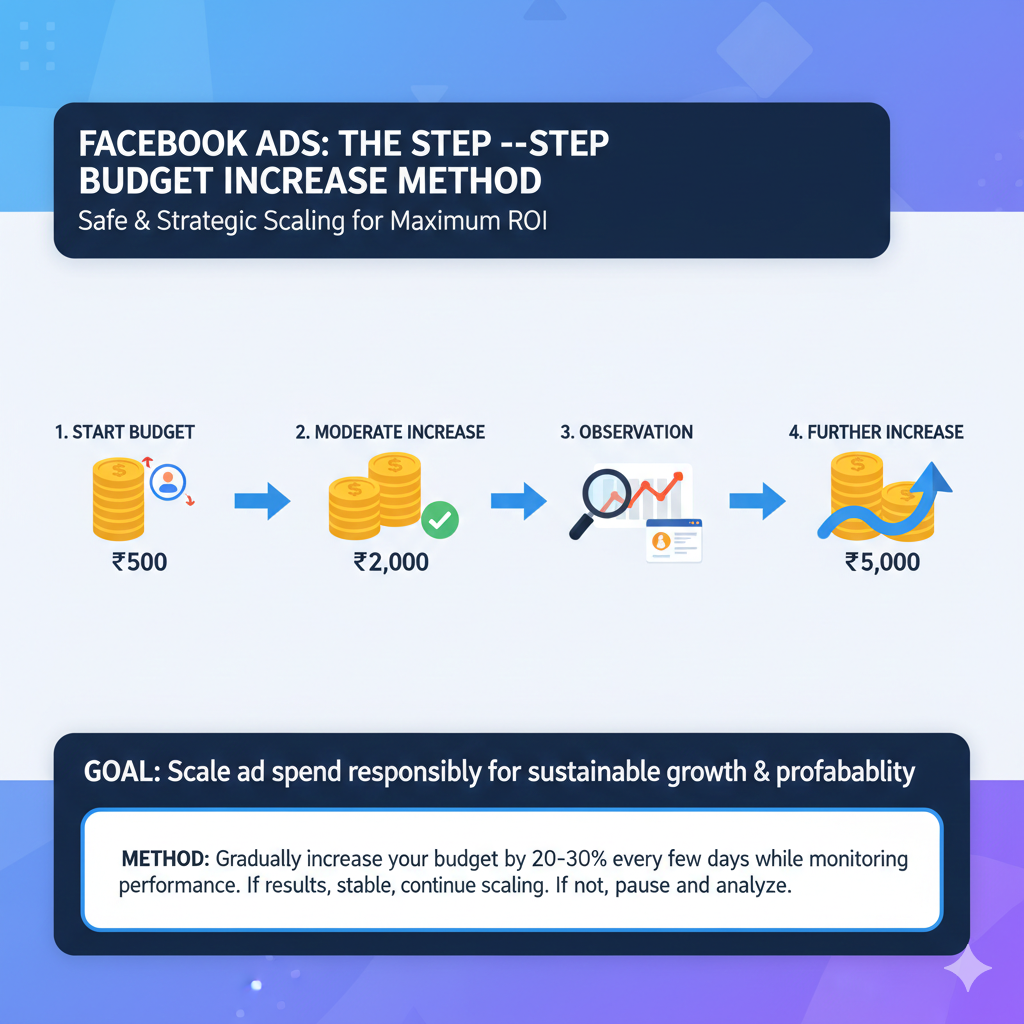
Step-by-Step Budget Increase Method
Step 1: Start With Your Current Budget
Suppose you are currently running an ad campaign with a daily budget of 500.
This amount is what Facebook already recognizes as your normal spending level.
Step 2: Increase Budget to a Moderate Amount
On the next day, instead of making a large jump, you should increase the budget to around 2,000 per day.
This increase is reasonable and does not appear risky to Facebook.
Step 3: Observe and Continue Campaign
After running your campaign at 2,000 per day, Facebook starts recognizing that you are comfortable spending more than before.
The system slowly adjusts your spending capability.
Step 4: Increase Budget Further
After that particular day, you can increase your budget again.
For example:
- From 2,000 per day
- You can move to around 5,000 per day
This gradual increase allows your daily spend limit to rise naturally.
How Daily Spend Limit Increases Over Time
Pattern of Increase
The daily spend limit increases in a step-by-step pattern, not suddenly.
Facebook tracks:
- How consistently you run ads
- How much you spend daily
- Whether there are sudden changes
Based on this, Facebook allows higher spending over time.
What Facebook Is Checking
Facebook ads system checks:
- Whether the advertiser regularly runs campaigns
- Whether spending increases are stable
- Whether the account shows responsible behavior
Only after this does Facebook allow higher daily spending.
Maximum Spend Limit Misconception
Common Misunderstanding
Many advertisers believe they can increase their daily spend limit to any amount instantly.
This is incorrect.
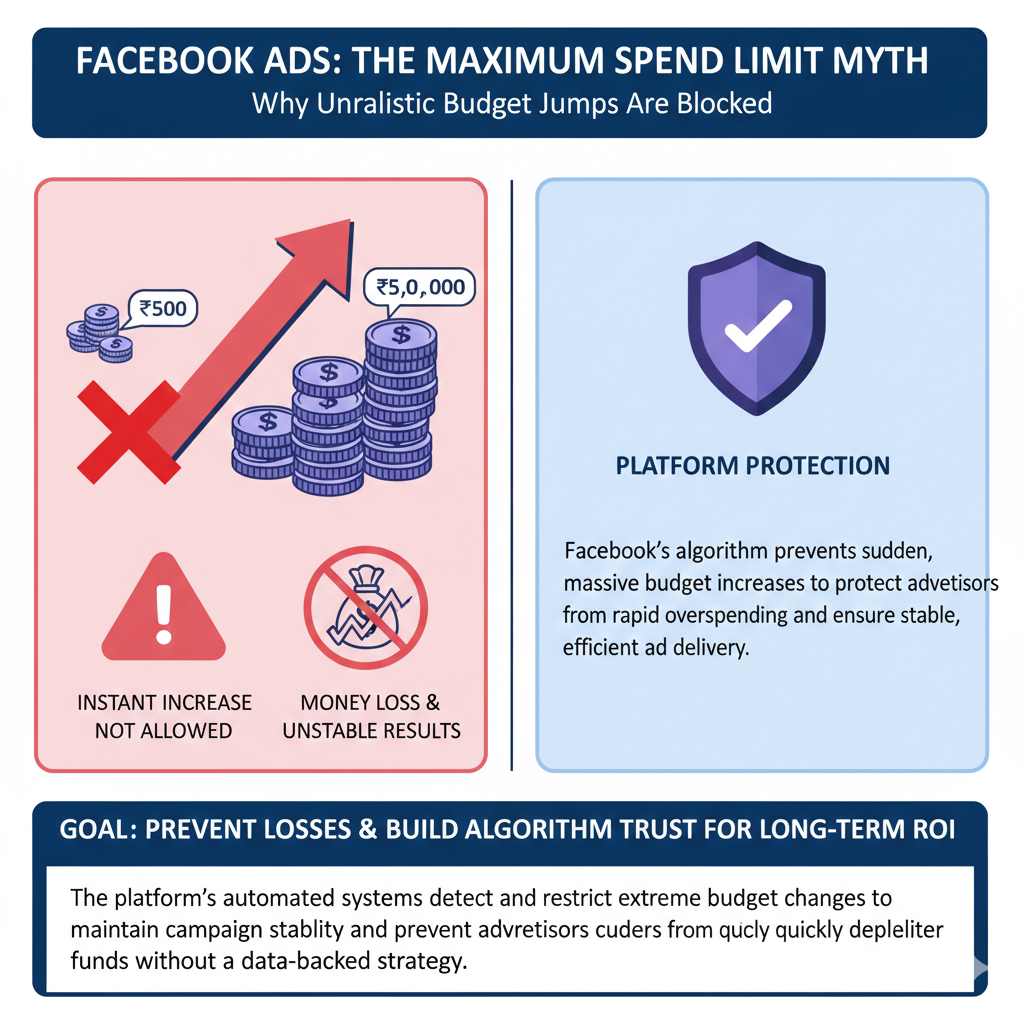
Example of Unrealistic Increase
You can never increase your daily spend limit:
- From 500 per day
- Directly to five lakh per day
Facebook will never allow such a drastic increase.
Why Such Increase Is Blocked
Facebook thinks that:
- The advertiser may have mistakenly entered the amount
- The advertiser may lose a lot of money
- Facebook may be blamed for overspending
To avoid this, Facebook blocks such actions.
Facebook Does Not Want the Blame
Protection of Advertisers
Meta does not want to take responsibility for spending your money incorrectly.
If Facebook allows a sudden increase and the advertiser loses money, the advertiser may blame Meta.
To prevent this situation, Meta puts spending restrictions in place.
Responsibility of Meta
Meta wants advertisers to:
- Spend intentionally
- Scale gradually
- Avoid accidental losses
This is why spending limits exist.
Role of Ads Manager in Spend Limit
The spend limit message usually appears inside Meta Ads Manager.
Ads Manager is where:
- Campaigns are created
- Budgets are set
- Spend limit warnings are shown
When Ads Manager shows that the daily spend limit is reached, it means Facebook is restricting spending based on your account history.
Why You Cannot Bypass This System
There is no indirect or shortcut method to bypass the daily spend limit system.
Facebook does not provide:
- Any button to instantly increase limits
- Any setting to override restrictions
- Any manual approval option for sudden increase
The only way is gradual spending.
Importance of Consistent Spending
Consistency Builds Trust
Running ads consistently helps Facebook understand that:
- You are a regular advertiser
- Your spending behavior is stable
- Higher budgets are not accidental
Consistency plays a major role in increasing daily spend limits.
Irregular Spending Slows Growth
If you:
- Run ads occasionally
- Stop and restart frequently
- Make random budget changes
Then Facebook may take longer to increase your daily spend limit.

Final Understanding of Daily Spend Limit System
The daily spend limit system is designed to:
- Protect advertisers
- Prevent accidental overspending
- Encourage gradual scaling
It is not meant to block growth, but to ensure safe growth.
Final Conclusion
You cannot increase the daily spend limit of Facebook ads directly to any amount.
Facebook increases the daily spend limit gradually because it assumes sudden increases could be mistakes. Meta does not want to waste your hard-earned money or take responsibility for accidental overspending.
To increase your daily spend limit:
- Start with your current budget
- Increase it gradually
- Allow Facebook to recognize intentional spending
This is the only way the daily spend limit increases in Facebook ads.

Related Posts