
Wordpress Tutorial
When I first started building websites, WordPress was the platform that helped me understand how websites actually work. However, as a beginner, I found it confusing to understand themes, plugins, pages, posts, and settings. That is exactly why I created this WordPress Tutorial for Beginners category — to help new learners understand WordPress in a simple and practical way.
I am the founder of Digital Bikana, and through my experience in digital marketing and website development, I have built and managed multiple WordPress websites for businesses, blogs, and educational platforms. Over time, I realized that many beginners want to learn WordPress but do not know where to start. My goal with this category is to guide beginners step by step so they can confidently create and manage their own websites.
In this WordPress Tutorial for Beginners section, I explain everything from the basics to practical website building techniques. You will learn how to install WordPress, understand the dashboard, create pages and posts, and organize your website structure. I also explain how to install themes, customize website design, and use plugins to add important features.
One of the most important things I focus on is making WordPress easy to understand. Instead of using complicated technical terms, I explain concepts in simple language so beginners can follow along easily. I also share practical tips that help you avoid common mistakes when creating a website.
WordPress is one of the most widely used website platforms in the world. Millions of businesses, bloggers, and creators use it because it is flexible, customizable, and beginner-friendly. With the right guidance, anyone can learn to build a professional website without needing advanced coding skills.
Through this WordPress Tutorial for Beginners category, my aim is to help students, freelancers, business owners, and digital marketing learners understand how WordPress works and how they can use it to create powerful websites.
If you want to start a blog, build a business website, or learn website designing as a skill, these tutorials will guide you step by step and help you gain confidence in working with WordPress.
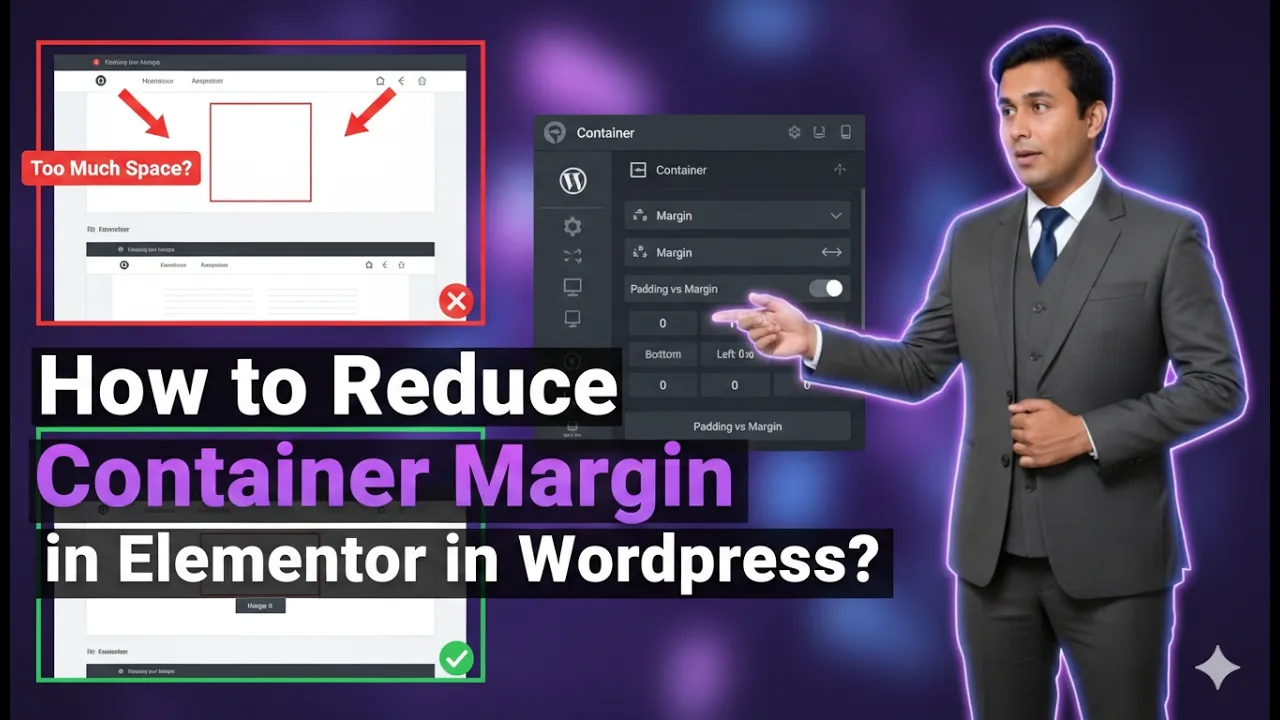
How to Reduce Container Margin in Elementor in WordPress?
Reducing the margin of a container in Elementor is an important step in controlling spacing and improving the layout of your website. Proper margin adjustment helps you align elements correctly and create a clean and professional design. In this article, we will explain how to reduce the margin of a container in Elementor step by […]
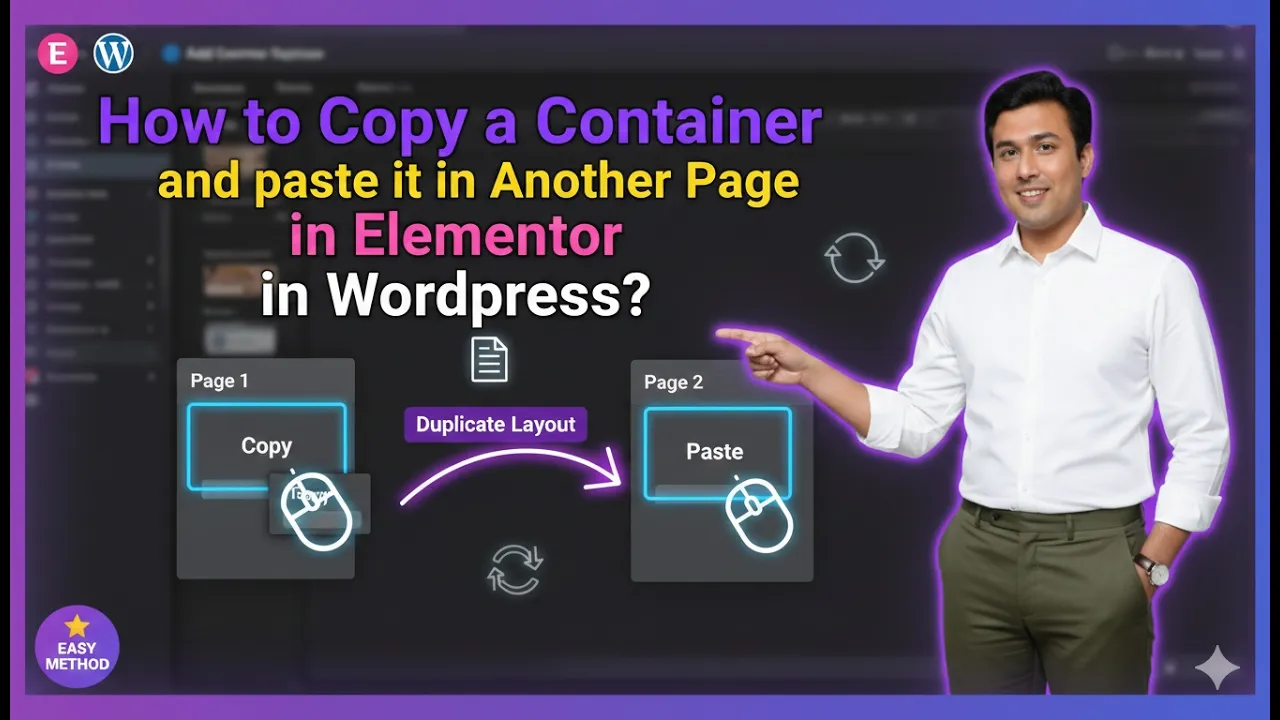
How to Copy a Container and paste it in Another Page in Elementor?
Copying a container from one page and pasting it into another page in Elementor is a highly useful feature that helps save time and maintain design consistency. Instead of recreating the same layout again and again, you can simply copy an existing container and reuse it on another page. In this article, we will explain […]
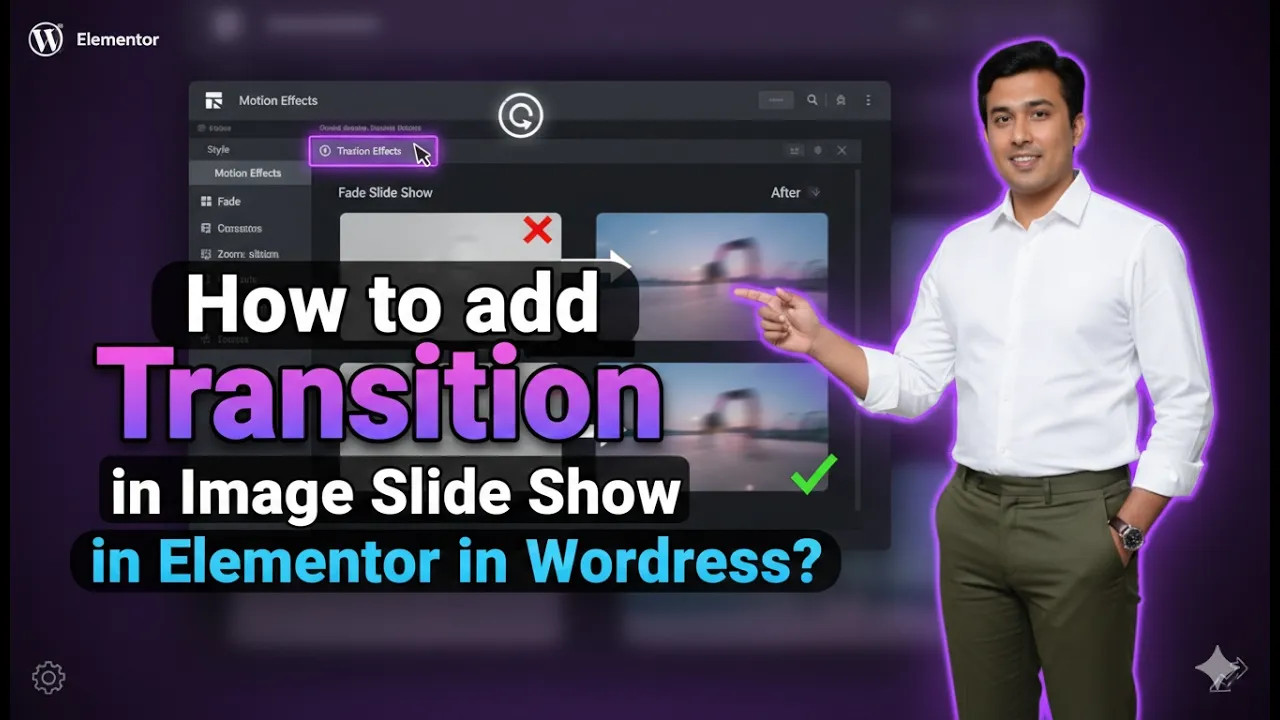
How to add Transition in Image Slide Show in Elementor?
Adding transition effects to image slides in Elementor is a powerful way to enhance the visual experience of your website. Transitions make your image slideshows look smooth, dynamic, and engaging. Instead of static image changes, transitions create a fluid movement that improves user interaction and overall design quality. In this article, we will explain how […]
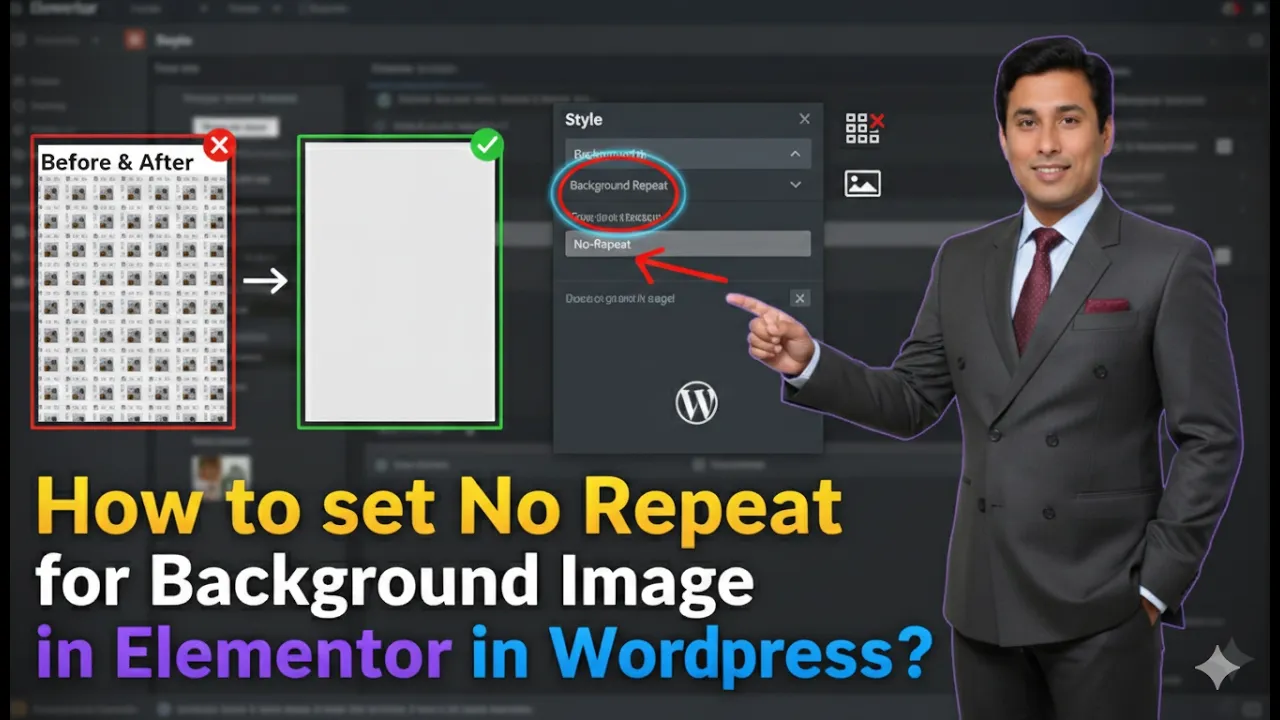
How to set No Repeat for Background Image in Elementor?
Setting a background image to no repeat in Elementor is an important step in improving the visual appearance of your website. When a background image repeats, it can make the design look cluttered and unprofessional. By disabling the repeat option, you can ensure that your image displays cleanly and properly within the container. In this […]
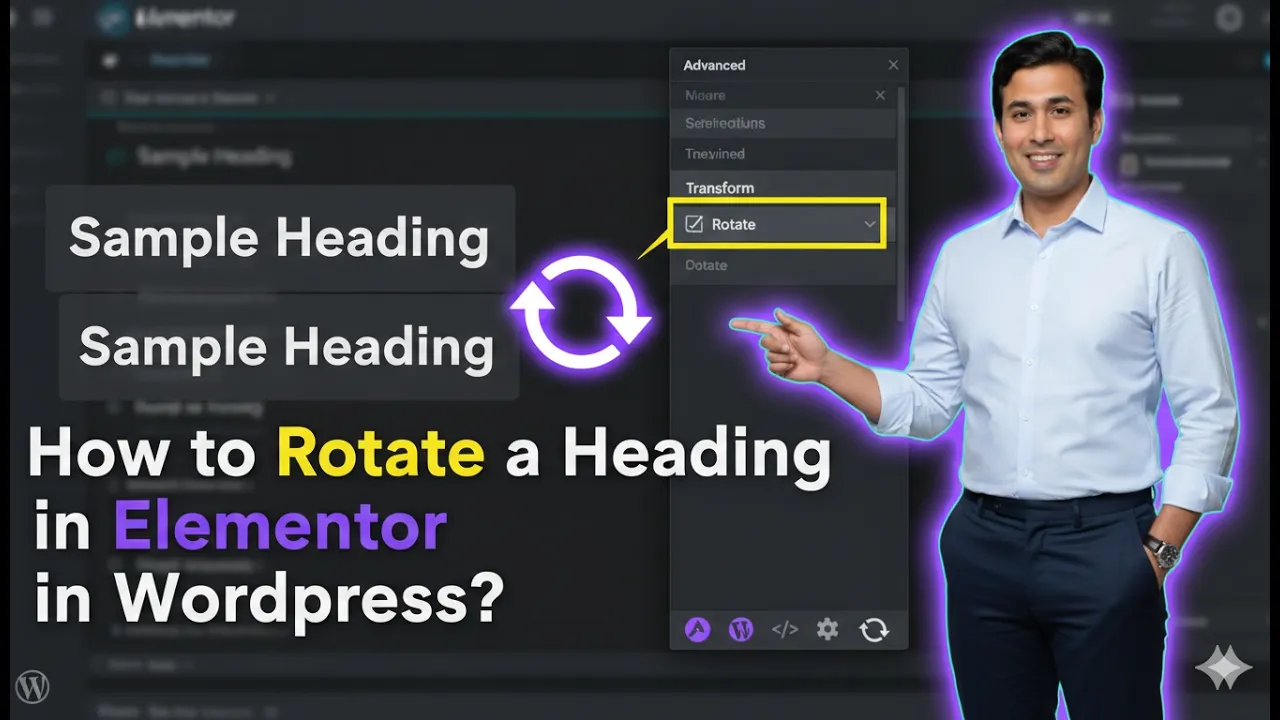
How to Rotate a Heading in Elementor in WordPress?
Rotating a heading in Elementor is a creative way to enhance your website design and make your content visually engaging. It helps you add dynamic effects and unique styling to your headings, which can improve user experience and draw attention to important sections. In this article, we will explain how to rotate a heading in […]
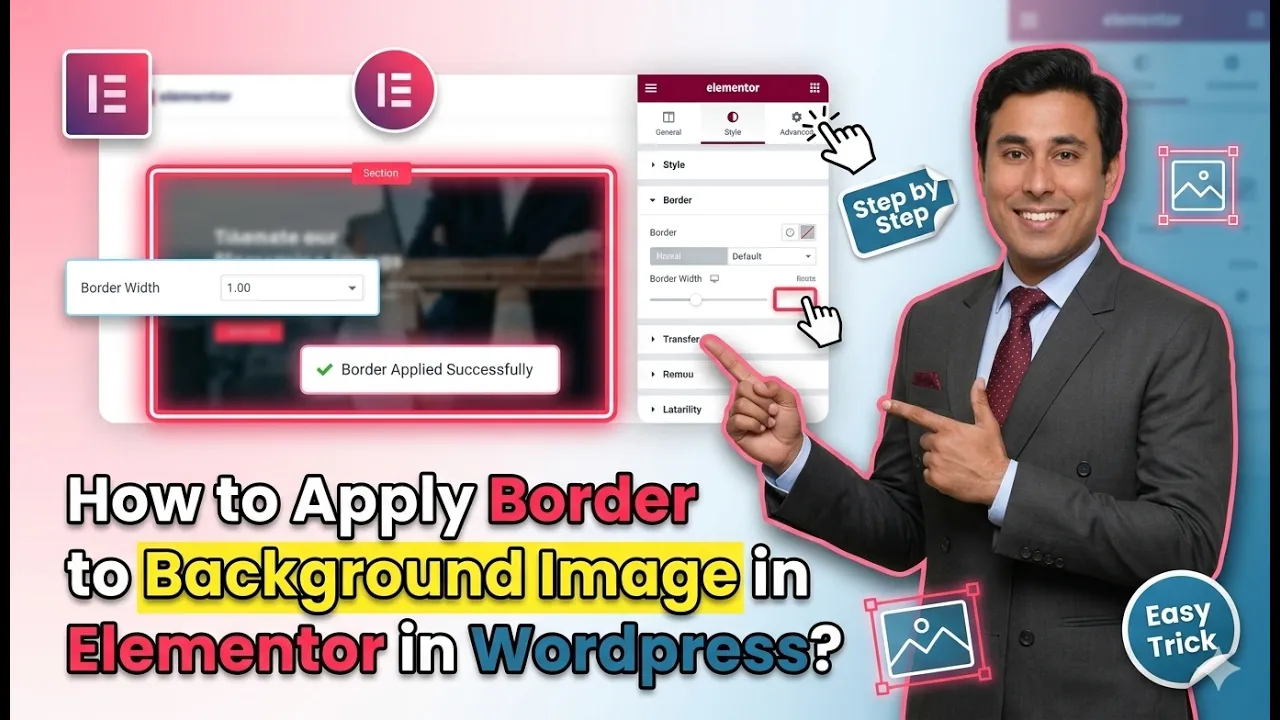
How to Apply Border to Background Image in Elementor in WordPress?
In this article, we will learn how to apply a border to a background image in Elementor in WordPress. Elementor provides powerful design features that allow you to customize sections, containers, and images easily. One such useful feature is adding a border around a background image to enhance its visual appearance. Applying a border helps […]
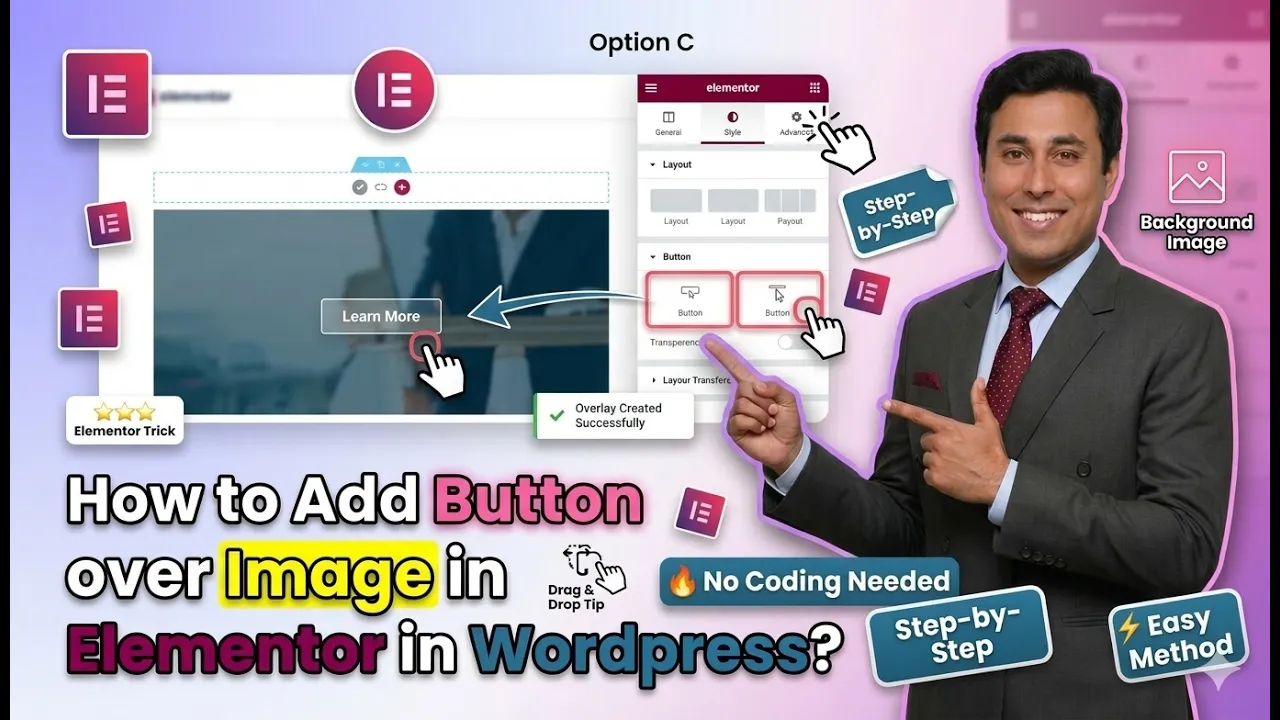
How to Add Button over Image in Elementor in WordPress?
In this article, we will learn how to add a button over an image in Elementor in WordPress. Elementor is a powerful drag-and-drop page builder that allows you to design visually appealing layouts without coding. One of the commonly used design techniques is placing a button over an image to create a call-to-action section. This […]
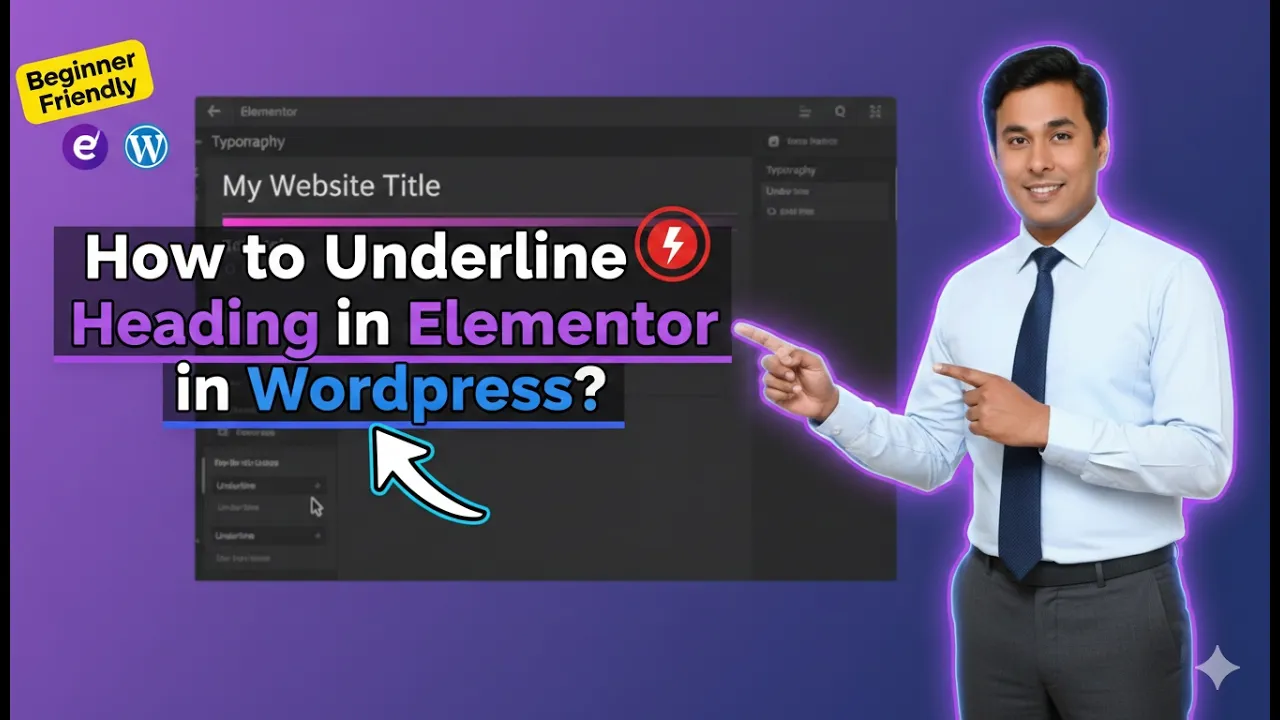
How to Underline Heading in Elementor in WordPress?
In this article, we will learn how to underline a heading in Elementor in WordPress. Elementor is a powerful page builder that allows users to design web pages easily without coding. One of the important styling features available in Elementor is typography customization, which includes options like font size, font style, and text decoration. Underlining […]
How to Edit a Container in Elementor in WordPress?
Editing a container in Elementor is a fundamental skill for designing and customizing your website layout. Containers are the building blocks of your design, and understanding how to edit them allows you to control spacing, alignment, styling, and overall structure. In this article, we will explain how to edit a container in Elementor using two […]
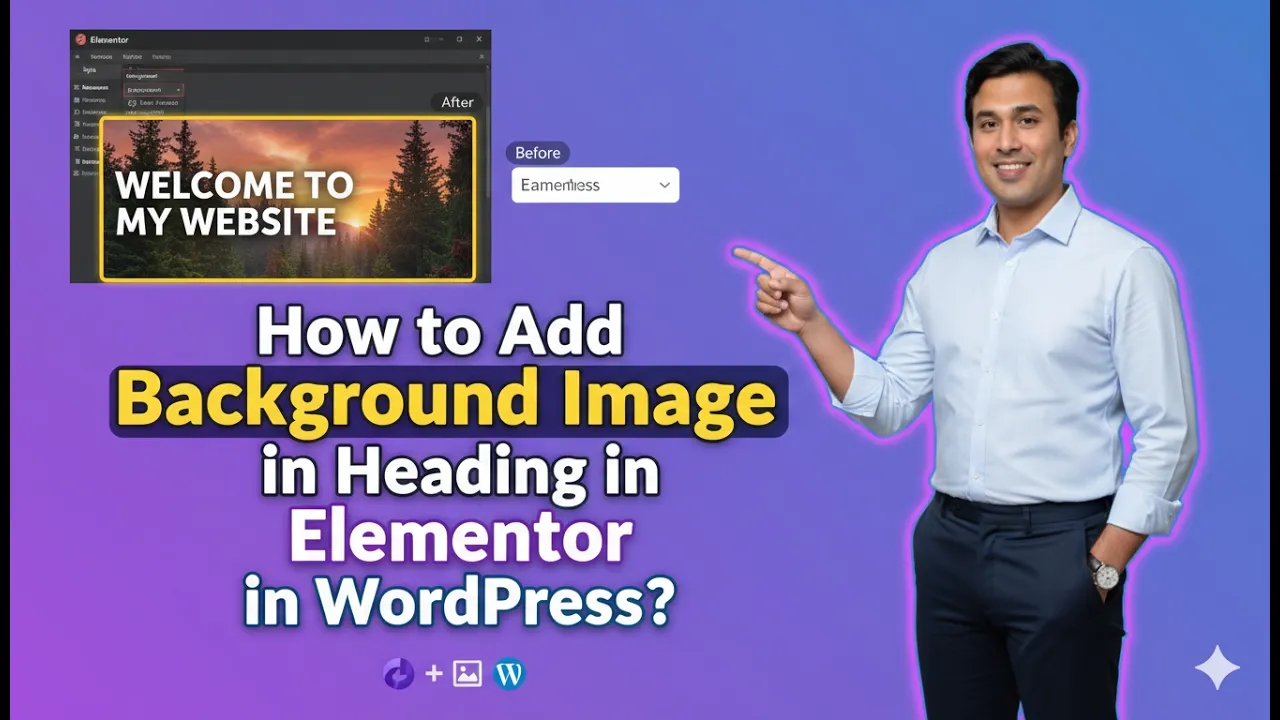
How to Add Background Image in Heading in Elementor in WordPress?
In this article, we will learn how to add a background image to a heading in Elementor in WordPress. Elementor provides multiple ways to apply background images, but adding a background specifically behind a heading requires a proper understanding of containers and sections. There is no direct option to add a background image inside the […]