
Google Search Console Tutorial
When I first started learning SEO, one of the most powerful tools I discovered was Google Search Console. However, for beginners, the platform can look confusing at first. There are many sections like performance reports, indexing, coverage, and sitemaps, which often make new users unsure about where to begin. That is why I created this Google Search Console Tutorial for Beginners category to explain everything in a simple and practical way.
I am the founder of Digital Bikana, and through my experience in digital marketing and website optimization, I have used Google Search Console to monitor and improve the performance of many websites. Over time, I realized that many beginners either do not use this tool properly or are unaware of how valuable it can be for improving their website’s visibility on Google.
This tutorial category is designed for students, bloggers, website owners, and digital marketers who want to understand how Google Search Console works and how it helps in SEO. My goal is to explain each feature step by step so beginners can easily understand and use the platform effectively.
In this Google Search Console Tutorial for Beginners, I explain how to set up Google Search Console for your website and verify your domain. You will also learn how to submit a sitemap, check whether your pages are indexed, and understand how Google views your website.
One of the most important features of Google Search Console is the Performance Report. In my tutorials, I explain how to analyze important data such as search queries, impressions, clicks, and average ranking positions. Understanding this data helps you identify which keywords bring traffic to your website and which pages need improvement.
I also explain how to identify technical issues like indexing errors, crawl problems, and mobile usability issues. Fixing these problems can help improve your website’s SEO performance and search visibility.
Google Search Console is not just a reporting tool; it is a powerful platform that helps website owners understand how their site performs in Google Search. By using this tool correctly, you can monitor your website’s health, improve indexing, and optimize your content strategy.
Through this Google Search Console Tutorial for Beginners category, my goal is to help beginners learn how to use this essential SEO tool confidently. Whether you run a blog, business website, or e-commerce store, these tutorials will guide you step by step to understand your website’s performance and improve its presence on Google search results.
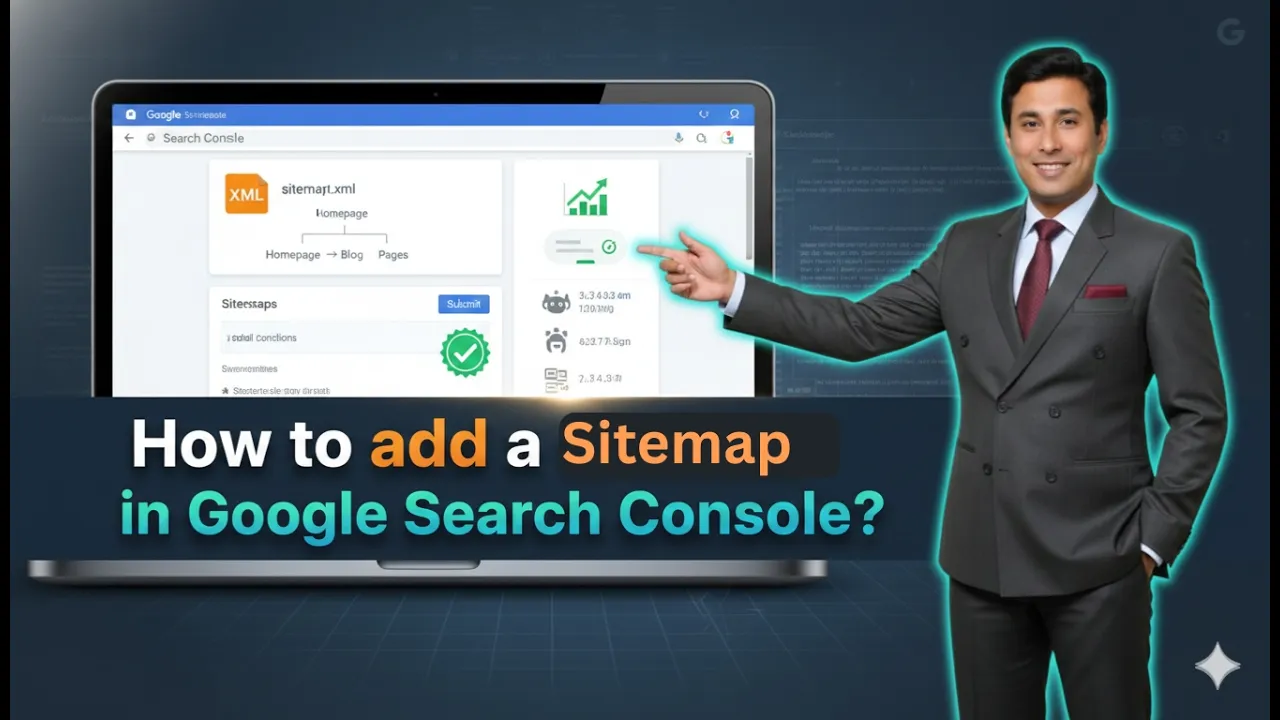
How to Add Sitemap in Google Search Console?
Adding a sitemap in Google Search Console is an important step in connecting your website with Google. A sitemap helps Google understand the structure of your website and allows it to crawl and index your pages more efficiently. If you want your website pages to appear in Google search results properly, submitting a sitemap is […]
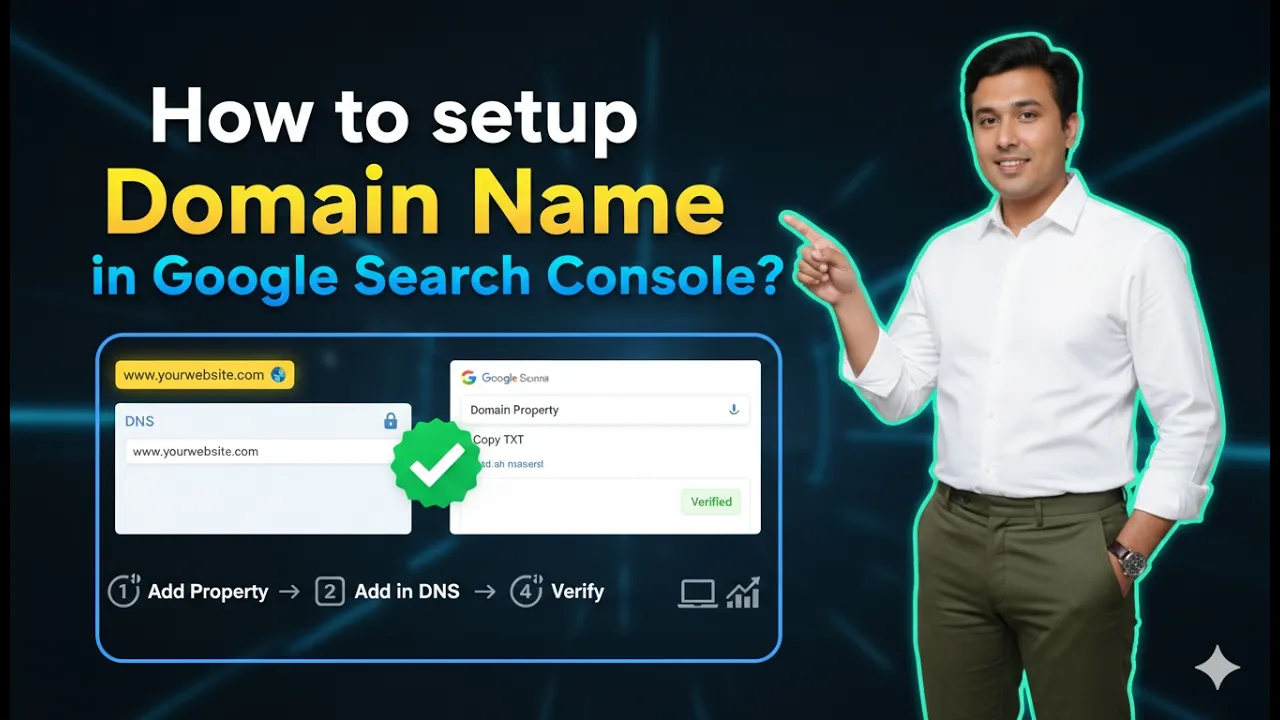
How to Set Up Domain Name in Google Search Console?
Setting up your domain name in Google Search Console is an important step for monitoring your website’s performance in Google Search results. Without adding and verifying your domain, you cannot track impressions, clicks, indexing status, or other important SEO metrics. In this article, you will learn how to set up a domain name in Google […]
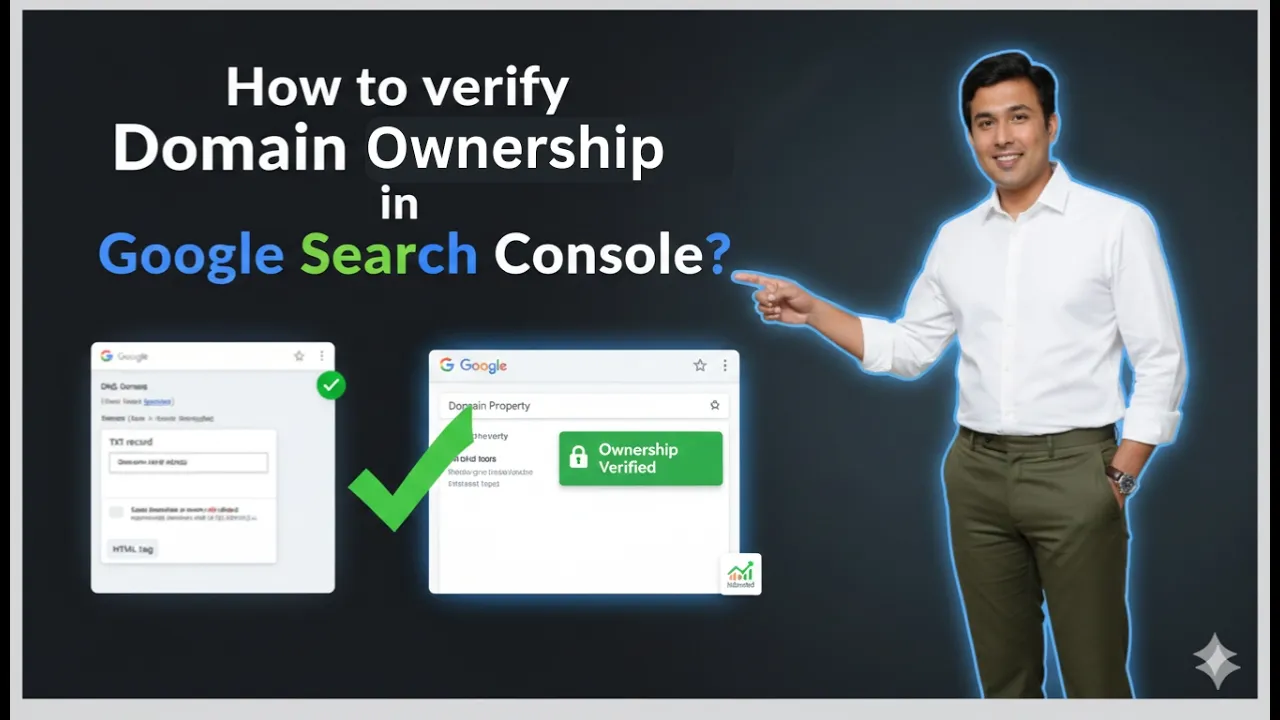
How to Verify Domain Ownership in Google Search Console?
Verifying domain ownership in Google Search Console is an essential step when connecting your website to the platform. Without verification, you cannot access search performance data, indexing details, or other important insights related to your website. Google requires confirmation that you are the rightful owner of the domain before granting access to its data. In […]

How to Create a Google Search Console Account?
Creating a Google Search Console account is a simple and straightforward process. If you want to track your website’s performance in Google Search results, Google Search Console is the platform you need. The good part is that you do not need to create a separate account specifically for Google Search Console. It automatically uses your […]
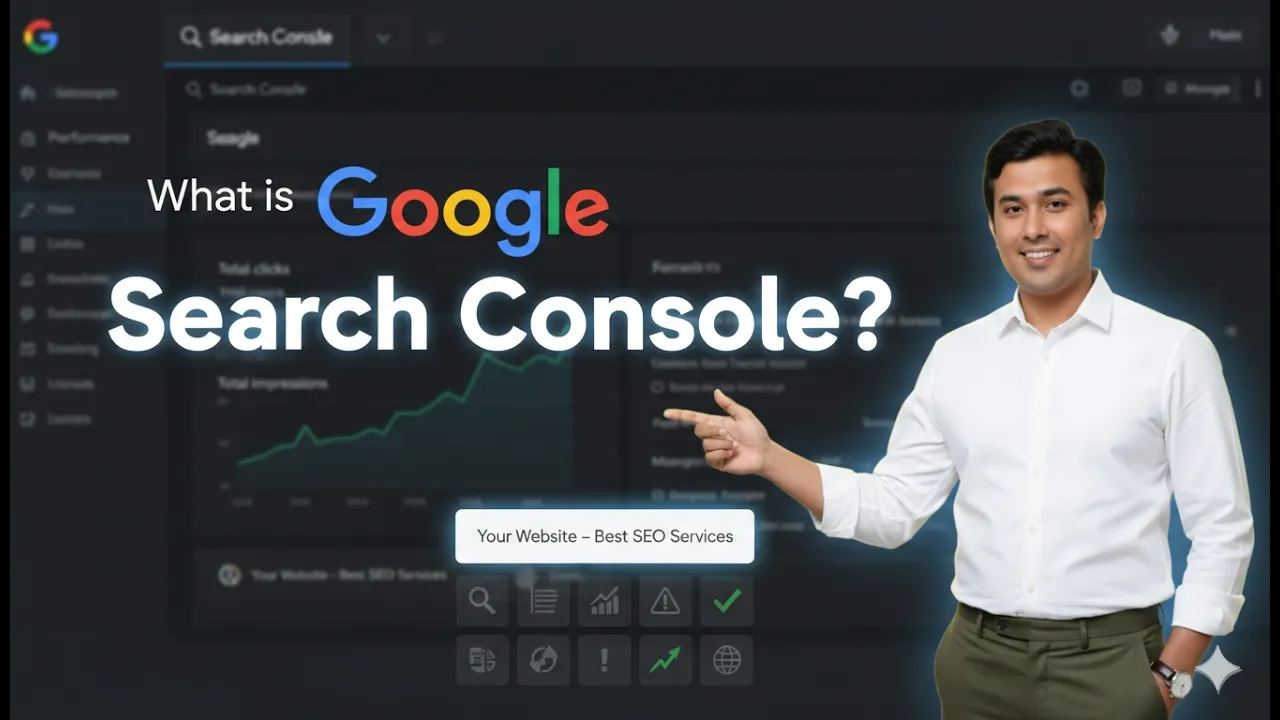
What is Google Search Console and How it works?
Google Search Console is a platform or service provided by Google that helps website owners track and monitor the performance of their websites in Google Search results. It provides detailed insights into how a website appears in search results, how users find it, and what issues may be affecting its visibility. When you search for […]