
Welcome to this article. In today’s lesson, we are going to explain a powerful web performance technique called lazy loading.
If your website has lots of images or media content, lazy loading can significantly improve both user experience and SEO performance. It is a simple technical adjustment that can deliver noticeable improvements in speed and engagement.
Let us understand what lazy loading is, how it works, why it matters, and how to implement it properly.
What Is Lazy Loading?
Lazy loading is a technique where images, videos, or other content are loaded only when they are needed.
Instead of loading everything at once when the page opens, lazy loading delays the loading of certain elements until the user scrolls near them.
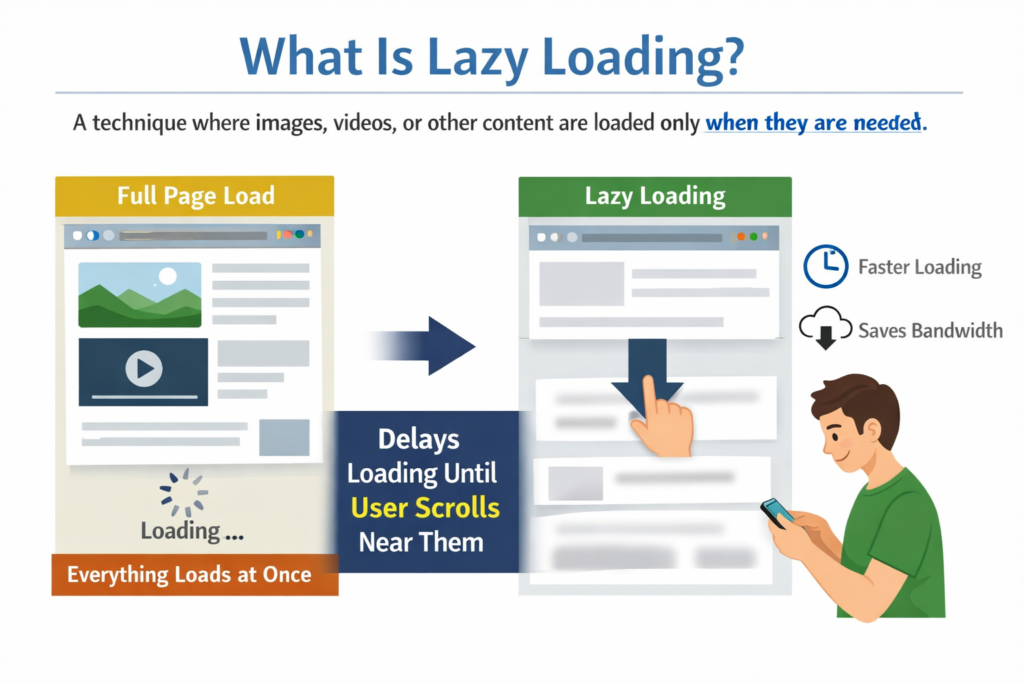
This means that only visible content loads immediately, while content below the fold loads later.
How Lazy Loading Works
Normally, a web page loads all media files at once, even the ones not visible yet.
For example, if a page contains:
- 20 images
- 3 embedded videos
- Background graphics
- Social media widgets
All of them load immediately when the page opens.
Lazy loading changes this behavior.
It delays the loading of below-the-fold images or videos until the user scrolls through that section.
This reduces the initial load time dramatically.
Why Lazy Loading Is Important
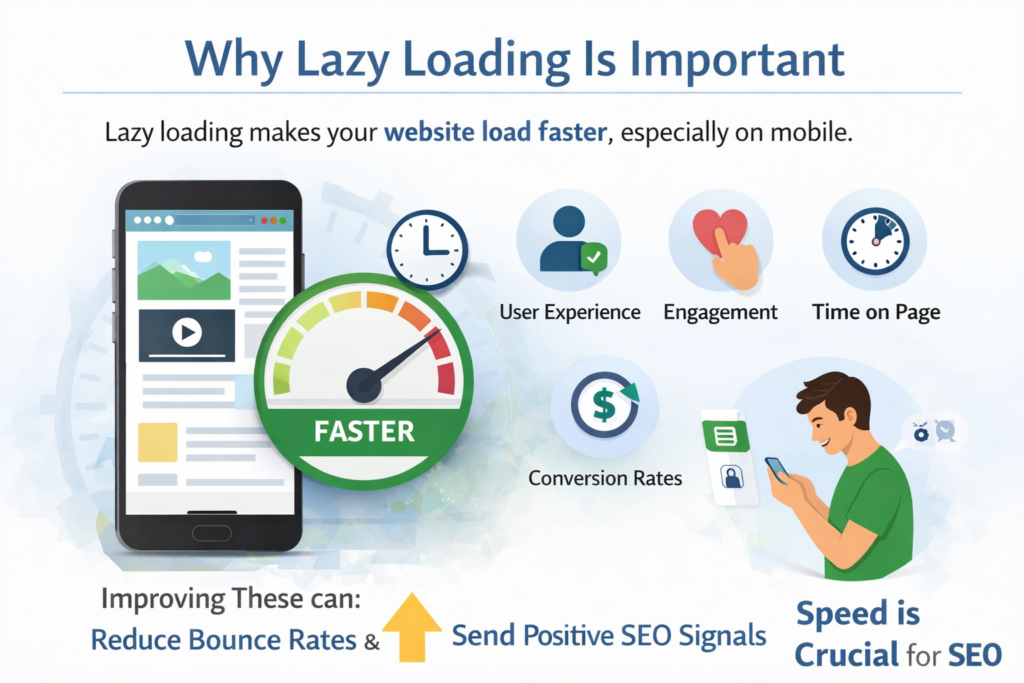
Lazy loading is important because it makes your website load faster, especially on mobile devices.
Faster loading improves:
- User experience
- Engagement
- Time on page
- Conversion rates
It also reduces bounce rates and sends positive SEO signals to Google.
Speed plays a major role in modern SEO.
Lazy Loading and SEO
Google considers page speed and Core Web Vitals as part of its ranking algorithm.
Lazy loading helps improve performance metrics such as:
- LCP (Largest Contentful Paint)
- Page load time
- Resource efficiency
LCP measures how quickly the largest visible element loads.
By reducing unnecessary loading, lazy loading helps improve LCP and overall performance scores.
Better performance leads to better rankings.
When Should You Use Lazy Loading?
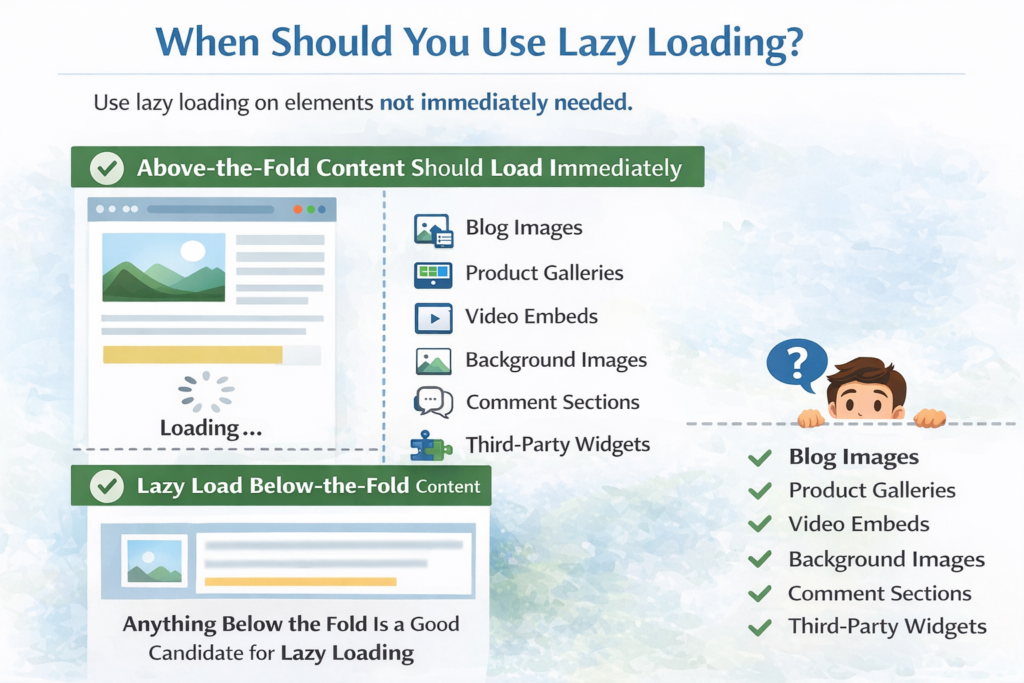
You should use lazy loading on any element that is not immediately needed.
This includes:
- Blog images
- Product galleries
- Video embeds
- Background images
- Comment sections
- Third-party widgets
Any content that appears below the fold is a good candidate for lazy loading.
However, critical above-the-fold content should load immediately.
Benefits of Lazy Loading
Lazy loading offers several advantages:
- Faster initial page load
- Reduced server load
- Lower bandwidth usage
- Improved mobile performance
- Better Core Web Vitals scores
- Higher engagement
It enhances both technical performance and user satisfaction.
How to Implement Lazy Loading
You can implement lazy loading in several ways.
The simplest method is using the built-in HTML attribute:
<img src="image.jpg" loading="lazy" alt="Example image">
This tells the browser to load the image only when needed.
You can also use:
- WordPress plugins
- JavaScript libraries
- Custom scripts
Modern browsers support native lazy loading, making implementation easier.
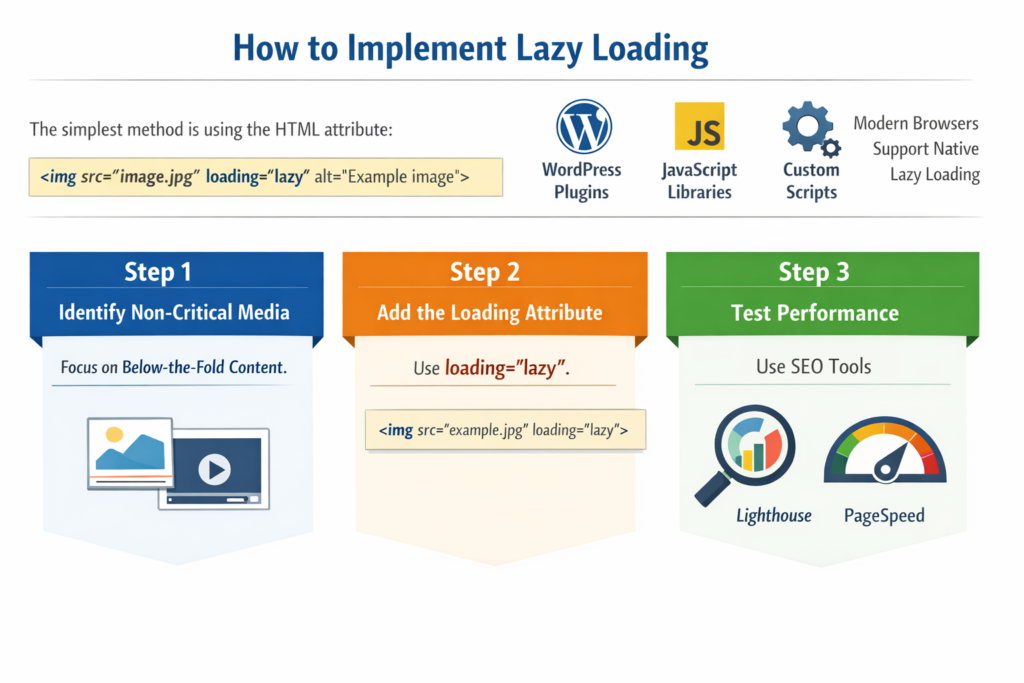
Step 1: Identify Non-Critical Media
Focus on Below-the-Fold Content
Select images and videos that are not immediately visible.
Step 2: Add the Loading Attribute
Use loading=”lazy”
Apply the lazy loading attribute in your HTML.
Step 3: Test Performance
Use SEO Tools
Check improvements using tools like Lighthouse or PageSpeed Insights.
Real-World Example of Lazy Loading
Imagine two versions of a webpage.
On the left, all images load at once. The page takes longer to display.
On the right, lazy loading loads images only when visible.
The result:
- Faster loading
- Better performance
- Smoother scrolling
The difference in speed can be significant, especially on media-heavy pages.
Lazy Loading and Mobile Optimization
Mobile users often have slower internet connections.
Lazy loading reduces the amount of data loaded initially.
This improves:
- Mobile speed
- User retention
- Conversion rates
Since Google uses mobile-first indexing, optimizing mobile performance is essential.
Lazy loading supports mobile SEO directly.
Potential Risks of Lazy Loading
Lazy loading is powerful, but it must be implemented carefully.
If done incorrectly:
- Search engine bots might not see some content
- Important images may not be indexed
- Key elements may load too late
That is why it is important to test thoroughly.
Critical content should always be accessible without delay.
Best Practices for Lazy Loading
Follow these best practices:
- Do not lazy load above-the-fold content
- Always test using performance tools
- Ensure images have proper alt text
- Verify content is crawlable
- Monitor Core Web Vitals regularly
Smart implementation ensures benefits without SEO risks.
Tools to Test Lazy Loading Performance
You can use the following tools to analyze performance:
- Google PageSpeed Insights
- Lighthouse
- GTmetrix
- Chrome Developer Tools
These tools help measure:
- LCP
- Load time
- Visual stability
- Overall speed
Testing ensures your lazy loading setup works correctly.
Lazy Loading vs Traditional Loading
Traditional loading:
- Loads all content at once
- Slower initial page display
- Higher bandwidth usage
Lazy loading:
- Loads only necessary content
- Faster initial load
- Better performance scores
- Improved user experience
The difference is especially noticeable on media-heavy websites.
Step-by-Step Lazy Loading Checklist
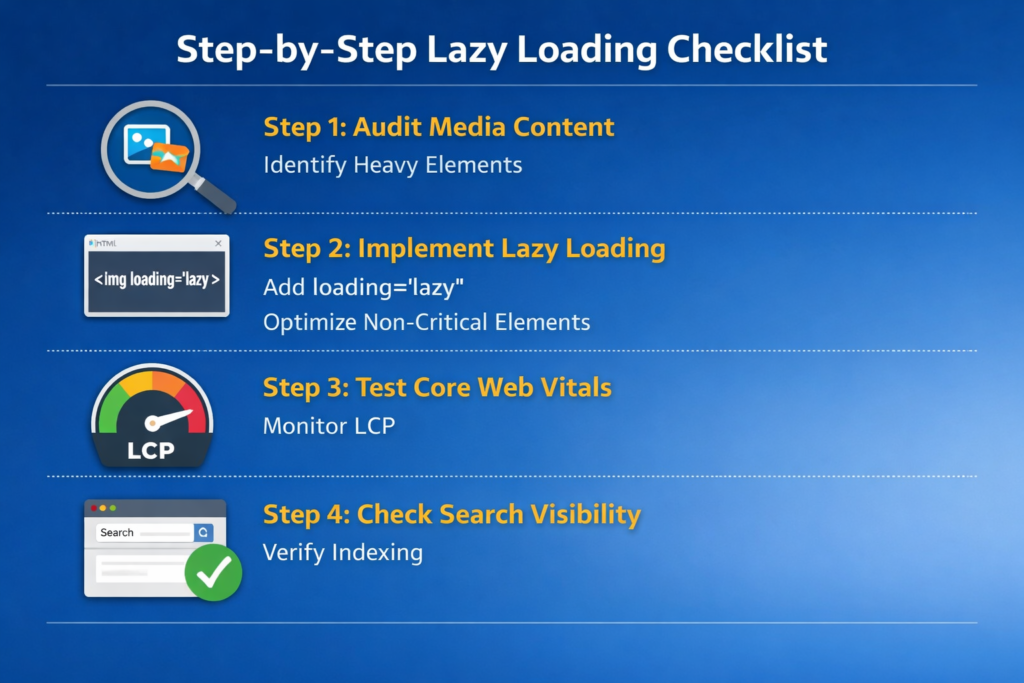
Step 1: Audit Media Content
Identify Heavy Elements
Check which images and videos slow down your page.
Step 2: Implement Native Lazy Loading
Add loading=”lazy”
Apply lazy loading to non-critical elements.
Step 3: Test Core Web Vitals
Monitor LCP
Ensure performance improves after implementation.
Step 4: Check Search Visibility
Verify Indexing
Make sure search engines can still access important content.
Final Summary: Simple Technique, Powerful Results
To summarize, lazy loading is a simple but powerful way to improve your site speed and SEO.
It:
- Speeds up page loading
- Improves Core Web Vitals
- Enhances mobile performance
- Reduces bounce rates
- Improves user experience
By loading images and media only when needed, you reduce unnecessary resource usage and create a smoother browsing experience.
Use lazy loading smartly, test carefully, and ensure critical content remains accessible.
When implemented correctly, lazy loading helps your rankings climb while delivering a better experience to your users.
Speed matters in SEO, and lazy loading is one of the most effective tools to achieve it.

Related Posts