
Welcome to this article. If you are working on SEO or writing blog content, you have probably seen tags like H1, H2, and H3. They are not just formatting tools. They help search engines and users navigate your content better.
In this guide, we will explore what header tags are, how they work, and why following the right hierarchy is essential for SEO.
What Are Header Tags?
Header tags are HTML elements used to define headings and subheadings in your content.
They range from H1 to H6, where:
- H1 is the most important
- H6 is the least important
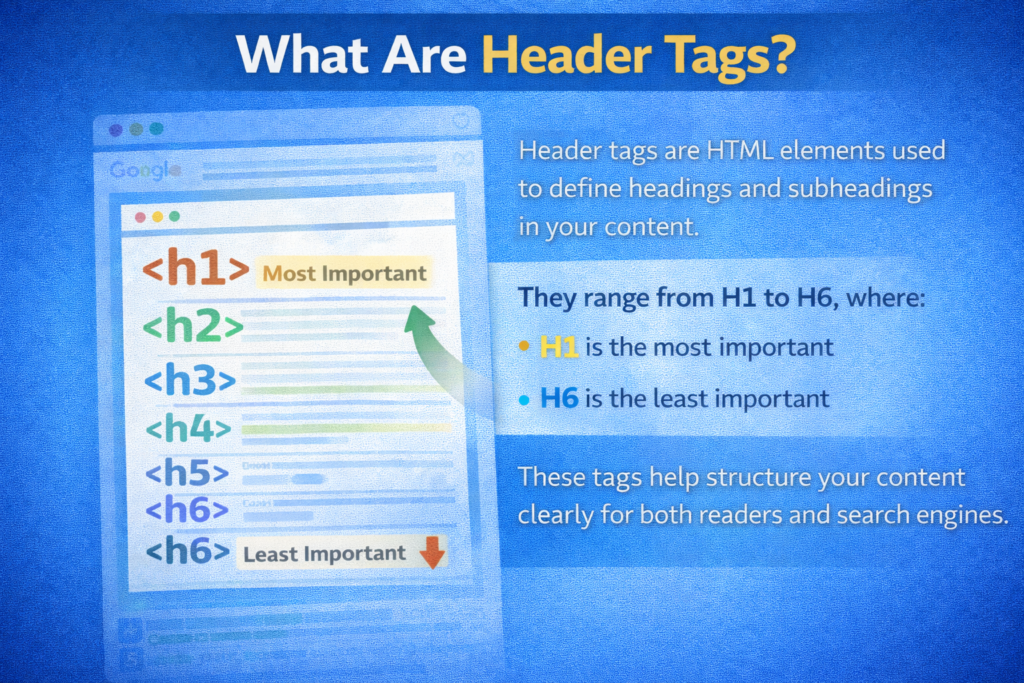
These tags help structure your content clearly for both readers and search engines.
Why Header Tags Are Important for SEO
Header tags improve content hierarchy, making it easier for Google to understand the structure of your page.
They also enhance readability and user experience, especially for long articles.
A well-structured page:
- Is easier to scan
- Keeps users engaged
- Improves clarity
- Supports better search visibility
Search engines analyze header tags to understand the relationship between different sections of your content.
Understanding Header Tag Hierarchy
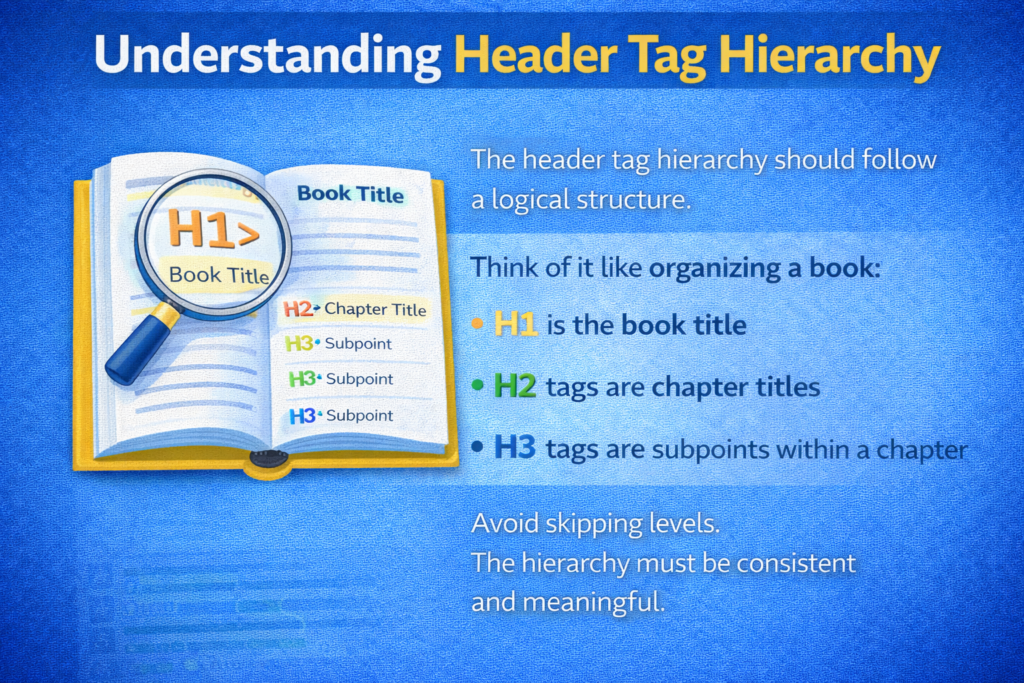
The header tag hierarchy should follow a logical structure.
Think of it like organizing a book:
- H1 is the book title
- H2 tags are chapter titles
- H3 tags are subpoints within a chapter
Avoid skipping levels. The hierarchy must be consistent and meaningful.
The H1 Tag
The H1 tag is the headline of your page or post.
It should clearly describe what the page is about and include your main keyword.
Use only one H1 per page.
Why Only One H1?
Using a single H1:
- Defines the main topic clearly
- Avoids confusion
- Strengthens keyword focus
Multiple H1 tags can dilute the importance of your primary topic.
Step 1: Write a Clear H1
Include Your Main Keyword
Ensure your primary keyword appears naturally in the H1 tag.
Step 2: Keep It Descriptive
Match It to the Page Topic
Your H1 should accurately represent the page content.
The H2 Tags
Use H2 tags to break your content into clear, scannable sections.
These are like the main chapters in your blog.
You can use multiple H2 tags per page.
Why H2 Tags Matter
H2 tags:
- Organize your content
- Improve readability
- Help search engines understand key sections
They divide long articles into manageable parts.
Step 1: Create Logical Sections
Structure Major Topics
Each H2 should represent a main idea related to the H1 topic.
Step 2: Use Keywords Where Relevant
Maintain Natural Flow
Include related keywords without forcing them.
The H3 Tags
When you want to go into more detail within a section, use H3 tags.
These are helpful for:
- Listing features
- Explaining steps
- Giving examples
H3 tags support H2 sections and add depth to your content.
Why H3 Tags Improve Clarity
H3 tags:
- Provide detailed breakdowns
- Improve content organization
- Enhance user navigation
They allow readers to scan and find specific information quickly.
Step 1: Use H3 Under Relevant H2
Maintain Hierarchy
Do not use H3 without a parent H2.
Step 2: Break Down Complex Points
Add Supporting Details
Use H3 tags to explain processes, steps, or examples clearly.
Avoid Skipping Header Levels
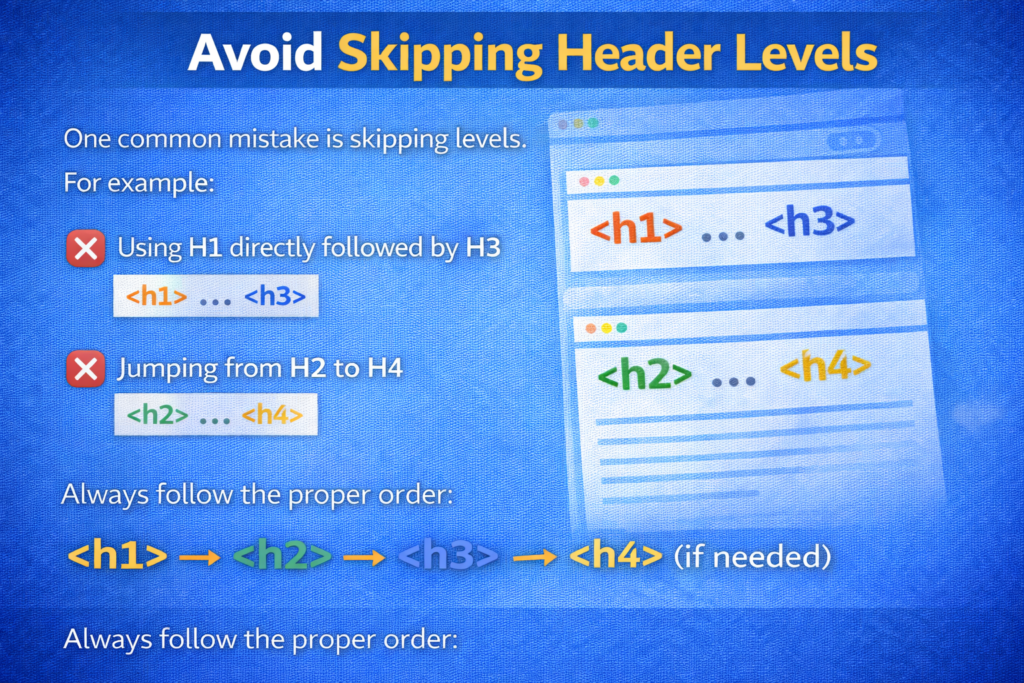
One common mistake is skipping levels.
For example:
- Using H1 directly followed by H3
- Jumping from H2 to H4
This disrupts the logical structure.
Always follow the proper order:
H1 → H2 → H3 → H4 (if needed)
Common Header Tag Mistakes to Avoid
Avoid these common header tag mistakes:
- Skipping levels
- Overusing H1 tags
- Using headers only for styling
- Ignoring hierarchy
- Stuffing keywords into headings
Always structure for meaning, not for design.
Header tags are meant to define structure, not just to change font size.
Best Practices for Header Tags
Follow these best practices to optimize header tags properly.
Keep the Hierarchy Clean
Follow a Logical Order
Maintain a clear structure from H1 to H3 without skipping levels.
Make It Keyword-Driven
Include Relevant Keywords Naturally
Use your main and related keywords in headings where appropriate.
Outline Before Writing
Plan Your Structure First
Match the structure to how you would naturally outline your content.
A clear outline ensures better organization.

Tools to Check Header Tag Structure
Need help checking your header tag structure?
You can use tools like:
- Yoast SEO
- Screaming Frog
- Browser extensions
These tools help you:
- Identify heading hierarchy
- Detect multiple H1 tags
- Analyze structure errors
Reviewing your structure ensures everything follows SEO best practices.
How Header Tags Improve User Experience
Header tags make your content easier to read.
Users do not read every word. They scan content.
Clear headings:
- Guide users
- Improve navigation
- Reduce confusion
- Increase engagement
Well-structured content keeps readers on your page longer.
How Header Tags Help Search Engines
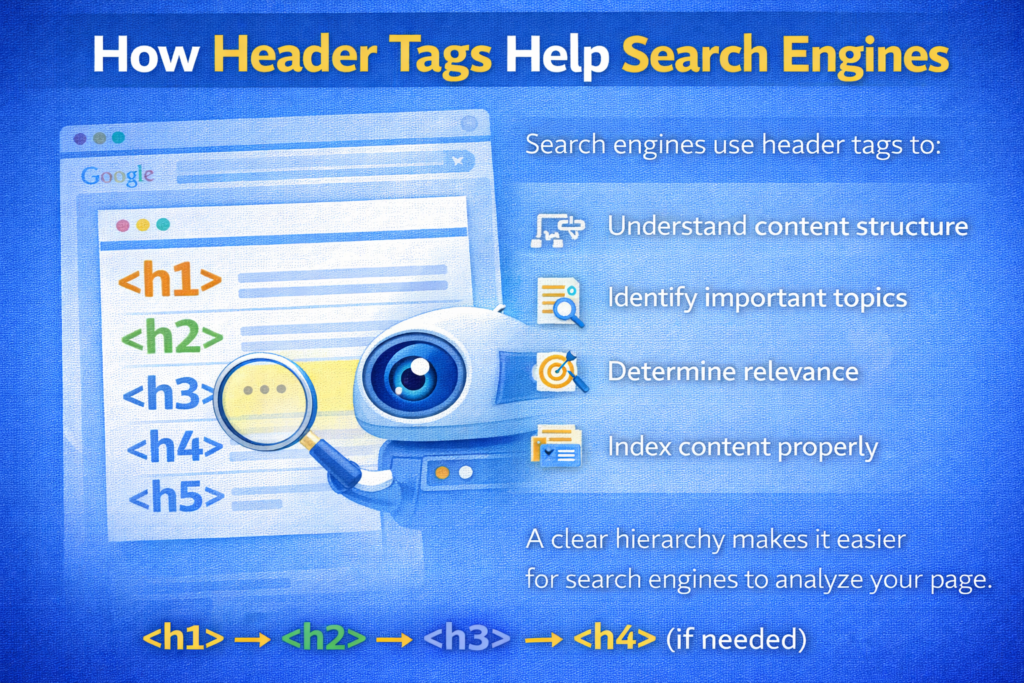
Search engines use header tags to:
- Understand content structure
- Identify important topics
- Determine relevance
- Index content properly
A clear hierarchy makes it easier for search engines to analyze your page.
Step-by-Step Guide to Using Header Tags Correctly
Step 1: Add One Clear H1
Define the Main Topic
Use only one H1 that includes your primary keyword.
Step 2: Divide Content with H2
Create Major Sections
Break your content into logical segments.
Step 3: Use H3 for Details
Support H2 Sections
Add subpoints, steps, and examples under relevant H2 tags.
Step 4: Maintain Proper Order
Avoid Skipping Levels
Follow a consistent hierarchy throughout the page.
Final Summary: Structure Like a Book
To summarize, header tags structure your content like chapters in a book.
They:
- Help users navigate your content
- Help search engines understand your page
- Improve readability
- Strengthen SEO
Stick to a clear, keyword-driven hierarchy for the best SEO results.
Use one H1, multiple H2 tags for sections, and H3 tags for detailed points. Avoid skipping levels and using headers just for styling.
When your content is well structured, both users and search engines benefit.
Proper use of header tags creates clarity, organization, and better overall SEO performance.

Related Posts