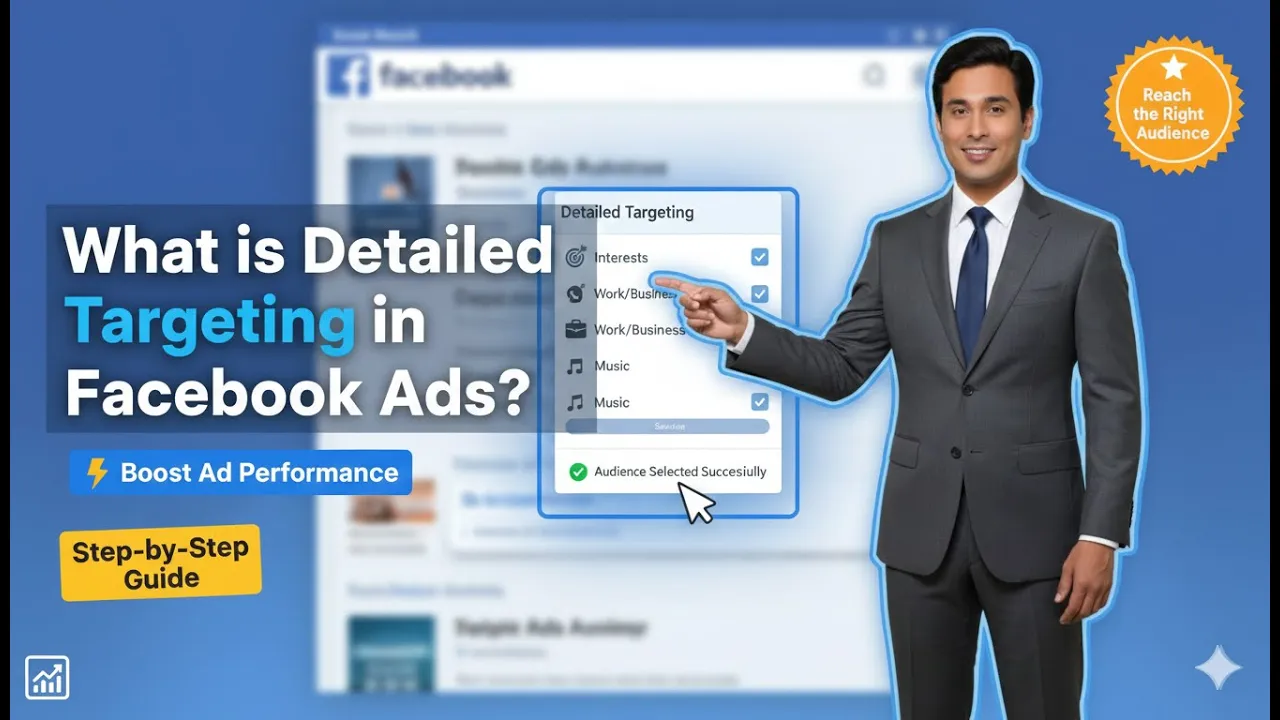
When running ads on Meta platforms such as Facebook and Instagram, one of the most important factors for success is reaching the right audience. No matter how good your ad creative is, if it is shown to the wrong people, the results will always be poor. This is where detailed targeting in Meta Ads becomes extremely important.
In this article, we will explain detailed targeting in Meta Ads in a clear, step-by-step manner, exactly based on how it works inside Meta Ads Manager, and explain every option in detail so that even beginners can understand and use it confidently.
Understanding the Structure of a Meta Ad Campaign
Before understanding detailed targeting, it is important to understand the structure of a Meta ad campaign.
A Meta ad campaign is divided into three levels:

A campaign contains one or more ad sets, and each ad set contains one or more ad creatives. In this case, the campaign consists of a single ad set, and that ad set consists of a single ad creative.
Detailed targeting is applied only at the Ad Set level, not at the campaign or ad level.
Where Detailed Targeting Appears in Meta Ads Manager
When you are inside Meta Ads Manager and creating a new ad campaign, you move step by step from the campaign level to the ad set level.
At the ad set level, you will find a section called “Suggest an Audience.” This section helps you define who should see your ads. When you click on this option, you will notice that audience suggestions are optional, and inside this section, there is an option called Detailed Targeting.
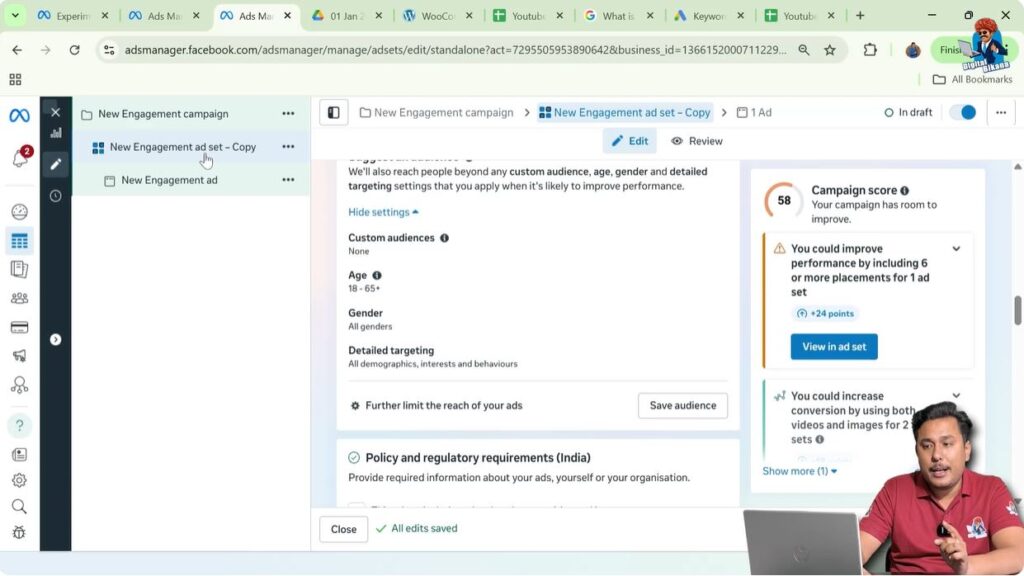
This is the exact place where you define your target audience in depth.
What Is Detailed Targeting?
Detailed targeting allows advertisers to narrow down their audience based on specific characteristics. Instead of showing ads to everyone, you can show your ads only to people who are more likely to be interested in your product or service.
For example, if you are a sweet shop owner, the most relevant audience would be people who are interested in desserts. Showing your ads to such people increases the chances of engagement and sales while keeping your ad budget under control.
Similarly, if you own a gold jewelry showroom, the right audience would be people who are interested in gold jewelry or silver jewelry. This targeted approach helps you get better results at a lower budget.
Why Detailed Targeting Is Important
The main purpose of detailed targeting is to ensure that:
- Your ads reach the right people
- You avoid wasting money on irrelevant audiences
- You get better performance with a smaller budget
Without detailed targeting, ads are shown to a broad audience, which often leads to low engagement and poor conversions.
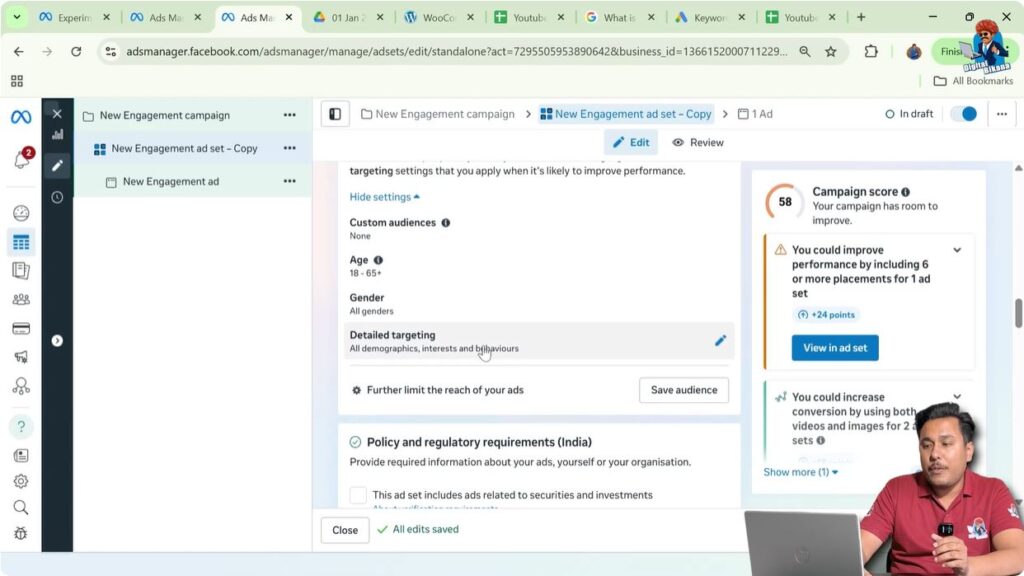
1. Editing the Detailed Targeting Section
To start using detailed targeting, you need to click on the Edit or Pen icon inside the “Suggest an Audience” section.
Once you click on it, Meta Ads Manager allows you to either manually search for targeting options or browse through different targeting categories. This is especially helpful when you are not sure whom to target.
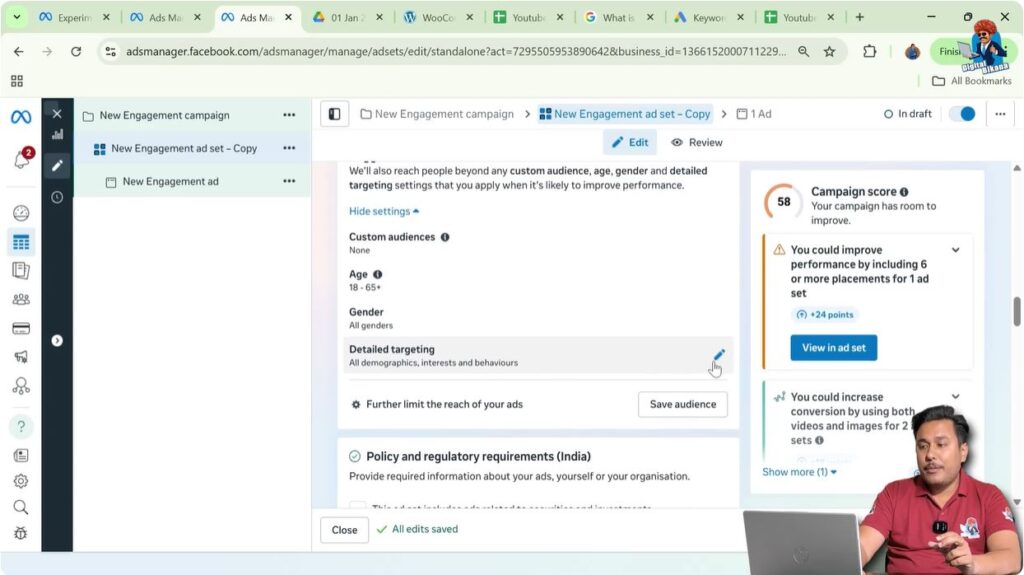
2. Browsing Targeting Options in Meta Ads
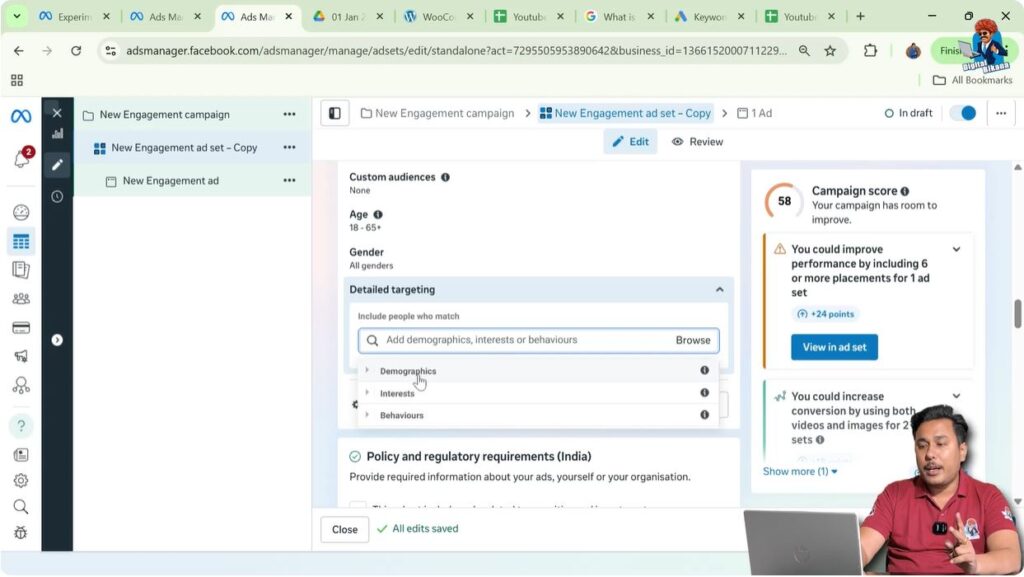
When you click on the Browse option, Meta shows you three major types of targeting filters:
Each of these filters serves a different purpose and allows you to define your audience more precisely.
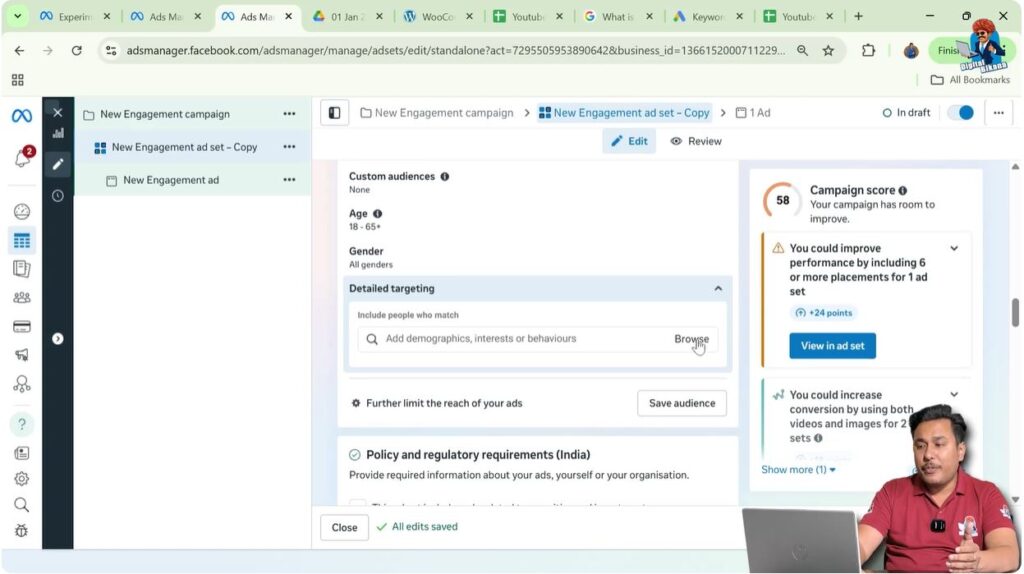
3. Demographics Targeting Explained
Demographics targeting allows you to target people based on personal and professional characteristics.
Education Level Targeting
One of the most useful demographic options is Education. This is especially helpful for educational institutions, coaching centers, and training providers.
You can target people based on education levels such as:
- High school students
- University students
- Postgraduate students
- Doctorate degree holders
- Foundation degree holders
- High school leavers
- Master’s degree holders
- Professional degree holders
For example, if you are running a coaching institute, you can show your ads only to students who match your course requirements.

Targeting by Field of Study
In addition to education level, Meta also allows targeting by field of study.
If your institute or service is related to a specific course, such as Bachelor of Commerce, you can search for that field and target people studying or interested in it. This makes your ads extremely relevant and focused.
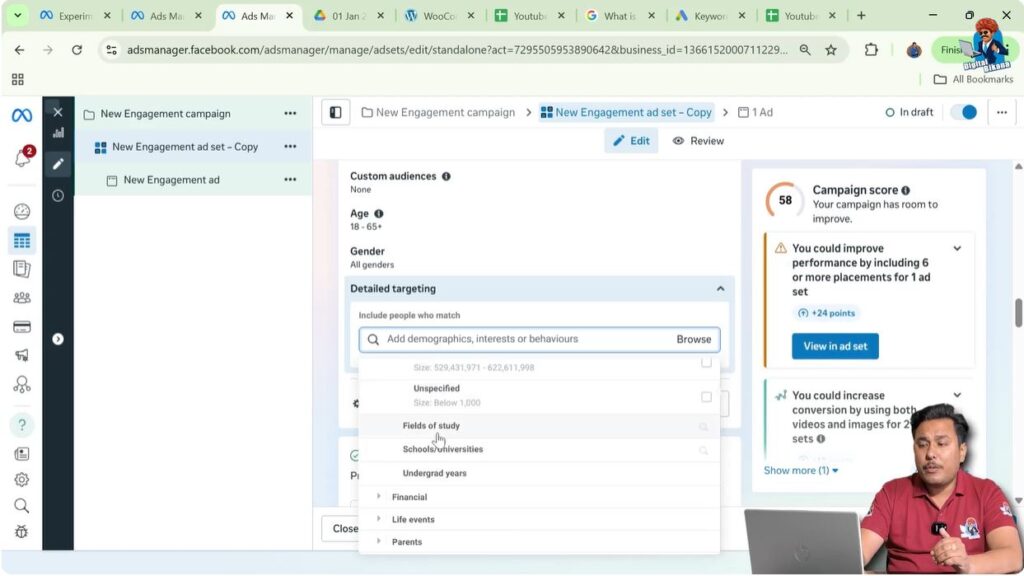
Targeting by School or University Name
Another powerful demographic option is targeting by school or university name. This is useful when you want to reach students or alumni of specific institutions.
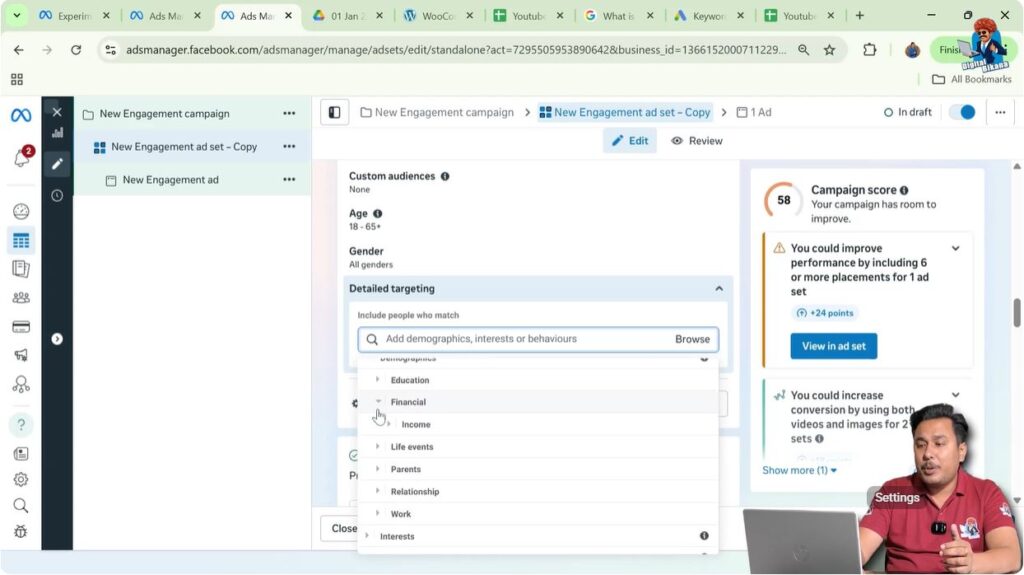
Financial Demographic Targeting
Under demographics, Meta also provides financial targeting options.
Here, you can target people based on their income criteria. This option is useful for businesses offering premium products, luxury services, or high-value offerings.
Life Events Targeting in Detail
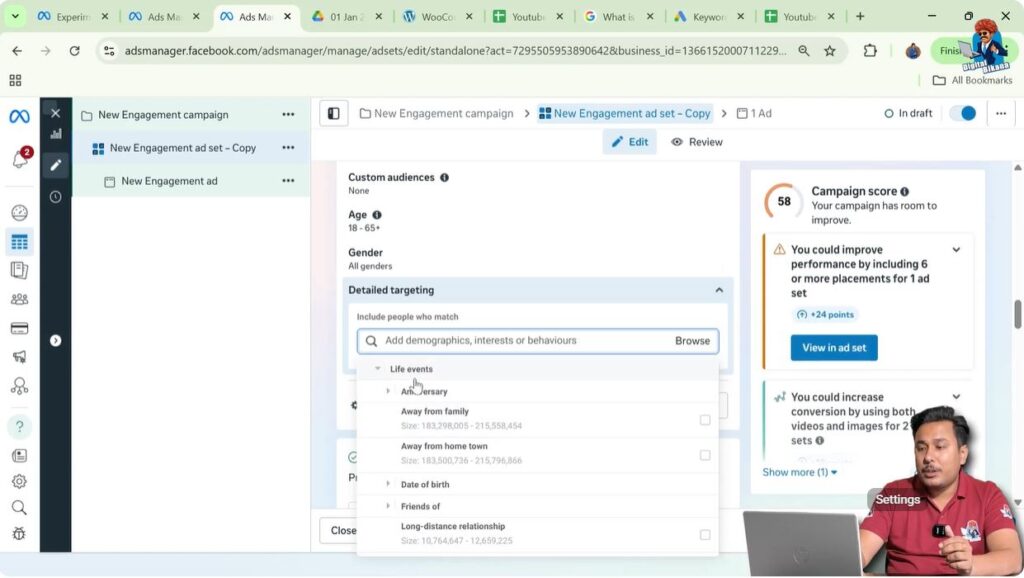
One of the most powerful but often overlooked options is Life Events targeting.
Life events allow advertisers to target people during important moments in their lives, such as birthdays, anniversaries, or relationship changes.
Anniversary and Birthday Targeting
If you run a bakery, restaurant, gift shop, or flower shop, you can target:
- People who have anniversaries in the next 30 days
- People who have anniversaries in the next 31 to 60 days
- People who have birthdays in the current month
This helps businesses promote their offers at the right time.
Targeting People Living Away from Home
If you are running a tiffin service or food delivery service, you can target people who are living away from their family or hometown. These users are more likely to need such services.
Friends of People with Upcoming Events
Cake shops can target friends of people who have birthdays in the next week or within 0 to 7 days. This is very effective for last-minute birthday cake orders.
Relationship and Engagement-Based Targeting
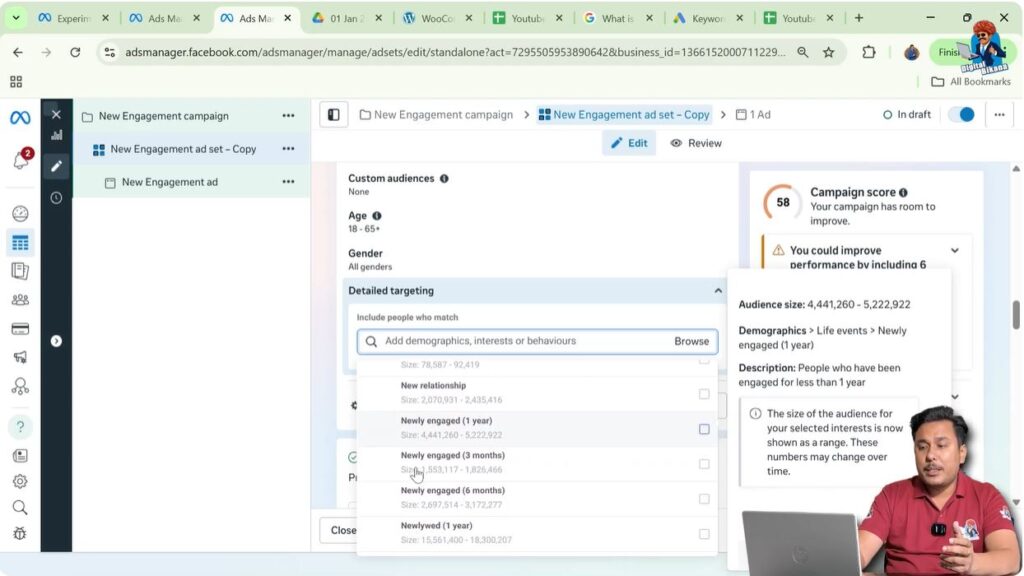
Meta allows targeting people based on relationship-related life events such as:
- New relationships
- Newly engaged
- Long-distance relationships
- New jobs
These filters are useful for catering businesses, bridal wear stores, groom wear businesses, photographers, and wedding planners.
Honeymoon and Travel-Based Life Events
If you are running a travel agency and selling honeymoon packages, you can target people who got married in the last 3 or 6 months. These users are more likely to be interested in honeymoon travel offers.
Parents Targeting Options
The Parents section is extremely useful for child-related businesses.
You can target:
- Parents with babies up to 12 months
- Parents with toddlers
- Parents with pre-teens
- Parents with adult children
For example, a diaper manufacturing company can directly target parents of newborns and toddlers.

Relationship Status Targeting
Meta provides multiple relationship status options such as single, married, engaged, or in a relationship.
These options are very helpful for matrimonial services, dating services, and relationship-based businesses.
Work Profile Targeting
You can also target people based on their work profile. This is useful for B2B businesses and professional services targeting working professionals.
Interest Targeting Explained
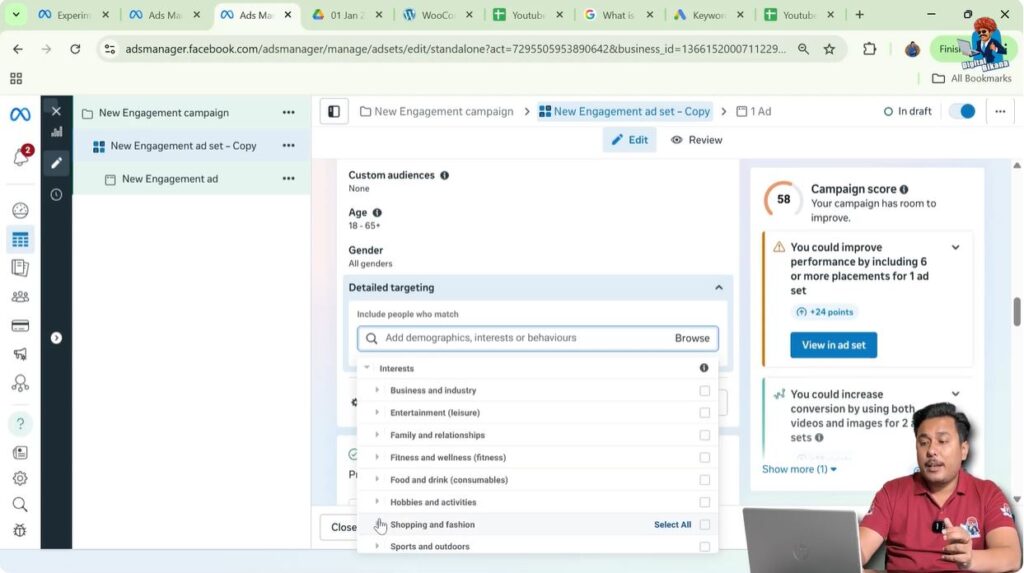
The Interest section allows advertisers to target people based on what they are interested in.
For example:
- Advertising agencies can target people interested in advertising
- Agriculture businesses can target people interested in agricultural activities
- Contractors can target people interested in construction
- Interior design studios can target people interested in fashion design, graphic design, or interior design
Education and Marketing Interests
You can also target interests such as:
- Higher education
- Management
- Marketing
- Digital marketing
- Email marketing
- Search engine optimization
- Social media marketing
Builders and real estate developers can target people interested in real estate.
Entertainment and Lifestyle Interests
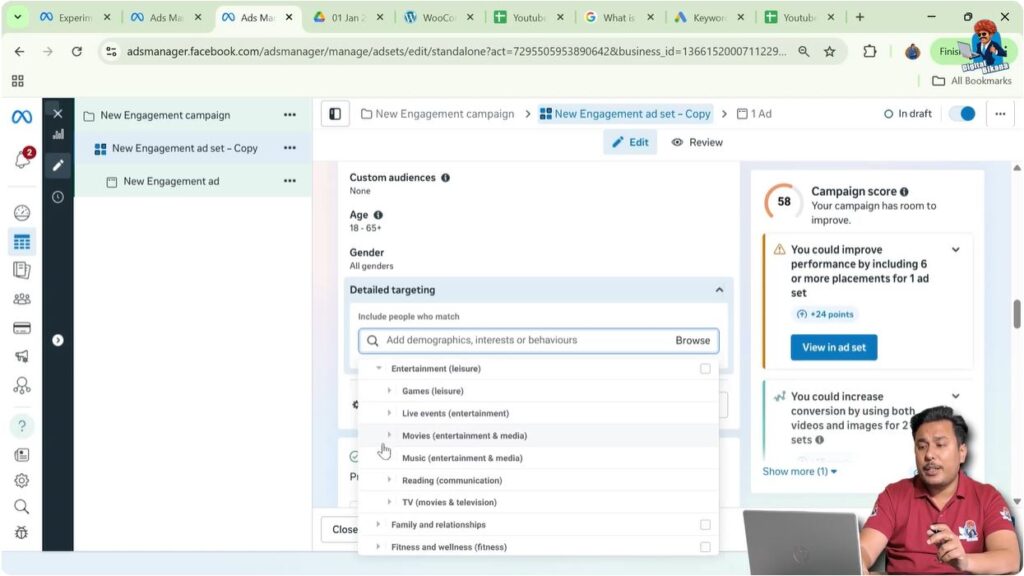
Meta provides a wide range of entertainment and lifestyle interests, including:
- Games and gaming
- Dance halls and parties
- Music festivals
- Movies
- Music
- Reading
- TV shows
- Family and relationships
- Fitness and wellness
There are many filters available, and advertisers are encouraged to explore them based on their business needs.
Behavior Targeting Explained
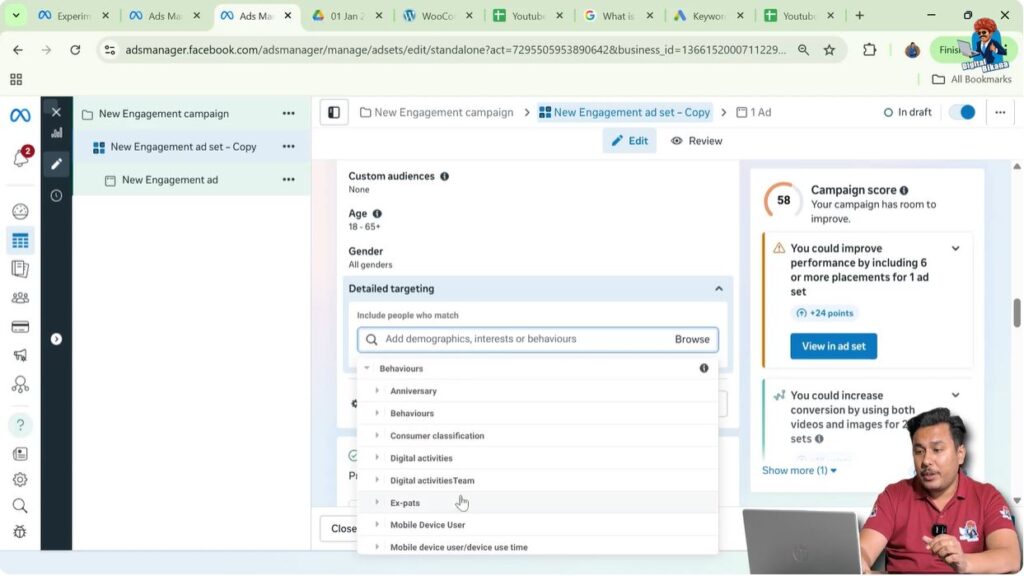
The Behavior section allows targeting people based on:
- Their digital activities
- Their mobile device usage
This is particularly useful for beginners who are not sure how to define their audience. Behavior targeting helps narrow down users based on how they interact with technology.
Searching for Targeting Filters Manually
Not all targeting options appear in the browse section. Many filters can be found only by manual search.
For example, if you run a car repair business and search for “car repair,” you may not find it directly. In such cases, you should try related terms like:
- Car maintenance
- Vehicle maintenance
If one term does not appear, you should search for another relevant term related to your business.

Adding Multiple Filters to Refine Your Audience
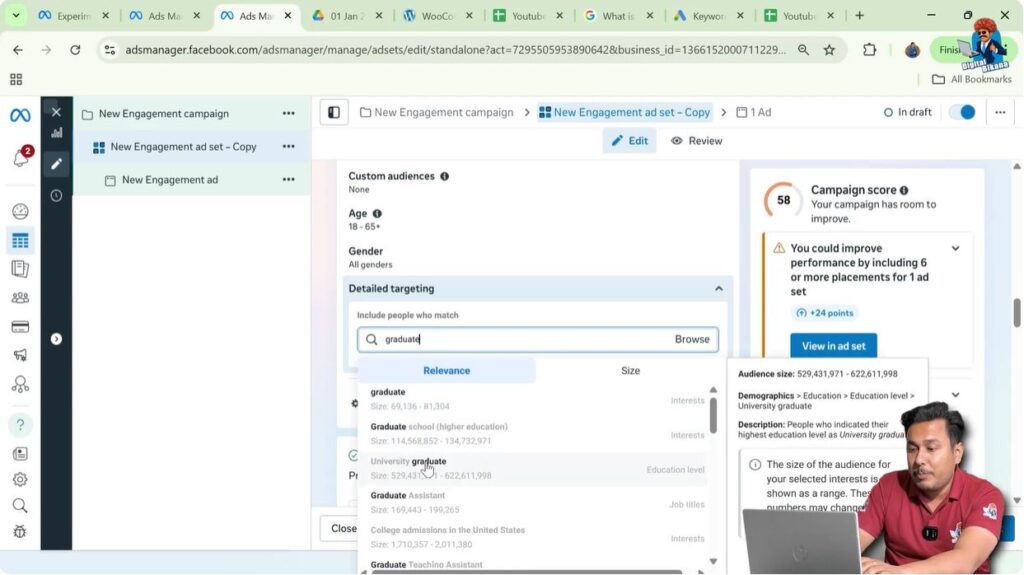
Meta allows you to add multiple targeting filters to the same audience.
For example, if you want to target university graduates, you can search and select that option. You can then add more filters to further refine your audience.
The more relevant filters you add, the more focused your audience becomes, which leads to better ad performance.
Final Understanding of Detailed Targeting in Meta Ads
Detailed targeting is the process of defining exactly who should see your ads. By using demographics, interests, behaviors, life events, and manual search options, you can reach people who are genuinely interested in your product or service.
When used correctly, detailed targeting helps advertisers:
- Improve ad relevance
- Reduce wasted ad spend
- Achieve better results with lower budgets

Related Posts